r/AlphaSmart • • Jul 28 '21

For Sale Swap and Buy thread! 07/28/2021-01/27/2022

27 Upvotes
  • My apologies, all! I did not realize Reddit automatically archived the original thread after six months of inactivity. Reopening this in a new sticky now! Please disregard the date in the thread title, as that is no longer relevant. -

By popular vote, your pinned Swap and Buy thread!

  • Post all offers in this thread.
  • please do no post 'wants,' only 'for sale or swaps'. If we need to vote on a 'help me find ______' thread, let me know.
  • sellers: please replace the contents of your listing with feedback regarding the completed transaction.
  • buyers: please replace the contents of any message with the sellers here with feedback on completion of the trade. If your thread has been removed, or no comments were made initially, feel free to leave an individual message.
  • caveat emptor. Buy and sell here at your own risk. This subreddit and site are in no way liable for your transaction.
  • I am not great at moderating, and didn't realize I couldn't change the date on the title. That being said, as long as this thread is pinned, it is still active regardless of date!

Be safe, be happy, and have at it!


r/AlphaSmart • • Dec 10 '22

Resources Alphasmart Resources, Links, Info

32 Upvotes

Since these devices are no longer supported, it can be hard to figure out problems or find out where to download software. Community members have discovered lots of resources but these are usually buried in comments in individual threads. Let's have a pinned post where we can pool our knowledge.

Please respond in the comments with any resources that you have discovered that are available. If you can, identify which device (3000, Neo, Dana) can or should use it, and operating system info. And as always, be safe on the internet while investigating any links posted and do not download anything without protecting your system.


r/AlphaSmart • • 1d ago

AlphaWord rich formatting on the Neo?

Post image
13 Upvotes

I’m experimenting with basic rich-text editing on the Neo (bold, italic, headings, and lists). How would you actually want to use it?

How would you prefer to write?

  • Stick with plain text
  • Markdown like **bold**

    • Formatting displayed while writing (like screenshot above)
    • A separate preview that displays the formatting
    • No on-device formatting

How would you want your writing transferred?

  • Plain text (no formatting)

    • sent via keyboard
    • copy/open TXT file in your file manager
  • Markdown

    • sent via keyboard
    • copy/open MD file in your file manager
  • Text with formatting

    • sent via keyboard with formatting shortcuts (Ctrl+B etc.)
  • RTF or similar (to open in Word or import into Google Docs)

    • copy/open RTF file in your file manager

Please mention your computer’s OS and the app you normally write in. Your preferred way of writing on the Neo doesn’t have to match the format you want on the computer.


r/AlphaSmart • • 2d ago

Neo 2 with Un Kyu Lee's shell

Post image
74 Upvotes

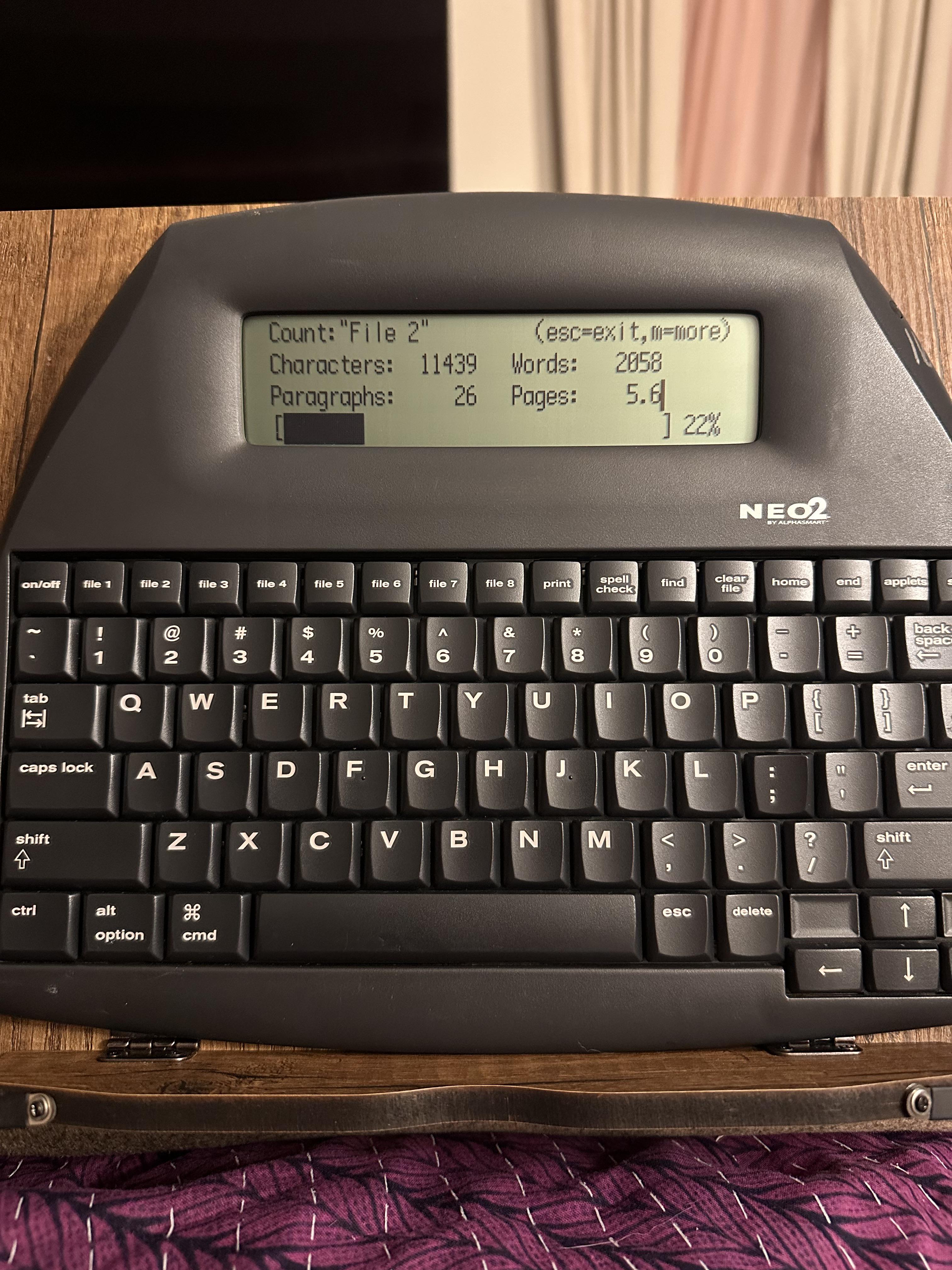
The keyboard and lines mod holds strong decades later.


r/AlphaSmart • • 3d ago

Snagged a Neo2

Thumbnail
gallery
74 Upvotes

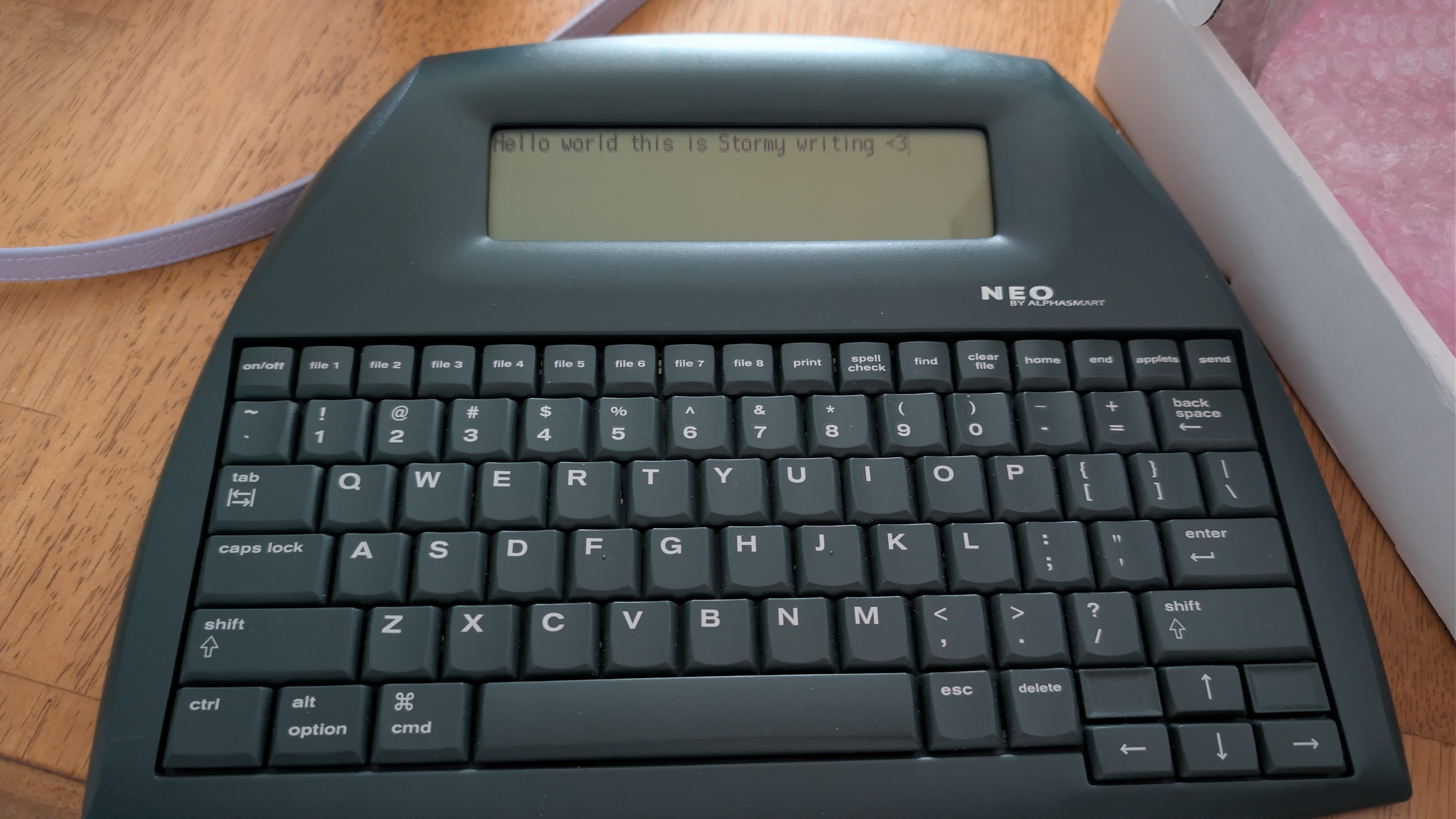
Could not be more thrilled with this purchase. I’d been inundated with ads for Freewrite products and while they were quite attractive the price was always prohibitive. But, this lil dude is right up my alley and I was able to snag it on eBay for under $100.

I’ve been struggling with writer’s block and I know the call is usually coming from inside the house on that front. But the 465 words I was able to type this morning on my Neo2 felt really good. I’m hopeful that this will be helpful in getting back on track to writing more frequently and with less distractions!


r/AlphaSmart • • 3d ago

BetaWise v0.3 released: Python & Turtle Logo on your AlphaSmart

14 Upvotes

BetaWise has been quiet for a long time, so it feels good to finally share: BetaWise v0.3 is out, with two new programming applets.

MicroPython runs on the AlphaSmart 3000, NEO, and NEO2. You can do calculations, write small programs, and experiment with Python right on the device. It includes command history, Tab completion, and editing for commands that wrap across multiple lines.

MicroPython Demo

UCBLogo brings turtle graphics to the NEO and NEO2, with your commands and output alongside the drawing. You can draw shapes, use loops, and define your own procedures.

UCBLogo Demo

There are also two smaller terminal fonts for the NEO/NEO2, which work in AlphaWord too. And if you’d like to write your own applets in C, the SDK has a full API with documentation.

These applets have been tested, but please back up anything important on your AlphaSmart before installing them. File support isn’t working yet, so you can’t currently save or load programs. That’s next on the list.

Download v0.3:
https://github.com/betawise/betawise/releases/tag/v0.3

Installation instructions and source:
https://github.com/betawise/betawise

You don’t need a compiler to try them; prebuilt applets are included in the release.

Thanks to everyone who has kept tinkering with these machines, and especially u/papinek (USB info) and u/customretrostuff (Neo emulator head start), whose work and enthusiasm gave me the push to pick this project up again. I’d love to hear what you try with it!


r/AlphaSmart • • 5d ago

PLEASE HELP ME!!

Thumbnail gallery
10 Upvotes

r/AlphaSmart • • 10d ago

Early Christmas gift.

Post image
138 Upvotes

My roommate and I swapped gifts early as she might be gone for December. And she got me an Alphasmart Neo and I'm so in love with it. The keys are perfect it feels so natural to write on. Due to my disability I can't hand write anymore without considerable pain. This is genuinely a blessing. I know I have an amazing keyboard on my PC but I much prefer this over writing on my PC.


r/AlphaSmart • • 14d ago

Footnotes on the Dana?

5 Upvotes

Hi all. I’ve been considering getting my hands on an Alphasmart Dana, but was wondering if any footnote-heads like myself had found a way to use them on their device. I know Alphawrite doesn’t support them. Is it possible to install another PalmOS compatible word processor that does? I realize this might run counter to the spirit of simplicity that writing on an Alphasmart is meant to be about, but I just can’t give up my footnotes.

Thanks!


r/AlphaSmart • • 14d ago

Dead/Unresponsive Keys on Alphasmart 3000

3 Upvotes

I have an Alphasmart 3000 I bought a few years ago. It worked perfectly on arrival and has seen light usage since then. Last night, I turned it on and noticed a few of the keys simply not working. I press them, nothing happens. The device doesn't register the press at all.

The dead keys specifically are: File 1, File 2, ~, +\=, and -.

I've popped off the key caps and sprayed with compressed air in case they were sticky, this hasn't resolved the issue. Is there a fix for this? Or is this a sign my device is beginning to go?

Thanks!


r/AlphaSmart • • 19d ago

ALPHASMART 3000 repair help needed

4 Upvotes

I have a ALPHASMART 3000 I have posted about it before. I need to replace the LCD but I can't seem to find a tutorial on how to do that. Does anyone know the steps? Or should I just take it to a computer repair place?


r/AlphaSmart • • 21d ago

Logged my first day of my 50k challenge for the month!

Post image
97 Upvotes

Working on my non-fiction book this month.
This worked great for this writing sprint. I do have one key that had randomly fallen off. I mostly got it back on but if anyone has any tips on how to properly secure it- that would be even better, lol.


r/AlphaSmart • • 21d ago

Alphasmart 3000 Word Count?

6 Upvotes

My Alphasmart 3000 does not have a word count ability so I tried the tutorial on this website (https://csh.rit.edu/~rg/alphasmart-3000/20221106195356/) which makes sense up until I open the virtual machine and I can't figure out how to add the Alphasmart Manager application file into the virtual machine to access it? Any ideas?


r/AlphaSmart • • 29d ago

Picked up for $8

Post image
224 Upvotes

Found at local thrift store. Good deal?


r/AlphaSmart • • Oct 20 '26

AlphaSmart 3000 - dead?

2 Upvotes

I got an AlphaSmart 3000 off eBay and I'm wondering if it's dead. I've:

  • Replaced AA batteries
  • Replaced CR2032 battery
  • Checked for corrosion - nothing I can see in battery compartments or motherboard
  • Checked for issues with wires - everything looks normal to me

The screen comes on when it's plugged into my computer but not otherwise.

I've read through the other posts in here but just wanted to try anyway before I give up. Thanks in advance for any insight!


r/AlphaSmart • • Oct 19 '26

AlphaSmart Neo2 missing data (letter "L") upon transfer to computer. Troubleshooting tips?

5 Upvotes

I've had my AlphaSmart Neo2 for some time but don't use it very often. I have successfully transferred data to my mac laptop before without any issues. The last time I attempted a data transfer, I noticed that the letter "L" was omitted from any words that contained the letter L, from the file. If I recall correctly, it wasn't 100% gone from the document, but it was missing a majority of the time, resulting in many typos.

I brought my problem to ChatGPT, and it had me try a couple of troubleshooting tips:

  1. Changing the transfer speed to slow or very slow in the settings. That didn't work.
  2. Trying another application. Instead of transferring the file to a google docs page, I attempted to transfer the file to a notes page, onenote file, and lastly TextEdit on my mac. All of them had the same result.
  3. Tested manual typing. I opened a blank note page and connected my AlphaSmart to my laptop and used it as keyboard emulator. I manually typed both an uppercase and lowercase L and it worked. Which makes me think the issue isn't the key itself not functioning. Which explains why I am able to see the "L" in the neo itself, but for whatever reason, it erases from the file once I transfer it.
  4. Created a new file. Making sure the issue wasn't isolated to just that file. The issue persisted despite a new separate file that I created.
  5. Tested iPhone transfer. I transferred the file to my iPhone using an adapter, I was pleasantly surprised to find out that I can transfer files to my iPhone which is cool but the issue with the missing L persisted despite transferring it to a different device.

I am out of ideas. I suppose I can keep pestering AI for answers, but I don't really want to do that. I also realize that one thing I haven't tried is replacing the cable with a new one. I am broke right now, so I don't want to spend money on another cable without knowing beforehand if it is in fact the problem.

So, I am here wondering if anyone here has had a similar issue before and if you found a solution.

Thanks for your time.


r/AlphaSmart • • Oct 18 '26

Is There an App to Mimic the Neo?

7 Upvotes

Has anyone created an app for Android or IOS that mimics the Neo2. So entirely keyboard-driven?

F1-8 to open files, a hotkey to save, etc.

I've owned a Neo2, but can't get the full benefit of it, as a blind writer, unfortunately. No speech means it's just useful as a tool to jot down ideas quickly, when I can't get to my PC. I love the thing though, anyway, and if I could attach it, or some other keyboard to a phone to accomplish the same thing, I'd be happy enough with that solution.

There is no phone-based app I currently know of that runs entirely by keyboard commands. I've never used my phone for writing purposes, but would, if this app existed!

I just wish someone would put out a distraction-free machine with text-to-speech as an option! It's not fair. BYOK looks good, but again, no speech.


r/AlphaSmart • • Oct 16 '26

**Neo 2 on Linux: you can pull files off (and push them on) without Neo Manager or the Send key, using NeotTools**

17 Upvotes

Quick PSA for anyone on Linux . Neo Manager is Windows/Mac only, but there's a command-line tool called **NeoTools** (by lykahb, driver ported from tSoniq's AlphaSync) that talks to the Neo over USB. I'm on Linux Mint on an old MacBook Air with a Neo 2.

**What it does**

- Copies all your files off the Neo into a folder, no typing-it-out

- Reads a single file by number or name

- Writes a file from your computer onto the Neo (great for templates)

**Install (Mint/Ubuntu/Debian)**

```

sudo apt install pipx libusb-1.0-0

pipx ensurepath

pipx install neotools

```

Close the terminal and open a new one.

**Permissions (otherwise you get "Access denied")**

```

sudo nano /etc/udev/rules.d/50-alphasmart.rules

```

Paste these two lines, save with Ctrl+O, Enter, Ctrl+X:

```

ACTION=="add", SUBSYSTEMS=="usb", ATTRS{idVendor}=="081e", ATTRS{idProduct}=="bd01", MODE="660", GROUP="plugdev"

ACTION=="add", SUBSYSTEMS=="usb", ATTRS{idVendor}=="081e", ATTRS{idProduct}=="bd04", MODE="660", GROUP="plugdev"

```

Then:

```

sudo usermod -aG plugdev $USER

sudo udevadm control --reload-rules

```

Log out and back in.

**Using it** (Neo on, plugged in with a regular USB A-to-B cable)

```

neotools info

```

If you get a block of text with "System 3 Neo", it's working.

Back up everything. The folder has to exist first:

```

mkdir ~/neo-backup

neotools files read-all --path ~/neo-backup

```

Save one file to your computer:

```

neotools files read 1 > minutes.txt

```

Put a file from your computer onto the Neo (this OVERWRITES that Neo file, so back up first):

```

neotools files write mytemplate.txt 2

```

**Why I care:** I take board meeting minutes on the Neo, so I keep a template on my computer and push a fresh copy to the Neo before each meeting, then pull the notes off afterward and paste them into Google Docs.

Tips:

- Back up before you write anything to the Neo

- The folder for read-all must exist or it errors

- Applet install is listed as experimental, so be careful

**Also:** I'm trying to get the KAZ typing tutor (kaz.os3kapp, from the UK Neo Manager) onto my Neo 2 for my daughter. If anyone has the UK Neo Manager installer or that file, I'd love a pointer. Renaissance's old UK download page is gone.

Links: https://pypi.org/project/neotools/ and https://github.com/lykahb/neotools


r/AlphaSmart • • Oct 16 '26

Looking for KAZ typing tutor applet (kaz.os3kapp) for Neo 2

3 Upvotes

I have a Neo 2 with only KeyWords Wireless installed, no classroom setup, so it's useless offline. I heard the UK Neo Manager bundled KAZ, an offline typing tutor, but Renaissance's old UK download page is gone. Does anyone have the UK Neo Manager installer or the kaz.os3kapp file? I'm on Linux and will install it with NeoTools (neotools applets install). It's for my daughter, who's into typing and not ready for a computer yet. Thanks!


r/AlphaSmart • • Oct 16 '26

Updating AS3K on Windows 11?

3 Upvotes

Hello! I’m a very recent (and very excited) inductee with an Alpha Smart 3000. Unfortunately, I’m hitting a big snag while updating it. The one I got was in 1.4 spec, and I was able to update it to 1.6, but I’m spinning my tires on getting it up to 3.1. I installed VirtualBox and got ASM 2.3 running on it, but I couldn’t get past it getting stuck a 0% and freezing when I tried to push the update. I know the USB was working because I was able to update to 1.6 using this arrangement. I also tried using it natively on Win11 and running both the installer and program in compatibility mode, but no dice. :/

I’ve combed this sub and elsewhere and saw that it’s unfortunately a pretty common problem. Does anyone know a surefire way to get the 3.1 update onto AS3Ks? Happy to provide any other info or context needed!


r/AlphaSmart • • Oct 13 '26

NeoSync beta release (software for Alphasmart Neo/Neo2 on modern Windows)

Post image
20 Upvotes

For anyone interested - NeoSync is available to be downloaded now on GitHub!

It is currently in BETA, and while I have tested it on several machines: every machine is different and unexpected things can happen! So, please backup your data first!

The README on GitHub covers everything - but here is the tldr:

  1. This is a .NET10 Windows app, for Windows 10/11 for the Alphasmart Neo/Neo2.
  2. Windows may try blocking the install due to it being unsigned. Here are the workarounds:

    1. SmartScreen ("Windows protected your PC")

      1. click"More info"
      2. click "Run anyway" 
    2. Smart App Control ("Smart App Control blocked an app that may be unsafe")

      1. Open Windows Security > App & browser control > Smart App Control settings, and set it to Off.
      2. Run the installer as normal.
      3. Turn Smart App Control back On afterward from the same settings page.
  3. The installer asks to enable diagnostic logging. These logs just save USB protocol and timing stuff to a file so you can share it with me easily if you encounter issues. It can also be toggled after install in the advanced menu.
  4. Once installed plug in your Neo and hit "Connect". NeoSync let's you do the following:

    1. Download - saves selected file to the PC
    2. Upload - upload a text file to the selected slot on the Neo
    3. Delete - clears a text file on the Neo
    4. Preview Editor - double-click on the text preview that you want to open

      1. In the preview editor you can review a file's full text before downloading it - and also make edits.
      2. To save the file after making edits click "Save", this saves your changes to the file stored on the Neo directly.
      3. Click "Download" to download the current text file to your computer (this includes any changes you've made in the preview editor, even if you have not clicked 'Save' yet).
    5. QuickSync - Copies all Alphaword files to the pc with 1 button.

      1. These go to a default folder path of "...Documents\NeoSync", but this path can be changed in the Advanced menu.
      2. If files already exist in that path when you click QuickSync, they get backed up to an "...Documents\NeoSync\Archive" folder, organized by date/time stamped subfolders for each backup.
    6. Advanced - Menu for things not related to Alphaword files, see README for more

That's pretty much everything. Please share any feedback here, and I hope this helps people keep using their Neos!


r/AlphaSmart • • Oct 13 '26

NanoNeo is a tiny (free) macOS app for copying files to your Mac

9 Upvotes

Hello, I've put together a small macOS taskbar app for myself to help automatically copy files from the Neo to a Mac. Thought some others might find it useful.

Super simple, it treats the Neo as a drafting device. The app runs in the taskbar, you plug in your Neo, it automatically copies the files to a configured folder, then clears the files for the next drafts (by default, but optional).

It's installable as a DMG, and is open source if anyone wants to make their own customisations.

https://github.com/duggan/NanoNeo


r/AlphaSmart • • Oct 12 '26

New to this and want advice

10 Upvotes

I was orginally going to buy a freewrite but they cost so much and in the process of looking for one of them I discovered Alphasmart devices and they seem to do exactly what I want for a much cheaper price.

However, I'm not the best with technology so I'm not really sure what I'll need to do to purchase one of these. Should I just buy the device off ebay? Do I need special USB cords? Are there any sellers that are known to be trustworthy in the community? I am particularly interested in the Alpha Smart Neo2.


r/AlphaSmart • • Oct 12 '26

Does anyone know what kind of cable I need to buy to connect my Alphasmart Neo 2 to my iPhone 12 for text transfer?

1 Upvotes

Thanks in advance.


r/AlphaSmart • • Oct 02 '26

Printing and File Transfer Issues

3 Upvotes

I have a couple of Neo2 by AlphaSmarts in my classrom. One I am able to connect to the printer in my classroom with a usb a to usb b. I have no problem and it is easy to print. However, my other Neo2 if I connect to a computer or printer it prints out gibberish, like the following:

ÎøÑóMB\ÂB\ÎB\ÚB\æ™z|Oëx=3®ã6aB]

I am not sure why one works and the other does this.