r/androidroot • u/User68162 • 4h ago
News / Method [Temproot] Entry level Phone Realme c63
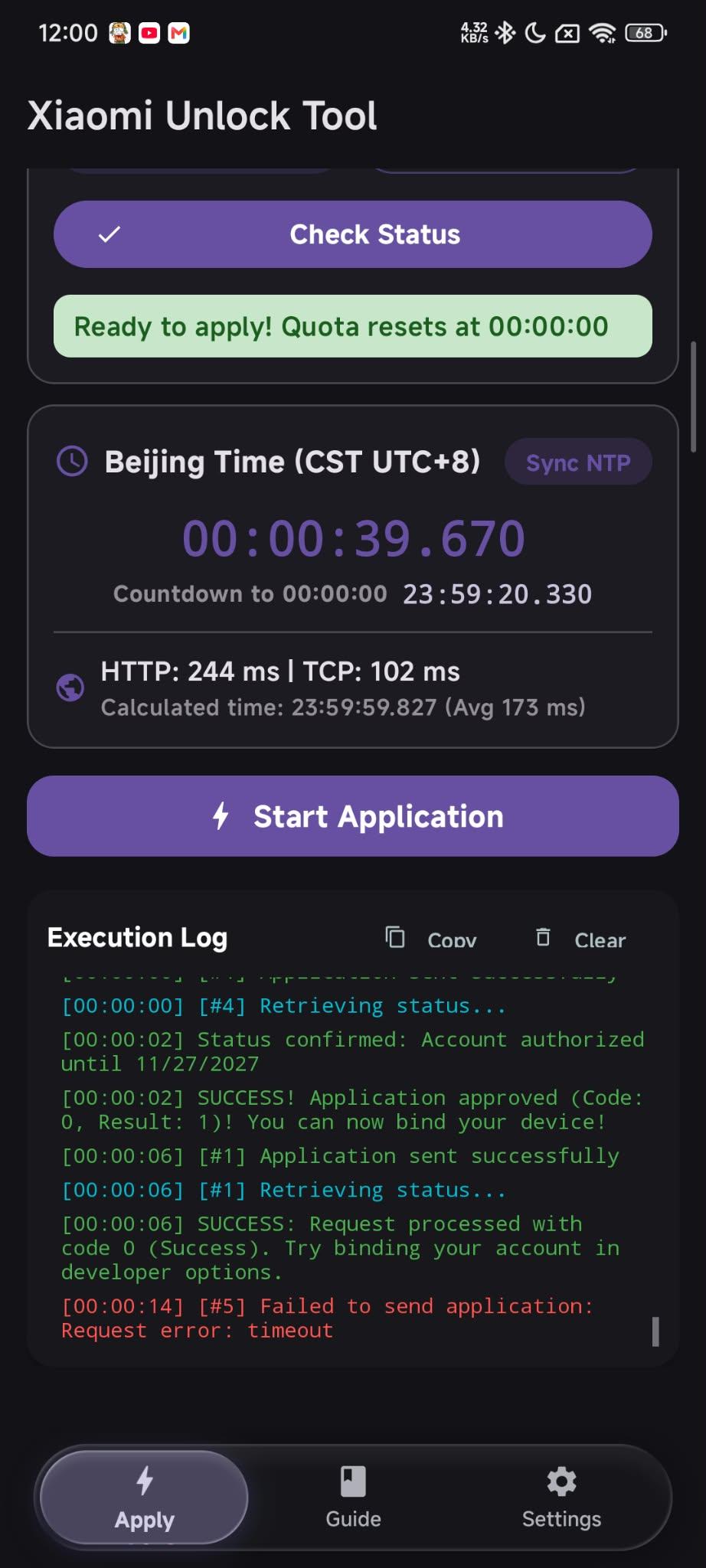
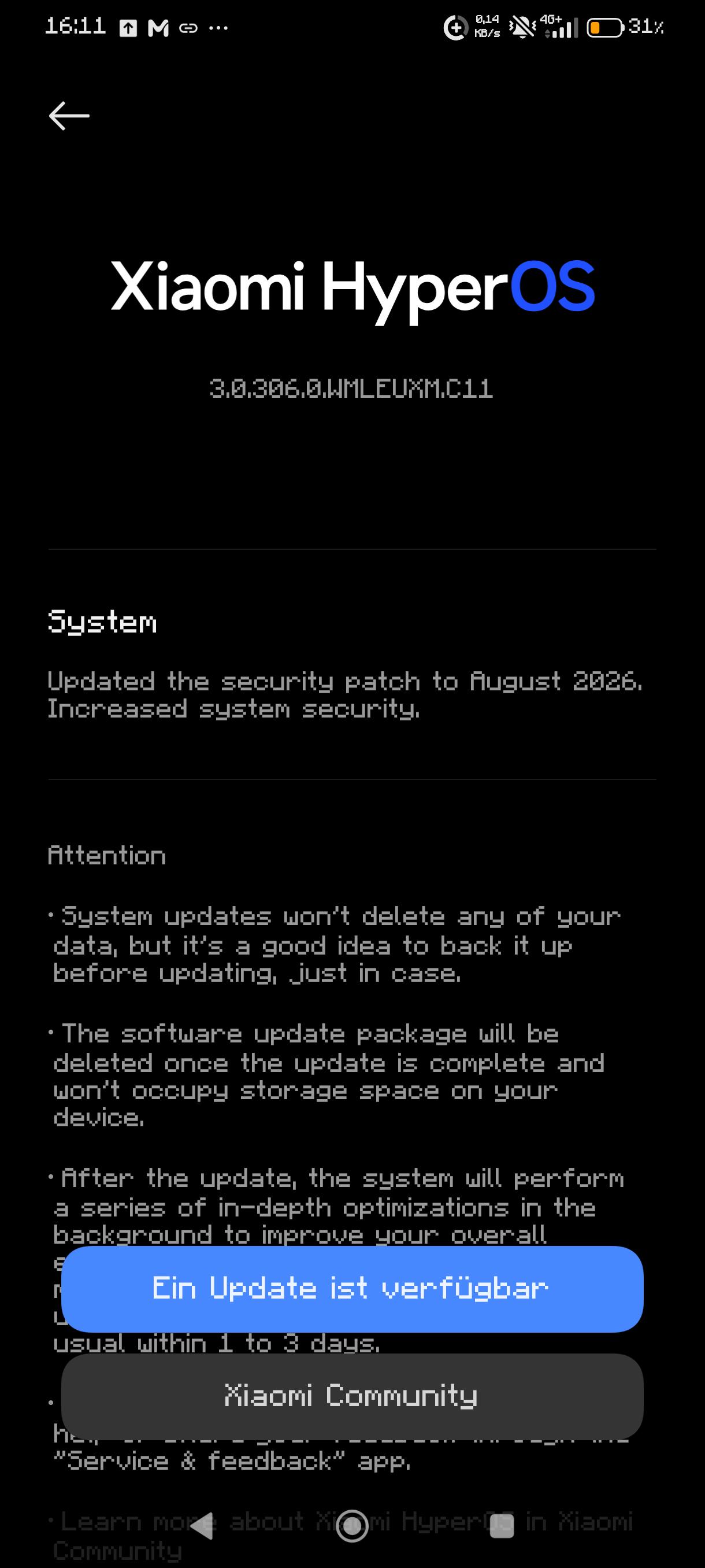
I tried several modules and all worked. I use dirtyfrag and the security patch is still on 1 September 2026
r/androidroot
•
u/Comfortable-Gene6639
•
May 24 '26
Hi,
While the Moderators of r/androidroot have a generally moderate stance on AI, when it comes to devices worth potentially thousands, we are uninterested in allowing it to provide false information.
To clarify, AI content/promotion is not permitted on r/androidroot, and this has been a rule for some time. Using AI to make guides, recommending the use of AI to attempt to solve issues, and posting AI generated comments are prohibited.
We believe in minimising the spread of misinformation. AI models are not reliable when it comes to factual information yet. It’s also often known to make things up when it has no answer. No resources for rooting an obscure Android device? It’ll make it up based on other information that it deems most likely to be useful. AI, in this state, is not suitable for rooting. It presents too much unmitigated risk, and we will not hold ourselves responsible for the damage caused by content posted on this subreddit.
If you have any questions regarding the rule, comment. However, the decision on this is final.
Thanks for reading.
r/androidroot • u/User68162 • 4h ago
I tried several modules and all worked. I use dirtyfrag and the security patch is still on 1 September 2026
r/androidroot • u/Any_Asparagus1538 • 7h ago
I'm desperate. Let me tell you a sad story. I was really excited when I finally got a phone I was able to root: a Samsung Galaxy A15 5G (It was a Mexican International model: SM-A156M), the phone on my wishlist after I lost the previous one (an LG phone) and used a Moto E 2020 for about 3, maybe 4 years. Both were stuck on Android 10, no longer getting security updates, but I didn't know how to root either. The second I got the Samsung, I rooted it. Knox tripped but it doesn't really matter to me. I did a lot with this phone. Access hidden data files, editing currencies in games, even be able to use Lucky Patcher more. I got updates using Odin. It was kinda messy, but it worked.
But then, One UI 8 arrived. It wasn't the first patch, but the second one. It bricked my phone and I had to factory reset it to lose everything. The worst part, I lost root completely. At the same I flashed my phone and magically saved it, the bootloader locked behind my back. Thanks to the patch, I couldn't unlock it anymore. I was left going months without root. I had Shizuku, but I really missed it.
I checked my phone's settings to see if there was another update. There was. One UI 9. The October patch. I didn't see much risk with this update. One UI 8 already destroyed root. What do I have less to lose? Temporary root, apparently. At the same time I installed the update, a temporary root method had to occur, and I had to make an update that patched the bug.
And here I am now. With a super unrooted phone that has Knox broken so it actually has less acces than the phones that never got root in the first place. I still have Shizuku, so you could argue I still have as much, if not, more. But alas, I was betrayed by Samsung for the second OS update in a row. I couldn't take it anymore. The company whose brand I really wanted to have suddenly felt hollow. They really are trying to be Apple 2, the same brand I've ran away from because of its security.
I have one more OS update left, One UI 10 (Android 18), most likely releasing next year, but I was skeptical. This update might do something just as ugly. It could remove sideloading, or it might be super reliant on Knox it if noticed that Knox tripped, BOOM! It hard bricks my phone and I'm completely left with no device (just saying, but it's a possible considering the e-fuse and One UI 8) The idea was clear: DO NOT UPDATE. Each update locked my phone further away from root, and the next one might be a death sentence for my A15. So, from now on, I'm working with my phone in the same way my old phones behaved, no longer getting security updates, because they're just rooting poison buried underneath. I'm done with Samsung. I don't trust the system updates anymore. When I get the money, I'm going to switch to a Nothing Phone (either 3 or 4a), and installing custom firmware so it can last forever.
To my advice for those finding a new phone, if you care about rooting, don't get a Samsung. They're not for you.
But guys, if you really have a rooting method for my phone, it'd be greatly appreciated, thank you.
r/androidroot
•
u/Adventurous-Trip-664
•
1d ago
If your Android OLED/AMOLED phone (Samsung, OnePlus, Pixel, Xiaomi, etc.) is completely fine at 70%+ brightness but flickers green/white or glitches touch at low brightness, the panel isn't dead—its low-voltage PWM/ELVDD rail is just unstable below a threshold.
Play Store dimmer overlay apps trigger Android tapjacking/permission blocks and still flicker on wake/lock ramps because the kernel drops hardware brightness to minimum.
Here is a permanent 2-layer root fix (no overlay apps):
Software Dimming (Slider + Adaptive Brightness both work):
- Android 8-11: Lightweight Magisk service.d script maps screen_brightness (0-255) to SurfaceFlinger 1015 color-matrix dimming (0.25-1.00) every 250ms.
- Android 12+: Pair the kernel clamp with native Extra Dim (reduce_bright_colors).
Full Open-Source Repo (1-file .patch, Magisk scripts, Docker build & pre-built S8 hadesKernel boot.img):
https://github.com/superdeveloperai/GalaxyS8-OLED-Flicker-Fix
Step-by-Step XDA Guide:
r/androidroot • u/EhRahv • 2h ago
Fork of SukiSU Nova with more features like a dedicated stealth mode, full selinux hiding, integrated nomount backend, integrated module backup/restore/malware scanning, bootloop protection, hot module installation etc
It's really appealing to me, but the repo only has 37 stars, the issues tab is disabled and only collaborators can make PRs which is kinda sus to me. I also couldn't find discussion about this anywhere
r/androidroot • u/Better-Quote1060 • 19h ago
Plz i need root
r/androidroot • u/EthanIver • 31m ago
r/androidroot • u/JAEDDragon • 6h ago
Hello, so I have a samsung galaxy xcover pro that I want to root, this is my very first time rooting an android phone and I was curious as to what are some good beginning guides and what I'll need to root it/recommendations
r/androidroot • u/twade0012 • 2h ago
So I just got this phone, and it's on cricket. According to everything I've read because I just got it cricket blocks developer options, and I'm working on developing a app however as you can guess because it's all locked I can't access anything. Is there a way around that?
r/androidroot • u/koaaaaal • 3h ago
I have a CC9 that has basically little to no value to me outside of being a placeholder for my other sim cards. I want to try rooting it to do more with it, because using it right now is a bit inconvenient with all the chinese in it.
I have seen tutorials but most of them are 5 years old, so Im wondering if there are better ways now? Im new to this entire thing. Although bricking it wont be an issue, of course it still isnt ideal.
How should I do this?
r/androidroot • u/Winter-Ad6246 • 9h ago
Hi everyone. On some Samsung phones the Good Lock modules do not show up in Galaxy Store because the catalogue is restricted for your device or region. I made a small LSPosed module to get around that.
What it does:
• Makes Good Lock and Galaxy Store see a Galaxy A36 (SM-A366B) by spoofing the model, device and product name
• Works only inside those two apps, other apps and the system are not touched
• Clears the local data of Galaxy Store and Good Lock once, on the first launch after the module is active, so the catalogue loads properly. On a fresh install you will not notice anything, but if Good Lock was already set up, its own settings will start from scratch.
You need root (Magisk or KernelSU), Zygisk and LSPosed. I tested it on Android 17 with One UI 9.0. Other versions are untested, so reports are welcome. If you try it, please write your phone model, Android and One UI version and whether it worked.
Tested on Android 17 with One UI 9.0. Other versions are untested, so reports are welcome: please write your phone model, Android and One UI version and whether it worked. Use at your own risk, root can affect Knox and warranty.
Source and APK:
Author on Telegram: @astrodir
r/androidroot • u/Dvrstt1 • 16h ago
What should i do now? Any tips?
r/androidroot • u/calculativelife • 6h ago
Pls guide .
Specific phone which can be rooted easily and instantly without any issues and without pc . Budget under 150$
r/androidroot • u/KernelPanicLoop • 12h ago
r/androidroot • u/cedie31 • 17h ago
So last time i posted I'm asking for help to get a temporary root on my phone. Cause i hate these micro stutter and fps drop while playing, I got a lot of comments that say "it's not worth it" "even if you permanently root it, it wouldn't make a difference" so here i am playing ML while having a background music and live streaming it!! It does change if you slap a few modules to make it smooth
Here's some of my live stream clips (the stream is bit laggy tho)
r/androidroot • u/XKOzen • 12h ago
I have a Samsung Galaxy A15 5G running One UI 8, and I haven't updated it since January 2026. It's my secondary phone, so I've been experimenting with rooting and debloating Android.
I rooted it using DFRoot with KernelSU, then asked ChatGPT to help me remove or disable a bunch of Google and Samsung bloatware, telemetry, and background services through ADB.
I removed YouTube, Gmail, Google Meet, and a lot of other apps and services. I also disabled the Google Play Store and Galaxy Store. I installed F-Droid and downloaded DuckDuckGo through it. Honestly, the apps available on F-Droid aren't that bad.
My main concern now is security. My phone is rooted and hasn't been updated in about 10 months. I'm wondering how much of a security risk that actually is.
I'm considering installing the latest software update, but I'm worried that it might patch the exploit DFRoot uses and prevent me from rooting again. I'm also not sure whether removing or disabling so many packages through ADB could cause issues when updating.
I mainly did all of this for privacy and to have more control over my phone, but now I'm wondering if staying on outdated firmware defeats the purpose.
Since this isn't my main phone, would you guys recommend keeping root and staying on my current firmware or updating and potentially losing root?
Has anyone with a similar setup dealt with this before?
r/androidroot • u/NonCertus • 13h ago
I'm trying to get the Nect Wallet app (v4.15.0) running on a phone with LineageOS (Android 17) and APatch (11282)
https://play.google.com/store/apps/details?id=com.nect.app.prod
currently installed modules:
So far, I've been unable to get the app running. Nect Wallet force-closes immediately on startup.
I'd like to find out
Any help would be greatly appreciated.
Thank you very much!
r/androidroot • u/xKholy • 10h ago
hello Guys
hope you are doing well
does anyone able to root the device on magic os 11 ( Android 17 ) temp root using Dirtyfrag kernelSu
r/androidroot • u/haithemxd • 11h ago
i have this infinix note 8 doing what's shown on the video , i can start it in safe mode or anything, pressing the start button and holding one of the volumes doesn't do anything it just stutters more and that's it what should i do? ( its not the battery cause when it's charged nothing changes only the phone logo shows instead of the battery and it keeps bootlooping on its own until it runs out of battery)
r/androidroot • u/No_Fun_9970 • 15h ago
Fixed a colleague's cheap white-label tablet today and figured I'd document the exact bug here in case someone else runs into it.
Device details from getprop / proc:
Easerush/P8C-E_EEA/P8C-E, FCC ID 2BTXRP12)P13-EEA-Android16.0-E-20260518Easerush/P8C-E_EEA/P8C-E:16/BP2A.250605.031.A3/20260518:user/release-keysincartech_Sprd_16.0UMS9230S / ums9230, BootROM VID_1782&PID_4D00)2920932 kB, sold with fake "48 GB RAM" claims)5.15.178-android13-8-00012-g4ea0fcb5d130-ab13530115 (Android 16 / SDK 36 userspace on an Android 13 kernel)What happens: After unboxing or a factory reset, the tablet boots fine and works normally. As soon as you reboot it once (or let the battery die), it gets stuck forever on the boot animation. Hardware key combos for recovery/fastboot are disabled in the bootloader.
What actually causes it:
Caught this live via adb logcat -b crash during the loop:
FATAL EXCEPTION IN SYSTEM PROCESS: main
java.lang.NumberFormatException: For input string: "2,8"
at java.lang.Double.parseDouble(Double.java:662)
at com.android.server.pm.InstallPackageHelper.getTotalMemorySize(InstallPackageHelper.java:4084)
at com.android.server.pm.InstallPackageHelper.installPackagesFromDir(InstallPackageHelper.java:3984)
at com.android.server.pm.PackageManagerService.<init>(PackageManagerService.java:2346)
at com.android.server.SystemServer.startBootstrapServices(SystemServer.java:1381)
The OEM patched InstallPackageHelper.getTotalMemorySize() in services.jar to format the 2.8 GB RAM figure using the system locale and passed that straight to Double.parseDouble().
ro.product.locale is en-US, so it formats "2.8" and boots fine.de-DE) in setup (and probably any other European locale that uses a comma for decimals like de-AT, fr-FR, es-ES, it-IT, pl-PL, nl-NL), persist.sys.locale becomes de-DE."2,8" and Double.parseDouble("2,8") crashes SystemServer in an endless loop.How to unbrick and fix it without unlocking the bootloader or rooting:
spd_dump (BootROM 1782:4D00):
On Windows, you don't need unsigned Spreadtrum VCOM drivers. In Zadig go to Device -> Create New Device, set name SPRD U2S Diag, USB ID 1782 / 4D00, and install WinUSB offline. On Linux spd_dump works out of the box.Using spd_dump (ilyakurdyukov/spreadtrum_flash) with UMS9230 UFS loaders (fdl1-dl.bin at 0x65000800, fdl2-dl.bin at 0x9efffe00 - do not use eMMC loaders on UFS):
spd_dump --wait 180 fdl fdl1-dl.bin 0x65000800 fdl fdl2-dl.bin 0x9efffe00 exec
Hit the reset pinhole and plug in USB (hold Vol-Down if needed) to catch the ~14s BootROM window. Back up misc and persist first, then wipe persist, metadata, cache, write a standard misc-wipe.bin (boot-recovery / --wipe_data) to misc, and reset:
spd_dump erase_part persist erase_part metadata erase_part cache write_part misc misc-wipe.bin reset
Stock recovery will wipe and boot you back into the setup wizard.
Keep it from bootlooping again:
In setup, do NOT select de-DE (or any other comma-decimal locale). Select Deutsch (Schweiz) (de-CH), or fr-CH / it-CH / en-US. Swiss locales keep the UI in German/French/Italian while using a dot (.) as the decimal separator ("2.8" instead of "2,8"). Tested with adb reboot: cold boot completes in ~38s with an empty crash log.
Optional ADB cleanup (reversible):
adb shell settings put global ota_disable_automatic_update 1
adb shell pm disable-user --user 0 com.doogee.update
adb shell pm disable-user --user 0 com.unisoc.silent.reboot
adb shell pm disable-user --user 0 com.google.android.apps.restore
r/androidroot • u/fiftysomethingx • 16h ago
I have a Xiaomi Mi 9T Pro (I think the Chinese version is the Redmi K20 Pro—Raphael), with 6 GB of RAM and 256 GB of storage. It still works really well and takes good photos, etc., but I had to retire it because Xiaomi stopped updating it beyond MIUI 12. I hate the idea of leaving it in a drawer, as I’ve had to do with other phones.
I tried unlocking the bootloader, but Xiaomi’s official app didn’t work for me (I don’t have Windows at home, only Ubuntu, so I had to borrow a friend’s Windows laptop).
I’ve looked for other ways to unlock it, but haven’t found anything satisfactory.
Has anyone else who owns one managed to unlock it?
r/androidroot • u/Cultural_Echo_776 • 19h ago
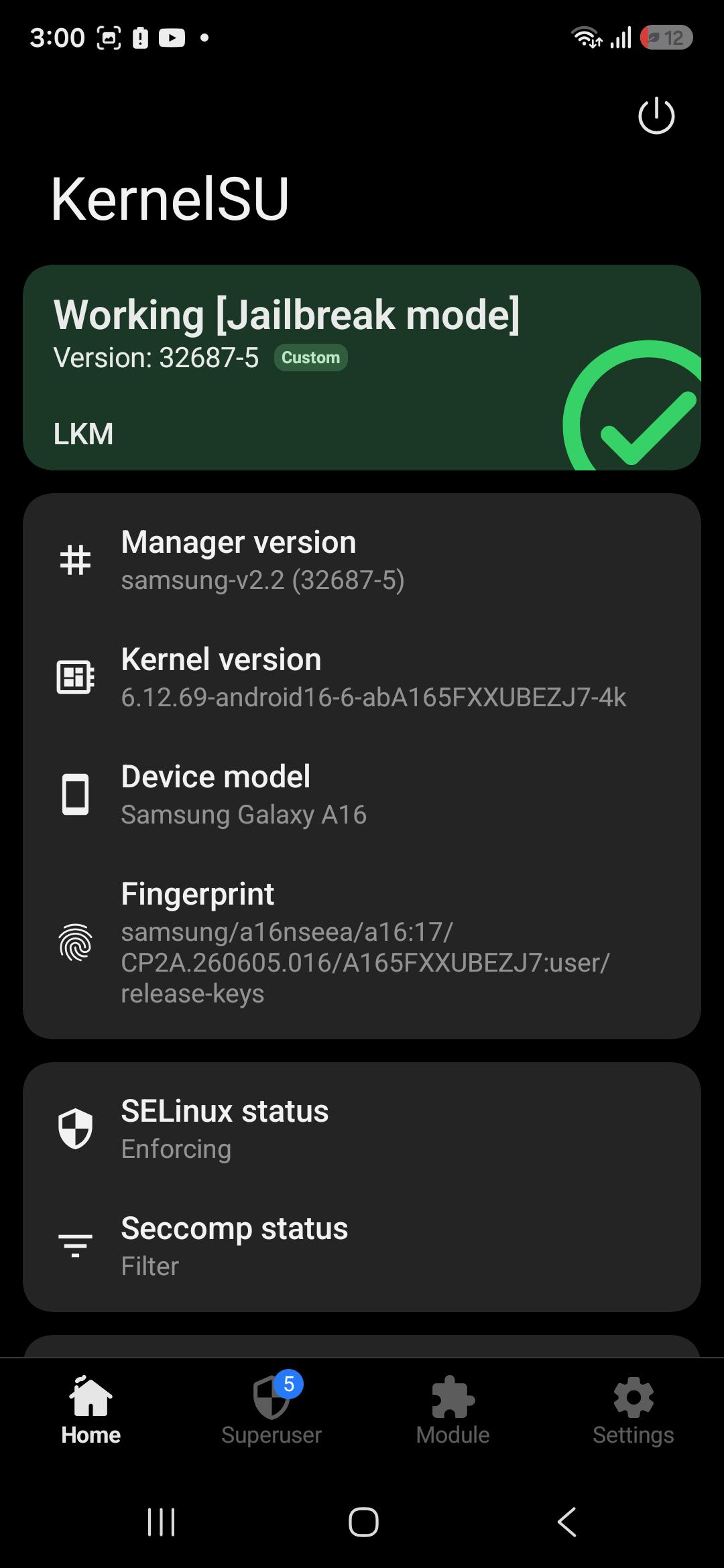
U can temporary root Samsung a16 4G i tested it and works just fine just get the correct files and that's it or if u get wrong files u will likely get hit with a kernel panic here's proof btw
r/androidroot • u/blehr000 • 20h ago
Anyone with the s25 ultra on temp root what methods have used and which kernel manager are you using links will be appreciated