r/ArduinoProjects • • 17d ago

Showcased Project Finally finished my embedded telemetry project – KymoStudio

3 Upvotes

Hi everyone,

for quite a while I’ve been working on an embedded telemetry tool in my spare time – a way to see what’s actually happening on a microcontroller while it runs, without endless printf and squinting at the serial monitor. Over the last few weeks I finally got it to a state I’m happy with.

It has two parts: a small library for the microcontroller (KymoCore, MIT licensed, no heap) and a desktop app (KymoStudio) that shows everything live. The video shows it running against a real ESP32.

How it works:

What KymoStudio can do:

  • Live charts from Serial, USB, TCP, UDP, MQTT or CAN – time series, XY and 3D
  • Works with plain Serial.print output (name:value, Teleplot, CSV) or the KymoCore library
  • Measurement analysis: cursors, min/max/RMS, frequency, jitter, FFT
  • FreeRTOS execution tracing: task timeline on both cores, call flow, run time per function and per task
  • Live parameters: change values on the device from the PC, the device confirms
  • Recording and export (CSV, PNG, own capture format)
  • MCP interface: AI assistants such as Claude Code or Codex can read live data and operate KymoStudio – local only, with an optional read-only mode
  • Windows and Linux

To be upfront: KymoStudio itself is closed source. For hobby, education and non-commercial projects it’s completely free; commercial use needs a license. KymoCore is MIT and available via PlatformIO and the Arduino Library Manager.

I’d be happy about any feedback – what’s useful, what’s missing, what’s confusing.


r/ArduinoProjects • • 17d ago

Showcased Project Finally finished my Arduino and embedded telemetry project – KymoStudio

3 Upvotes

Hi everyone,

for quite a while I’ve been working on an embedded telemetry tool in my spare time – a way to see what’s actually happening on a microcontroller while it runs, without endless printf and squinting at the serial monitor. Over the last few weeks I finally got it to a state I’m happy with, and built the website kymotrace.de around it.

Here is, how it works:

It has two parts: a small library for the microcontroller (KymoCore, MIT) that sends measurements and trace events over Serial, USB, TCP, UDP, MQTT or CAN, and a desktop app (KymoStudio, Windows/Linux) that shows them live as charts. You can measure the curves (cursors, RMS, frequency, FFT) and see which FreeRTOS tasks run when and where the time goes. Plain Serial.print lines work too, so you can try it without changing your firmware.

What KymoStudio can do:

  • Live charts from Serial, USB, TCP, UDP, MQTT or CAN – time series, XY and 3D
  • Works with plain Serial.print output (name:value, Teleplot, CSV) or the KymoCore library
  • Measurement analysis: cursors, min/max/RMS, frequency, jitter, FFT
  • FreeRTOS execution tracing: task timeline on both cores, call flow, run time per function and per task
  • Live parameters: change values on the device from the PC, the device confirms
  • Recording and export (CSV, PNG, own capture format)
  • MCP interface: AI assistants such as Claude Code or Codex can read live data and operate KymoStudio – local only, with an optional read-only mode
  • Windows and Linux

For hobby, education and non-commercial projects it’s completely free.

I’d be happy about any feedback – what’s useful, what’s missing, what’s confusing.


r/ArduinoProjects • • 17d ago

Project Design/Guidance (Total beginner) TMC2209 V1.3 + NEMA 8 motor gets hot even at 350 mA UART current — what am I missing?

2 Upvotes

Hey, completely new to working with Arduinos and motors and such, and Reddit lol, so any help is greatly appreciated.

My project: trying to run a nema 8 stepper motor (current limit 600ma) using a tmc2209 v1.3 stepper driver, Arduino 2560 mega, 24v power supply, and jumper wires.

Problem: it spins great and visually looks fine, but when I hold the base while it's running, it heats up and becomes really hot, like uncomfortably hot. It even heats up the same when I tell it just to hold position and not spin.

Thoughts: I have no clue why it's doing this. I have tried a bunch of different wiring, coding, and praying, but it still heats up. To control the current, I am using a uart connection (I don't dare mess with the potentiaometer after I fried my last driver and breadboard, sooo). I plugged a 1kohm resistor into the Arduino's tx3 pin and the into the driver's rx pin, and then did a direct connection between the rx3 pin and the driver's rx pin.

Things I tried that didn't work:

- lowering the current to 150ma

- using different addresses

- using a different nema 8 stepper motor

- using a different driver (same brand just new)

- holding, no spinning

Well, let me know if you have any tips to try


r/ArduinoProjects • • 18d ago

Showcased Project Line Follower Robot Using Arduino nano & L298N

1 Upvotes
Line Follower Robot Using Arduino nano & L298N

I built a line follower robot using an Arduino Nano and an L298N motor driver. The project is available on YouTube.


r/ArduinoProjects • • 19d ago

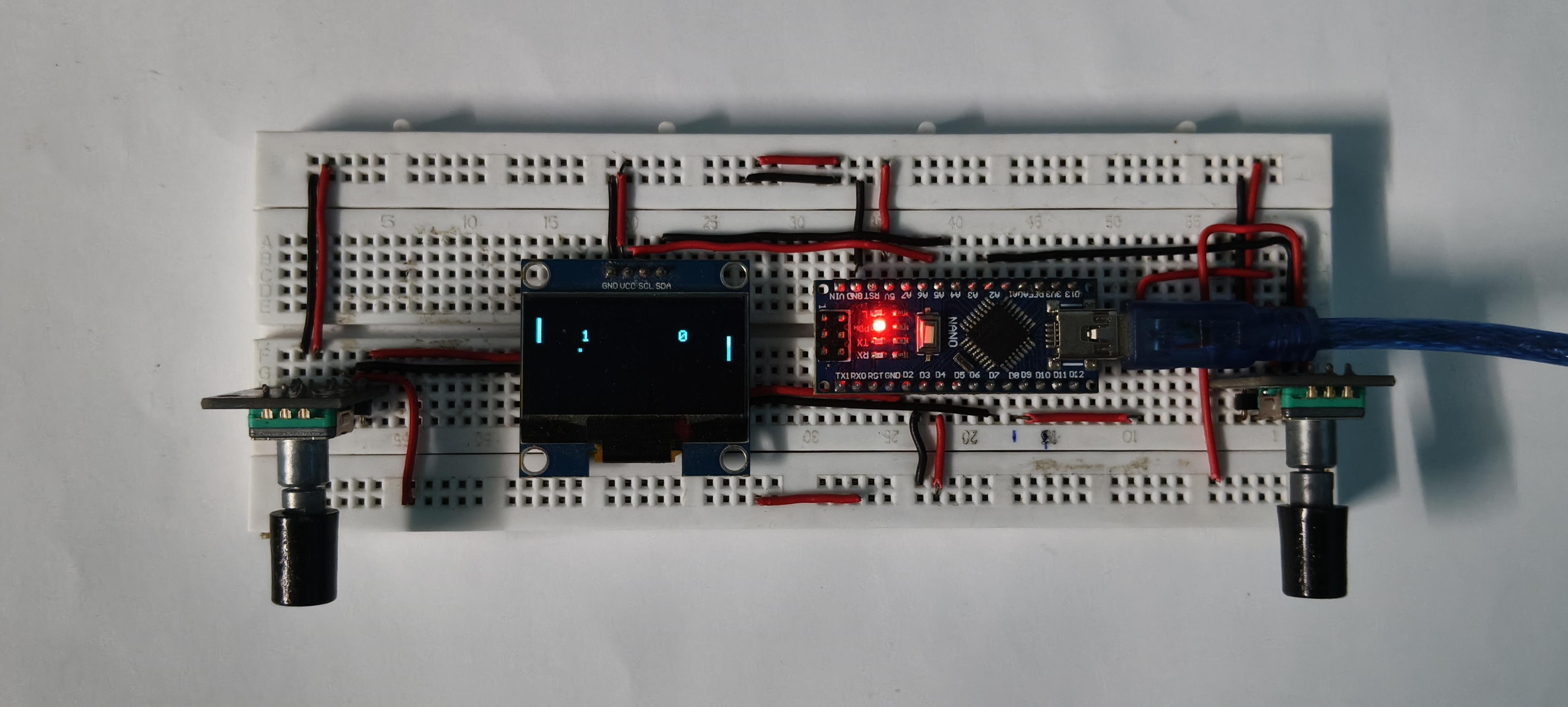
Showcased Project Another Smaller Pong Console

Post image
20 Upvotes

r/ArduinoProjects • • 20d ago

Showcased Project Microcontroller Mic controlled LEDs for a Halloween Pumpkin

5 Upvotes

https://www.youtube.com/@ALMA.Industries/videos

CH004 FN2: HALLOWEEN — my kind of Treat. Talking Pumpkins and Little Monster Rockstars, see how Jack's put together in the above link.


r/ArduinoProjects • • 20d ago

Showcased Project Navigator 1: our UNO R4 WiFi rover with a browser dashboard and autonomous modes

2 Upvotes

Hi! We’re Team Robonavigators, and we built Navigator 1 around an Arduino UNO R4 WiFi.

The rover hosts a browser dashboard for driving and telemetry. It uses front and rear ultrasonic sensors, a servo for scanning, a downward-facing IR sensor for cliff detection, and an analog voltage sensor to monitor the battery. A physical switch selects access-point or hotspot connectivity, and the onboard LED matrix displays the IP address.

The sketch includes obstacle avoidance, object following, a drawn-path mode, browser voice control, manual driving, and an idle proximity guard.

The sketch, pinout and bill of materials are here: https://github.com/Robonavigators/Navigator-1

We’d love feedback on the hardware and code, particularly ideas for improving the obstacle avoidance and reliability.


r/ArduinoProjects • • 21d ago

Showcased Project I built a browser-based Arduino emulator that lets you pause and see every register

Post image
52 Upvotes

Hey everyone. I just launched my first project, GlassAVR, an Arduino emulator and circuit builder that runs in your browser.

You can wire up a circuit, run your sketch, and step through it at the instruction level. When you pause, you can see every register and how it changes, instead of treating the chip like a black box.

There’s no account or login, so you can just open it and start building: glassavr.com

I’m looking for people who know AVR and Arduino to try to break it. If the emulator gets something wrong, or the debugger is missing something you’d want, please let me know. Would this be useful for learning or debugging your own projects?


r/ArduinoProjects • • 21d ago

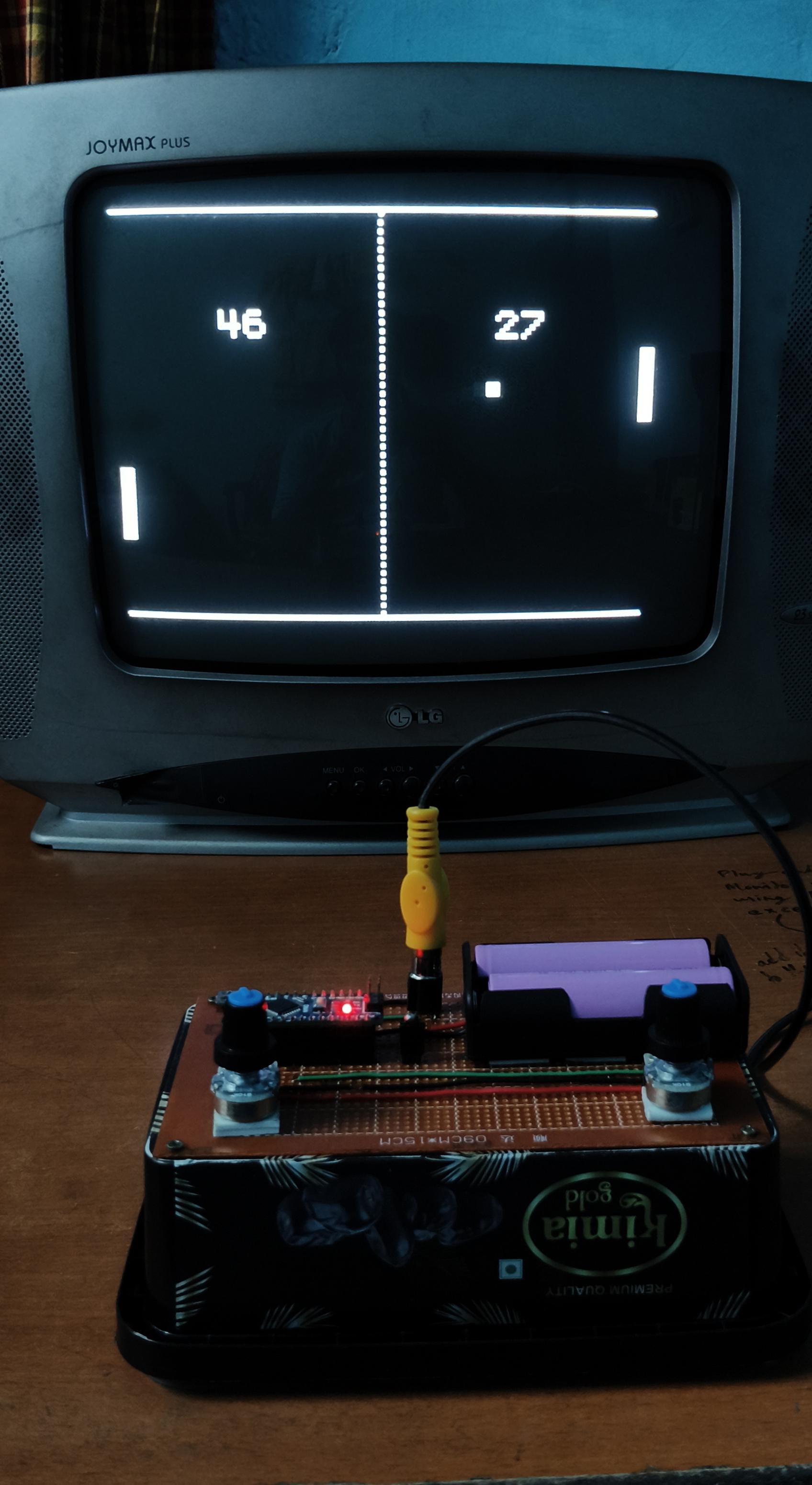
Showcased Project Finally finished my DIY pong console

Post image
7 Upvotes

r/ArduinoProjects • • 22d ago

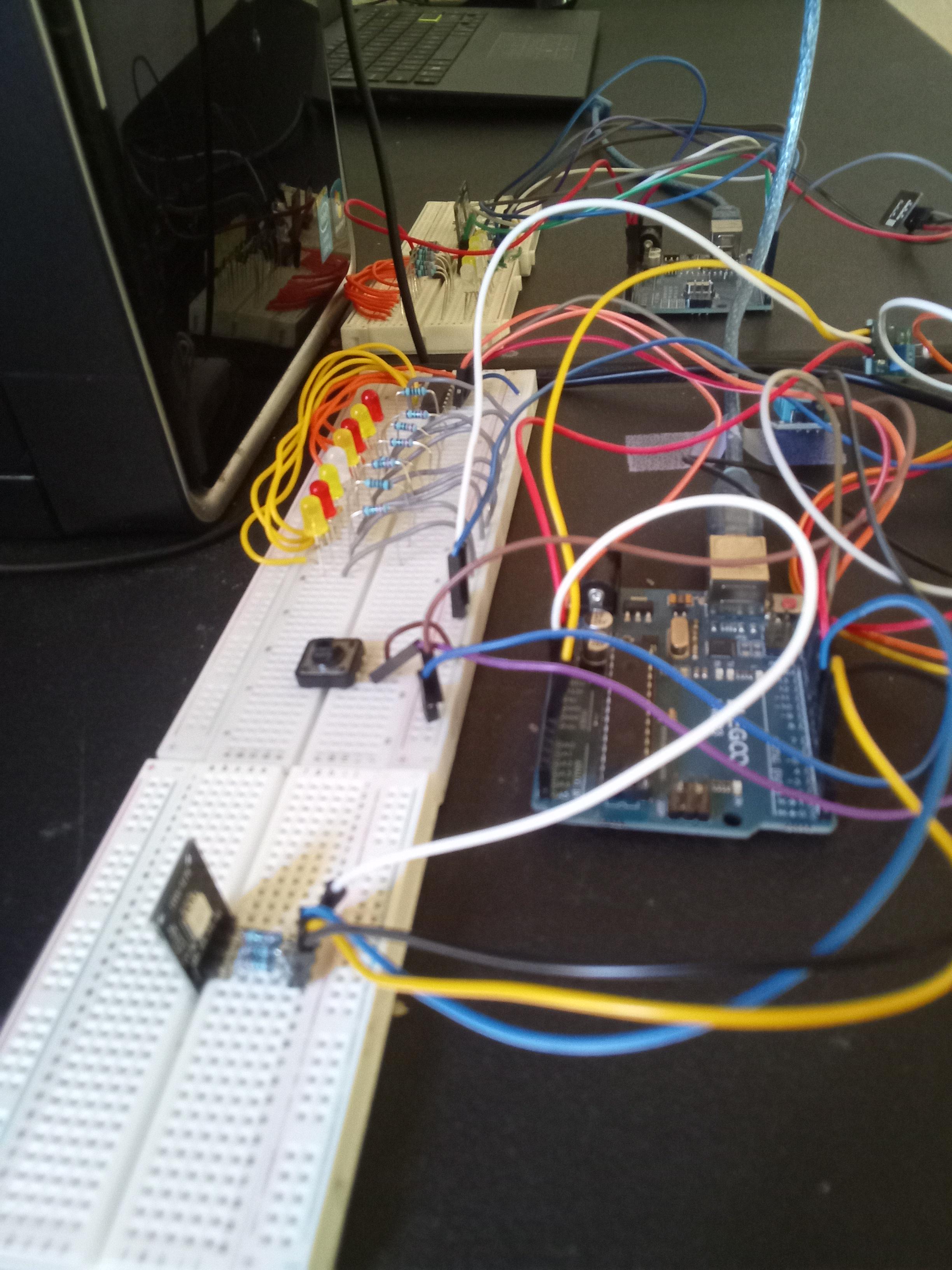
Project Discussion Rewire with code

Post image
29 Upvotes

To much and two many sensors to name, but does include OLED brain and Uno a lot of Temp and humidity 74hc595 sixteen led and esp33.


r/ArduinoProjects • • 22d ago

Showcased Project Week 2: Tuning camera, walking and sprint mechanics in Resident Evil 2 with DIY motion controls (ESP-NOW)

11 Upvotes

Here is the Week 2 update on my wearable motion controller, running gameplay tests in Resident Evil 2 Remake. Right now I am focusing on tuning head-tracking camera sensitivity, deadzones, and torso movement to smooth out the transition between Leon walking and sprinting. The goal behind the project is two-fold: creating a more immersive gameplay experience and serving as an accessibility option for gamers who struggle with conventional controllers.

Wireless transmission to the PC is running over ESP-NOW, but in this build I am still handling the inputs on the PC using a temporary Python script. The next step is replacing Python with a dedicated USB dongle with native HID support, so the PC recognizes it directly as a plug-and-play controller without background software.

The visible wiring across the body carries both power and sensor data because, in this test version, I am using a single central ESP32 that handles everything and connects to the sensors via cables. The plan for the next phase is to use four independent ESP32 units, each acting as a standalone node with its own power and wireless link, while embedding the head module and wiring directly inside the headphone frame. Right now, moving to this fully wireless stage depends on waiting for several parts and battery modules that are still in transit.

Regarding the sensors, I am using the MPU-6050 for this prototype and have not had drift issues during these tests. Still, I plan to test other sensors later to compare stability and features. Do you have any recommendations for compact boards with native USB (TinyUSB) for a dongle, or specific IMUs that work well with the ESP32 and are easily sourced locally (especially in Brazil)? Shipping delays on imported hardware are currently the main bottleneck slowing down testing, so components readily available nearby make a massive difference.


r/ArduinoProjects • • 23d ago

Showcased Project Link's awakening on Arduino mega. Update

19 Upvotes

I added:

-collision

-animated tiles

-other link's animation such as the sword stroke

-enlarged the map

The game can maintain around 60fps for now but I cap it at 40fps.


r/ArduinoProjects • • 23d ago

Project Design/Guidance To begin my journey in electronics

5 Upvotes

I am studying BE ECE. I am in Sathyabama my clg doesn't teach me about microcontrollers for now but like other 1st yrs I am interested in electronics. I just need to begin my journey. I started and spent like 1 week studying Arduino basics and some stuff about circuits. Now I went to do a mp3 player for my frnds b'day which is at 19th of November. I just feel the code of the esp wroom to be hard and I need to make it any I am using chatgpt for coding. I haven't begun yet but I will start it tmrw. Now I just need to know what are the projects I need to do to start this journey and also I need some guidance from u guys pls help me do this...


r/ArduinoProjects • • 22d ago

Showcased Project Halloween Special: Bad Apple on Nokia 5110

Thumbnail youtu.be
1 Upvotes

A tiny monochrome LCD, an ESP32, and a custom C# application.

The application converts video frames into raw pixel data and streams them to the ESP32 over HTTP.

Here's the full video. Hope you enjoy this little experiment!


r/ArduinoProjects • • 23d ago

Showcased Project Bare Metal Programming - what is it and why bother?

Thumbnail reddit.com
2 Upvotes

r/ArduinoProjects • • 23d ago

Showcased Project CH004 FN1: MONSTERS

2 Upvotes

https://www.youtube.com/@ALMA.Industries/videos

Calling all Vampires, Ghosts, and Zombies to the dance floor. A DIY microcontroller project to get a pumpkin to talk and sing. Happy Halloween!


r/ArduinoProjects • • 24d ago

Other Edison Infotainment?

Thumbnail youtu.be
4 Upvotes

I have an ethical problem with touch screens, but I'm told the humans native to this planet are fond of them. Here is an open source Infotainment system that I can see being used in Edison vehicles by the humans.

Reddit said I should post this here


r/ArduinoProjects • • 24d ago

Showcased Project Open-Source 16 Universe Pixel Artnet Receiver just got better!

Post image
5 Upvotes

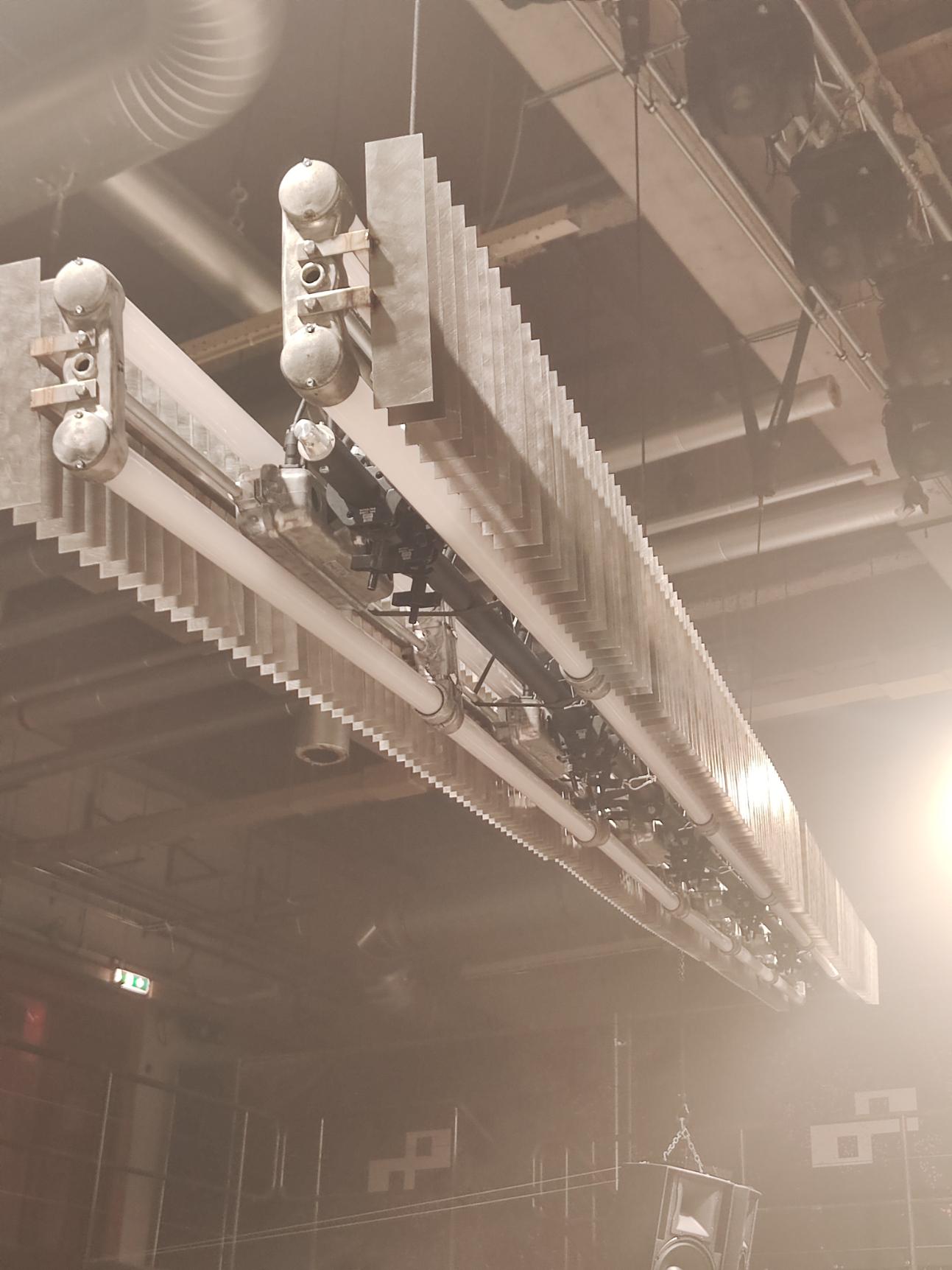
Hey all! In short, this project uses an ESP32 at the center of a 16-universe pixel artnet sACN controller with wired Ethernet connection. Everything from the software, hardware, and development is open source! You might have seen this project before, and I am pretty excited to share a short update with you all!

Link to repository: https://github.com/mdethmers/ESP32-Artnet-Node-receiver/tree/main

Ive pushed this controller to its limits during Amsterdam Dance Event, using 12 in a network that was run almost 24/7 in a humid and hot environment (see image!) They worked perfectly throughout the weekend, and they looked amazing in th evenue!

However, I did find some performance issue which I adressed with the newest update.

- Added Artnet node discovery through WebUI
- Improved WebUI design for better usability
- Fixed bug which crashed the node above 48fps at 16 universes
- Reduced frame buffer to have more ram available
- Added Artnet source filtering to prevent 2 sources from talking to the same node
- The node now filters on an Artnet-ID, which prevent the node from assumiing any data is Artnet data and crashing when its not (idk why I didnt do this before...)

The node already worked perfectly as a standalone unit, but these updates make it a lot more resillient in a production environment with other nodes, fixtures and consoles in the same network.

I am sharing the github here for anybody that is interested in following along with the development! The next hardware iteration will add current, voltage and temperature sensing to the board, next to power distribution and fused outputs that are already present! And for those that are fan of WLED: that is also supported on this hardware. Great if you want to do more then just Artnet!

Let me know if you have any questions or want to contribute! Im available here or on discord.


r/ArduinoProjects • • 24d ago

Other Exploring a messaging layer for Arduino, ESP32 and Raspberry Pi robotics projects

1 Upvotes

We're working on Pulse Mesh at Sovereignty Foundation (SovFound.org), a messaging transport designed for distributed applications, robotics and multi-agent systems.

One application we're interested in exploring is communication between microcontrollers and more powerful companion computers.

Consider a robotics setup involving:

  • An ESP32 or Arduino collecting sensor readings.
  • A Raspberry Pi processing incoming data.
  • A computer vision application analyzing camera feeds.
  • A separate application controlling motors and actuators.

As these projects become more complex, managing communication between different components can become challenging.

Pulse Mesh provides several messaging capabilities:

  • Broadcast and fan-out to multiple readers.
  • Shared-memory messaging between processes.
  • UDP transport between machines.
  • A common 128-byte message format.
  • Bindings for Rust, C, Python, Node.js and WebAssembly.

Our current architecture is designed primarily for applications and companion computers rather than running directly on resource-constrained Arduino boards.

We're interested in exploring how it could be used in Arduino/ESP32-based robotics projects, particularly when a Raspberry Pi or Linux computer acts as the central processing unit.

We'd love to hear from people building similar projects:

  1. How are you currently connecting your Arduino or ESP32 to a Raspberry Pi?
  2. What communication problems have you encountered as your projects grow?
  3. Have you built systems where multiple applications need to consume the same sensor data?
  4. What would you want to see in a practical demonstration of this architecture?

Pulse Mesh is currently in beta/pre-production, and we're looking for engineering feedback.

GitHub: https://github.com/Sovereignty-Foundation/pulse-mesh

Documentation: https://pulse-mesh.net

— Sovereignty Foundation
https://sovfound.org


r/ArduinoProjects • • 24d ago

Showcased Project DIY Desk Pet V1 Using ESP32. Robot Cat That Reacts When You Touch It Also Has A Joystick Remote Control.

Thumbnail youtube.com
0 Upvotes

I built a tiny desk-pet robot car with an animated cat face on a round screen. It has 8 emotions, reacts to touch, falls asleep when ignored, and drives with a wireless joystick remote. 🐱

More builds:
🔧 Yumo Builds: electronics, ESP32 and Arduino projects, built while learning
https://www.youtube.com/@YumoBuilds
🖨️ Yumo Builds Lab: 3D printing, electronics and creative design
https://www.youtube.com/@YumoBuildsLab 👈 New Channel

Note: For More Info Please Check Out README first.

🔗 Links:
💾 SOURCE CODE, WIRING, 3D STL File And Full Guide:
https://github.com/yumobuilds/Yumo-Cat-Robot-Car-V1

🛠 Parts used:
- 2x ESP32-C3 Super Mini (car and remote)
- GC9A01 round TFT 240x240
- 2x SSD1306 OLED 128x32
- Touch sensor module
- 4x continuous-rotation servos
- Analog joystick module
- 2x 18650 battery (car), 1x small lithium battery (remote)
- 3D printed wheels (Bambu Lab H2C)

License: free for noncommercial use (PolyForm Noncommercial 1.0.0). Tag u/yumobuilds if you build one!


r/ArduinoProjects • • 25d ago

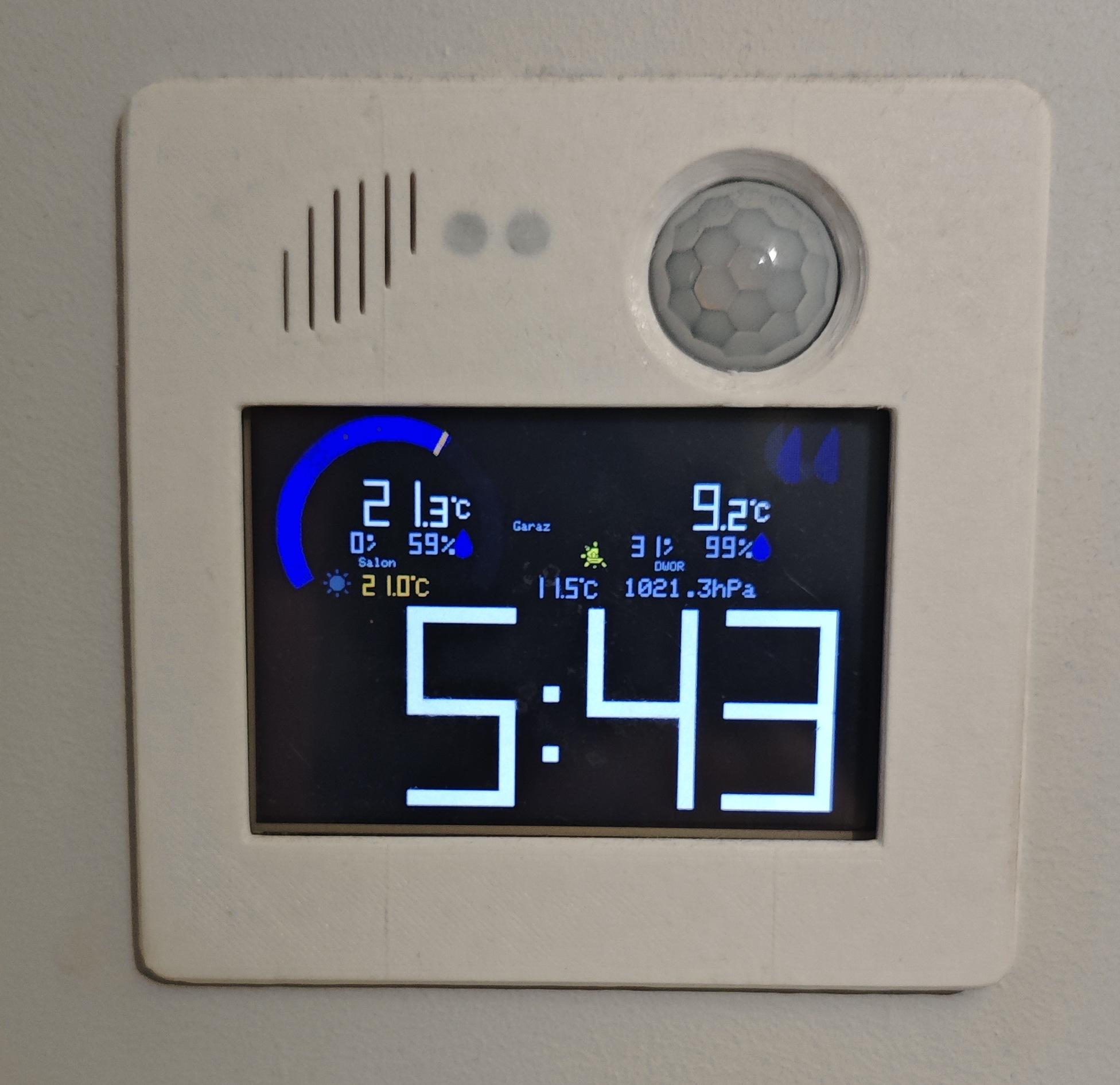
Showcased Project Engineered a support-minimized Arduino Smart Home Controller pack with integrated HTML Web Server, native .STEP source files, and full Serial telemetry.

Post image
9 Upvotes

Hello makers,

Just wanted to share a mechanical/software package I compiled for the Arduino ecosystem. This is a commercial-grade, multi-node On-Wall Smart Home Controller Hub built around high-efficiency Serial communication, local memory optimization, and an embedded HTML interface.

Engineering highpoints:

- Highly Optimized Geometry: CAD components are custom-tweaked to reduce 3D printing supports to an absolute minimum, ensuring elite surface finish inside wall cavities.

- Embedded HTML Web Server: Integrated network management routine allows seamless on-the-fly room and sensor renaming via any local web browser.

- Master/Slave Serial Matrix: Robust, custom bitfield-compressed serial protocol processing loops designed to transmit climate data securely between the main indoor hub and an independent Outdoor station.

- Dual Display Stack: Simultaneously drives a master graphical telemetry screen and a long-distance 7-segment LED sub-panel without memory overflow.

I’ve uploaded the uncompressed native .STEP / .STP CAD source files so you can easily modify port entry cutouts or sensor frames in your own CAD software, along with a "Panels All" firmware library supporting multiple alternative sub-panel screen configurations.

🛠️ Full build photo logs, component BOM lists, and assembly guidelines are detailed in the album on our lab page: [ https://www.facebook.com/share/p/1CFCNw5FjS/ ]

Download links for the uncompressed STEP files, STLs, and production firmware packs: [ https://cults3d.com/en/3d-model/home/ultimate-smart-home-controller-hub-multi-sensor-web-ui-system ]

Let me know your thoughts on the bitfield parser logic and overall hardware clearance!


r/ArduinoProjects • • 25d ago

Showcased Project Spongebob Animatronic horror

24 Upvotes

r/ArduinoProjects • • 25d ago

Showcased Project Little Monsters

Post image
2 Upvotes

https://www.youtube.com/@ALMA.Industries/videos

-- CH004 FN1: MONSTERS -- The dawn of Halloween ... dim lights and ruffled leaves, Little Monsters roam the streets. Halloween day will show what spooky wires hide inside...

[Microcontroller controlled LED's that respond to microphone inputs... tomorrow will show all steps]


r/ArduinoProjects • • 26d ago

Showcased Project Muletto RC con Arduino

28 Upvotes