r/CheryTiggo • u/pzstm • 3d ago
I drive a Tiggo 9 and built a free companion app for Chery, Omoda & Jaecoo – open beta on iPhone and Android

Hi all! I'm an independent hobby developer from Hungary, and I drive a Tiggo 9 PHEV myself. I wanted more from the official app – a smart warm-up that checks the weather, a proper charging log, trip history and widgets – so I built Carmeo. It's free, has no ads, and is now in open beta on both platforms.
What it does
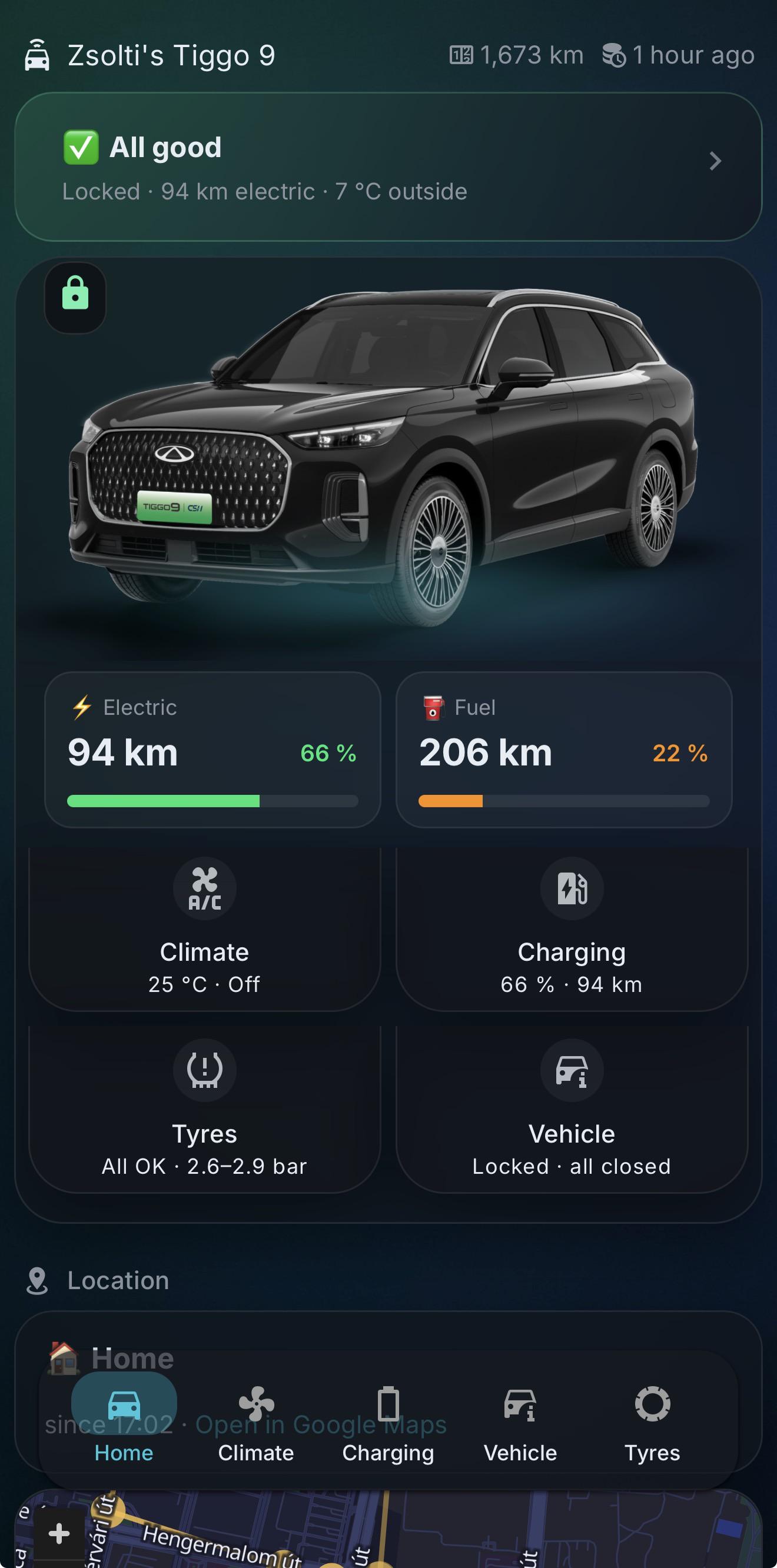
- 🔋 Status at a glance – battery, fuel and range, locks, doors, windows, tyres and where the car is parked, with your car shown in its real colour
- 🔥 Smart warm-up – set your departure time for each weekday; Carmeo checks the forecast and warms up or cools down the cabin just in time
- ⚡ Charging insights – live power in kW, time left, a chart of each charge, a log of every charge, and an optional stop at your target %
- 🔒 Remote control – lock/unlock, climate, seat and steering wheel heating, defrost – with Face ID / fingerprint before unlocking if you want it
- 🗺️ Trips and costs – every trip on the map with distance, electric share and cost (using your own home and public prices), plus monthly totals
- 🧩 Widgets – iPhone: home and lock screen widgets, Live Activities, Control Center buttons. Android: home screen widgets, Quick Settings tiles, live charging notification
- 🔔 Alerts that matter – left unlocked, charging finished, frost tonight, battery draining while parked, someone drove off
- 👨👩👧 Family sharing – invite up to 5 people and choose what each one may do
- 🛠️ Tyres, service, documents – tyre pressure warnings, next service, MOT / insurance / vignette reminders
English, Hungarian and Romanian; km or miles; €, £, Ft or lei; right-hand-drive view included.
How to get it (free)
📱 iPhone – TestFlight:
- Install Apple's free TestFlight app from the App Store
- Open this link on your iPhone: https://testflight.apple.com/join/YGdNkQPt
🤖 Android – Google Play (open test):
- Join the tester group with your Google account: https://groups.google.com/g/carmeo-testers
- Open the test page and install Carmeo: https://play.google.com/apps/testing/app.pzstm.carcompanion
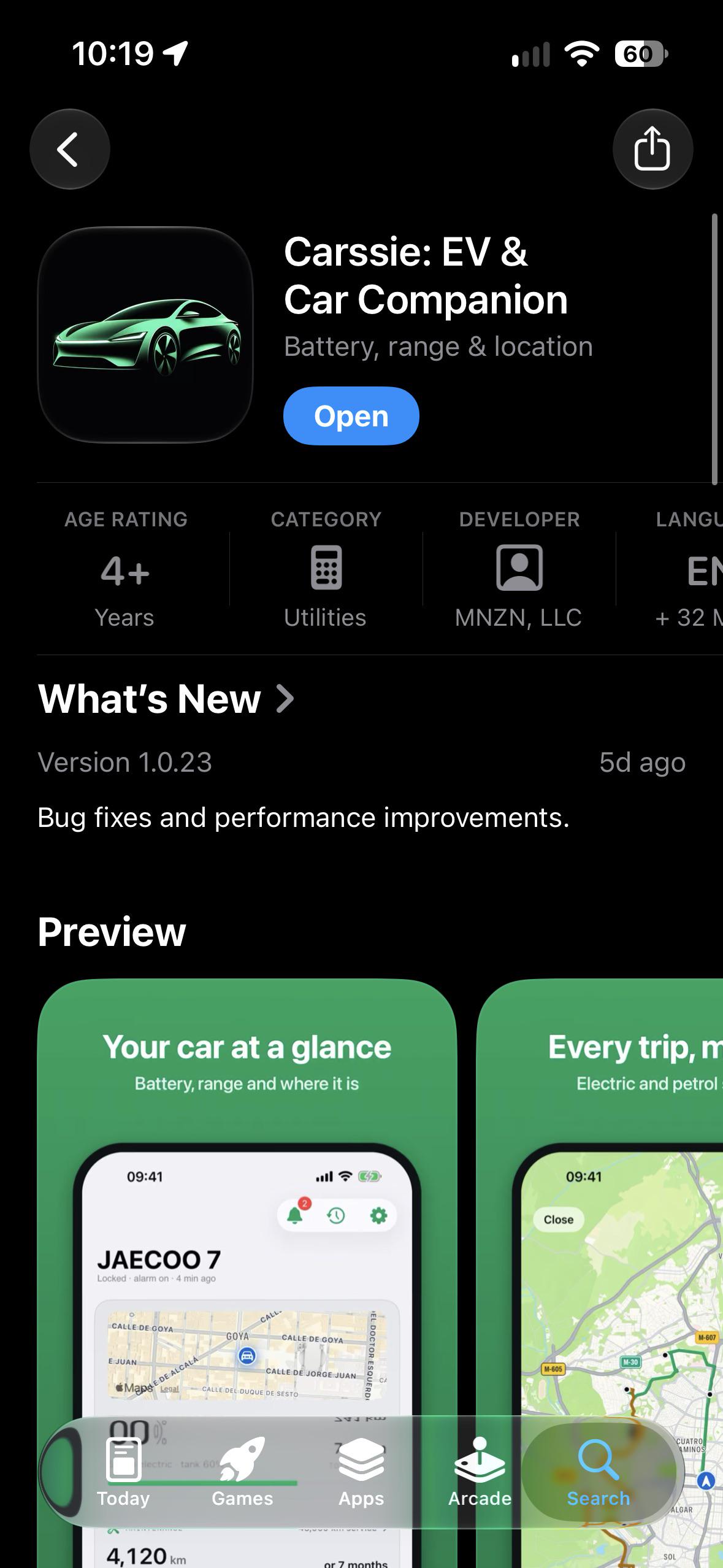
From the Play listing: "Unofficial companion for Chery, Omoda & Jaecoo: status, climate, trips." Setup takes about 3 minutes: create a Carmeo account (e-mail, Apple or Google), then sign in with your Chery or OMODA | JAECOO account.
Which cars? Cars that work with the official Chery app or the OMODA | JAECOO app in Europe. Tiggo 7, Tiggo 8 and Tiggo 9 owners use it every day, and Omoda / Jaecoo models are supported too.
Good to know (please read)
- Use a second account. The car cloud allows one signed-in app per account. Share your car with a second account in the official app and connect that one to Carmeo, so both apps keep working.
- Your password is never stored. It's used once to sign in to the car cloud, then deleted. Sign-in keys and your vehicle PIN are encrypted (AES-256).
- Privacy: data is stored in the EU (Ireland and Germany). No ads, no analytics, no data selling. You can pause location history, export your data, or delete your account from the app.
- No battery drain: Carmeo reads what the car has already sent to the manufacturer's cloud (about every 2 minutes while driving or charging, every 10 minutes when parked). Reading doesn't wake the car; commands do, just like in the official app.
It's a beta, so things can break. Feedback is the whole point: bugs, ideas, "this doesn't work on my model" – comment here or write to support@getcarmeo.app (a real person answers – me 🙂). More info: https://getcarmeo.app
Carmeo is an unofficial app, not made by, affiliated with or endorsed by Chery, Chery Europe, Omoda & Jaecoo or their affiliates. Chery, Omoda, Jaecoo and model names are trademarks of their owners.