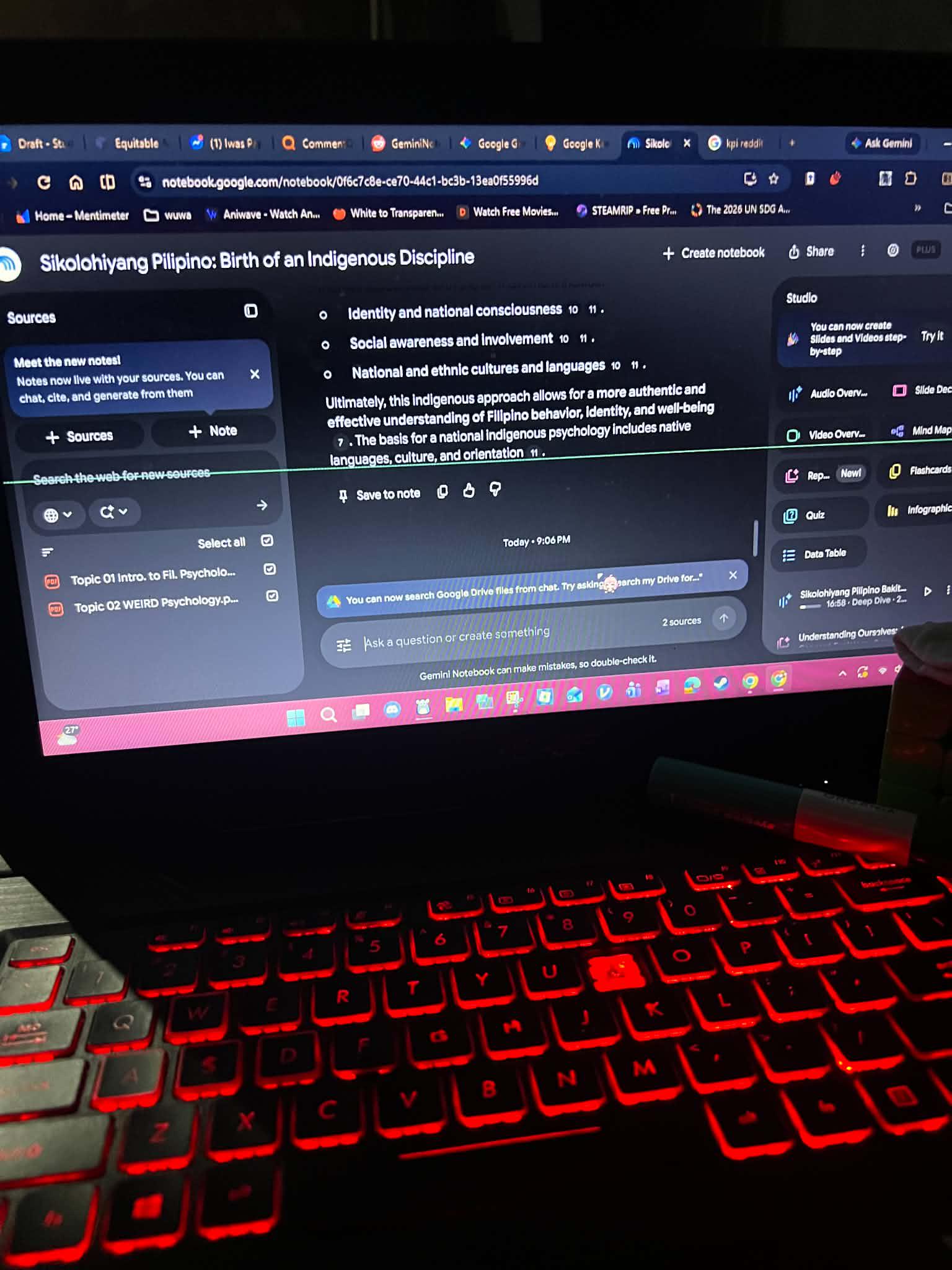
I've been using NotebookLM recently while preparing for my university CT exams, and I wish I had tried this workflow earlier.
I have multiple lecture PDFs, PPTs and pyq's to go through. The biggest problem was figuring out where to start, especially when exams were just around the corner like the next day.
What I started doing was uploading my unit-wise PDFs and PYQs into NotebookLM together.
The first thing I tried was asking it to analyse my previous-year papers and identify recurring topics. Then, whenever I came across a difficult concept in my lecture material, I asked it to explain that topic in simpler language using my uploaded sources.
A practical example of how I used it:
For my COA CT preparation, I uploaded my Unit 4 and Unit 5 PDFs along with previous CT question papers.
Instead of immediately asking NotebookLM to summarize everything, I asked it to compare the question papers with my lecture material and identify recurring topics.
For example, if a topic like cache memory or memory hierarchy appeared in the papers, I would ask NotebookLM to explain it from my actual lecture PDFs, starting from the basics.
I also asked it to prepare short exam-oriented explanations so I could revise concepts without repeatedly searching through dozens of slides.
This was very useful when I had very little time left before the exam.
The biggest difference for me was that I stopped spending so much time figuring out what to study and could focus more on actually understanding the concepts.
I also started using it for quick revision when I didn't have enough time to go through every single slide again.
A prompt I found useful:
- "Analyse my uploaded PYQs and lecture PDFs. Identify recurring topics, important concepts and areas I should prioritise for my upcoming exam."
- "Explain this topic from absolute basics using only my uploaded study material. Keep it simple and include examples and important exam points."
If you're a university student who has a lot of PDFs and PYQs lying around, I'd genuinely recommend experimenting with this workflow.
Peace!