r/GetComputerHelp • u/HaruStraife • 11d ago
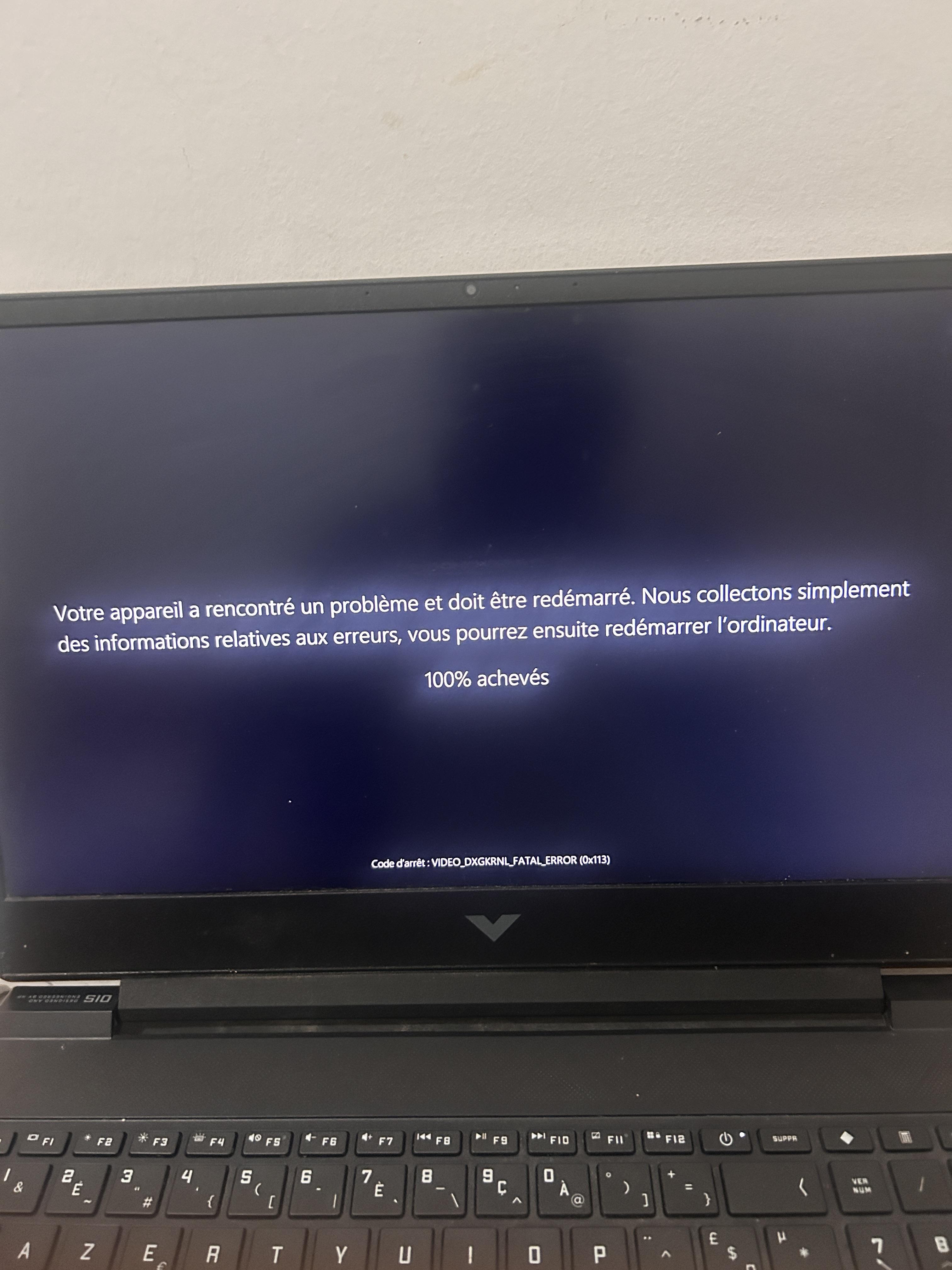
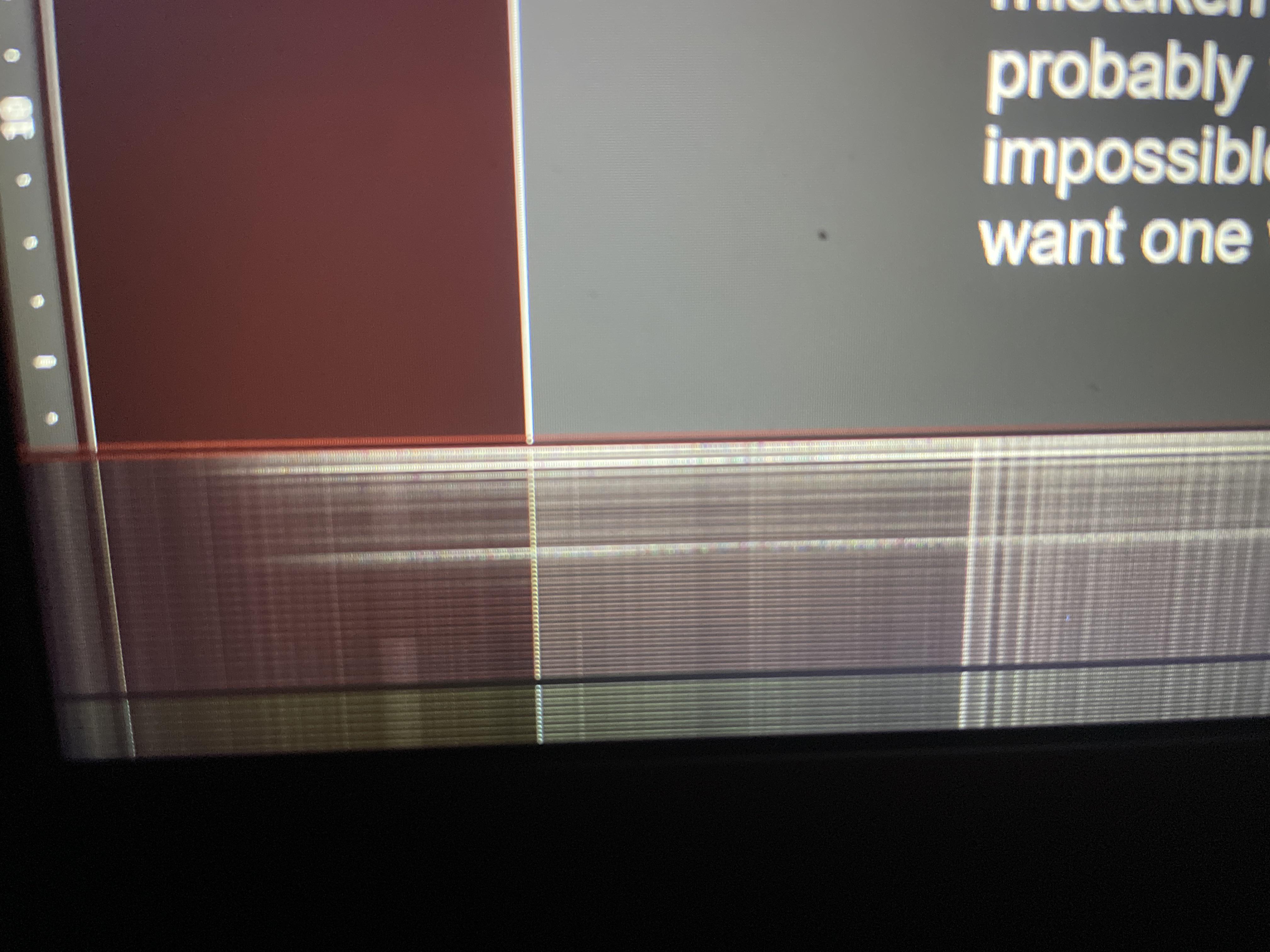
Laptop screen went black. Dead backlight?
reddit.com
1
Upvotes
r/GetComputerHelp • u/xGROSSO • 11d ago
Hi everyone,
I'm wondering if anyone has experienced something similar with the UGREEN Revodok Pro 210 Docking Station.
My setup is:
- UGREEN Revodok Pro 210
- Lenovo ThinkPad P16 (using its own charger, not powered through the dock)
- 2 × MSI PRO MP273QP (2560×1440)
- 1 Ethernet connection
- 1 keyboard
When I first bought the dock, both monitors would occasionally blink and go black for about a second before recovering.
Over the last few months, the problem has become significantly worse.
Now, after roughly 2-3 hours of continuous use, one monitor will suddenly turn completely black while the other becomes a solid grey screen.
When this happens:
- Ethernet continues working normally
- Keyboard continues working normally
- Only the displays are affected
- The monitors do not recover by themselves
To recover, I have to:
- Disconnect and reconnect HDMI cables multiple times, or
- Disconnect and reconnect the dock's USB-C connection to the laptop
Sometimes it takes several attempts before both displays come back.
Things I've already tried:
- Testing with only one monitor connected (works fine)
- Lowering display resolution
- Updating graphics drivers
- Updating BIOS
- Updating the dock firmware
- Removing all unnecessary peripherals
- Testing without cable extensions
- Adding external power to the dock (20W USB-C input)
None of the above solved the issue.
One thing I have noticed is that the dock becomes fairly hot when the failure occurs.
UGREEN support suggested trying additional cooling to determine whether the issue is thermal-related, but they were unable to provide any further technical explanation and have recommended that I pursue an Amazon warranty claim if the problem continues.
What I find strange is:
A single monitor works flawlessly.
The issue only appears after several hours.
It started as brief black-screen flickers and gradually evolved into complete display failure.
Network and USB devices continue functioning even when the displays fail.
This makes me suspect either:
Overheating of the display controller inside the dock.
A hardware failure developing over time.
Some compatibility issue between the dock and dual 1440p displays.
Has anyone experienced something similar with:
UGREEN docks?
DisplayLink docks?
Lenovo ThinkPads?
Dual 1440p monitor setups?
I'd be interested to know whether this sounds like a defective unit before I go through the hassle of an Amazon replacement.
r/GetComputerHelp • u/SpiritualRemote2591 • 11d ago
r/GetComputerHelp • u/Dry_Communication923 • 11d ago
I don't know why this happens everytime I run any game in Fullscreen. I have a laptop LENOVO, Intelcore i7-9750H RAM 16GB. NVIDIA GFORCE GTX 1660Ti (6GB).
What I've found out until now is that it has something to do with the hertz because I tried adjusting some things and as soon as I changed from 144hz to 60hz it triggered it again.
Oh and it can run the games perfectly in borderless window the problem for some reason is just when they are in fullscreen mode. some games like sekiro (in the video) doesn't have borderless window option so I have to play them in the window.
r/GetComputerHelp • u/Dvni28 • 11d ago
r/GetComputerHelp • u/MaterialLog417 • 11d ago
Why is the fan blowing violently when the screensaver is on and calms down when it is not? What’s going on in the background?
r/GetComputerHelp • u/DickBlack9696 • 11d ago
r/GetComputerHelp • u/Ok_Wall_2 • 12d ago
Hi so I have an acer predator helios 18 ai that I've had for probably 1 full year now at least. 2 at max. Prio I had the acer nitro 5 in 2022, and prior the acer nitro five from 2020.
My issue started today when I was gaming all of a sudden my CPU fan stopped running, made a short noise here and there, and I turned off my computer. I removed the back, looked at the fans, removed both, swapped them and determined it's not the fan blades themselves it's something in the CPU fans area. After reassembling my fan began running again, even up to max speed but now it's making this awful whistling noise. The video shows it on quiet mode.
I know nothing about computers in the sense of parts or workings. Any help is appreciated.
r/GetComputerHelp • u/SchemeTop1550 • 12d ago
Hi
I have Levono E31-70 and it has problem that i can see image in screen with flashlight but not without it. When connected to monitor everything works fine. So it sounds that backlight is broken, but it had that probem for couple weeks and then suddenly it worked fine again and after day it is black again. So is it possible that there is only connectivity problem and i dont have to buy new screen. It is not problem for me to repair those but i need help to identify problem so idont use money to buy wrong parts. (or make the repairing too expensive.
r/GetComputerHelp • u/Wonderful-Young-9342 • 12d ago
r/GetComputerHelp • u/Icy-Scratch5289 • 12d ago
Need help with screen flicker on LG 45" OLED
Hello Everyone,
Have a LG 45" OLED that had worked fine on the following laptop: [Lenovo 16" Legion Pro 5i 16IRX8 Gaming Laptop](https://www.bhphotovideo.com/c/product/1745682-REG/lenovo_82wk0083us_16_legion_pro_5i.html?fromDisList=y)
Unfortunately and I don't know when, it started to flicker to a black screen and then back on. If I don't boot up the Nvidia app it seems to work fine, but as soon as I start the app up it continues to do this.
I do have a 2nd monitor, older dell, non OLED and have used both together for awhile. If I use JUST one or the other monitor hooked up to the laptop its fine, but as soon as both are hooked up and I open the Nvidia app it gets all squirrely.
I have tried the following things to try and resolve the issue:
Roll back to older graphics drivers after removing the previous one.
Lowering refresh rate on the monitor
New cables
Restored BIOS
Everything else seems to be working fine but being able to use dual monitors T.T
Any other ideas on how to resolve this issue? Thanks
r/GetComputerHelp • u/Faded_2G • 12d ago
r/GetComputerHelp • u/No-Swordfish-935 • 12d ago
Red boot up light on gpu but it’s displaying is it broken?
r/GetComputerHelp • u/Atx_G • 12d ago

I had just come back from eating dinner and this was just on my screen..? it seems to be on the front display (as in i can't minimize or bring anything in front of it), i can see what it says, GBT (?) lighting, what does that mean tho? like LED, pixels..?
(the picture slightly cuts off some of the message so thats what this is: _Lighting_Control)
using windows 11, 5070, ryzen 9 7900x, 32 ram
r/GetComputerHelp • u/crackHeadPeanut • 12d ago
r/GetComputerHelp • u/Icy_Zone_3318 • 12d ago
r/GetComputerHelp • u/GalraKeith2016 • 12d ago
Why is Linux on my laptop getting a random Black screen and sometimes works fine ?
r/GetComputerHelp • u/Moist_Media5245 • 13d ago
Cześć, po wymianie karty na monitorze na czerni pojawiają się kolory - zielony itp. Co to może być?