r/linuxmint • u/Mr_Linux_Lover • 2h ago
#LinuxMintThings Made some wallpapers for Linux Mint 27!

91
Upvotes
Hope you like it .
r/linuxmint
•
u/calexil
•
Oct 03 '18
r/linuxmint • u/Mr_Linux_Lover • 2h ago
Hope you like it .
r/linuxmint • u/jamesmaxw • 1d ago
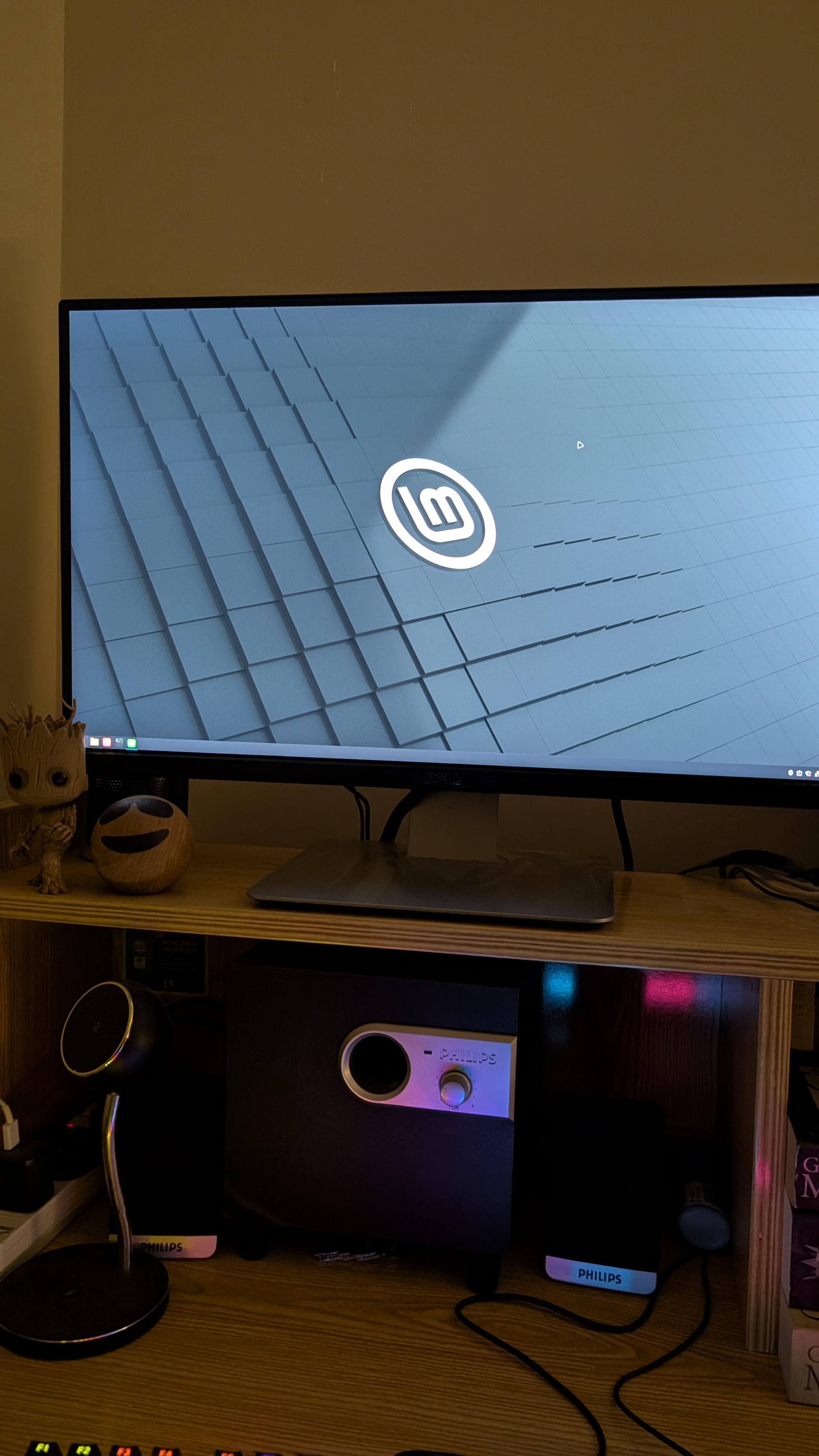
I am done with Microsoft and finally moved on to Linux Mint. So far I love the experience it's offering so far.
r/linuxmint • u/Varanibri • 3h ago

r/linuxmint • u/Safe-Buyer8695 • 9h ago
Its not even necessarily that LM is amazing, but more the fact that Windows is so much worse than I realized. When I boot up my PC, I know what to expect when using LM. Im getting what I asked for. When using windows, it would tell me I need to restart my computer for an update, show me targeted ads, yada yada, Im sure you guys know all about what is wrong with Windows already, so i wont go into all of the glaring issues with it.
But the thing I love most about Mint, is that after some customization, it actually feels like I own my computer. Im not being spied on, Im not being recommended what I should and shouldnt do.
Now that im using Linux, it just seems like such an obvious choice over anything else. Initially, it felt kinda scary and risky, but that was a result of ignorance and conformity. Its a real wake up call to just how influential these big companies can be, and how much effort they put into convincing the public that Windows and Mac are the only two options available.
My main uses in order:
- Gaming
- Websploring
- Music production
- Playing music in general
- Video editing
There is a lot to cover and Ive just covered what I like most, so if you have any specific questions ill be more than happy to answer them in detail. Thanks for reading!
r/linuxmint • u/Selinaru • 19h ago

The minimal wayland edition sounds interesting as well.
Even then, that doesn't mean it may end up happening as it is implied at the end of his comment.
r/linuxmint • u/Deep-Effect-9204 • 2h ago

QUESTION: Hello, I have a question that’s probably silly, but since I want to completely break away from Ubuntu—which seems less and less reliable to me and is certainly too closely tied to Canonical, which wants to make money off users without their consent—here’s my question: Is it possible to upgrade to LMDE 7 from Linux Mint 22.3... Thank you for your answers. I’m a novice Linux user with little programming knowledge, so please bear with me...
r/linuxmint • u/GeraldineHeisenburg • 10h ago
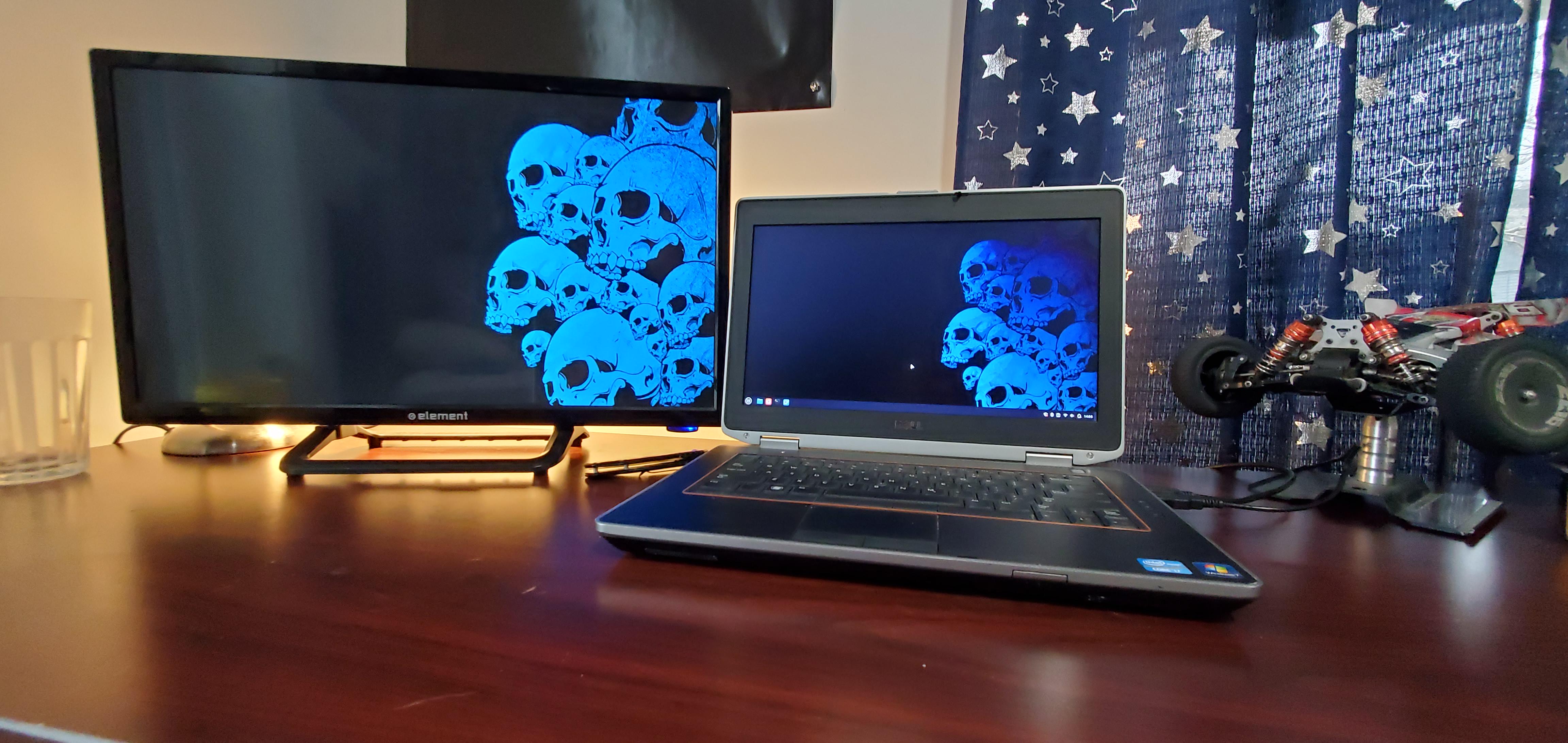
Im running Linux Mint currensly and I don't know much about Linux, but I'm definitely going to be learning!
r/linuxmint • u/Narrow-Cockroach-748 • 4h ago

*dont worry about the updates
r/linuxmint • u/Pandamaster_finland • 5h ago

Im trying out the testing version of Mint 27 and i noticed that on Wayland, obs and basically every other screen recording app couldn't capture the screen. Installing Kde Plasma fixed it for some reason. Is there any way to fix this while staying on Cinnamon or do i just have to wait?
r/linuxmint • u/DjoJo1453 • 58m ago
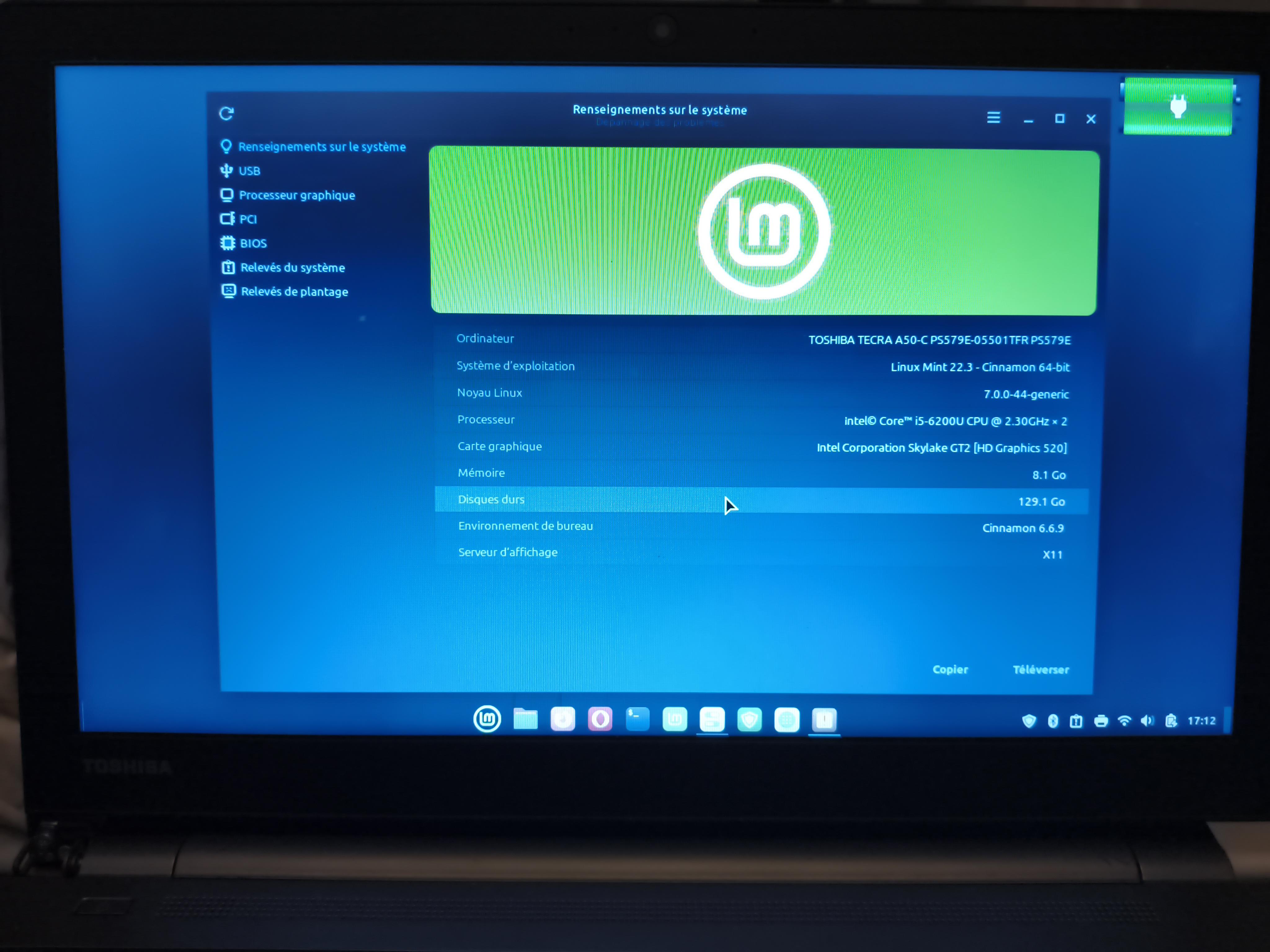
I inherited this old Tecra A50 CZ
8go DDR3
128Go Sata SSD
Was running painfully slow on windows, so... I brought it back from the dead with linux mint, now I have 3 PCs under mint, and I'm never looking back.
(No trouble setting it up, I know how to do the query for drivers and updates)
r/linuxmint • u/NefariousnessSame50 • 5h ago
Markdown is everywhere these days. I missed a quick preview of markdown, so I could simply read a document. That's why I created the nemo-markdown extension for Cinnamon.

It supports CommonMark and Github Flavored Markdown (GFM) style, renders code blocks and displays images. After installation, simply press space while selecting a markdown file in Nemo to make the preview pop open. Another space, and it closes again.
See https://git.software-berater.net/christian/nemo-markdown for installation instructions. There's a standard .deb file available. Code is MIT licensed opensource.
I used it for a week, and it's tremendously helpful for me.
r/linuxmint • u/TheCorruptedBean • 19h ago

I built my computer back in 2020 and started on windows 10 and have been on windows 10 until about 3-4 months ago (I hate windows 11). I did a bunch of research and found out that Linux Mint Cinnamon is very close style to windows 10 so I finally bit the bullet and installed it on a spare laptop I had. Wow… my mind was blown away. The laptop I was using to test it was only 4GB of ram and honestly I don’t remember anything else but it was old by tech standards.
So after that I installed it on my main computer (the one in the picture) and the last 3-4 months I have fallen so in love with it. Obviously there is some learning curve things and whatnot, but wow wow wow. I hate myself for not converting sooner. It’s everything I wanted for windows 10 just called Linux mint and it’s free!😂
I just wanna end this post by THANKING every single contributor or whatever that helped build this OS. From the bottom of my heart thank you!!
r/linuxmint • u/_AssbuttOfTheLord_ • 6h ago

I have no idea about tech stuff, please give me a video guide to follow, or explain steps like I'm 5. Thank you in advance.
I have restarted and gotten the same screen.
r/linuxmint • u/Anima_Watcher08 • 1d ago

The video above reports on Canonical's decisions to add more AI to Ubuntu, shift away from Debs and possibly become Immutable. So my question is, should Linux Mint continue to tolerate Ubuntu for the sake of consistency or would the effort of applying fixes and modifying Ubuntu be better spent on moving away from it?
Already Ubuntu changes are having an effect on Mint as those testing out the 27 "Adrien" Beta may have noticed that there is a shift in the version of "sudo" to "sudo-rs" along with many other differences as a result of Canonical's decisions.
Am I worrying too much? Should Debian Edition become the main focus? Should Mint Team consider a whole different base distribution?
r/linuxmint • u/randomusername12308 • 12h ago

if you are experiencing apps using fallback title bar or completely broken title bar in the wayland season in mint 27 beta, you can force these apps to run in x11 mode to fix it:
Hope this helps
r/linuxmint • u/Big_Activity1154 • 13m ago
I've been using Linux Mint as my daily driver for 4 months now and loved it so far. I have to use Windows at work every day (for CAD) and it now feels weird, clunky, bloated. So I'm definitely staying on Linux.
But recently I wanted to try something else. Over these 4 months of tinkering I got a lot of stuff on my PC now, the directories are all cluttered, it's all a bit chaotic. So I thought of either just reinstalling Mint fresh and go from there, or try something else entirely. I mainly use my PC for the usual: browsing, mails, gaming and the like. Maybe CachyOS? Though I don't know if I'm going to be happy with Arch and it's maintenance. Also, I do like Cinnamon and it's simplicity. Just tried KDE Plasma and in my opinion it was a bit clunky to use, bloated with widgets and bars and buttons. Other options?
r/linuxmint • u/TipAffectionate6170 • 1h ago
Installed 22.3 on a new 'ASUS Vivobook 18 M1807GA-MS78' 18 that retained it's Microslop 11 partition. The Kernel came with 7.0.0.38 where I found an audio hardware problem which wioiuld not recognize this laptop's audio hardware. The quick fix was to upgrade the kernel to 7.1. I first installed kernel 7.1.13 which bricked upon reboot. Rebooted with plain kernel 7.1 & hardware is found and working mostly BUT not with local installed speakers still. So I ten booted into Winders 11 to find the local, installed speakers to work fine.
I was also working on this laptop remotely through 'AnyDESK' to find that my laptop DID play audio just fine (using Brave browser) as it was heard on my end during that remote connection.
How can I get these local speakers to work as well in LINUX 22.3 as the end user is anxiously abandoning Microslop.
I do have the first install html data of hardware info at kernel 7.0.0.38 if that helps.
r/linuxmint • u/milk_shiekh07 • 1d ago

I was happy how linux mint works crazy fast compared to windows in my laptop (i5 7th gen) it literally gave my laptop a mew life but the only thing was it kinda looks basic in the default setup, so i made it look little better (MacOS inspired).
I am using plank for the dock but i have made changes to it to make it a lil glass effect in background. Icon sizes are uneven but i m working on it to make it better. For the base theme i m using WhiteSur which made it look even more better.
r/linuxmint • u/BeardedBlueCollarGuy • 2h ago
Good morning folks, i hope you all had a great Thanksgiving. Not too long ago i bought a Asus GL502 gaming laptop. It has a 2.5" SATA port and m.2 nvme port. I installed Linux Mint onto a SATA drive and installed a 1TB nvme drive as extra storage. Everything went fine but for some reason i am unable to use the nvme drive. The system reads it, it pops up on the desktop and in the file manager but, other than opening the device, I am unable to do anything useful with it. I can look at its properties(capacity, permissions, etc) but other than that, nothing. It does have 2 folders in it: recycle bin and system volume information. I tried adjusting the permissions but they do not save/apply.
I have three thoughts: either I remove the nvme drive, reinstall and update Mint(there isnt much so it wouldnt be an issue), then reinstall the nvme and hope it becomes useable; I figure out if i can change the permissions as root in terminal; or it has something to do with the BIOS settings at startup.
I am newish to Linux so any help is greatly appreciated.
r/linuxmint • u/Limp_Promise_9913 • 2h ago
Is there any way to run files from steamRIP on a laptop with linux mint?
r/linuxmint • u/Harveyes • 2h ago
USB storage (external HDD, flash drives) fails or drops off the bus on every Type-A port. Keyboard and mouse work fine. With a drive plugged in at power-on, the laptop won't boot until I remove it. Kernel log:
usb 3-1: device descriptor read/64, error -110
xhci_hcd 0000:00:14.0: Timeout while waiting for setup device command
usb usb3-port1: Cannot enable. Maybe the USB cable is bad?
usb usb3-port1: unable to enumerate USB device
ucsi_acpi USBC000:00: error -ETIMEDOUT: PPM init failed
Specs: HP Victus 15-fa0xxx, BIOS F.26, kernel 6.14 (also tried 6.8).
it happened right after I made a bootable flash drive to resize a partition and got an error booting from it. I set the boot order back, but the problem stayed.
i tried(nothing worked)
Different cable, hub, and ports
Power drain reset
BIOS reset to defaults, USB boot disabled
Disabled USB autosuspend and controller power management
usbcore enumeration parameters, usb_storage quirks, delay_use
Older kernel
what can i do?
r/linuxmint • u/Fearless-Water-1808 • 7h ago
Will we have to wait for LMDE 8 Debian 14 or will they get an intermediate release for LMDE 7?
r/linuxmint • u/Dist__ • 1d ago

Hello.
Not going to explain myself why, but i do use KDE Plasma on Mint, and no matter how good and polished new Cinnamon comes with Mint 27, it's essential to test how Plasma works on that new platform.
Native Plasma comes from regular Mint (Ubuntu) repo, and as usually installs with sudo apt install kde-plasma-desktop. Plasma comes in Wayland version only.
I test this on LiveUSB, and there were some unsuccessful attempts to logout/switch DE, resulting in fallbacks to X11 Cinnamon. But after 3 or 4 attempt, trying both logout and switch user, it finally understood what i wanted.
Likely, it was caused by default video drivers (i need nvidia but canot reboot in liveusb session), because when Plasma boots it all flickers due to 100Hz set by default, while i guess nouveau driver is 60Hz only. But desktop works, so i switch refresh rate to 60 and flickers gone.
Plasma 6 comes with fancy panel offset which i am not a fan of, but it disappears when a window is maximized and i guess there's setting to disable the offset anyway.
Menu animations on Plasma are amazing and smooth even on liveusb without drivers, Cinnamon feels much less smooth, like if it renders at 20 fps.
i only had to install screenshot app because mint's won't work (hardcoded into cinnamon or something)., themes work out of the box, konsole works well and do not override F-keys as mint's does.
so far it's great. Mint team did good work.