**--- Video content breakdown (Guide and Links are below) ---**
1. Required Downloads
Gather the following installers, models, and configuration templates \[00:52\]:
Beellama Server (beellama.cpp): Download the latest stable Windows CUDA release (e.g., beellama-v0.5.0-bin-win-cuda-12.8-x64.zip) along with the matching cudart archive (beellama-v0.5.0-cudart-win-cuda-12.8-x64.zip) from GitHub \[01:08\].
DeepSeek Harness: Download the Windows installer directly from the DeepSeek website \[02:09\].
Qwen 3.8 27B Model: From Hugging Face, download the IQ3_S-mtp GGUF quantization (recommended for 16GB VRAM) as well as the separate multimodal vision projector file (mmproj-Qwen3.8-27B-BF16.gguf) \[02:34\].
Custom Chat Template: Download chat_template.jinja from the Qwen-Fixed-Chat-Templates repository to prevent thinking loops \[03:07\].
2. Directory Setup & File Extraction
Organize your local AI environment in a clean directory (e.g., D:\\LocalAI) \[04:18\]:
Create two subfolders: beellama and models \[04:24\].
Extract both the beellama binary archive and the cudart DLL files directly into the beellama folder \[04:36\].
Move the Qwen GGUF model, the mmproj vision file, and chat_template.jinja into the models folder \[04:57\].
3. Configuring & Starting the Local Server
Create a Windows batch file (e.g., start_beellama.bat) in your main directory using the startup script provided in the creator's notes \[05:40\].
Ensure the file paths in the batch script match your model file names, context size (e.g., 115200), and port (8080) \[07:20\].
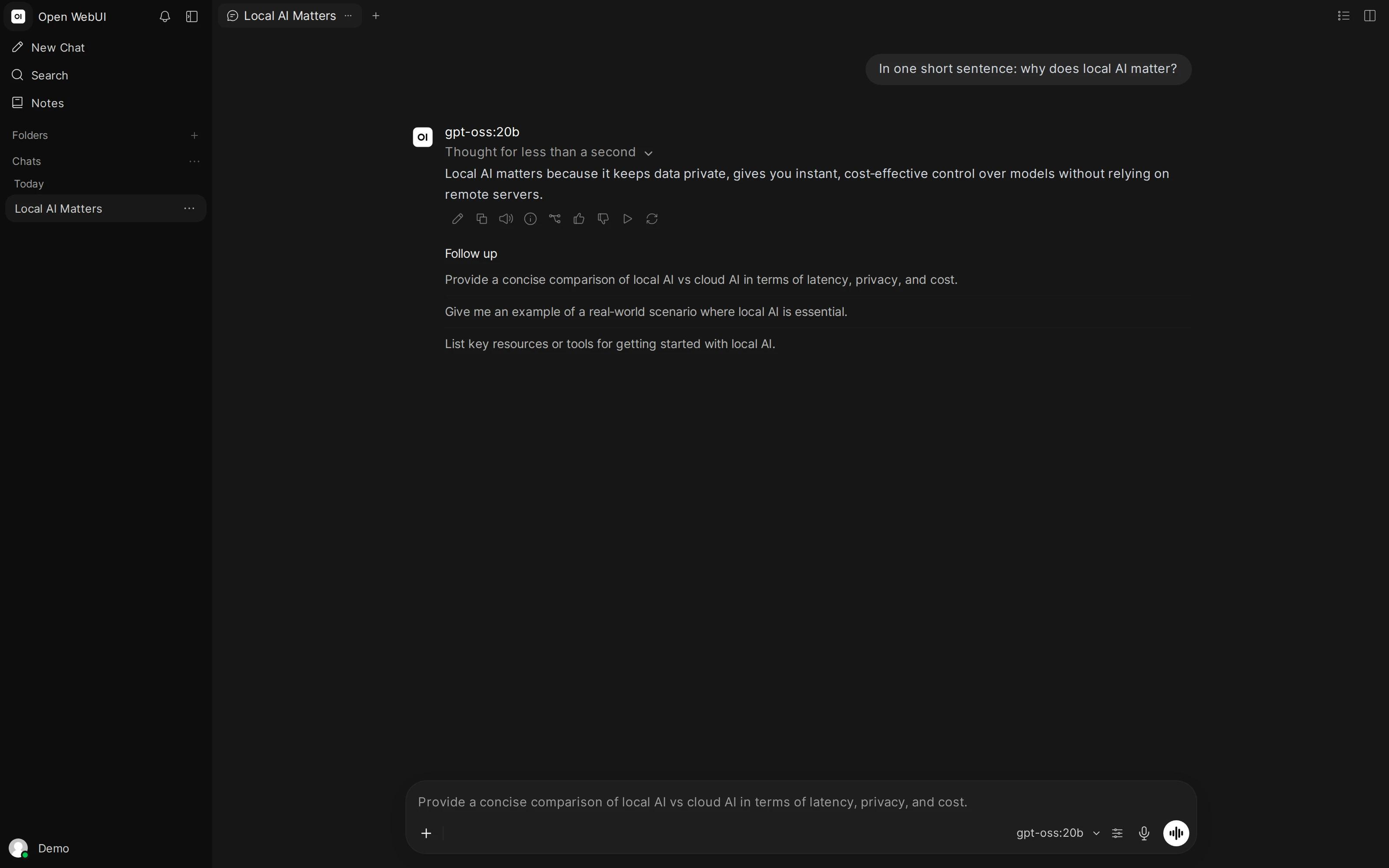
Run the batch file to launch llama-server.exe \[07:36\]. Once running, verify the OpenAI-compatible API endpoint is active by visiting [http://127.0.0.1:8080/v1/models](http://127.0.0.1:8080/v1/models) in your browser \[09:57\].
4. Installing & Configuring DeepSeek Harness
Installation: Run the DeepSeek Harness installer and keep the default installation path to prevent configuration path issues \[10:44\].
Connecting the Local Model:
Open Settings (Einstellungen) -> Models (Modelle) and add a custom API provider \[11:40\].
Set the Base URL to [http://127.0.0.1:8080/v1](http://127.0.0.1:8080/v1), select the OpenAI Chat Completions protocol, and fetch the available model (Qwen3.8-27B) \[12:34\].
Enter any placeholder text (such as 1234) into the API key field, as the app requires a value even though the local server ignores it \[13:04\].
YAML Configuration: Open the config.yaml file via the top-right button in Settings, completely exit DeepSeek Harness (including from the system tray), and paste in the custom configuration block \[13:26\]. This configures the exact context window (115200), multimodal (text, image) inputs, longer timeout limits for local inference, and adjusted compaction thresholds \[15:01\].
Setting Up a Workspace: Relaunch DeepSeek Harness, enter your dummy API key if prompted, select Qwen3.8-27B from the model dropdown, and link a dedicated project folder as your workspace with standard read/write permissions \[16:06\].
**--- start of guide ---**
Hey,
as many requested from my [qwen vs inkling report](https://www.reddit.com/r/LocalLLM/comments/1y6ux2s/qwen_38_27b_vs_inkling_2_mini_user_comparison_on/), here is at least a quick setup guide for qwen 3.8 27b and deepseek harness at 16gb vram. Sorry, dont really have time for an in depth tutorial right now, but thought this might suffice to get you started.
**--- Installers and Files ---**
- Beellama: [https://github.com/Anbeeld/beellama.cpp/releases](https://github.com/Anbeeld/beellama.cpp/releases)
Download latest stable release and the cuda libraries
\- [beellama-v0.5.0-bin-win-cuda-12.8-x64.zip](http://beellama-v0.5.0-bin-win-cuda-12.8-x64.zip)
\- [beellama-v0.5.0-cudart-win-cuda-12.8-x64.zip](http://beellama-v0.5.0-cudart-win-cuda-12.8-x64.zip)
2. Deepseek Harness: [https://www.deepseek.com/en/harness/](https://www.deepseek.com/en/harness/)
Download the harness installer
3. Qwen 3.8 Model: [https://huggingface.co/ISTA-DASLab/Qwen3.8-27B-GSQ-RCO-GGUF/tree/main](https://huggingface.co/ISTA-DASLab/Qwen3.8-27B-GSQ-RCO-GGUF/tree/main)
Download the model.gguf (mtp version) and the vision gguf
4. Qwen 3.8 Chat Template: [https://huggingface.co/froggeric/Qwen-Fixed-Chat-Templates/tree/main](https://huggingface.co/froggeric/Qwen-Fixed-Chat-Templates/tree/main)
Download the Chat Template file
**--- Llama Starter and Config - Adjust the paths and file names ---**
u/echo off
REM Hide command echoing to keep the startup window clean.
cd /d "D:\\LocalAI\\Beellama"
REM Change working directory to the folder containing llama-server.exe.
REM ============================================================================
REM LLAMA-SERVER PARAMETER DOCUMENTATION
REM ============================================================================
REM
REM \[Hardware & Performance\]
REM -t 12 : Number of CPU threads for generation
REM -tb 12 : Number of CPU threads for batch processing
REM -ngl 99 : Offload up to 99 model layers to GPU
REM --no-mmproj-offload : Keep multimodal projector off GPU (saves VRAM)
REM -fa on : Enable Flash Attention
REM
REM \[Model & Vision\]
REM -m : Path to main GGUF model file
REM --mmproj : Path to multimodal projector file
REM --image-min-tokens 1024 : Minimum image token allocation
REM --alias "Qwen3.8-27B" : Friendly model/API name
REM
REM \[Speculative Decoding (MTP)\]
REM --spec-type draft-mtp : Enable MTP speculative decoding
REM --spec-draft-n-max 3 : Maximum 3 speculative draft tokens
REM --spec-draft-p-min 0.8 : Minimum draft probability threshold
REM
REM \[Context & KV-Cache\]
REM -c 115000 : Maximum context window: 115K tokens
REM -ctk kvarn4 -ctv kvarn3 : Quantized K and V KV-cache formats
REM --kv-tail-tokens 1024 : Preserve recent 1024 KV tokens in cache tail
REM -kvu -np 1 : Unified KV cache; one parallel sequence
REM --cache-ram 16384 : Allocate up to 16 GB RAM for prompt caching
REM --cache-idle-slots : Cache reusable data from idle slots
REM
REM \[Chat Template & Sampling\]
REM --jinja : Enable Jinja chat templating
REM --chat-template-file : Path to custom Jinja chat template
REM --temp 1.0 : Sampling temperature
REM --top-k 20 : Consider the 20 most likely tokens
REM --top-p 0.95 : Nucleus sampling threshold: 95%
REM --min-p 0.0 : Minimum relative token probability filter
REM --presence-penalty 1.2 : Penalize previously appearing tokens
REM
REM \[Reasoning & Loop Guard\]
REM --reasoning on : Enable reasoning support
REM --reasoning-budget 16384 : Reasoning token budget
REM --reasoning-budget-message : Instruction injected when reasoning budget is exhausted
REM --reasoning-loop-guard : Force-close detected reasoning loops
REM --reasoning-loop-interventions : Maximum reasoning-loop interventions (2)
REM --reasoning-loop-min-coverage : Minimum coverage for loop detection (256)
REM --reasoning-loop-window : Token window used for loop detection (1024)
REM --reasoning-preserve : Preserve reasoning information across turns
REM --chat-template-kwargs : Set reasoning effort to extra high (xhigh)
REM
REM \[Network\]
REM --port 8080 : HTTP server listening port
REM ============================================================================
llama-server.exe \^
\-t 12 \^
\-tb 12 \^
\-m "D:\\LocalAI\\models\\Qwen3.8-27B-UD-IQ3_S.gguf" \^
\--mmproj "D:\\LocalAI\\models\\mmproj-Qwen3.8-27B-BF16.gguf" \^
\--no-mmproj-offload \^
\--image-min-tokens 1024 \^
\--alias "Qwen3.8-27B" \^
\--spec-type draft-mtp \^
\--spec-draft-n-max 3 \^
\--spec-draft-p-min 0.8 \^
\-ngl 99 \^
\-c 115000 \^
\-ctk kvarn4 -ctv kvarn3 \^
\--kv-tail-tokens 1024 \^
\-fa on \^
\--jinja \^
\--chat-template-file "D:\\LocalAI\\models\\chat_template.jinja" \^
\--temp 1.0 \^
\--top-k 20 \^
\--top-p 0.95 \^
\--min-p 0.0 \^
\--presence-penalty 1.2 \^
\--reasoning on \^
\--reasoning-budget 16384 \^
\--reasoning-budget-message "Reasoning budget exhausted. Commit to the judgment you have formed so far. Your next output must be a concrete action: a tool call, a gate decision, or a completed deliverable. Do not restart the analysis." \^
\--reasoning-loop-guard force-close \^
\--reasoning-loop-interventions 2 \^
\--reasoning-loop-min-coverage 256 \^
\--reasoning-loop-window 1024 \^
\--reasoning-preserve \^
\--chat-template-kwargs "{\\"reasoning_effort\\":\\"xhigh\\"}" \^
\-kvu -np 1 \^
\--cache-ram 16384 \^
\--cache-idle-slots \^
\--port 8080
pause
**--- Deepseek Harness Config ---**
edit: Reddit messes up the indentation of the file - so rather download it with clean indentation:
[https://drive.google.com/file/d/13GKi0DTl8-Wj8jWb1Jg8gzBzEEKXo_oM/view?usp=sharing](https://drive.google.com/file/d/13GKi0DTl8-Wj8jWb1Jg8gzBzEEKXo_oM/view?usp=sharing)
\# ============================================================
\# CUSTOM QWEN MODEL PROVIDER
\# ============================================================
\# Register a custom LLM provider for DeepSeek Harness.
\- id: llm-pi-ai
\# Unique component identifier used by the harness.
name: "@deepseek-ai/dsh-llm-pi-ai"
config:
providers:
qwen:
\# Friendly provider name displayed in the harness.
displayName: qwen
\# Use the OpenAI-compatible Completions API protocol.
api: openai-completions
\# Local llama-server endpoint.
\# Port 8080 matches your Beellama startup configuration.
baseURL: [http://localhost:8080](http://localhost:8080)
\# Environment variable containing the API key.
\# The actual key is not stored directly in this YAML file.
apiKeyEnv: QWEN_API_KEY
models:
\- id: Qwen3.8-27B
\# Model identifier sent to the API.
\# Must match the model alias configured in llama-server.
name: Qwen3.8-27B
\# Maximum context window advertised to the harness.
\# 115K tokens, matching your server context.
contextWindow: 115000
\# Maximum number of tokens requested for a response.
\# Includes generated reasoning/output, subject to server support.
maxTokens: 32768
\# Supported input modalities:
\# text = normal text prompts
\# image = image/multimodal input
input: \[text, image\]
\# Maximum time to wait for an idle streaming connection.
\# 600000 ms = 10 minutes.
streamIdleTimeoutMs: 600000
\# Maximum request timeout.
\# 600000 ms = 10 minutes.
timeoutMs: 600000
\# ============================================================
\# EXPLICITLY DISABLED COMPONENTS
\# ============================================================
\# Disable DeepSeek Harness session logging.
\- id: session-log-deepseek
\# Original session logging component.
name: "@deepseek-ai/dsh-session-log-deepseek"
\# Prevent this component from loading.
disabled: true
\# Disable the plugin marketplace tool integration.
\- id: tool-plugin-market
\# Plugin marketplace tools component.
name: "@deepseek-ai/dsh-plugin-market/tools"
\# Prevent marketplace tools from being registered.
disabled: true
\# Disable the plugin manager tool integration.
\- id: tool-plugin-manager
\# Plugin manager tools component.
name: "@deepseek-ai/dsh-plugin-manager/tools"
\# Prevent plugin management tools from being registered.
disabled: true
\# ============================================================
\# CONTEXT COMPACTION AND TOOL RESULT MANAGEMENT
\# ============================================================
\# Define a grouped set of compaction-related components.
\- id: compaction
\# cordis:group loads multiple components as one logical group.
name: cordis:group
\# Marks this component as a group rather than a standalone plugin.
group: true
isolate:
\# Isolate the compaction functionality.
compaction: true
\# Isolate tool-result pruning functionality.
toolResultPruner: true
config:
\# ----------------------------------------------------------
\# BASIC CONTEXT COMPACTION
\# ----------------------------------------------------------
\- id: compaction-basic
\# DeepSeek Harness basic compaction implementation.
name: "@deepseek-ai/dsh-compaction-basic"
config:
\# Trigger compaction when context usage reaches 80%
\# of the available context window.
thresholdRatio: 0.8
\# Additional token headroom reserved during compaction.
\# Zero means no additional headroom is configured here.
headroomTokens: 0
\# Retain 12% of the conversation when compacting.
\# Helps preserve important conversational context.
retainRatio: 0.12
\# Maximum token limit used by this compaction component.
maxTokens: 65536
\# ----------------------------------------------------------
\# MANUAL COMPACTION COMMAND
\# ----------------------------------------------------------
\- id: command-compact
\# Registers the /compact command.
\# Allows manual context compaction when supported by the harness.
name: "@deepseek-ai/dsh-command-compact"
\# ----------------------------------------------------------
\# TOOL RESULT PRUNER
\# ----------------------------------------------------------
\- id: tool-result-pruner
\# Automatically manages oversized tool results.
name: "@deepseek-ai/dsh-compaction-tool-result-pruner"
config:
\# Trigger pruning when a tool result exceeds 8192 characters.
thresholdChars: 8192
\# Preserve the first 4096 characters of the tool result.
\# Usually retains the beginning and initial context.
headChars: 4096
\# Preserve the last 1024 characters of the tool result.
\# Usually retains the ending and final information.
tailChars: 1024