We see a decent amount of questions regarding what iPad to buy. To make sure r/ProCreate doesn't get flooded in iPad related question, you can leave them here!
Every once in a while we we look at all the comments and update this post with useful information.For any indepth questions, we highly recommend r/ipad and r/iPadPro.
**Layers:**Layers give more control when creating artwork, so having a lot of layers is a huge advantage. It’s a huge pain when you run out of layers. The maximum layer count is determined by two things: Canvas Resolution and RAM. The more RAM your iPad has, the more layers you’ll get to work with. So the more RAM you have, the better.
**Screen Size:**Many people, myself included, work more comfortably on a larger iPad screen. On a smaller screen size, you can zoom in on your work but in the end it is what YOU prefer.
**Hard Drive:**A larger hard drive means more space to store artwork, fonts, photos, and more.
**Apple Pencil Compatibility:**Apple Pencil is bar-none the best stylus you can get for drawing and painting on the iPad. In fact, the Procreate developers specifically designed the app to work best with Apple Pencil. For the best experience drawing in Procreate, be sure you get an iPad that works with the Apple Pencil.
**Processor:**One more thing to keep in mind is that newer iPads will have faster processors, which means Procreate will run faster and will be more responsive when using the different tools. There’s even a Procreate feature called face paint that only works on some of the faster processors.
So without knowing anything about iPads, here’s some guidance for what to look for in a device. Get the most RAM and largest screen that your budget will allow, and be sure the iPad is compatible with the Apple Pencil. Having a larger hard drive is great too, so if you have some extra budget, go for it.
---
Apple pen
**Which Apple Pencil should I buy?**Which Apple Pencil should you get? Well, it depends on your iPad because the Apple Pencils are not cross-compatible. You have to get the Apple Pencil that works with your iPad, the other one will not work. For a full list of each iPad that works with each Apple Pencil, click [HERE](https://support.apple.com/en-us/HT211029).
Difference Between Apple Pencil 1 and 2The most significant difference between the two generations of Apple Pencil is the way they charge. With the Gen 1 Pencil, you need to remove a little cap, which is easy to lose, then stick the pencil into the iPad port, which is … awkward. Gen 2 charges seamlessly while magnetically attaching to the side of the iPad. For this reason, it’s harder to lose, and it’s always charged. Additionally, the Gen 2 Pencil has an invisible button that lets you switch between the brush and eraser tools in Procreate. I didn’t really like this feature and kept triggering the button unintentionally, so I turned it off. The Gen 2 Pencil also has a flat edge on one side, so it won’t roll off the desk when you set it down.
All that being said, the Apple Pencil shouldn’t be the deciding factor of what iPad to get, just get the one that works with your iPad.
---
Procreate Pocket
**Does Procreate work on the iPhone?**Yes! And no. There is another version of Procreate specifically designed for the iPhone called Procreate Pocket. It’s a separate purchase from Procreate for iPad. It has many of the same capabilities as the iPad app and is great for drawing on the go. If you are interested, check out r/ProcreatePocket!
Does Procreate work on Android OS? No. The Procreate team has stated that they are focusing development solely on iOS.
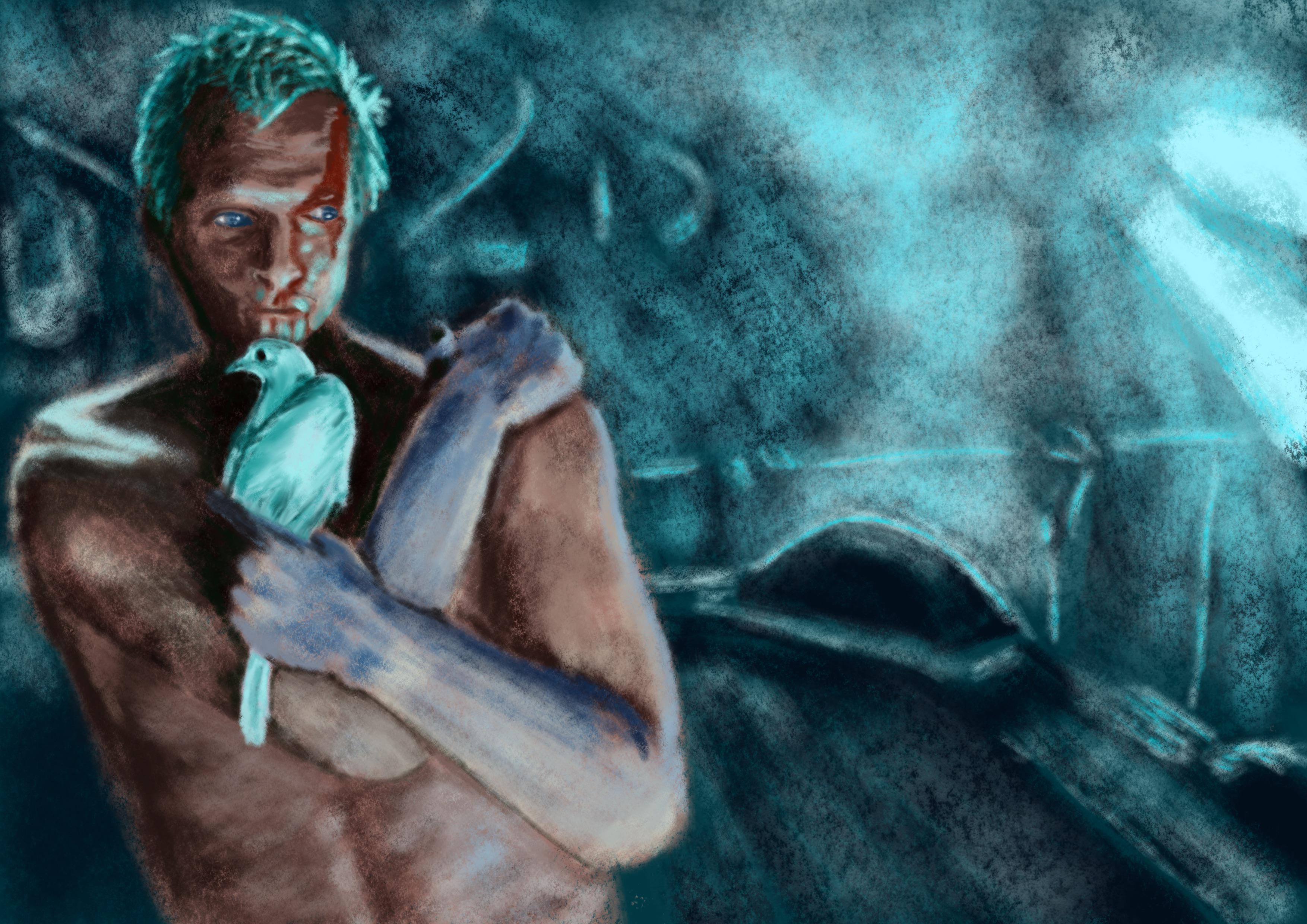
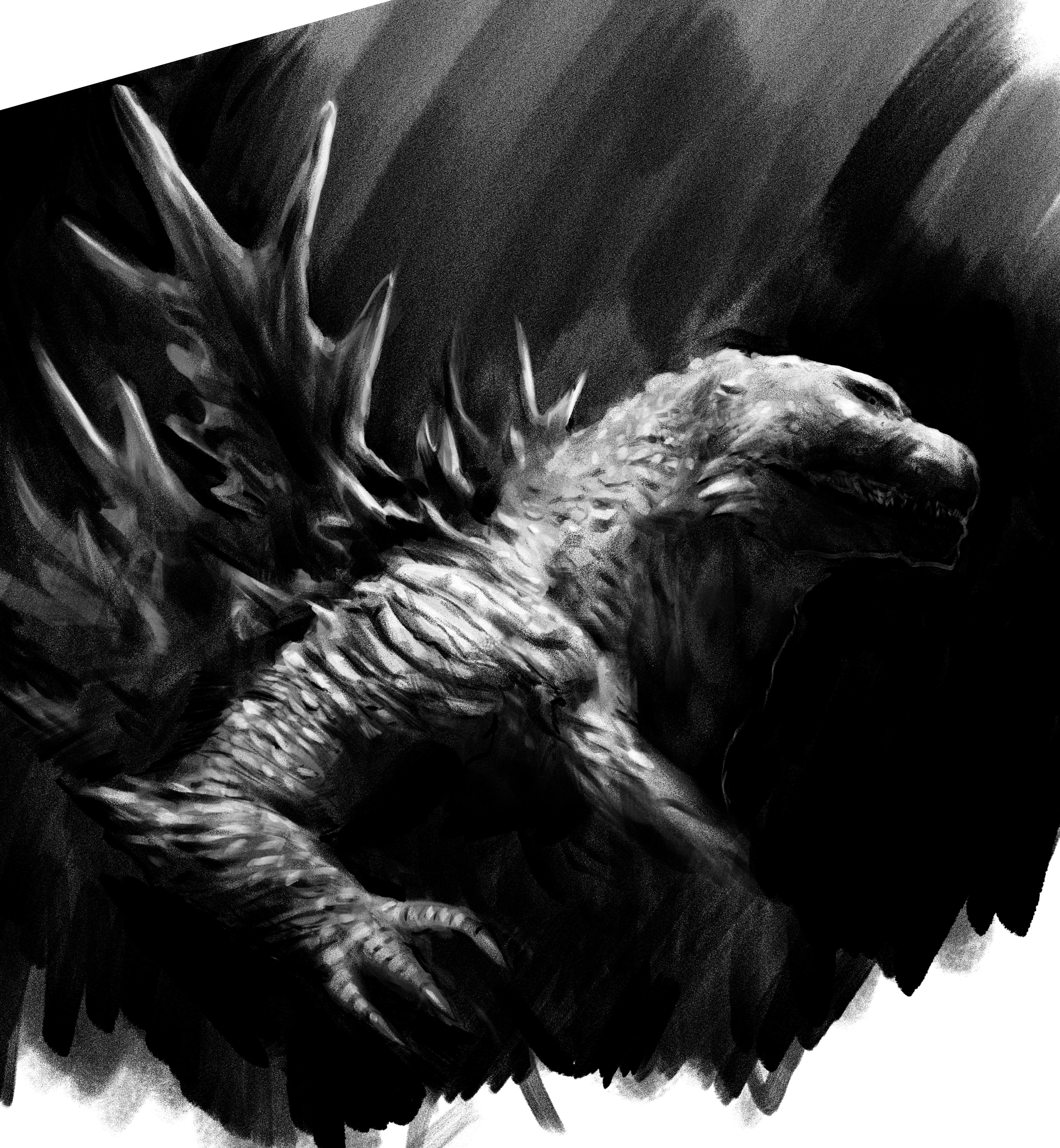
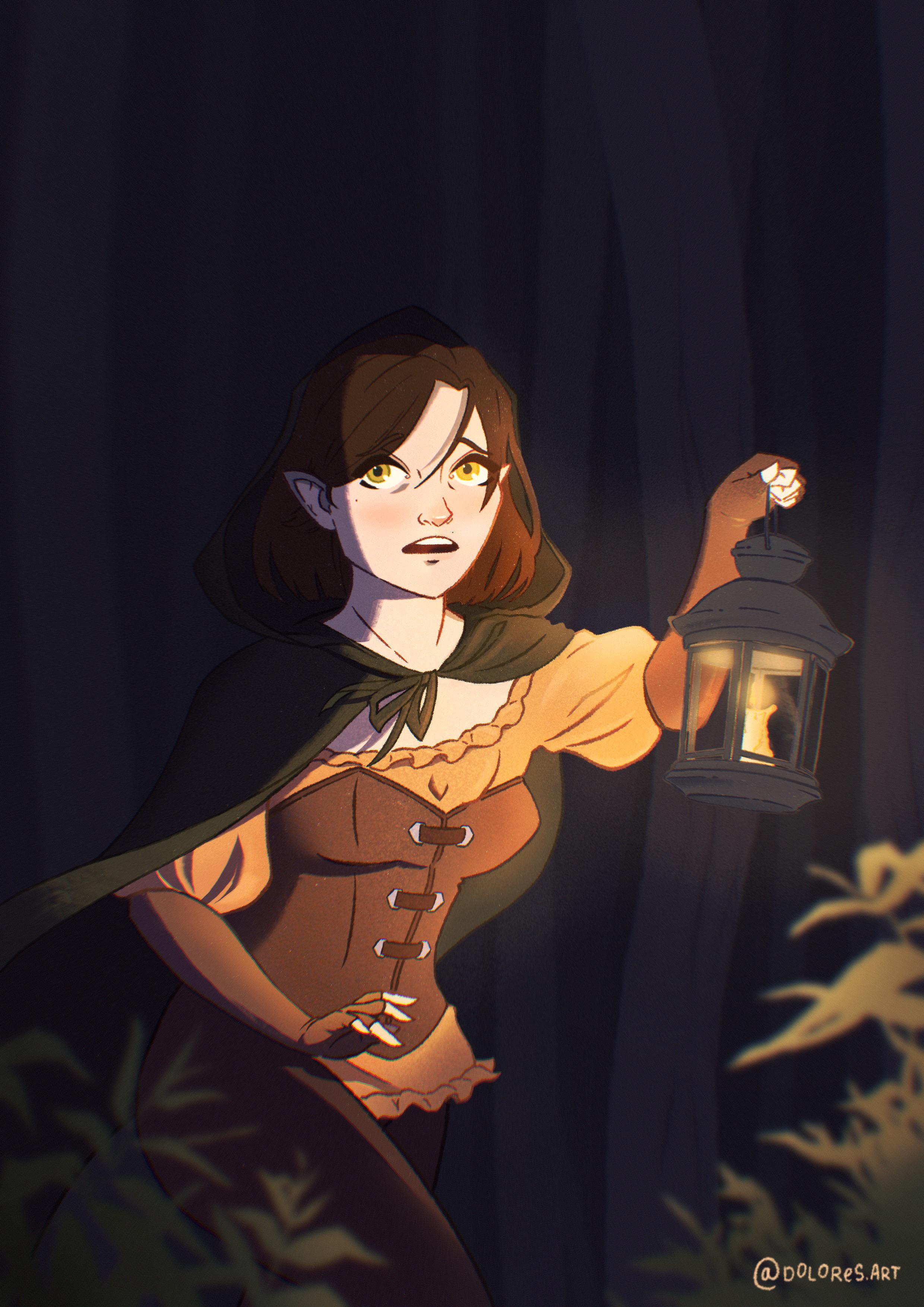
I finally finished this painting I’ve been working on for the better part of 3 months now!
There are many things I wish I had done differently, but I’m glad I pushed myself on this one! A better artist would’ve finished this faster, but this piece pushed me to the extent of my current abilities.
This will likely be my last digital painting for quite a while as I have fell out of love with digital media due to the rise of AI plagiarism.
I yearn for pencils and traditional media that provide a more tactile experience.
I like watching movies and drawing a scene from whatever I’m watching. I do a lot during Halloween, but don’t usually branch out outside that. I’m trunk to branch out.
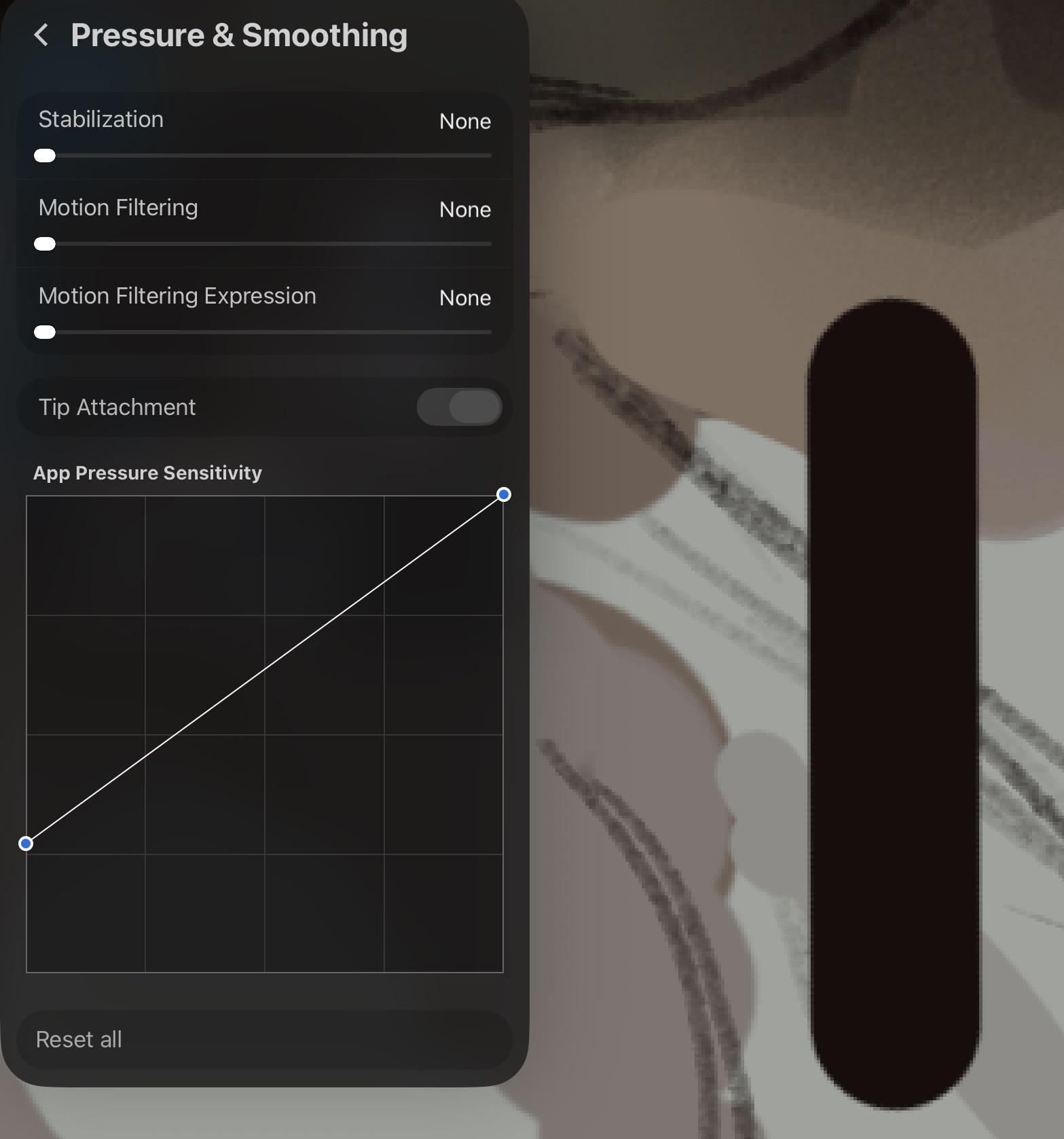
Putting the beginning of the pressure curve above the first grid block makes the entire stroke completely opaque. Works normally with the default curve I guess. Does anyone else have this issue? I have an iPad Pro with apple pen pro. On latest ipadOS