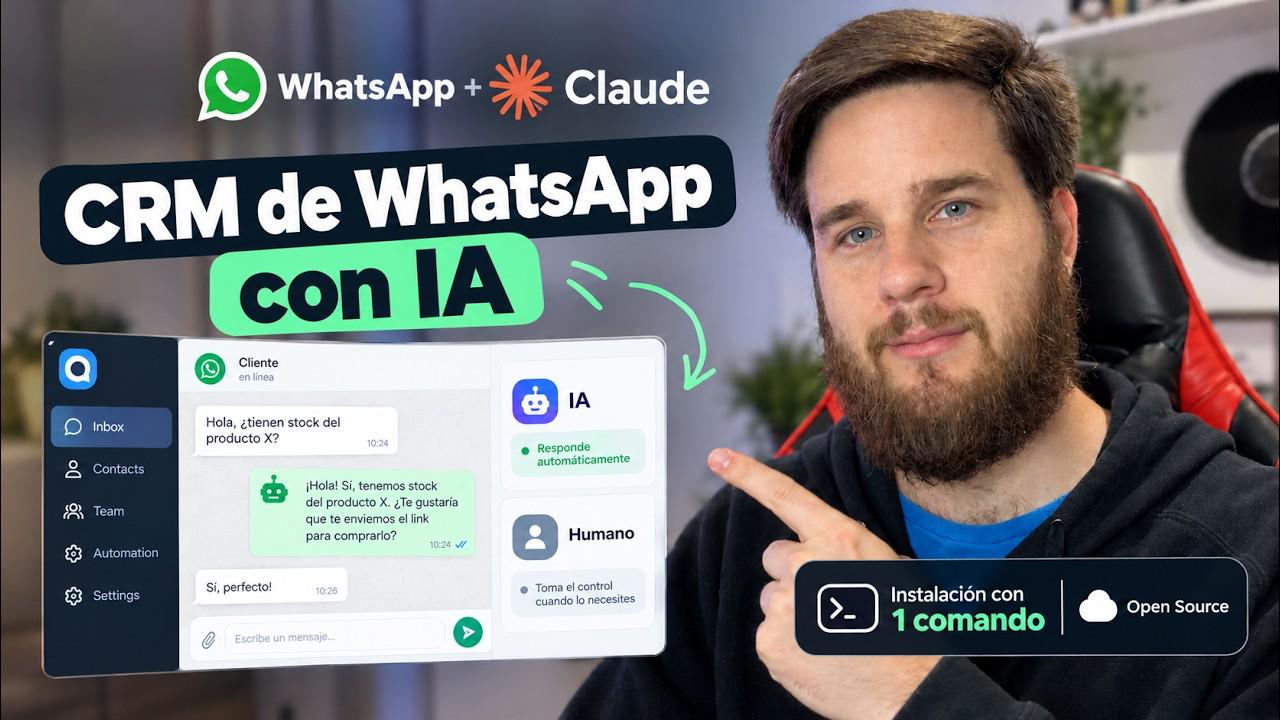
I have been building a small open source CRM for WhatsApp on top of Twilio, where an AI agent answers customers and a person can take any chat from a panel. The part I want to share is not the AI, is the handoff, because it is there where things get complicated.
Each conversation has a status stored in the database: bot, needs_human or human. The agent never decides by itself if it should answer, it only reads that field.
What happens when a message comes in:
Twilio hits the webhook and I return 200 right away, before doing anything else. Then first read of the status. If it is human, I just store the message and nobody answers. If it is bot, I build the agent context: last 10 messages plus any notes the operator left when he gave the chat back, and four skills (customer, tickets, knowledge base, handoff).
The case I designed for is this one. Building context and generating the answer takes some seconds. In that window an operator can click "take chat" and write his own message. If you only check the status at the beginning, the agent finishes, sends its reply anyway, and the customer gets two different voices answering at the same time.
So before sending through Twilio I read the status a second time. If someone took the chat meanwhile, the reply is dropped. Is a boring check, which I get, but is the line I care most about in the whole thing.
My opinion, and I know some people here will disagree: most of the "my bot keeps talking after the human joins" problems I see described are state problems, not prompt problems. A lot of advice goes to telling the model in the system prompt to stop when a human is in the chat. The model can't see what the operator is doing in real time, so it shouldn't be the one deciding that. The state should live outside of it.
Two smaller things from the same build. If you develop locally with ngrok, reserve a fixed domain, otherwise every restart you are updating the webhook URL in the console again.
You can see the full video implementation here: https://youtu.be/ZEmZMZtAdbo. Claude Code handles most of the setup by using the Twilio MCP + custom commands. Happy to take feedback on the video!