r/Xcode • u/jimhillhouse • Sep 09 '26
Fable Now Available as Claude Agent in Xcode 27 RC

6
Upvotes
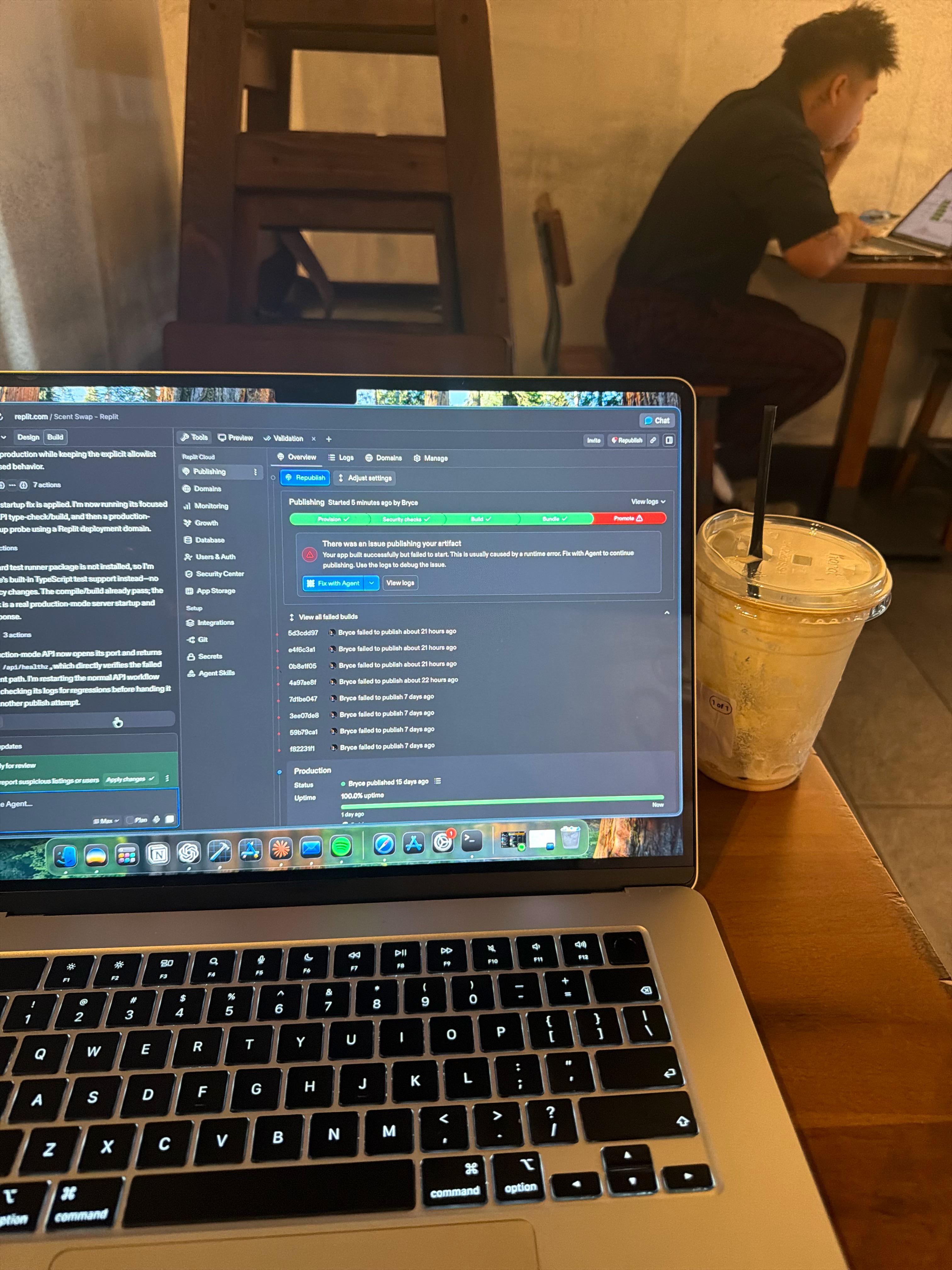
This picture says it all.
r/Xcode • u/jimhillhouse • Sep 09 '26
This picture says it all.
r/Xcode • u/AffectionateTheory23 • Sep 09 '26
Ich baue seit ein paar Wochen eine App mit der Xcode Beta 27 und habe ein Problem mit der Claude Usage. Ich nutze das Agententool, und wenn ich einen prompt eingebe, springt mein 5 Stunden Limit direkt auf 30 %, ohne dass der Agent irgendetwas gemacht hat. Hat vielleicht jemand das selbe Problem oder vielleicht eine Lösung?
r/Xcode • u/Aeronautical-You4917 • Sep 08 '26

I am on Xcode 27 Beta, and seems like there's an included internal AI agent called Mio?
Found this inside of the Metal shader debugger.
Any ideas? Is this an internal thing that leaked through, or has this been here?
r/Xcode • u/Electrical_Cup3869 • Sep 07 '26
Open-sourced my Apple Foundation model eval suite
Not sure about you, but I find evals for Foundations models a bit messy.
Its completely local, and supports the models already on your Mac. Also supports Core AI.
Supports MacOS 27 and includes the new features for it.
Best part? Your agent can control it all through MCP 🙌
On GitHub here: https://github.com/coryparrry/Foundation-Eval-Labs
r/Xcode • u/ke1in • Sep 07 '26

Brother, I'm stuck in Instruments. How do I return to the top of the tree?
r/Xcode • u/Superb-Leadership900 • Sep 07 '26
r/Xcode • u/Capital_Hedgehog4326 • Sep 07 '26
r/Xcode • u/ezbluff • Sep 06 '26
In case this helps anyone: When adding multiple apps to Xcode Cloud, it would sometimes link projects together incorrectly and mess up the builds/workflows. I was pulling my hair out trying to figure this out, and Claude was of no help either (even using my app store connect API key to look and try things).
With some tips from Gemini, I think I finally figure out what is happening. Xcode might be holding stale product association locally.
Between adding things to Xcode Cloud, the following worked for me to appropriately clear whatever caches were causing this:
I highly recommend doing this any time you add a new app from Xcode to Xcode Cloud. It bit me multiple times.
r/Xcode • u/Maleficent_Ad_4774 • Sep 06 '26

r/Xcode • u/math_the_witch • Sep 05 '26

I'm an iOS developer, and I kept repeating the same setup before every debugging session(but no, I am not tired of this!).
Launch with a particular environment variable, switch the language, force dark mode, find the right deep link, send the matching push payload. Then do it all again on the next build.
So I built CosmoKit, a native macOS control center for iOS Simulator workflows. Built with SwiftUI and SwiftData.
Two things are already built and go out in the next update:
And yes, I know there are already some really good tools in this space. My problem was that I ended up paying for several different apps to cover different parts of my workflow, and the cost added up quickly.
So I built the tool I wanted for myself: one place for the Simulator workflows I use every day, with pricing that makes sense for an indie developer.
My goal is to keep expanding it and bring more of the useful features that are currently spread across different iOS development tools into one place. I don't expect to replace every specialized tool out there, but I'd like CosmoKit to cover more and more of the things I reach for during everyday development without needing five different apps open.
That's also why I'm posting this here. I'm very open to suggestions, criticism, and feature requests, especially if there's a tool or workflow you rely on today that you'd love to see built into CosmoKit.
Landing Page
https://usecosmoskittool.com/?ct=reddit-462
App Store
r/Xcode • u/Plenty-Historian9510 • Sep 05 '26
Hey,
I've kept working on PkgLift, the tool I shared here a few weeks ago for moving CocoaPods dependencies to SwiftPM. I've now released 0.6.0.
The idea is still the same. You look through a plan first, and it only moves dependencies with an exact supported mapping. Anything uncertain stays with CocoaPods.
The recent work has been around Podspecs and what information a generated Swift package would actually need. That part is still an experiment in the library API, separate from the CLI. It currently only covers one synthetic test library, using supplied information about its files. It doesn't inspect your sources or write a Package.swift, so this release hasn't expanded what the normal migration tool can move automatically.
You can install it with:
brew install Alexsvensson99/tap/pkgliftThen try pkglift analyze in your project's directory to see what it can handle without changing the project.
If you've still got an older Xcode project using CocoaPods, which dependency has been the hardest to move away from? I'd be interested in hearing how PkgLift handles it, especially the awkward setups :)
Repo: https://github.com/Alexsvensson99/PkgLift
Release: https://github.com/Alexsvensson99/PkgLift/releases/tag/v0.6.0
r/Xcode • u/Hairy_Acanthisitta31 • Sep 05 '26
I’m in India and trying to set up Apple Developer access to download Xcode beta and start building the iOS version of my app.
Whenever I sign in to Apple Developer, I get:
Your Apple ID is not eligible to use this application at this time.
My setup:
MacBook Air M2, running macOS 27.0 Beta.
My Apple Account has an Indian phone number marked Primary phone number.
My Gmail address is also linked to the same account.
I’m using Safari.
What I’ve tried:
Signing in through Apple Developer Downloads.
Going through the free “Register as an Apple developer” page.
Signing in using my phone number.
Signing in using my linked Gmail address.
Both sign-in methods show the same error, before I can reach the Developer Agreement. I haven’t changed my account’s primary identifier yet.
Has anyone resolved this exact issue? Could it be related to having a phone number as the primary identifier, even when signing in with a linked email? Or does Apple Developer Support need to investigate the account?
I’d appreciate steps that worked for you. I’m a non-technical founder, so clear instructions would help.
r/Xcode • u/Cautious_Show_6365 • Sep 04 '26
I’m the developer of Nuticast.
Problem
Apple’s wireless debugging dies the moment the Mac and iPhone leave the same Wi-Fi. Cable, same-network only, or you lose the device in Xcode.
I needed a real phone from another network (home, a tester’s office) and already ran Tailscale. Simulator wasn’t enough.
Comparison
Nuticast is a Mac app. Pair once on the same network, then it keeps the phone visible in Xcode over the mesh VPN you already use. No Nuticast account, no cloud relay. The phone must stay on Wi-Fi; cellular does not work.
macOS 13+, Tailscale / ZeroTier / Netbird (or a pasted mesh IP).

Happy to answer setup questions.
r/Xcode • u/IllBreadfruit3087 • Sep 04 '26

r/Xcode • u/GuaranteeNo1921 • Sep 04 '26
Ciao, non so se questa è la community giusta in cui chiedere ma ci provo. Sono una designer e ho costruito un prototipo su cursor e ora vorrei installarlo sul telefono per vedere se riesco a far funzionare le notifiche push per testarle. Vorrei capire se il flusso che ho progettato ha senso.
Ho installato capacitor e Xcode e ora seguendo gli step di Claude, mi dice che devo collegare l’iPhone via cavo e configurare la firma con il mio Apple id.
Siccome sono completamente ignorante su queste cose, sto procedendo bene? Questa cosa della firma porta qualche rischio? Scusate le domande stupide ma questa roba tecnica mi mette sempre ansia.
Spero di avervi dato tutte le info per rispondermi, grazie 🙏
r/Xcode • u/BradyDesignsThings • Sep 03 '26

Hi there, complete beginner with xcode here. I’m trying to follow a tutorial from last year but he has icons on the right panel that I’m completely missing. He has 5 and I have 3. I need the one that looks like 3 horizontal lines that I lets me edit code visually. Am I doing something wrong? Any help is greatly appreciate! Thanks!
r/Xcode • u/Any-Win-9653 • Sep 03 '26

voici si nécessaire mon code écrit en swift :
//
// ContentView.swift
// card game
//
// Created by Pavlo Ovcharenko on 03/09/2026.
//
import SwiftUI
struct ContentView: View {
var body: some View {
ZStack{
Image("background-plain")
.resizable()
.ignoresSafeArea()
VStack{
Spacer()
Image("logo")
Spacer()
HStack{
Spacer()
Image("card2")
Spacer()
Image("card3")
Spacer()
}
Spacer()
Image("button")
Spacer()
HStack{
Spacer()
VStack{
Text("player")
Text("0")
}
Spacer()
VStack{
Text("CPU")
Text("0")
}
Spacer()
}
Spacer()
foregroundStyle(.white)
}
}
}
}
#Preview {
ContentView()
}
r/Xcode • u/ivanzhaowy • Sep 03 '26

The awkward part of using a coding agent for SwiftUI work is often pointing it at the exact thing on screen. “Make this card tighter” turns into a screenshot, a long explanation, and then finding the same app state again after every build.
I’m building Monad Design to shorten that loop. You run your existing Xcode project in Simulator, navigate to the state you care about, select or annotate the UI, and describe the change. The coding agent edits the Swift source in the same repo, the app rebuilds, and you can compare the original with a few source-backed variants before choosing one.
The phrase I keep coming back to is: the app is the canvas.
It isn’t an app generator and it doesn’t create a parallel design file. The Xcode project stays the source of truth.
https://github.com/Monadix-AI/monad-design
I’m the creator.
r/Xcode • u/Coderlotl_ • Sep 01 '26
After my macbook updated to macos 26.6.2 it started going insane on the developer side. First it would say Git and other dev tools would need to install, but after install and restart of device it would say it again. Manually setting the destination for Git to the specific Xcode path worked though. Then I tried opening Xcode and it would insta-crash, but after a while it stopped sending crash reports. The crash report was always "Error loading required libraries. If there is an ongoing installation please wait for it to complete. Otherwise reinstall. (dlopen(@rpath/Frameworks/libIDEApplicationLoader.dylib, 0x0001): Symbol not found: _XPCTypeBool
Referenced from: <ADF86974-DE00-31C0-B4E0-15DF98AE0956> /Library/Developer/PrivateFrameworks/CoreDevice.framework/Versions/A/CoreDevice
Expected in: <781B8B5D-634D-3B6B-82FB-9080774ECF61> /Library/Apple/System/Library/PrivateFrameworks/Mercury.framework/Versions/A/Mercury)
zsh: abort /Applications/Xcode.app/Contents/MacOS/Xcode". Then the mac said it had an update for Xcode in software updates but it also downloaded and forgot it downloaded. After restart the updates were gone and it says it was up to date. I tried reinstalling Xcode and reinstalling macos, but nothing worked. Do I just need to wipe the computer? (It is an used M1 macbook)
r/Xcode • u/kampak212 • Aug 30 '26

My coding agent will show the login button and when i click it it will open the OAuth flow that i already setup. Other slash commands are also rendered nicely in editor like Zed. Does anyone know to what extend is the Xcode claim that it integrates the ACP protocol?
r/Xcode • u/zjz-connect • Aug 30 '26
I’ve found a way that Xcode can deploy remotely to an iPhone instead of being limited to local Wi-Fi. Please check out my repo on GitHub:
https://github.com/zjz-connect/xcode-deploy-link-deploy-beyond-local-networkIf you have better ideas, feel free to leave comments!