https://github.com/netrunner01/alpine-desktop-setup
Supports install via WiFi
Includes a very basic package manager.
Alpine Desktop Setup
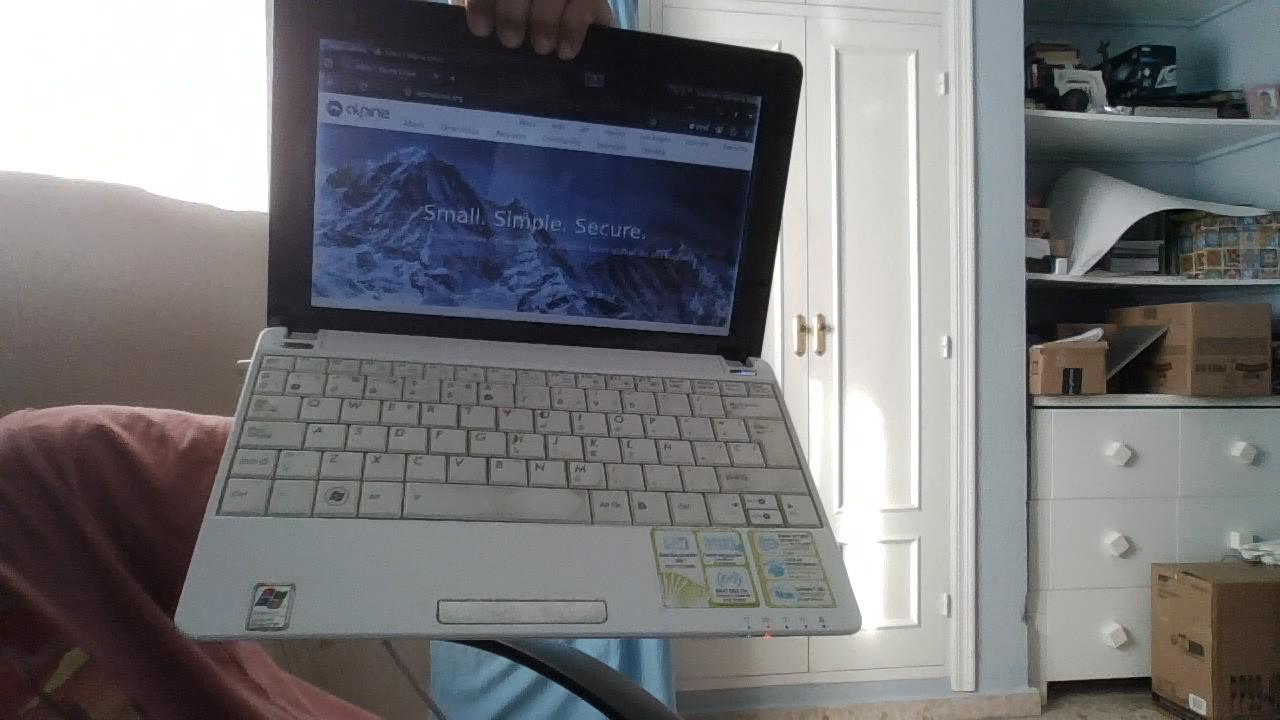
A graphical installer and three lightweight desktops for Alpine Linux 3.24 (x86_64). Built for computers with little RAM: old PCs, and repurposed or embedded machines whose RAM cannot be upgraded.
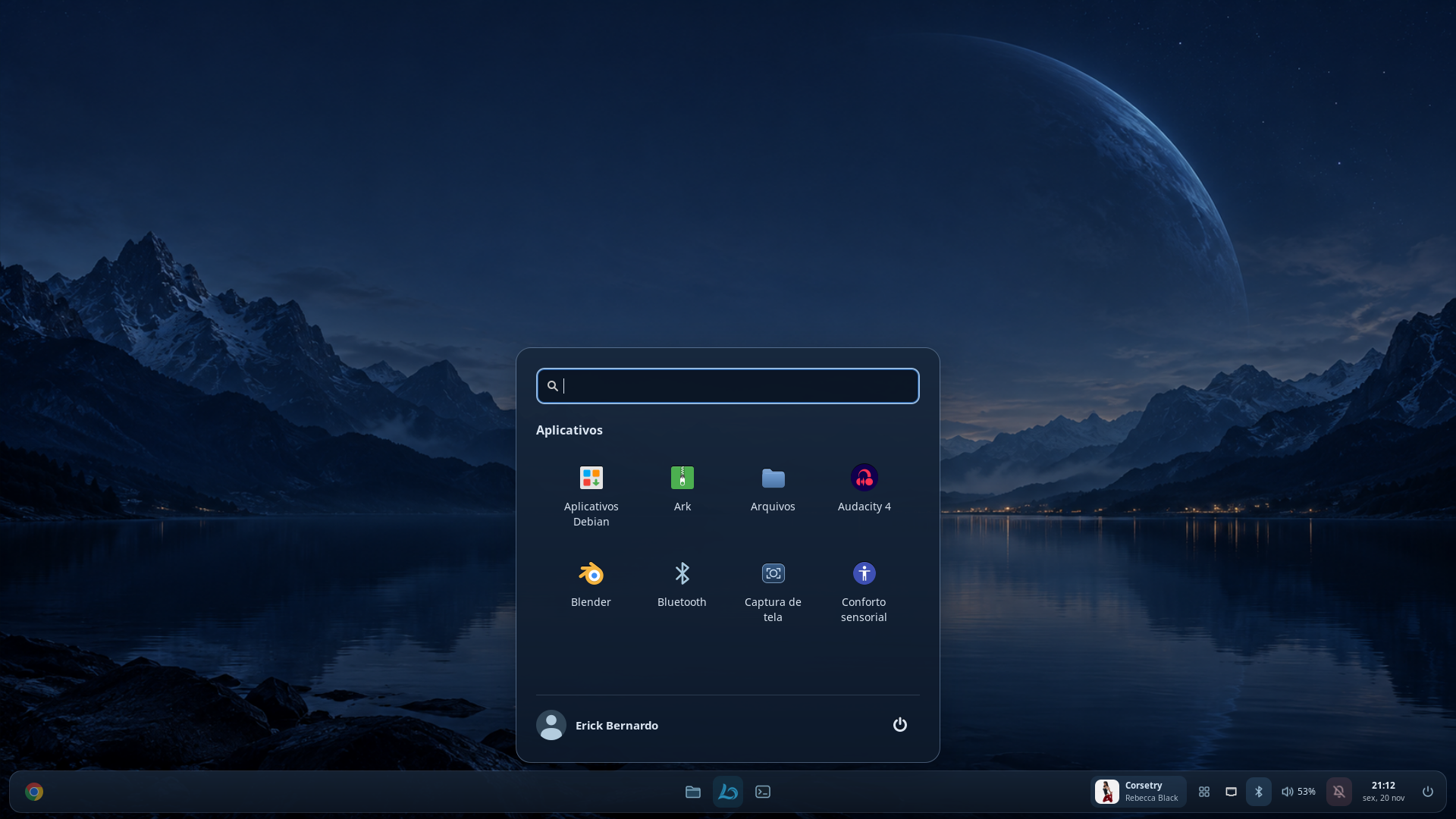
Boot the ISO, answer a few questions, and get a working desktop: network icon, sound, removable media, memory compression, Firefox and a small "Software and updates" window. Tested with 2 GiB of RAM.
[!IMPORTANT] On computers with 4 GB of RAM or less:
Without these two settings the browser may glitch or crash.
Why
I often install Alpine Linux on repurposed hardware and very low-RAM computers. I got tired of walking through the installer by hand, then running the desktop setup script, then doing a string of manual steps just to get sound and other basics installed and working. This does all of it in one pass.
The target is 2 GB of RAM on purpose. A lot of working hardware is thrown away because it cannot run a current desktop. With memory compression (zram) and swap, 2 GB is enough for a complete desktop and Firefox with a few tabs open, YouTube included. I want more people to reuse these machines and keep them out of e-waste and landfill.
It is a thin layer over Alpine's own tools (setup-alpine, setup-desktop, apk). It has no partitioning code and never replaces settings it does not own.
Status
Download the ISO from Releases, or build your own (below). Each release lists the SHA-256 of its ISO; compare it before use:
sha256sum alpine-desktop-3.24.4-x86_64.iso
The setup files on a released ISO are signed with this minisign public key:
RWTm2Oj1I9RnHv6ZT3Ltx1ofQ5OnZWttC6jEgknopyP3ITZhbe5sZMjd
Tested mostly in QEMU/KVM guests with 2 and 4 GiB RAM, UEFI and BIOS. All three desktops have had limited testing on real hardware; Wi-Fi was tested there with Openbox Lite. Secure Boot is untested. Back up first.
Maintenance
This is a personal project that I use myself, published as is. Do not expect frequent updates or bug fixes. Issues and comments are welcome, but with everything else I have going on I am unlikely to get to them in any reasonable time. If you need a fix, your best option is to fork it.
Desktops
| Profile | Idle RAM | Login screen | Notes |
|---|
openbox | about 300 MiB | LightDM | Openbox Lite: Openbox, tint2 panel, right-click menu |
lxqt | about 375 MiB | SDDM | Alpine's setup-desktop lxqt, completed |
xfce | about 425 MiB | LightDM | Alpine's setup-desktop xfce, completed |
Idle RAM is memory in use after login, measured in virtual machines. All three come with Firefox.
Build an ISO
On Alpine 3.24 x86_64 (machine, VM or container), as an ordinary user:
sh build/make-iso.sh out
It names the packages to install if any are missing. The ISO is labeled UNOFFICIAL and signed with a key made for the build (out/keys); set SIGNING_KEY and SIGNING_PUBKEY to use your own minisign pair. Packages come from Alpine's repositories at build time. Alpine's four mkimage scripts are downloaded from a pinned commit and checked by SHA-256; they are not in this repository because Alpine states no license for them.
Install
Boot the ISO. A graphical installer asks for keyboard, time zone, network (wired or WPA2/WPA3 Wi-Fi), one disk to erase, a user and a desktop, then runs setup-alpine. The first start finishes the desktop and restarts once.
For dual boot, encryption or a text install, see INSTALL.md.
Use on an installed Alpine
Each profile has one entry point with three actions:
sh setup-xfce.sh inspect eth0     # read-only
sh setup-xfce.sh configure eth0   # as root; then reboot and log in
sh setup-xfce.sh verify eth0      # prints JSON
setup-lxqt.sh and setup-openbox.sh work the same way. eth0 is an example; use your interface name.
| Exit code | Meaning |
|---|
| 0 | pass |
| 1 | fail |
| 2 | usage error |
| 42 | deferred: custom settings kept, or a reboot/login is still owed |
configure always ends with 42 because a reboot is owed. verify never claims the desktop works; it reports what a script can check.
Network hand-over to NetworkManager is never run remotely. configure prints the one command to run at the computer's own console.
Develop
Python standard library and POSIX shell. No dependencies.
sh tests/check.sh                                     # everything CI runs
python3 -m unittest tests.test_network_module -v      # one test file
check.sh needs Linux (or WSL), python3 and shellcheck.
Layout
| Path | What |
|---|
setup-*.sh, modules/ | code that runs on the Alpine machine |
bootstrap.py | signed-delivery entry point; a template filled in at build time |
iso/ | graphical installer and inputs for Alpine's mkimage |
build/ | make-iso.sh and the release tools it uses |
tests/ | unit tests; they never touch the host system |
License
MIT, see LICENSE.