I just tagged v0.1.0 of Lanner, a native GTK 4 and libadwaita desktop app written in Rust that reads local logs from AI coding agents (Claude Code, Codex, Antigravity, Grok Build, Pi) and visualizes spend, token breakdown, session timelines, and model speed/latency.
- Built directly on libadwaita's semantic colors (`@window_bg_color`, `@card_bg_color`, `--accent-color`), so it follows system light/dark and accent themes cleanly without hardcoding a custom stylesheet over it.
- Custom Cairo/Pango charts for the session timeline, stacked history bars, 53-week heatmap, and per-model TTFT / tok/s distributions.
- Live file watching (`notify`) + incremental SQLite parse cache (`~/.cache/lanner`) so restarts only parse changed files.
- Strict read-only Flatpak sandbox: no `--filesystem=home`, only `:ro` binds for the specific agent log directories plus network access for fetching public pricing from models.dev / OpenRouter.
Planning to submit to Flathub once any early 0.1.x rough edges are ironed out. Would love any HIG or UI feedback from folks here!
Each destination gets its own dedup, incremental check, space check and verification. If one destination fails or stops responding, it is skipped and the others finish.
new blitcp UI
New terminal dashboard
4.4.0 also adds a full-screen dashboard (--ui dashboard):
- Every phase (scan, dedup, space check, copy, verify) with its own timing
- "What limits the speed": source disk, destination disk, network and CPU side by side, so you can see what the bottleneck actually is
- A live write/read rate graph
- One row per destination with progress, rate and state (writing → verifying → verified)
- Notes when something matters, e.g. when the source and a destination are on the same disk and have to take turns
- Keys: v for per-device details (busy %, latency, throughput), g graph, n notes, 1-4 to focus on one destination, q to stop safely
The desktop app supports multiple destinations too.
What else is new
- HTTP(S) sources: download once, write to several destinations
- Destinations are probed before the copy starts (`blitcp creds test` runs the same check)
- ASC MHL manifests, which you can verify later without the source, with an optional deep check that reads every file back
- `--use-sudo` works with several local destinations
- Local verification reads back from the device, and the output says so when no content was compared
Fixes
- Security: fixed a high-severity issue in elevated (sudo) runs on Linux and macOS, where a local user could swap a folder for a symlink during a copy. Affects 4.2.15 and earlier. Several other path, metadata and log-leak fixes too.
- Data integrity: files with identical twins could keep the wrong content, and corrupted cloud objects could pass verification. Both fixed.
If you're upgrading: some exit codes changed (connection and host-key failures now exit 2), `--stall-timeout` only applies with multiple destinations, script installs need `--fetch-modules` after updating, and Azure needs azure-storage-blob 12.10 or later.
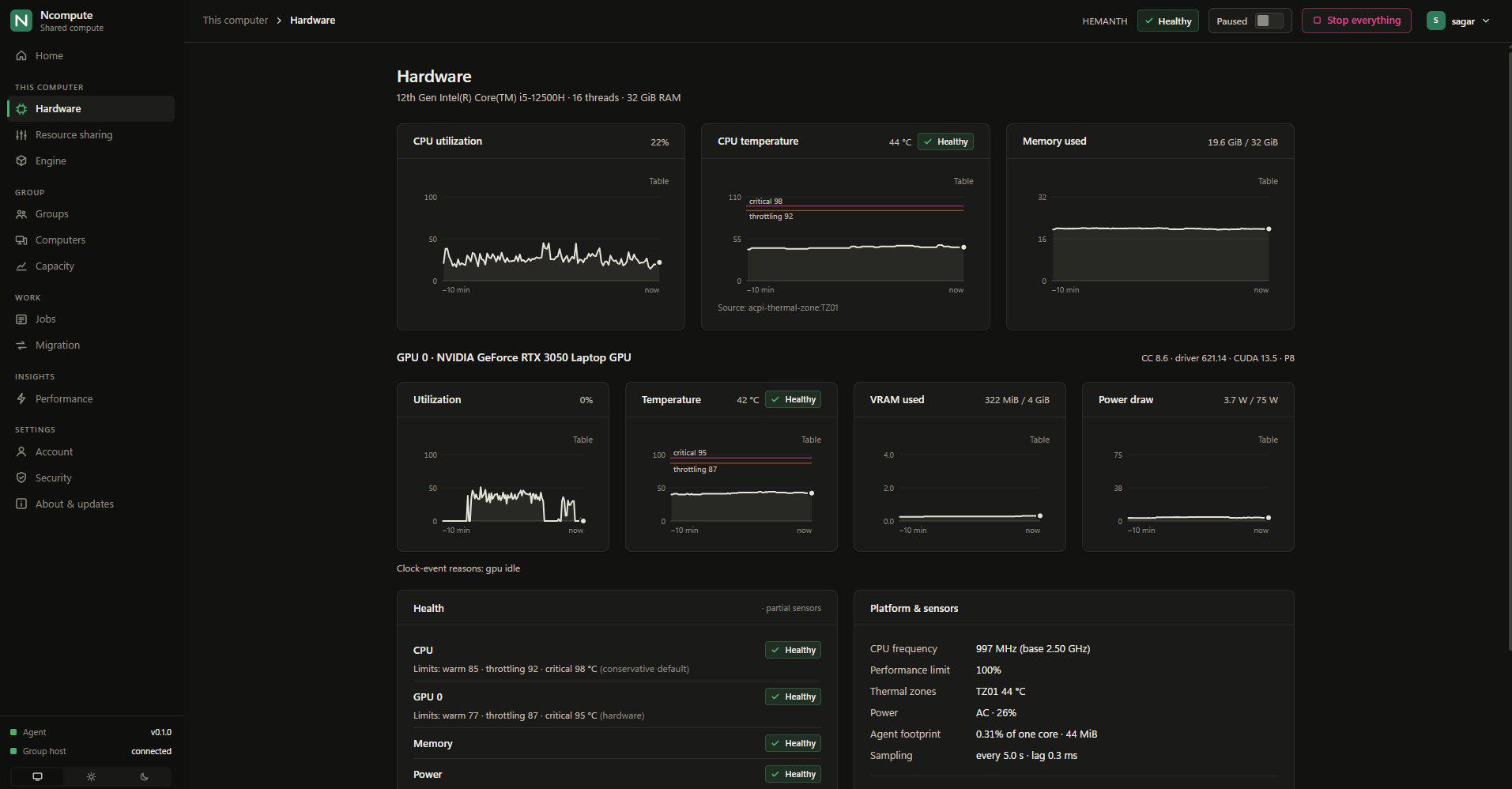
It works like a widget pinned to the taskbar, next to the clock: live CPU, RAM, GPU, temperatures, network, disk and battery, without opening anything and without getting in the way. You choose what to show (up to 10 metrics), how it looks and which color it turns when something heats up or spikes.


I wrote it in native C++ so it's genuinely lightweight: a single 433 KB executable using under 1% of one CPU core, with nothing else to install. It's available in 6 languages and updates itself.


Right now I'm working towards the certification to digitally sign the executable (SignPath Foundation, which signs open-source projects for free). To approve it, they need to see community support: stars, forks and people using it. Until then, Windows may show an "unknown publisher" warning when you open it, even though every release ships with its SHA-256 hash and a provenance attestation proving the executable comes from the published code.


So here's my ask: if you like it or find it useful, please give it a ⭐ on GitHub. Every star gets me closer to that certification and helps more people find it. And if you try it, any feedback or ideas are very welcome.


⭐ https://github.com/Ju4nMarin/WRAM
⬇️ https://github.com/Ju4nMarin/WRAM/releases/latest


Thanks for the support!
PlotJuggler is an application to visualize and analyze data. Even if popular in the robotics and with drones, it can be used with any generic data source, such as CSV, Parquet, JSON.
It has dozens of extension including live streaming from MQTT, ZeroMQ, Websoscket, DDs and more.
And of course, since it is 2026, it includes a MCP server to be controlled by a AI Agent.
I can spend 1000 more words telling you more about it, but try it yourself in the browser (link above)
Hello, firstly im not the developer of this project, im just a user of this and its a great project that you might want to look at it
Its word-sys's PDF Editor, so according to Github page: word-sys's PDF Editor is a simple and user-friendly tool developed for Pardus, Debian and other Linux distributions, focused on editing text, image and object content in PDF files. Developed from scratch in the spirit of #MilliTeknolojiHamlesi and TEKNOFEST 2025 to meet the need for a simple, free, open-source PDF editor in the Linux ecosystem, word-sys's PDF Editor serves both corporate and individual users, does most of the important and common jobs that other paid PDF Editors does and has lots of features which are easy to use, including those who prefer the Turkish language interface. So its a free and open source PDF Editor, does similar job compared to Adobe Acrobat Pro, but free, and for Linux.
When i switched to Mint 3 years ago this wasnt existing, weeks ago i found this on PDF editing softwares place and it looked different than other editors, especially the UI that different, looks easy to use for beginner or something. Well it might will be the replacement for Adobe Acrobat Pro on Linux for me.
Whats more interesting that there is 1 active developer on this project, unlike other PDF Editor projects that has more people doing together.
Anyways i found that might be a interesting project so i wanted to share, i think developer actually shares its improvement as version releases so you might want to check him and its Github page: https://github.com/word-sys/word-sys-pdf-editor
I've been working on Starforge, a project that turns GitHub profile statistics into something a little more interesting than the usual collection of cards and graphs.
One of the visual directions I've explored is a Cyberpunk-inspired template.
Think neon aesthetics, futuristic visuals, glowing elements, and GitHub statistics presented with a completely different visual identity.
The idea behind Starforge is simple: your GitHub activity is more than just numbers. It represents the work you've put into building things, contributing to projects, and learning new technologies. I wanted to find a way to make that data feel alive.
A few things I'm aiming for with Starforge:
Unique visual themes rather than generic statistics cards.
Rich visual representations of GitHub activity.
Customizable templates and aesthetics.
Turning profile data into something worth showcasing.
What do you think of the Cyberpunk aesthetic? Would you use something like this on your GitHub profile?
If you like the project, consider giving the repositories a star or trying out the template. Every bit of support and feedback helps me keep building! ❤️
I was playing around in claude code and it gave me a pretty good and quite nice looking liquid glass UI framework, which looks close to apple's liquid glass, not only with the refraction and chromatic aberrations but with animations and everything else, although it's not done and needs more work.
Feel free to clone the repo or download the code and use it as you like !
Let me know what you think and if you would like to see any particular features from Apple's liquid glass, shoot me a dm, i would be happy to add them.
Linux x86_64 is what I run daily; Windows and macOS builds and tests run via GitHub Actions CI. Feedback, rule additions, or Windows/macOS bug reports are welcome!
I started Cartrest because I wanted cartridge coasters as party favors. The hard part was keeping the 3D model and the sticker in scale when I changed the width.
Each console’s JSON profile describes the shell, sticker recess, and rear details. Both native apps read the same profiles and export the scaled STL, a label PNG, or a full-size A4 sheet. The GitHub repo has the MIT-licensed app code, the profile schema, and runnable macOS and Windows builds.
Since it's early days, I'd really love to get eyes on it from people who actually work in 3D pipelines, tools, or creative workflows. A few things I'm hoping to learn from sharing it here:
First impressions: Does the core idea and layout make sense right away, or does anything feel confusing?
Workflow gaps: What's missing that would make you actually try it on a small test or prototype?
Subreddits / communities: Where do folks who build or test indie 3D tools tend to hang out?
If you check out the repo and run into rough edges—or have ideas for where it should go next—drop a comment or open an issue. Always happy to chat about how it's put together and where it's headed.
Hi, I'm the author. I built this because I wanted some apps, and nothing else, to go through Proton VPN on Windows, without putting the whole PC in a tunnel.
What it does? You pick the apps (or whole folders) that use the VPN. Everything else keeps your normal connection. It builds a WireGuard session config from your Proton profile and drives the WireSock Secure Connect CLI, which routes the TCP/UDP packets of the chosen executables. It can create the WireGuard profile on your Proton account for the server you pick, or import a .conf you already have. Automatic mode picks the fastest server and switches if the current one gets slow or fails.
Details C# on .NET 10, WinForms, MIT license. Windows 10/11 x64. Login happens on Proton's own page inside a WebView2. The app never receives your password. Profiles are encrypted with DPAPI, and the session file in ProgramData has a restricted ACL. UI in English, Portuguese and Russian. Telemetry is optional and off by default, and you can preview what would be sent.
Parts of the code were written with AI assistance. I reviewed and tested them.
Not an official Proton or WireSock product. It is not a kill switch either, and the README explains the limits. Feedback and issues are welcome on GitHub.
I finally gave up looking for an Android proxy app that ticked all my boxes and decided to build my own. Every alternative I tried either looked outdated, locked basic things like cross-device sync behind a paywall, or was always missing quality-of-life features you end up needing every day.
It's 100% free, open-source (MIT), and has zero tracking/analytics or ads.
Main features:
Phone & Android TV ready: Built with Material 3 Expressive (dynamic colors + AMOLED pure-black dark mode) on mobile, and proper native D-Pad navigation + TV banner support on Android TV/Set-Top Boxes.
Zero-Knowledge E2EE Cloud Sync: Syncs profiles via Firebase Firestore, but everything (hostnames, ports, credentials) is encrypted on-device with AES-256-GCM before leaving your phone/TV. The master key is generated locally and saved privately in your Google Drive (appDataFolder), so nobody else can read your configs.
Full protocol support: SOCKS5 (TCP & UDP associate), SOCKS4/4a, HTTP CONNECT, and HTTPS (TLS CONNECT).
Day-to-day essentials: Per-app split tunneling (include or exclude apps), Quick Settings tile, auto-start on boot / auto-reconnect on network switch, and custom DNS (AdGuard, Cloudflare, Quad9, custom IPv4 with DoT/DoH fallback).
Since it's a fresh project, I'd genuinely appreciate any feedback if you decide to try it out, whether it's UI quirks on TV, bugs, or feature ideas. Feel free to reply here or open an issue on GitHub.
If it ends up being useful and you feel like buying me a coffee, there's a Ko-fi link in the repo, though honestly just testing it and letting me know what you think already helps a ton!
I've tried many Git GUIs. Most were heavy on memory, and the polished ones were paid. My Git client is the app I use most after my editor, so I built Drift.
Under 20 MB in size and under 200 MB of RAM
Keyboard first, with a command palette and quick switching
A clean, familiar layout inspired by VS Code
Works on macOS, Windows and Linux
It's still early, so I'd really like honest feedback and feature requests.
I got tired of paying $30+/mo for cloud clipping tools (OpusClip, Vizard, etc.) and waiting to upload gigabytes of raw gameplay/livestream footage, so I built Clip Studio — a 100% local, MIT open-source web studio built with FastAPI + HTMX + FFmpeg.
- Fast highlight detection without heavy LLMs (33x realtime): Uses classic DSP (RMS dB energy, positive loudness flux, grayscale frame-diff normalized via Median/MAD Z-score) + FFmpeg -skipframe noref. Analyzes a 1-hour 1080p60 video in 75 seconds on a regular Mac/CPU.
- Karaoke subtitles & top hooks (no libass required): Runs faster-whisper (small, CPU int8) locally for word-level timestamps and burns highlighted subtitles + hooks via Pillow RGBA PNGs + ffconcat + native FFmpeg overlay.
- 9:16 Auto-Framing: YOLOv8n person tracking (follow), fixed anchor, or full-frame blur for multi-person podcasts/streams.
- Zero-storage YouTube Live Monitor: Scans live streams in configurable blocks via 12h parallel MPEG-DASH DVR (even using negative live timestamps like -2:10:23 -> -1:00:00) or real-time HLS, cuts only peak clips, and immediately deletes the raw temp block (0 GB retained).
- Multi-channel Auto-Pilot: Isolated profiles (separate folders, presets, languages, and OAuth tokens), collision-free YouTube Shorts scheduling (chains right after your last publishAt + optional quiet hours), and spaced Instagram Reels publishing via official Meta Graph API rupload.
Runs completely locally on 127.0.0.1:8765. Would love feedback, feature ideas, or PRs from the community!