Meet Dehancer Super 8 Camera, a new iOS app that shoots video with the look of motion picture film with grain, scratches, warm glow and overscan frames.
Pick a film look and hit record, no color grading skills needed. Your clips look like they were pulled from a box of old home movies.
Super 8, super fun, with Dehancer color science behind every frame.
Hi, I have a brand new MacBook Pro running a m5 chip & macOS Tahoe 26.5.1.
When I installed Dehancer a few weeks ago it would just freeze or crash my premier pro when dragging it from effects to an adjustment layer. I uninstalled the plug in and now two weeks later when I try to install it again it just doesn’t show in the effects panel in premier pro. I made sure the programme was closed before install & I’ve tried both Dehancer lite and pro. I need help asap as I need to grade a video by the end of the week.
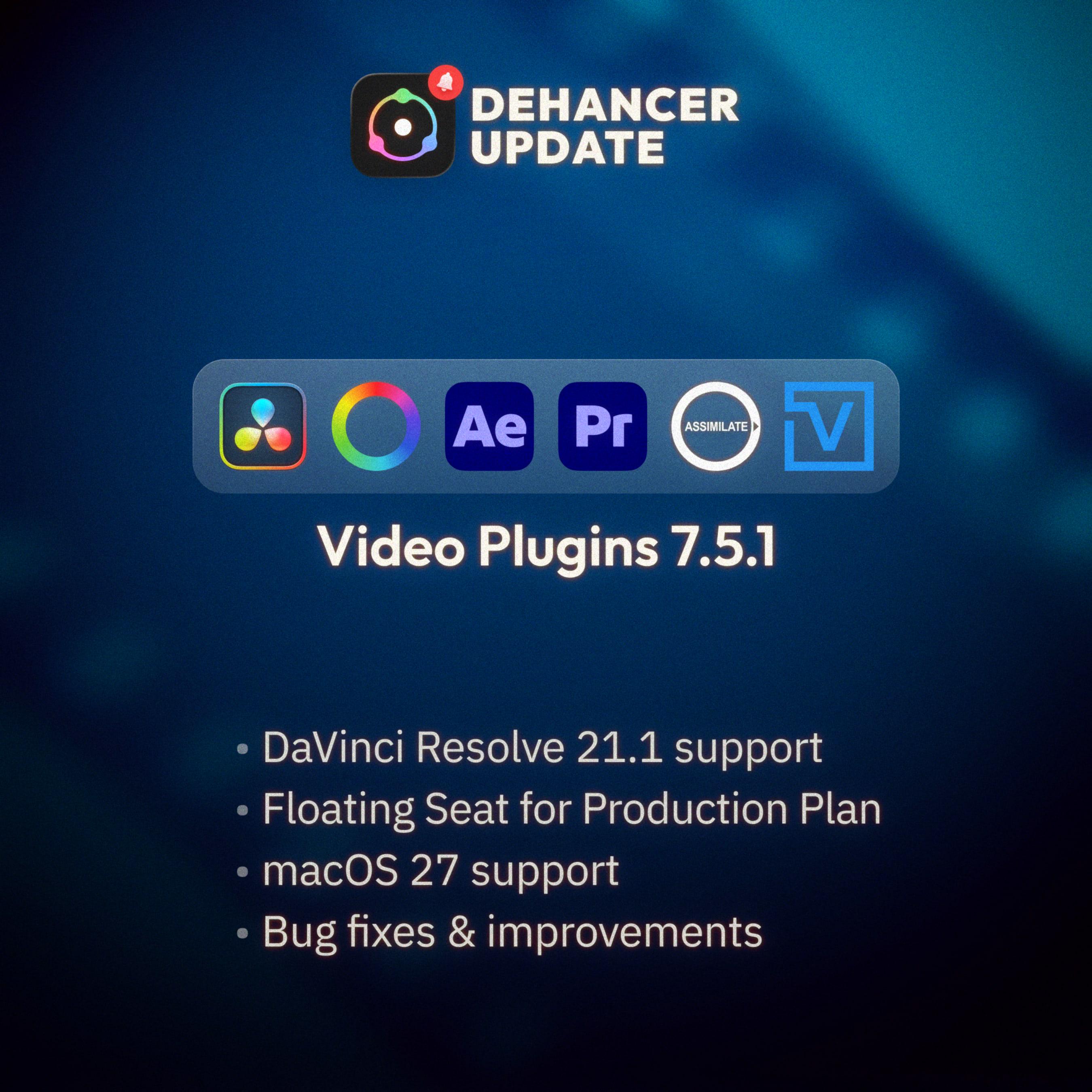
- Floating Seat support for Production License - DaVinci Resolve 21.1 support - macOS 27 support - macOS 15+ is now required - OpenCL 3.0 is now required for OpenCL version - Bug fixes & improvements
Howdy. For those of you who use luts/presets set up in dehancer for your field monitor, are there any settings you don't save. I am thinking exposure is one as the camera would do this, and also effects/grain etc, but is there anything else. I shoot in rec709 as it doesn't have my camera model. Thanks
Hello! I've noticed something very confusing when using Dehancer's input camera profiles. For context, I use a Sony FX30, and I perform a CST within Dehancer by selecting the FX30 option in the camera profiles.
The thing is, if you don't have Dehancer (and most professional colorists don't), you would use a normal CST (going from S-Log3 to Rec. 709), which doesn't have different options for different Sony cameras. That should mean that, in Dehancer, when selecting the input camera profiles, I should be able to choose any other Sony camera (for example, if I use the FX30, I can select the FX3 or A6700) and get a similar result. But that is NOT the case.
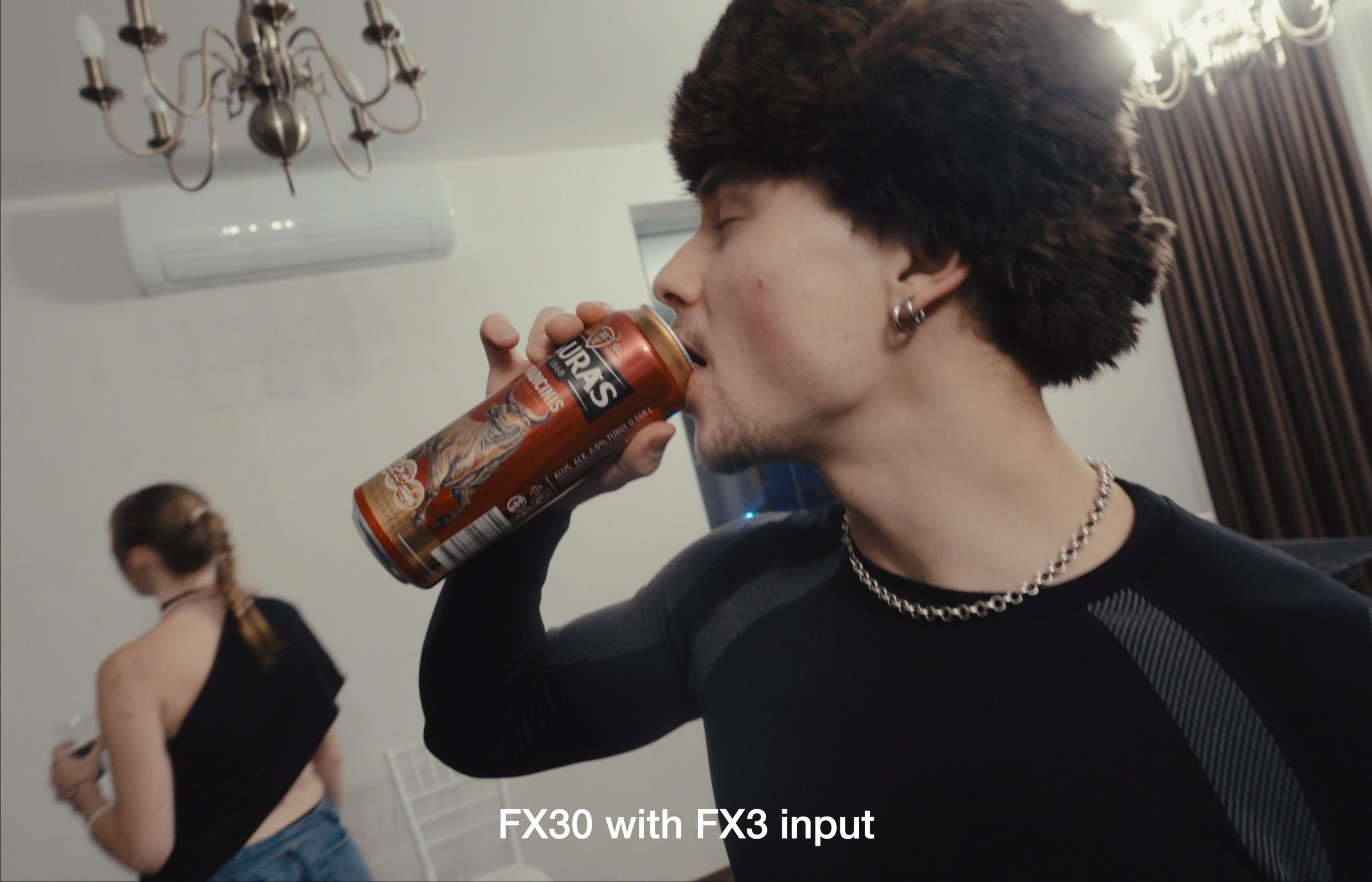
When I use the FX3 input profile on my FX30 footage, it looks totally different (and maybe even more beautiful and better than the FX30 option). Now, I know that most Sony cameras have different camera sensors - the FX30 has a different sensor from the FX3, so a minor difference in the CST would make sense. HOWEVER, the weirdest thing is that the FX30 has the exact same camera sensor as the Sony A6700. But they ALSO look different from each other when using the A6700 input profile on the FX30 footage.
My theory is that the problem lies with the entire FX30 input transformation. Maybe it was rushed or overlooked. But take a look at the examples.
As I've mentioned, the Sony FX30 and Sony A6700 have the same sensor, just as the FX3 has the same sensor as the A7S III. Now look at my attached photos, FX30 with FX3 input and with A7SIII input - both transformations are identical. But now look at FX30 with FX30 input and with A6700 input - the FX30 transformation looks desaturated and is not even close to the A6700 or the other ones.
And I won't even get into how the FX30 transformation breaks in scenarios involving taillights or traffic lights...
Maybe Dehancer could ask their developers and provide an answer as to why this happens? Or maybe any of you guys know something about this weird phenomenon? :)
- Floating Seat support for Production License - DaVinci Resolve 21.1 support - macOS 27 support - macOS 15+ is now required - OpenCL 3.0 is now required for OpenCL version - Bug fixes & improvements
It takes a certain kind of person to take up wet plate photography. Ambrotypist Marcin Dzieniszewski is one of them.
An ambrotype is a wet collodion process from the 1850s that produces a one-of-a-kind photograph on glass. It is a process that requires precision and presence. And yet a flawless plate is not the goal.
In this short documentary, Marcin takes us through the process step by step and shares what draws him to the ambrotype in the age where images are mass produced.
Special thanks to:
Executive Producer: Dmitriy Lobaskov ( / lobaskov ) Producer & Director: Vladislav Motorichev ( / jeyeyeyeyey ) Director of Photography: Caleb Pithers-Gregory ( / caleb_pg ) Camera Operator: João Emanuel Ferreira Seco Pais Amante ( / joao.e.f.s.p.amante ) Editor & Colourist: Bogdan Zaytsev Sound Recordist: Luke Harrison-Darby ( / l.kehd ) Featuring: Marcin Dzieniszewski (https://www.ambrotypista.london )
When I copy and paste adjustments across images, and export them all, the film damage (hairs and scratches) are always processed with the same look, even when I go one by one and click on the "Refresh" button to randomize the film damage. Is there a way to randomize this? See the two images attached, the look of the film damage is identical across both shots.
I've done a shallow research before posting, and didn't find anything to help me with this.