r/iOSDevelopment • • Oct 21 '26

Launched an iOS app

0 Upvotes

So, I built an app - a home automation app.

Yep, I know there are lots out there. I think mine is different

  1. No hub required
  2. Will have a support for a wide range of devices
  3. Supports multiple homes
  4. Super easy to configure
  5. A new take on geofencing

Early days so I support only 4 vendors, but 2000 devices.

What amazes me is the level of aggression, particularly from Home Assistant users. I can understand someone ignoring the app, looking at it and saying it doesn’t support my xxx device or the UI isn’t good enough (both fair comments - like I said it’s early days). What amazes me is comments like “this is a dumb idea” or “you’re stupid - we have Home Assistant”. One person insisted that HA was free - it’s not, you need hardware and to pay for remote access - and then said he pays a subscription for it because he likes it!

Are people just a-holes these days?

I mean, as a 30yr long Apple user, when I saw the first Android phone I didn’t like it. But I borrowed one and played with it for an hour and made my mind up about what worked and what didn’t work for me. I didn’t tell my friend he was stupid for buying it and I don’t evangelise that iOS is better.

Anyway - I should probably post this in s/Rants or something, but does anyone else have this kind of experience?


r/iOSDevelopment • • Oct 20 '26

Roast my App Store listing! (No downloads required) 👀💸

3 Upvotes

I recently created a budgeting app and would love to get your feedback on the App Store listing. You don't need to download it—though you're welcome to try it out if you'd like! I'm mostly just looking for your thoughts on how it looks and the overall presentation.

Here is the app tracaura


r/iOSDevelopment • • Oct 20 '26

Looking for iPhone testers for Cacha — a gift card wallet app (Australia & NZ)

1 Upvotes

Hey everyone! I’m building Cacha, an app that keeps your gift cards in one place so they’re easier to find and use.
You can scan or manually add gift cards, save expiry dates, and display your card’s barcode at checkout. It also includes expiry reminders to help you remember cards before they expire.
I’m looking for iPhone and iPad testers, particularly in Australia and New Zealand, to try the beta and share honest feedback.
It would help to know:
Is adding a card straightforward?

Does the barcode scan successfully at checkout?

Do expiry reminders work as expected?

Have you found any bugs or confusing screens?

Try the beta through Apple TestFlight:
https://testflight.apple.com/join/FGcdsNNV
Leave feedback:
https://docs.google.com/forms/d/e/1FAIpQLScQaVTU-5oo_PIf1CsvL_DPOfrSl2IRDjfCZazalAa1b8YDlw/viewform
Website:
https://getcacha.com
You’re also welcome to leave feedback or questions in the comments. Please don’t share gift card numbers, PINs, or barcodes publicly.
Thanks for helping me improve Cacha!


r/iOSDevelopment • • Oct 20 '26

Is TCA (The Composable Architecture) overkill for a solo indie iOS project?

4 Upvotes

I'm working on a small indie iOS app and wondering whether TCA is worth adopting as a solo developer.

I like the idea of predictable state management, testability, and having a consistent architecture as the app grows. But I'm also worried about adding unnecessary complexity to a relatively small project.

For those who have used TCA in their own projects:

  • Would you choose it again for a small indie app?
  • Does it actually make development easier in the long run?
  • Or would you stick with SwiftUI and a simpler MVVM approach?

Curious to hear about real-world experiences, especially from solo developers.


r/iOSDevelopment • • Oct 21 '26

Just launched TripScript, an itinerary app. Looking for honest feedback

Thumbnail gallery
0 Upvotes

Hey all, I just shipped TripScript on the App Store.

You drop in your confirmation emails, PDFs or screenshots, and it builds a clean day-by-day itinerary out of them: flights, hotels, dinners and tickets, each on the right day. It reads them on-device with Apple Intelligence, so it’s private and works offline. It also has a Live Activity, Dynamic Island and Apple Watch support.

I’d love feedback on:

  • First launch: is it obvious what to do?
  • Import: did your bookings land on the right days?
  • Anything that feels confusing, slow or broken

https://apps.apple.com/us/app/tripscript/id6785028567


r/iOSDevelopment • • Oct 20 '26

Shipped a workout app where the Apple Watch runs the whole session on its own. What I learned syncing it back to the phone

Post image
0 Upvotes

r/iOSDevelopment • • Oct 20 '26

Anyone else do this? Devs can get so attached to the engineering that we forget what the app actually looks like

Thumbnail reddit.com
1 Upvotes

r/iOSDevelopment • • Oct 20 '26

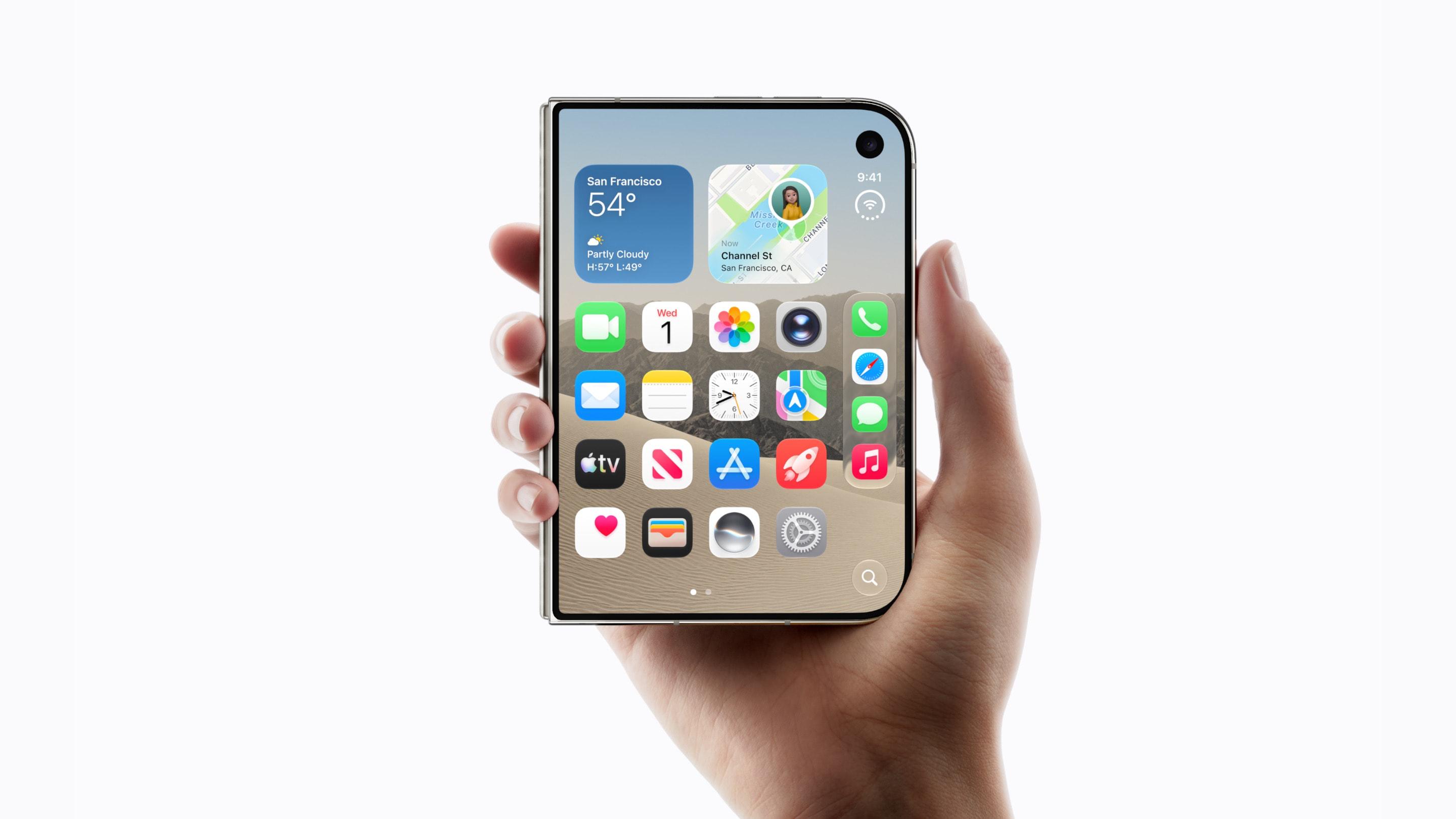
New community for discussing/showcasing apps adapted for the iPhone Duo

Post image
1 Upvotes

r/iOSDevelopment • • Oct 20 '26

App Store Offer Codes are too hard to manage, so I built an app

1 Upvotes

r/iOSDevelopment • • Oct 20 '26

Kabaal v1.2

Thumbnail reddit.com
1 Upvotes

Would love your (respectful) feedback on an audio editor that I am working on.

Do you find it easy to use? Is it intuitively clear? What are you missing?

Thank you! 🙏


r/iOSDevelopment • • Oct 20 '26

Roast my App Store listing! (No downloads required) 👀💸

0 Upvotes

I recently created a budgeting app and would love to get your feedback on the App Store listing. You don't need to download it—though you're welcome to try it out if you'd like! I'm mostly just looking for your thoughts on how it looks and the overall presentation.

Here is the app tracaura


r/iOSDevelopment • • Oct 20 '26

LayDown - An Alternative to StandBy

Thumbnail gallery
1 Upvotes

r/iOSDevelopment • • Oct 20 '26

Do y'all put extra words after app name in title to describe it?

1 Upvotes

Hey everyone, trying to get some feedback here.

I see some apps will set their name in the app store as "App Name: App That Does This", versus "App Name".

Does anyone have any recommendations on which method seems to work better?


r/iOSDevelopment • • Oct 20 '26

Elongate text in swift?

Post image
1 Upvotes

r/iOSDevelopment • • Oct 20 '26

Store Connect Stuido

0 Upvotes

Due to the extensive editing of App Store screenshots and localization information involved in daily development, I developed this software to enhance the efficiency of routine app releases.

For your first app, all features and functionalities are completely free to use.

This tool is now available on the App Store. You are welcome to download it, give it a try, and share any feedback or suggestions for improvement.

https://apps.apple.com/app/id6815039837


r/iOSDevelopment • • Oct 19 '26

I have a niche idea to give to my Mac app that I am developing, although I like to build in public I will not share anything until it is approved by Apple, but the end user is Devs who use Mac, it does not matter if you use AI or whatever, with which you compile apps you are a potential customer.

Thumbnail reddit.com
1 Upvotes

r/iOSDevelopment • • Oct 19 '26

Introducing Splotsu 🥰

1 Upvotes

We wanted to create a simple moment for kids and adults to pause - Splotsu is an elegant colour by numbers that’s free, without IAP or adverts.

As a dad and someone who has worked the last 15 years in mental health - I just wanted to take a different approach and bring a simple, beautiful colouring app to anyone who needs a moment for themselves.

Loads of parental controls - limit the time, simple paint mode or reduce the sounds. No Auth, no tracking, or anything nasty.

In a world of noise, I hope this gives you a moment. 💪🏼 Thanks to those who helped me test Xx

https://apps.apple.com/gb/app/splotsu-colour-by-numbers/id6818613940


r/iOSDevelopment • • Oct 19 '26

Apple Watch | Make sure to test on older physical watches

Thumbnail reddit.com
1 Upvotes

r/iOSDevelopment • • Oct 19 '26

I built Volumes - a home library app that goes all in on Apple’s frameworks

Post image
0 Upvotes

r/iOSDevelopment • • Oct 19 '26

Native TabView with Action Button update!!!

Post image
1 Upvotes

r/iOSDevelopment • • Oct 19 '26

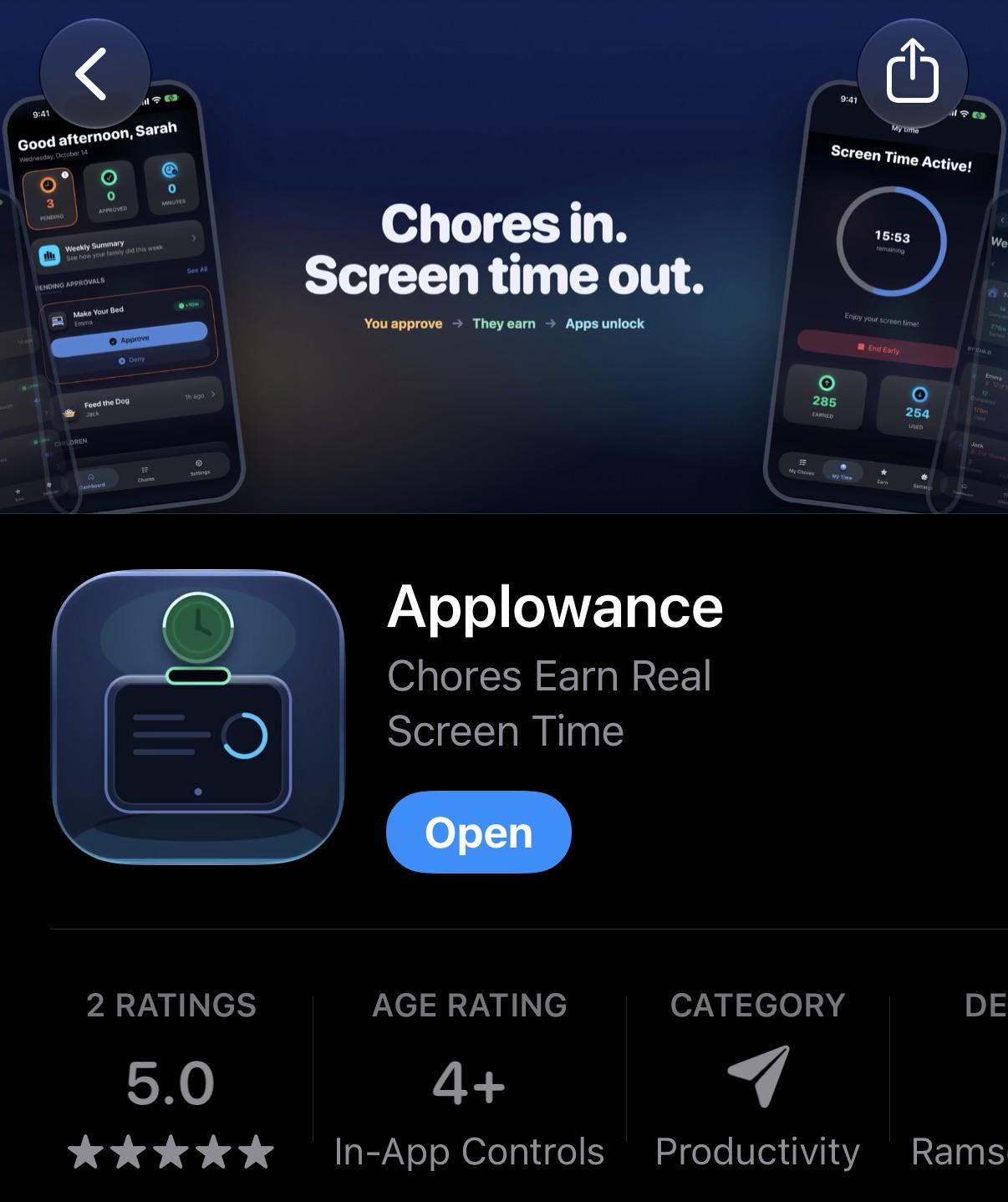
Applowance! First iOS App Launched!

Post image
1 Upvotes

r/iOSDevelopment • • Oct 19 '26

Core ML vs. Core AI for on-device Stable Diffusion: an A20 bug pushed us to migrate, and it's ~1.5x faster on iPhone 17 Pro

1 Upvotes

TL;DR: On the A20 chip (iPhone 18 Pro), Core ML takes up to 20 minutes for a one-time model optimization that takes 3 minutes on earlier chips. That pushed us to migrate our Stable Diffusion pipeline to Core AI. Core AI still has rough edges (we filed 8 bug reports), but inference is about 1.5x faster on the iPhone 17 Pro and on M1 iPads. On the iPhone 18 Pro, the bigger win is that it runs at all.

We build ProFuse, an on-device generative AI app for iPhone and iPad. It runs a specialized version of Stable Diffusion XL Lightning, and until recently it relied heavily on Core ML. Here's what we ran into, in case you're weighing the same move.

The Core ML problem on A20

With the iPhone 18 Pro, we found that certain operations take orders of magnitude longer for Core ML to optimize on the A20 chip. For us, the one-time on-device model optimization went from 3 minutes to up to 20 minutes.

That's a bug in the OS, and there's not much we can do about it on our side. Details and repro info are in our forum thread: Core ML issue on A20.

Twenty minutes before a user can generate their first image isn't acceptable, so we sped up our planned move to Core AI.

What we found with Core AI

The bad: Core AI isn't mature yet. During the migration, we filed 8 bug reports in total. One of them is here: Core AI issue.

The good: the inference gains are big.

DeviceTaskCore MLCore AISpeed-up
iPhone 17 Pro (A19 Pro)Text to image12.6 s8.4 s1.5x
iPhone 17 Pro (A19 Pro)Image to image18.0 s11.2 s1.6x
iPhone 18 Pro (A20 Pro)Text to imagenot measured7.4 s–
iPhone 18 Pro (A20 Pro)Image to imagenot measured11.3 s–
iPad Pro 12.9" (M1)Text to image23.6 s15.3 s1.5x
iPad Pro 12.9" (M1)Image to image33.2 s23.4 s1.4x
MacBook Pro (M3 Pro)Text to image6.7 s6.0 s1.1x
MacBook Pro (M3 Pro)Image to image9.5 s7.4 s1.3x

These are typical values. Our best text-to-image runs on M1 are down to about 12 seconds, roughly 2x faster than Core ML.

We measured the Mac too, but the gains there are smaller. For now, the switch to Core AI is iPhone and iPad only.

There are no Core ML numbers for the iPhone 18 Pro because, with a 20-minute setup, Core ML doesn't realistically run our model there. With Core AI it does, and it keeps up with the iPhone 17 Pro.

For us, those numbers made the switch clearly worth the rough edges.

Has anyone else seen this?

We'd love to hear from others:

  • Are you seeing similar Core ML slowdowns on A20?
  • Have you hit any of the same Core AI issues, or found workarounds?
  • How do your Core ML vs. Core AI numbers compare?

Help us test (optional)

We're a small team with limited hardware, so if you'd like to see the results on your own device, we'd be grateful for testers. You need iOS/iPadOS 27, an iPhone 15 Pro or newer (non-Pro models especially welcome) or an iPad with Apple Silicon, and 15 GB of free space for the one-time setup (about 7 GB after that). The beta is free, with all premium features unlocked: TestFlight link.

Happy to answer technical questions in the comments.