r/iOSsetups • u/lshiix • 16d ago
Wallpaper Wallpaper

3
Upvotes
r/iOSsetups • u/SirBean117 • 17d ago
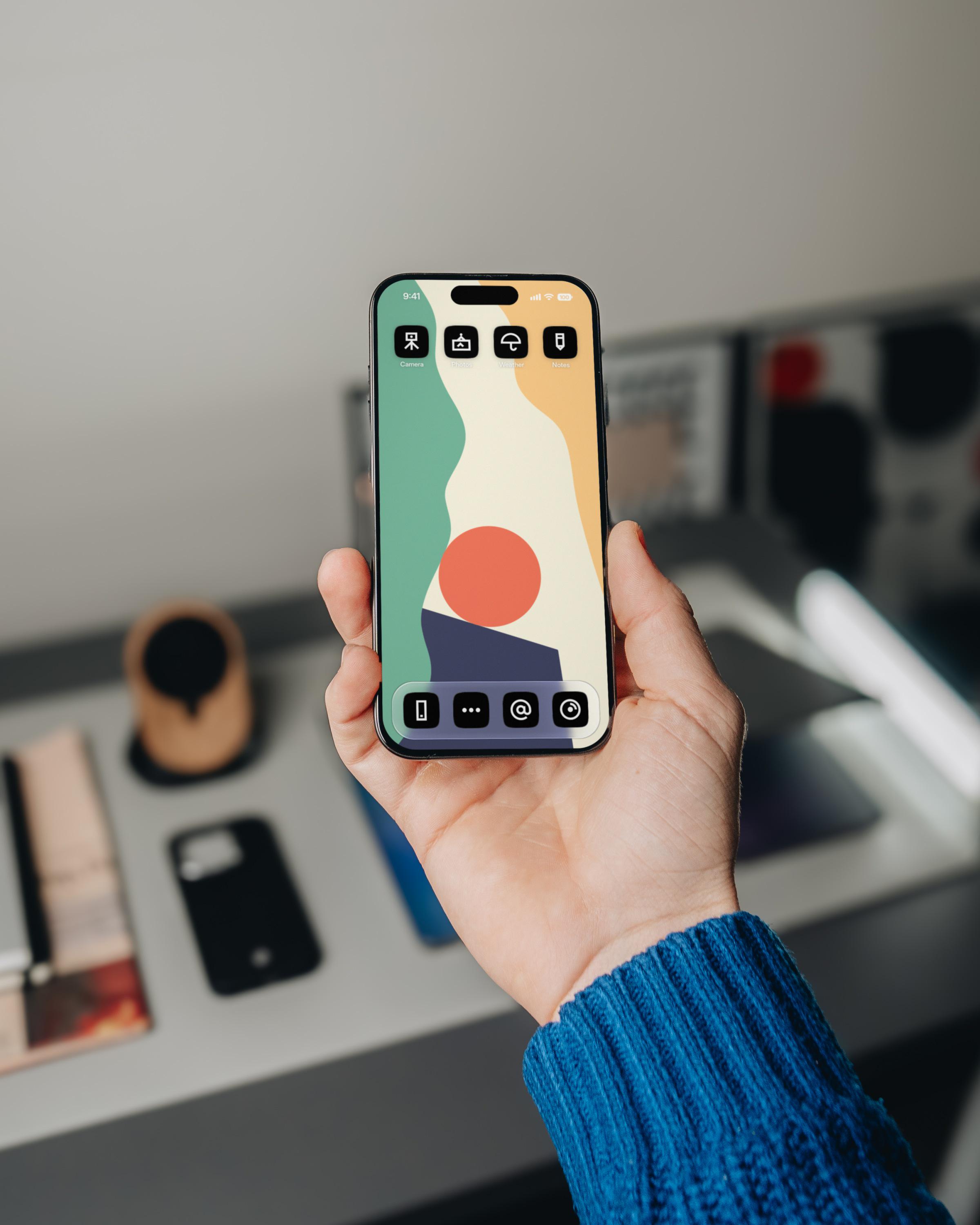
wallpaper: cave, one i made a while back.
icons: a set i'm drawing right now, not out yet.
this is a mockup on a photo of my phone, not a screenshot.
r/iOSsetups • u/M5_Maxxx • 17d ago

The stock Air black wallpaper has a purplish tinge to it, so I get the widget to a purple colour to complement it.
r/iOSsetups • u/Ren5365 • 17d ago

XL Widget with dark and light colorway
r/iOSsetups • u/AppleiOSNerdss • 17d ago

r/iOSsetups • u/Ahmed1996Youssef • 18d ago

Here’s mine
r/iOSsetups • u/Locow1992 • 17d ago

i have Air space black but not sure which wallpaper fits better?
r/iOSsetups • u/roppa • 18d ago

Figured I’d share this setup before I switch over to the duo. Wanted something functional, but leaning into a cyberpunk aesthetic. Never finished the widgets all the way, but maybe I’ll finish this next time.
All the icons on the left open up a shortcut menu.
r/iOSsetups • u/Vecna032 • 18d ago
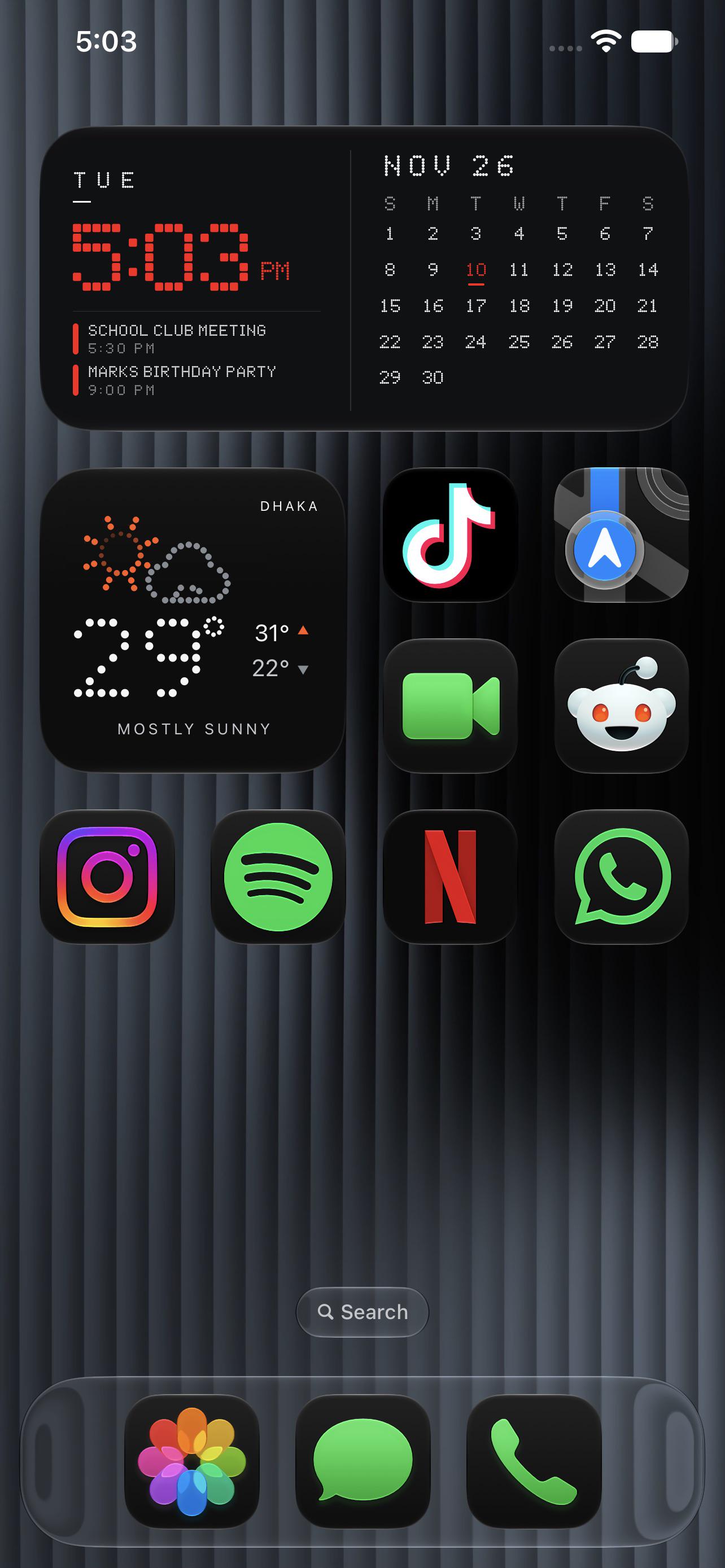
iOS 27 Dark mode makes this wallpaper looks top tier 🖤
r/iOSsetups • u/wiseguybully • 18d ago
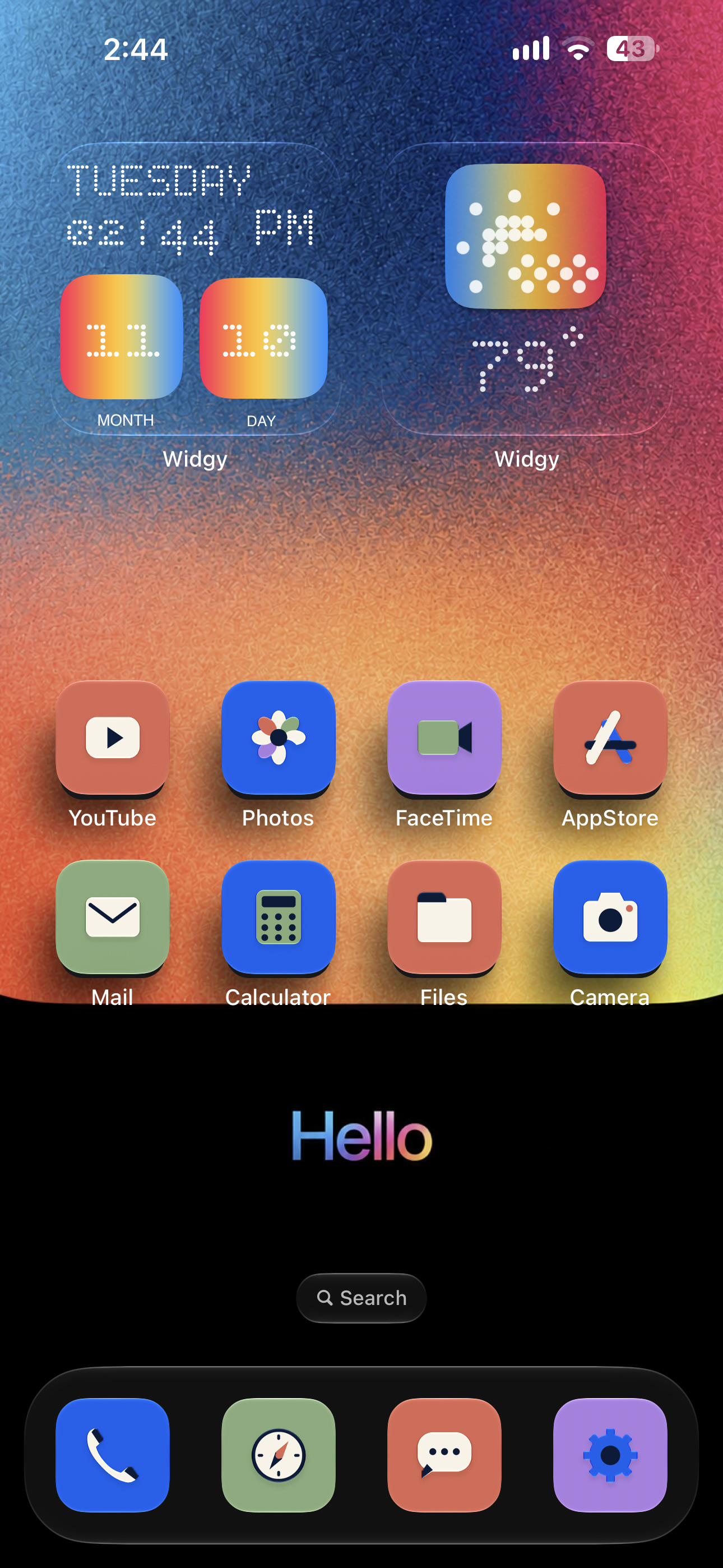
A little colors don’t hurt
r/iOSsetups • u/Gohardintheyard • 18d ago

Just took a picture of the sunset, dynamic wash, depth effect, red
r/iOSsetups • u/Ok_Quiet_1135 • 18d ago
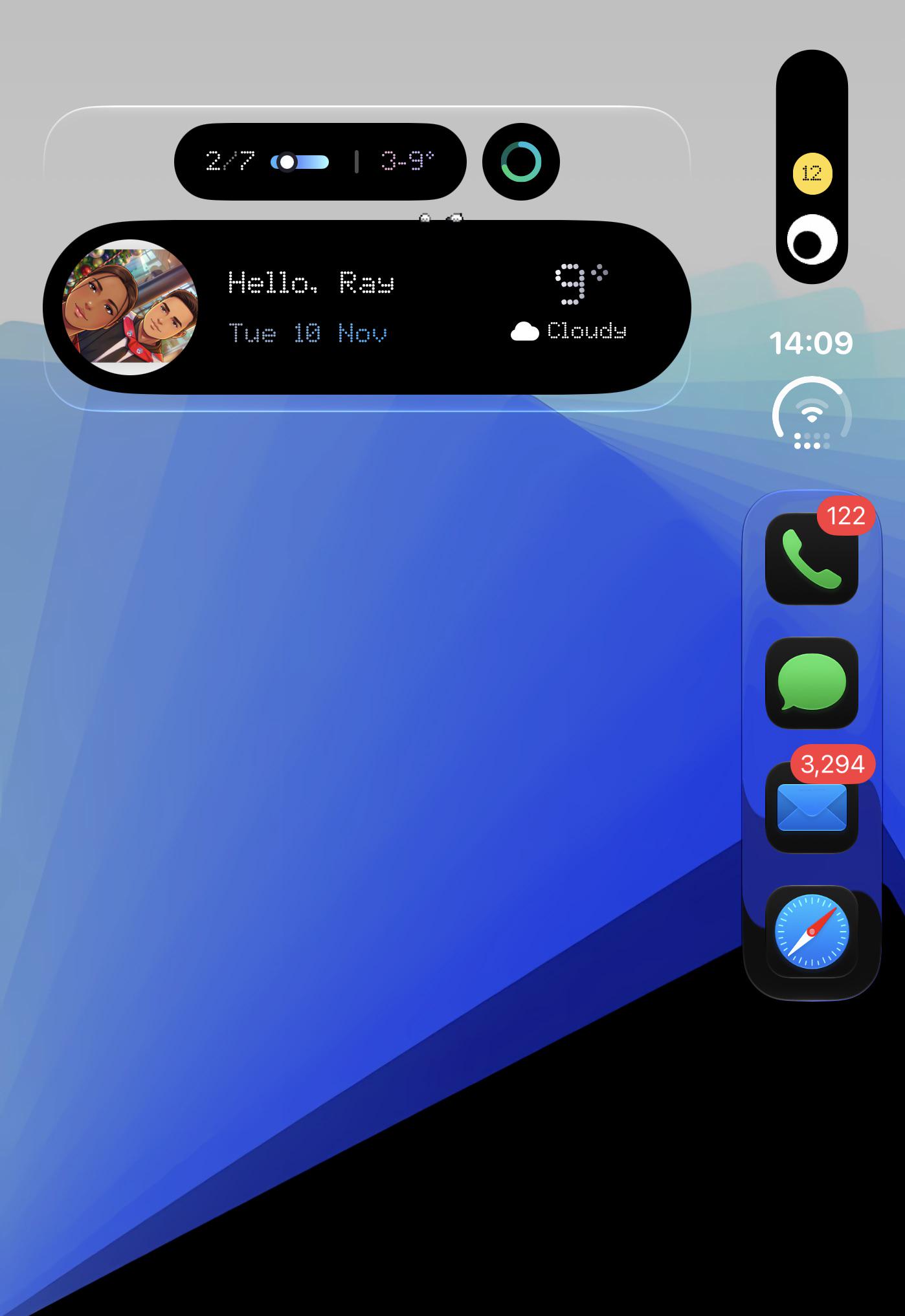
I’m using Koco Widgets on my iPhone Duo, and I’m trying to get a cleaner home screen.
As you can see in the screenshot, there’s a translucent white/grey layer behind the black widget. I’d like to remove that background completely so only the black widget is visible.
Has anyone managed to do this, either through Koco Widgets or iOS settings? Any suggestions would be appreciated!


