Hi everyone,
I’m trying to combine two icon packs and wanted to see if there is a way to restore a behavior from older versions of Smart Launcher.
What I’m trying to do:
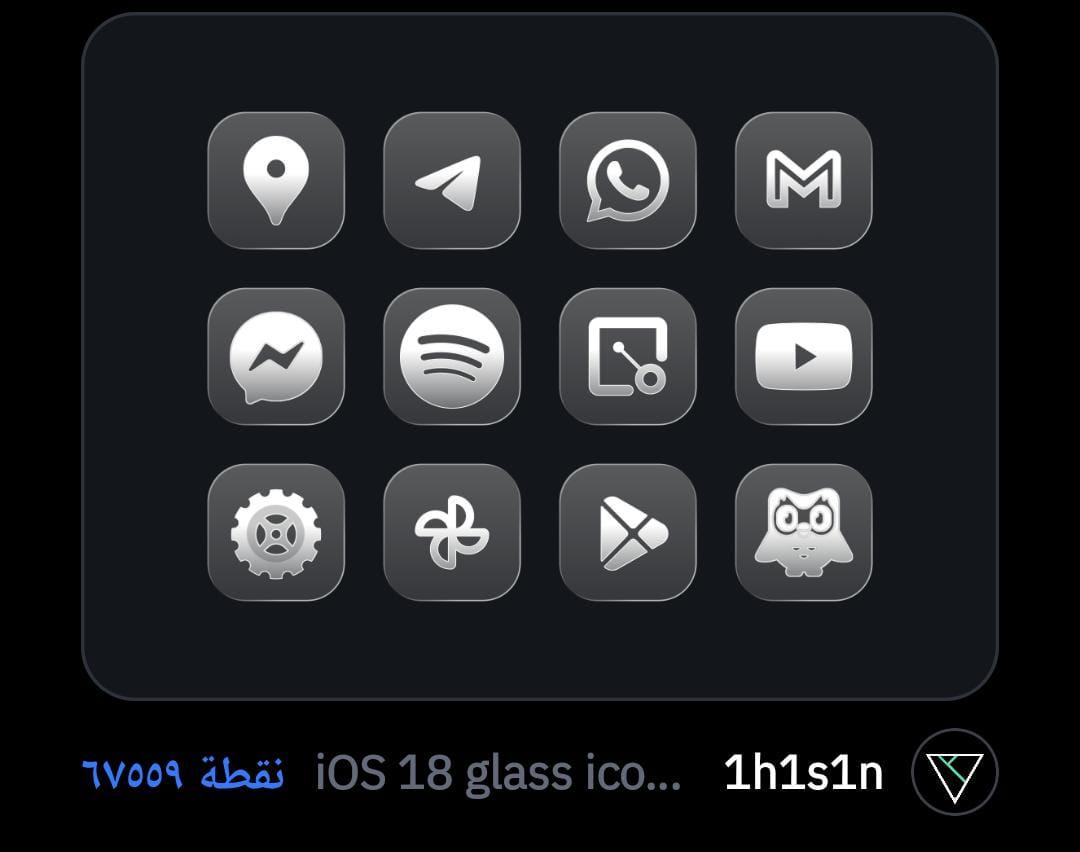
- Icon Pack A: A custom APK exported from Icon Pack Studio on another phone (it only has icons for the apps that were on that specific device, so it's missing a few of my current apps).
- Icon Pack B: A very similar icon pack available directly in Icon Pack Studio.
I want to apply Icon Pack A (APK) as my main icon pack, and have Icon Pack B (IPS) act as the fallback for the missing icons.
How it used to work: In older versions of Smart Launcher, I would first apply Icon Pack B from Icon Pack Studio (which covered all my apps). Then, I would apply the Icon Pack A APK on top of it. Smart Launcher would apply the icons available in the APK and leave the missing ones using the Icon Pack B design.
The current issue: In the newer version, applying the Icon Pack A APK forces all missing icons to fall back to the default system icons, completely overriding Icon Pack B.
Is there a setting or a workaround in the current version to layer icon packs like this, or set an IPS pack as the fallback instead of system defaults?
Thanks in advance!