Miruro accounts are here
Create a Miruro account to sync your watchlist, watch history, Continue Watching, playback position, and some settings across devices. You can still watch as a guest.
Email is optional. If you add an address, Miruro sends you a verification link. Only verified email addresses can be used to sign in. Use your username until you verify.
AniList and MyAnimeList
AniList. Sign up with AniList to import your watchlist and favorites after setup, or link it later under Settings → Connected accounts. Use Sync now or enable Auto Sync for supported updates.
MyAnimeList. Link it after creating your Miruro account and use Sync now to sync manually.
Under Settings → Data management, you can import AniList JSON or MyAnimeList XML and download a backup of your Miruro data.
What’s new
More titles. We’ve added Arcane, Avatar: The Last Airbender, and Castlevania directly to Miruro’s catalog. You can suggest more anytime.
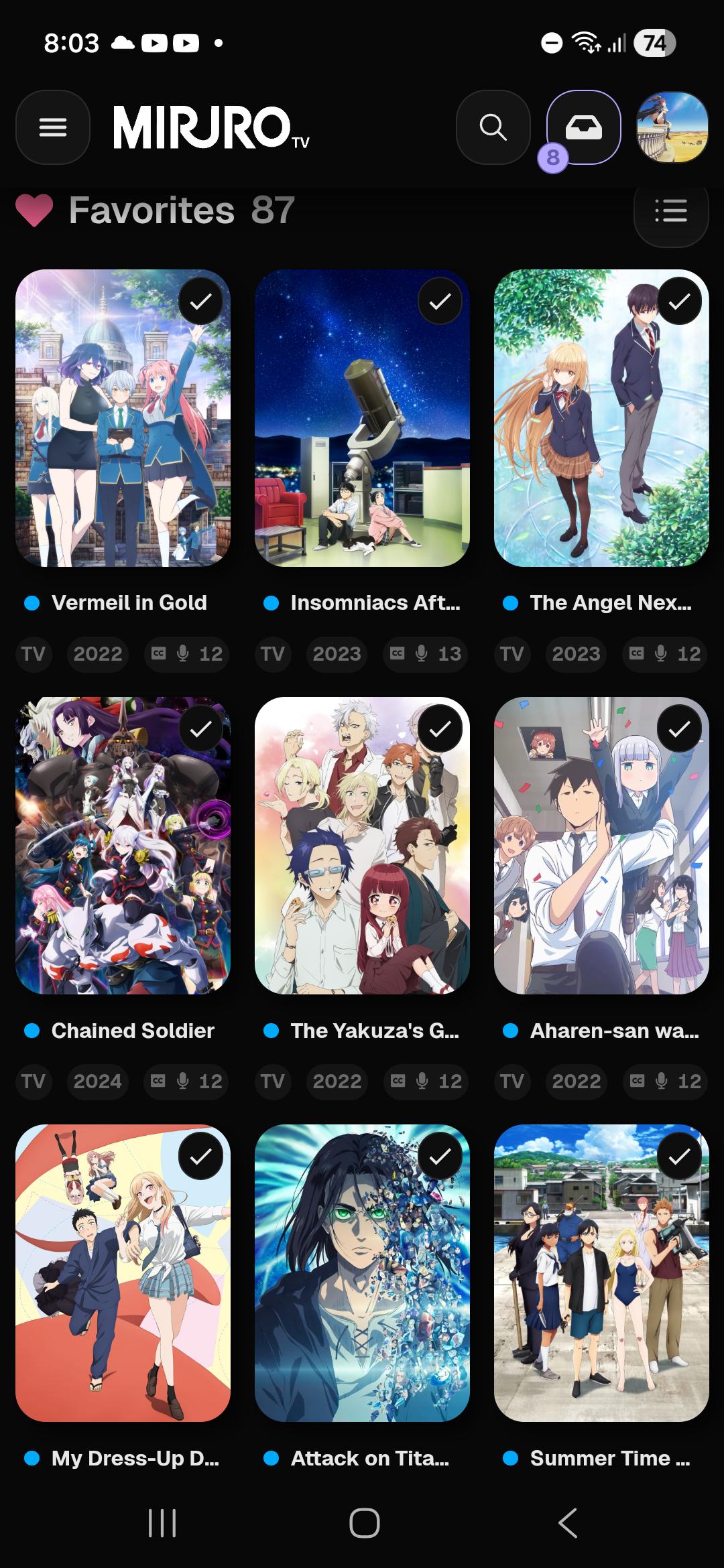
Profiles and lists. Share your `@username`, add a short bio, organize your watchlist into custom lists, and switch between cards and a table. You can also keep your watchlist private.
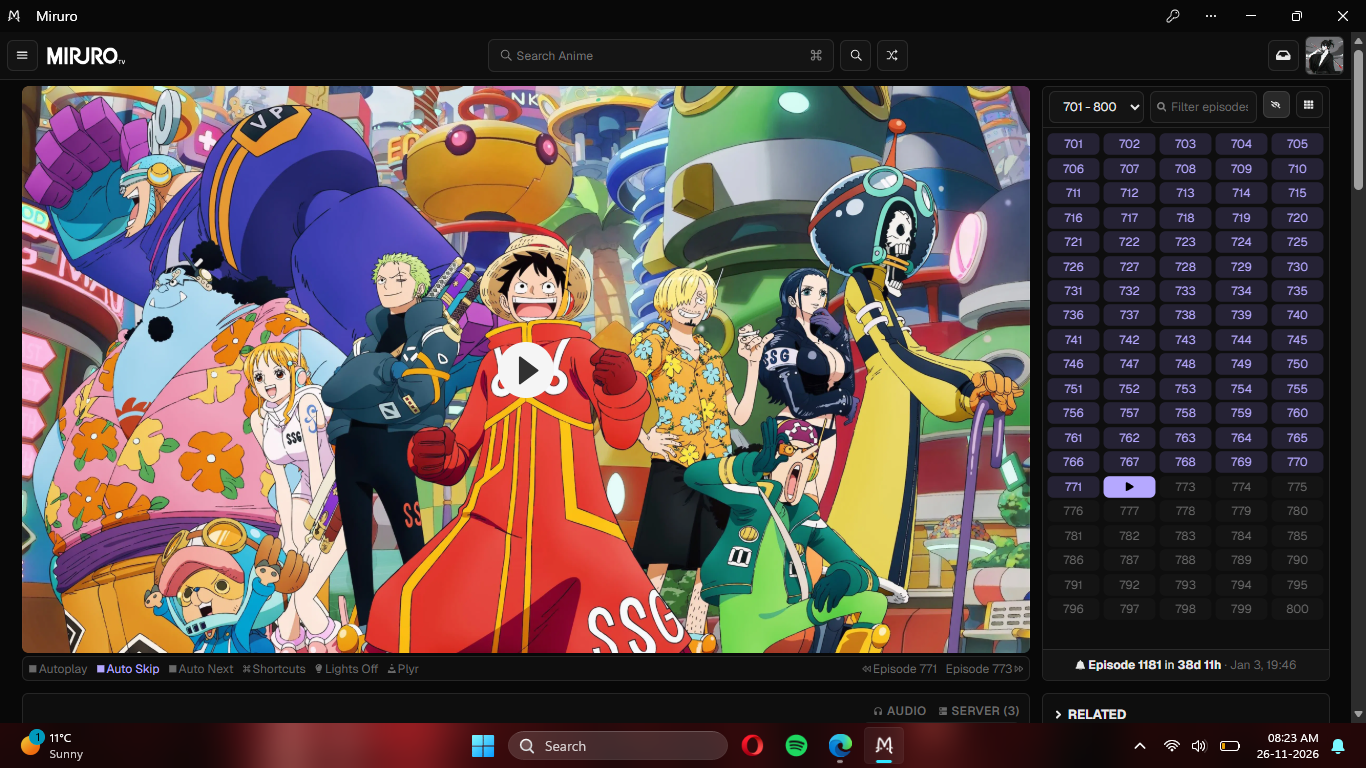
Search and watching. Filter by studio, browse Sub and Dub releases separately, and see when an episode is being prepared. The adult content setting applies across browsing, recommendations, and anime pages.
Miruro 2.0 adds a Tags filter, recommendations based on your watchlist, a Black theme, custom accents, and redesigned anime info pages.
What’s next
Miruro Community, public episode view counts, and profile picture uploads are on the way. Some screens still need polish, so let us know in the comments what’s working and what feels off.