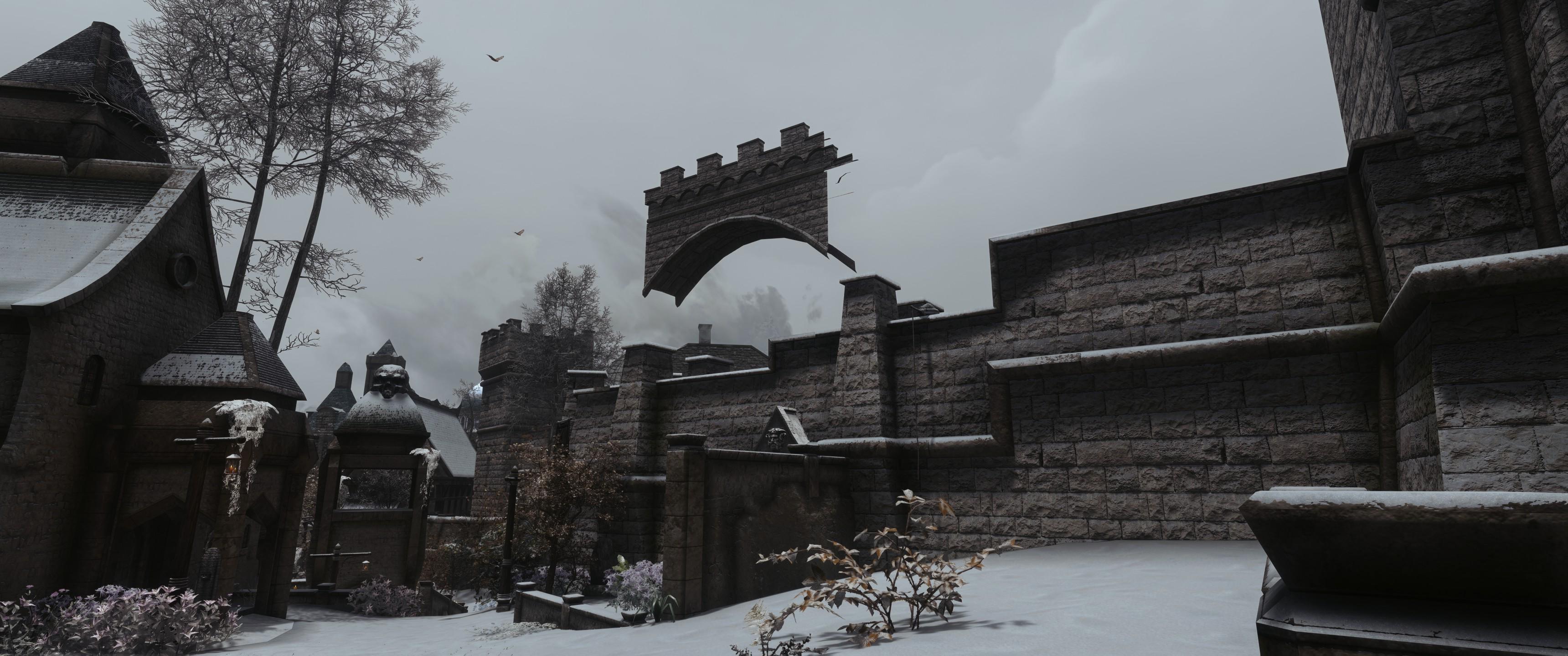
Nolvus v6.0.21 is released
**This Update requires a new game**
- Detailed change log here ==> https://discord.com/channels/740569699900719145/1351864154046201907/1541786131173998602
- Full change log (with added, updated and removed mods) here ==> https://www.nolvus.net/appendix/history
**How to install**
- Start your Nolvus Dashboard, it will update itself
- You should see the update button, just click on it.
**Additional Notes**
Mod Organizer 2 has been updated to 2.5.2 and xEdit has been updated to 4.1.5f (64 bits)
- Mostly for customizers
- Not 100% needed
**You need to reinstall the list if you want MO2 and xEdit to be updated!!! (mostly for customizers)**
If you don't want to reinstall
**For MO2**
- Download the Mod Organizer 2 Manually from here ==> https://github.com/ModOrganizer2/modorganizer/releases/download/v2.5.2/Mod.Organizer-2.5.2.7z
- Extract it somewhere in a temp folder
- Copy the extracted content to your Nolvus install folder under the **MO2** folder (should be by default x\Nolvus\Instances\Nolvus Awakening\MO2)
**For xEdit (mostly for customizers)**
- Download xEdit from here ==> https://www.nexusmods.com/skyrimspecialedition/mods/164?tab=files
- Extract it some somewhere in a temp folder
- Copy the extracted content to your Nolvus install folder under the **TOOLS\SSE Edit** folder (should be by default x\Nolvus\Instances\Nolvus Awakening\TOOLS\SSE Edit)
- When done, go to the optional folder (under TOOLS\SSE Edit) and copy **SSEEdit64.exe** into TOOLS\SSE Edit
**Credits**
- I would want to thank a lot the **Devs, Dev Helpers, helpers and the beta testers** for all their work during the beta testing and the fixing, **they did an amazing job**.
- Also as usual a big kudo to **patreons and donators** because as i always say, nothing would have been possible without them.
**Warning**
- If you have **Nolvus Awakening Ultimate with SR Exterior Cities** installed, after the update, you will have the mod **Whiterun Outskirts Market - Whiterun Has Walls Patch** at the end of the list left unchecked, you can delete it (or leave it like that).
- For customizers, updating the list will disable all your added mods (no delete but your mods will be placed at the end of the list and left unchecked)
**Support Nolvus**
- If you want to **contribute to this project and keep it alive**, feel free to support Nolvus