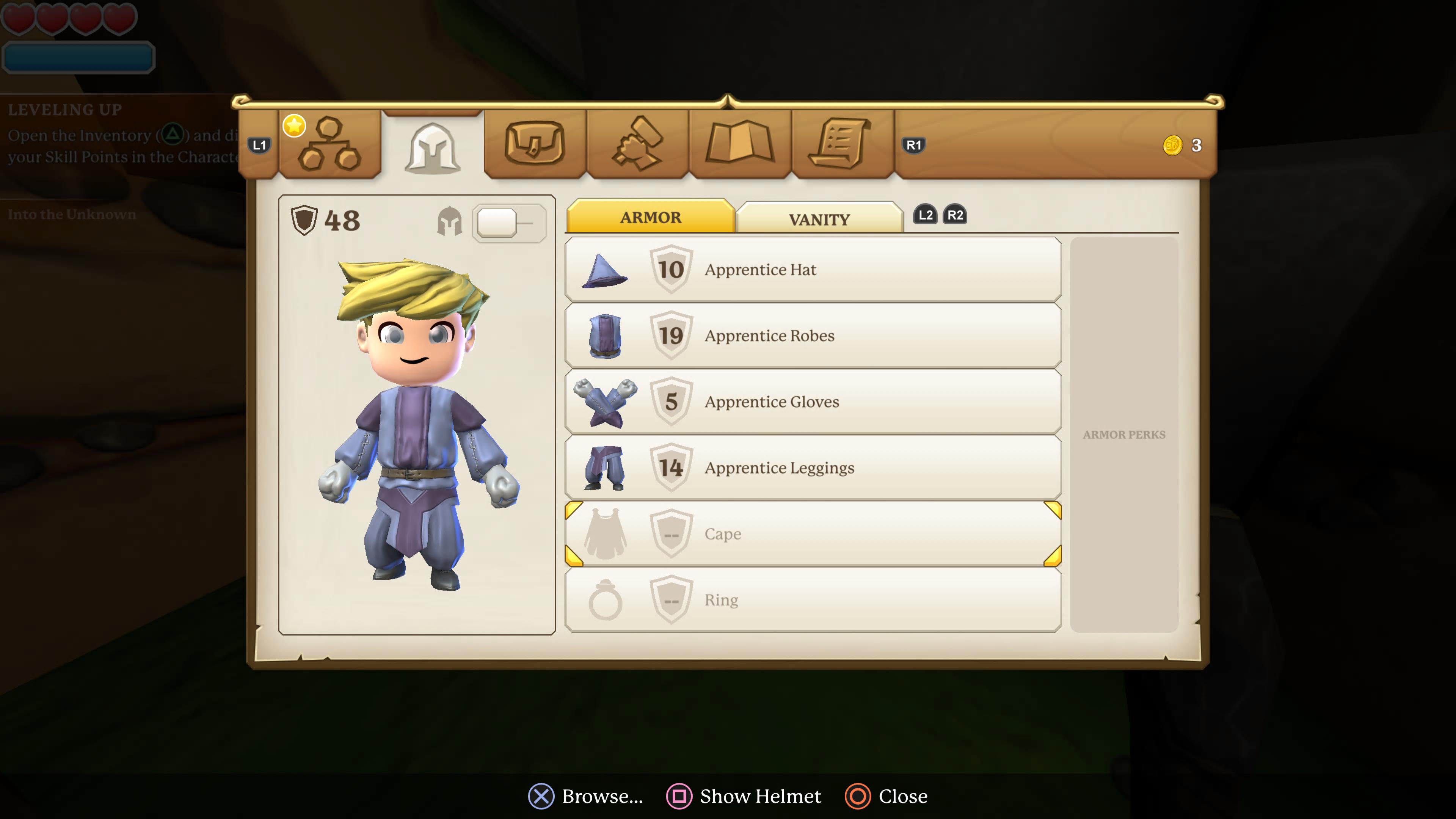
With the save editor, you can modify characters, equipment, inventory, stacks, stats, worlds, chests, mannequins, signs, NPCs, and more. Download the Portal Knights Save Editor: https://github.com/CookiestMonster/Portal-Knights-Save-Editor/tree/main The editor requires Python 3 with Tkinter. Install dependencies Required once: pip install zstandard Optional (much faster world load / save / scans): pip install python-snappy If `pip` is not found: `python -m pip install zstandard` or `py -3 -m pip install zstandard`. The editor still runs without `python-snappy`; it just uses a slower built-in codec. Run Easiest: double-click `pk_save_editor.py` (A console window may open behind the GUI — that is normal.) From a terminal (same folder as the script): python pk_save_editor.py ### 🔧 Portal Knights Save Editor Features * Edit characters and character stats Modify gear, bags, items and item stacks Edit worlds and world data Modify chests and mannequins * Edit signs and NPCs * Add or rename NPCs, traders and props Work with world templates * Create and test NPC setups * Save your changes directly to your save files