r/postprocessing • u/Opposite-Leading3413 • 9d ago
iPhone 15 Pro ProRAW photos lose colour and detail when opened in editing apps. Why?

Hey everyone! I’m an amateur photographer who has recently started exploring RAW photography.
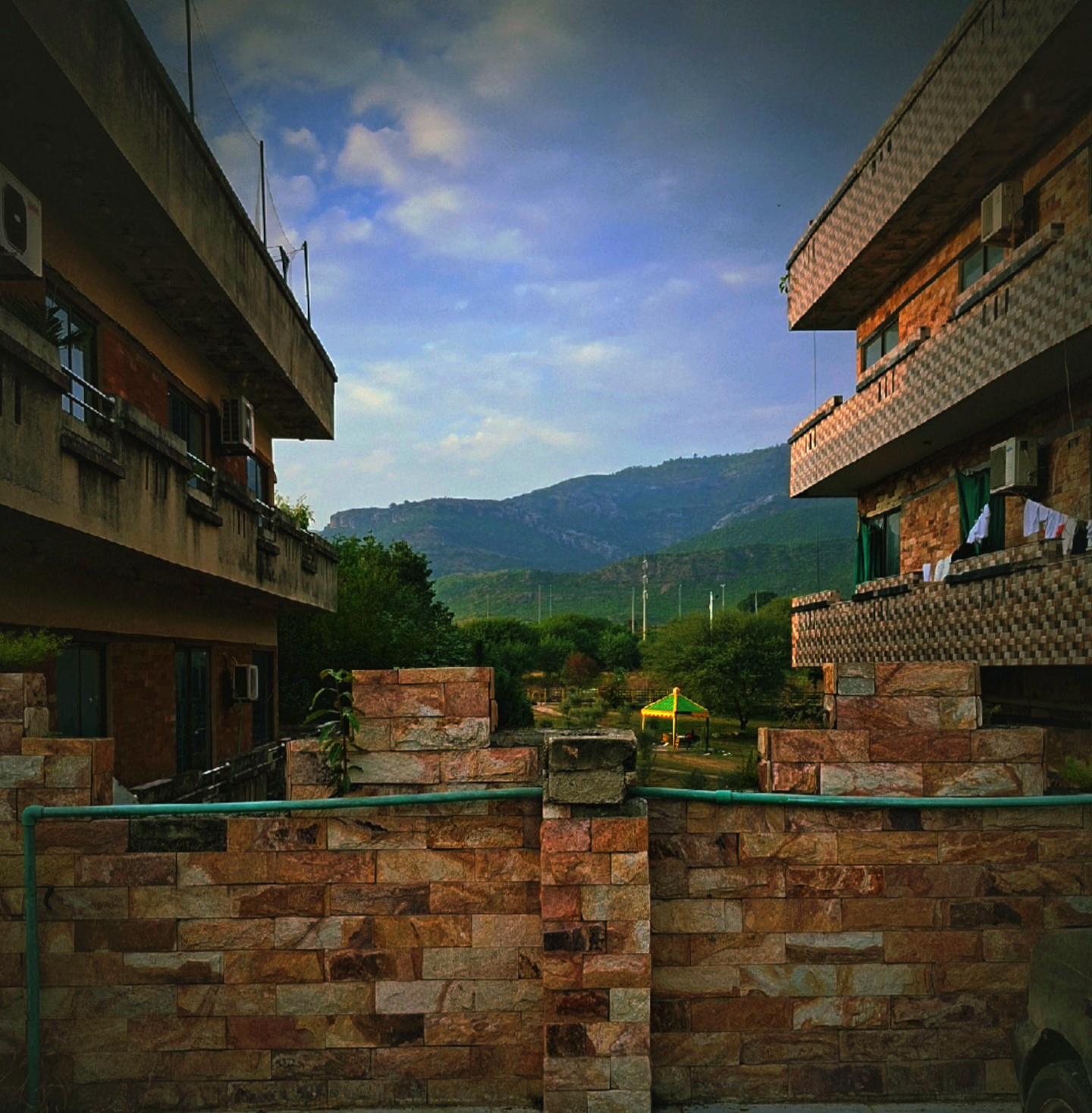
I’m shooting 48MP ProRAW on my iPhone 15 Pro. The photos look beautiful in the Photos library, with vibrant colours, good contrast and plenty of detail.
But the moment I tap Edit in Photos or import the original DNG into Lightroom Mobile, the image looks noticeably flatter, brighter and washed out. The colours and contrast seem to disappear.
I’ve tried different Lightroom profiles, changed RAW default settings to Camera Settings and experimented with HDR settings, but nothing seems to help.
Is this normal behaviour with Apple ProRAW? Is there a way to retain Apple’s original rendering while still having the flexibility to edit RAW files?
Would love to hear from anyone who’s faced this and figured out a solution. I’m still learning photography, so any advice is appreciated!