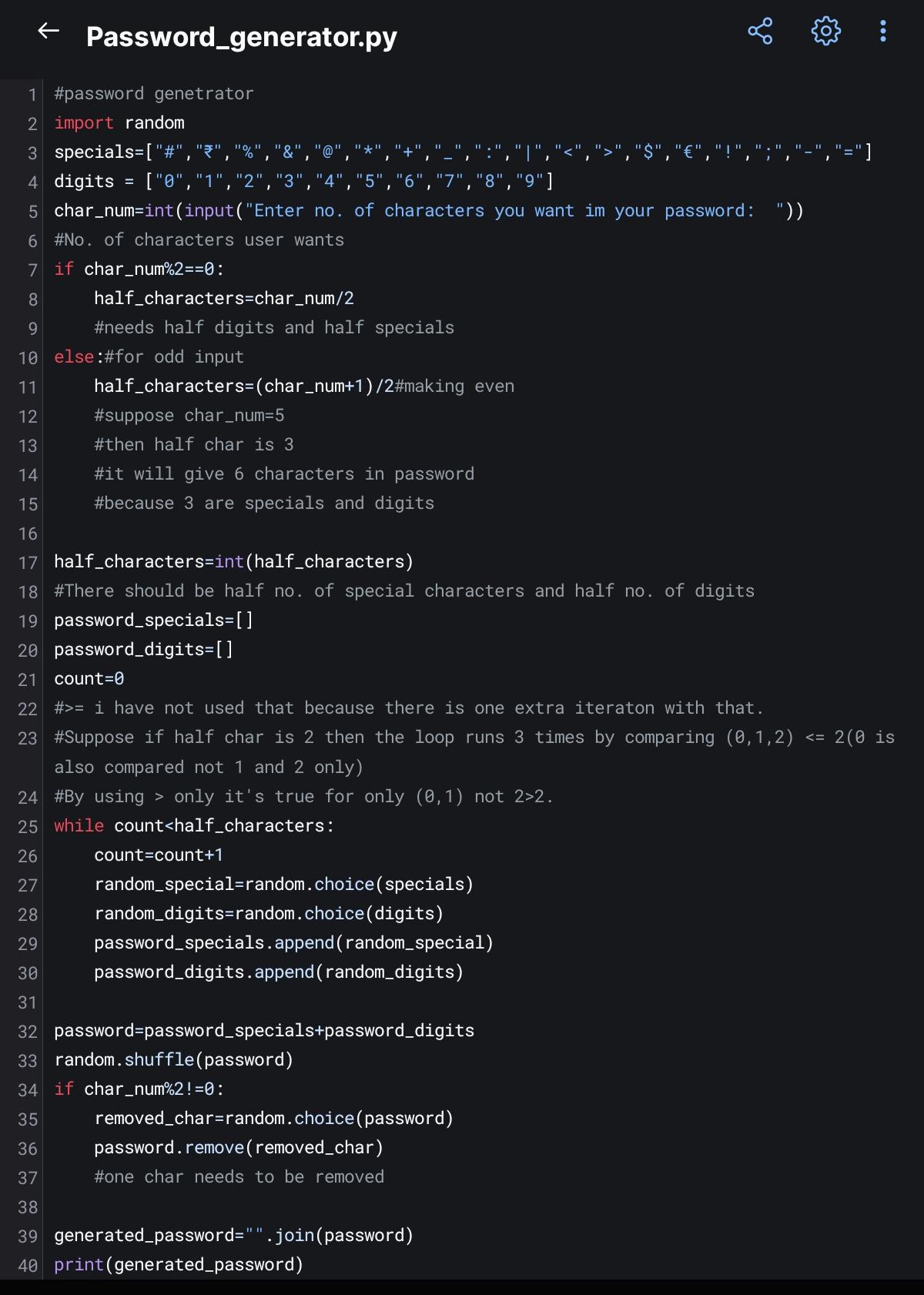
As a guy and a fresher in engineering field, who knows basic python and java , can anyone give advise or guide me to win or atleast the things to do in a proper hackathon rather than working unorganisedly..
I’m building Project Yellow Olive, an open-source retro TUI that helps people learn Kubernetes through gamified, hands-on challenges running against real clusters. I’ve posted about Project Yellow Olive here before and got a really good response to the idea, so I wanted to share one of the newer things I’ve been experimenting with.
I’ve now started experimenting with Pyxel, a lightweight retro game engine for Python, to add a visual learning layer alongside the existing challenges.
The idea is to visually explain concepts like nodes, namespaces, pods, services and deployments, while keeping the same retro aesthetic as the rest of Yellow Olive.
The hands-on part still stays real Kubernetes - Pyxel is mainly there to make some of the underlying concepts easier to understand before jumping into kubectl/YAML.
Would be interested to hear what people here think about this direction, especially those who’ve taught or mentored people on Kubernetes. Feedback is the main thing I’m looking for, but if you like the project, a GitHub star is always appreciated 🙂
LLM: Qwen2.5-7B-Instruct (Q5_K_M) (~5.4 GB) via llama.cpp (CUDA with Flash Attention & q8_0 KV cache) or Ollama fallback, Qwen is very good at tool use, Gemma may also work; Deepseek likes to <think> too hard and breaks things
Re-Ranker: FlashRank(ms-marco-MiniLM-L-12-v2).
Backend / GUI: FastAPI + WebSockets + PyWebView (Native Desktop window, zero Electron overhead).
VRAM Footprint: ~6–7 GB on an RTX 3080 / 3060 / 4070 (also supports CPU fallback).
Hey I am OM PRASAD BARTIA, here I want to track and document my projects
Stage 1: simple UI of uploading image and image preview
Tech Stack:
Python
Streamlit (Web UI)
PIL (for image uploading)
Features:
Title of the page
Image upload
display the details of the uploaded image [File Size, Dimensions, File Format]
Stage 2: convert the uploaded image into 3 more versions (GRAYSCALE IMAGE, BLURRED IMAGE, EDGE DETECTION )
Would love your suggestions on how I can improve and enhance it. What features or real-world applications would make this project more useful and unique?
Hi everyone! Today I released the first version of **Meshly**, a small networking project built with Python sockets. The main goal was to learn more about how client-server communication actually works instead of hiding everything behind high-level libraries. **What it currently has** TCP socket communication Client / server architecture CLI interface Basic connection handling I’m still actively developing it, so there’s a lot I want to improve. I’d really appreciate feedback from people who have more experience with networking and Python. **GitHub:** [https://github.com/fimees/meshly](https://github.com/fimees/meshly%5D) What would you add or change in the project?
I got an inspiration for this tool from pretty much existing tools, and thought to build one open-sourced myself.
It's name is **isittaken**, yes. All you do is, pip install isittaken and then import it. Do a check from a .txt full of names and run it. It will produce a nottaken.txt in which the safe names will be output and you can see it checking in the Command Line.
I am thinking of adding checking from directly repos and produce GitHub checks, npm checks and more as well as adding an offline LLM name suggestion feature? What do you guys think?
I got an inspiration for this tool from pretty much existing tools, and thought to build one open-sourced myself.
It's name is isittaken, yes. All you do is, pip install isittaken and then import it. Do a check from a .txt full of names and run it. It will produce a nottaken.txt in which the safe names will be output and you can see it checking in the Command Line.
I am thinking of adding checking from directly repos and produce GitHub checks, npm checks and more as well as adding an offline LLM name suggestion feature? What do you guys think?
A modern, secure, and responsive Inventory Management System built with Python, Flask, and Tailwind CSS. It features Role-Based Access Control (RBAC), real-time analytics, secure file uploads, stock movement tracking, and comprehensive audit logs.
What I liked about this pattern is that the campaign has one lifecycle instead of being scattered across a queue service, telephony provider, database job, and notification worker.
This is still a sample, so before using something like this in production I’d add auth, retries, opt-out handling, audit logs, campaign-level limits, and better reporting. But as a starting point for durable outbound communication workflows, it felt like a useful shape.
Some backstory, I had started building this small lightweight machine learning library called leanpass for learning autograd, later I got inspired from micrograd and made it into a project for others, did two posts or something and got 12 stars and a contributor!!
Then here I am with 4 more stars, although I got starstruck, I am very scared to do any amendments to the library as it could also result in breaking changes, recently I made claude write some of my logic (it was so damn inefficient).
I also somehow got it on awesome-machine-learning's repo list.
And I also added an issue generator cuz I had school and all, I still am skeptical bout it and thinking to remove it.
If you wanna contribute and help me build this cool little project, go here:
It is a C extension for CPython. The main object to interact with is implementation of EventLoop, that inherits asyncio.BaseEventLoop. There are also native implementations of File and Socket objects. And to use advanced features of io_uring, like `fixed` buffers, there is a dedicated interface-object - ExecutionContext.
Because main feature of io_uring is true asynchronous file I/O, here i'll show an example of interaction with a file. Note that everything is true async, not a thread-pool workaround:
pip install uringio
import asyncio
import uringio

async def main():
    async with await uringio.open_file(path='testfile.txt') as file:
        data = b'Hello, uringio!\n'
        await file.write(data=data)
        result = await file.read()

asyncio.run(main(), loop_factory=uringio.UringioLoop)
uringio brings huge performance upgrade, here is visualization of result of benchmarking simple sequential writes to file:
Fixed buffer mode shows even better performance
Note that uringio(and io_uring itself) is not a silver bullet - while it is vastly superior in one scenarios, it is not most efficient choice in others.
You can already use file and socket operations, along with a few advanced features of io_uring. But, current version is `v0.4.4`, so there is still a lot of work to do. Please don't use it in production yet, even in simple scenarios! I am currently looking for enthusiasts to make first touches on the library.
Also i'm actively looking for people to contribute, share feedback and experience.
recently, I made a GPGPU project to help anyone simulate pretty much anything using python. Its available on pypi, its called hyperstellar(download it via pip "install hyperstellar" on windows and linux), so to see how far I could go, i simulated a clackhole using actuall physics! Its only 200 lines of formatted code in python. More examples at: https://github.com/jabariaiden/hyperstellar/tree/main/examples
I made a little thing in python while teaching myself python again and I felt like sharing my little project and here it is link to source code here
my project is a quote creating app that will select random words to make quotes from 0 to 22 words, it is a quote making app for people who just need a randomly made quote It differs from existing alternatives because it is free and every quote is made at pure random, also it is one font file, one image file, and one script
This started off as a strange attractor visualisation app but has slowly become more of a general mathematical system analysis/visualisation tool. I initially was working on a version of this using Streamlit but found PyQtGraph to be way better suited for it. Have a play around with it if you get the time!