r/screenrecorders • u/SLITH3RIN • 3d ago
Product Showcase I make a screen recorder that puts the recording on a background, zooms on clicks and edits by transcript (dev here)
Dev here, so take this as a showcase. ClipHearth records a display, a window or a game with the computer's sound, the microphone and the camera, each on its own track if you want. It can also go live at the same time.
What happens after you stop is the part I'd like feedback on:
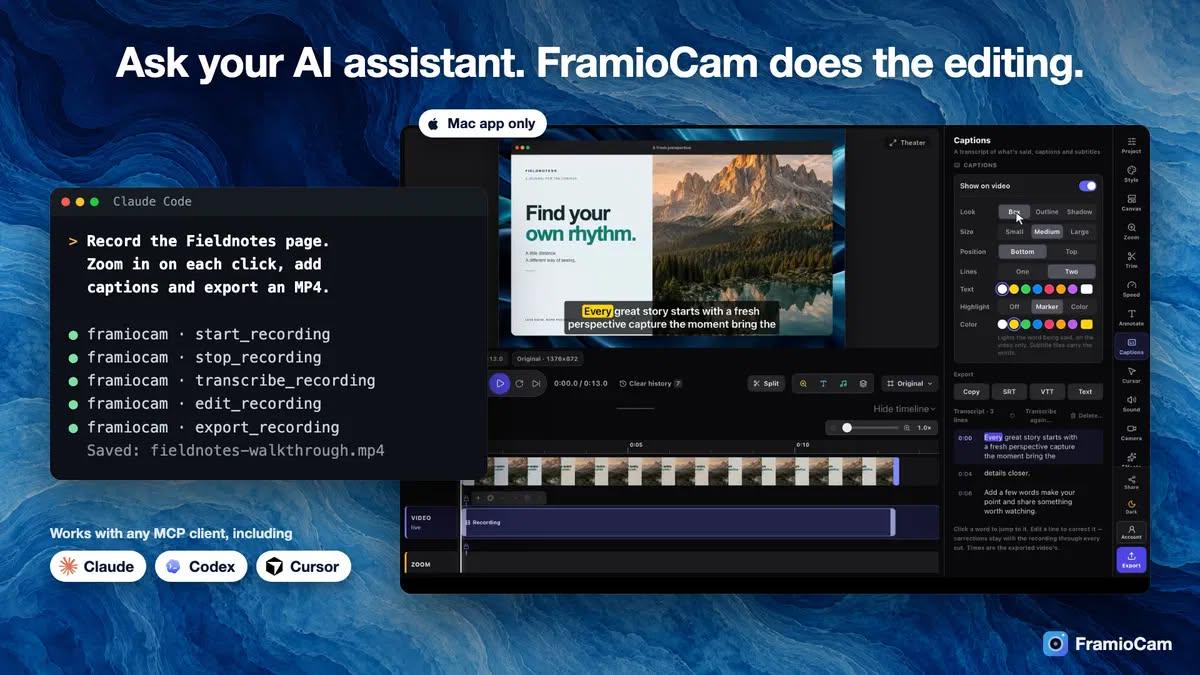
- The recording can sit on a background with rounded corners and a shadow, the pointer is drawn larger and smoother, and it zooms in on every click. All of it after recording, so you can change your mind.
- It opens in the Studio, a timeline editor: cut by deleting words from the transcript, remove every um in one click, add big word-by-word captions, make a vertical version.
- The transcript is made on your computer, and later you can find any recording by a word said in it.
Windows, macOS and Linux. Recordings up to 3 minutes are free, also after the trial. Longer ones need a license: 39 EUR once or 9 EUR a month.
App is local by design (no cloud services) and its idea is a complete workbench, not just a one purpose tool.
What's the first thing you do with a recording right after you stop?