r/Affinity • u/eriksan0010 • 8d ago
Photo Adjustment layer controls do not appear
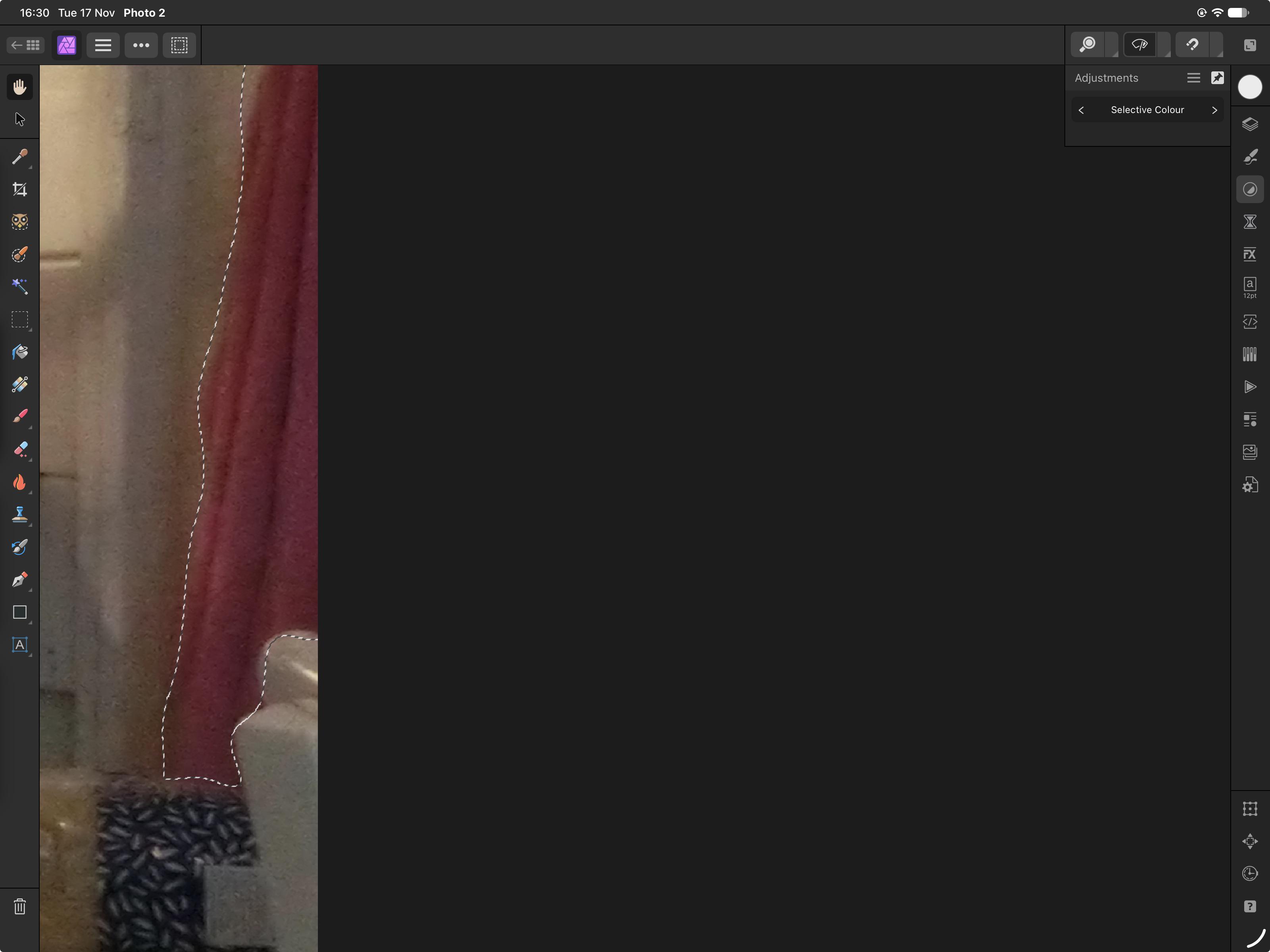

I was only able to see the controls for Colour Balance once, when I created the adjustment layer. However, when I try to create a new one, no controls appear under any Adjustments that do not have pictures under them (such as Selective Color).
3
Upvotes
1
u/Cyanandblue 7d ago
I think you have to go to the layers panel and select the adjustment layer from there and then see the controls... ? 🧐
Edit - but I don't get what have you tried to tell with the second screeenshot.…. 🤔