Hi everyone,
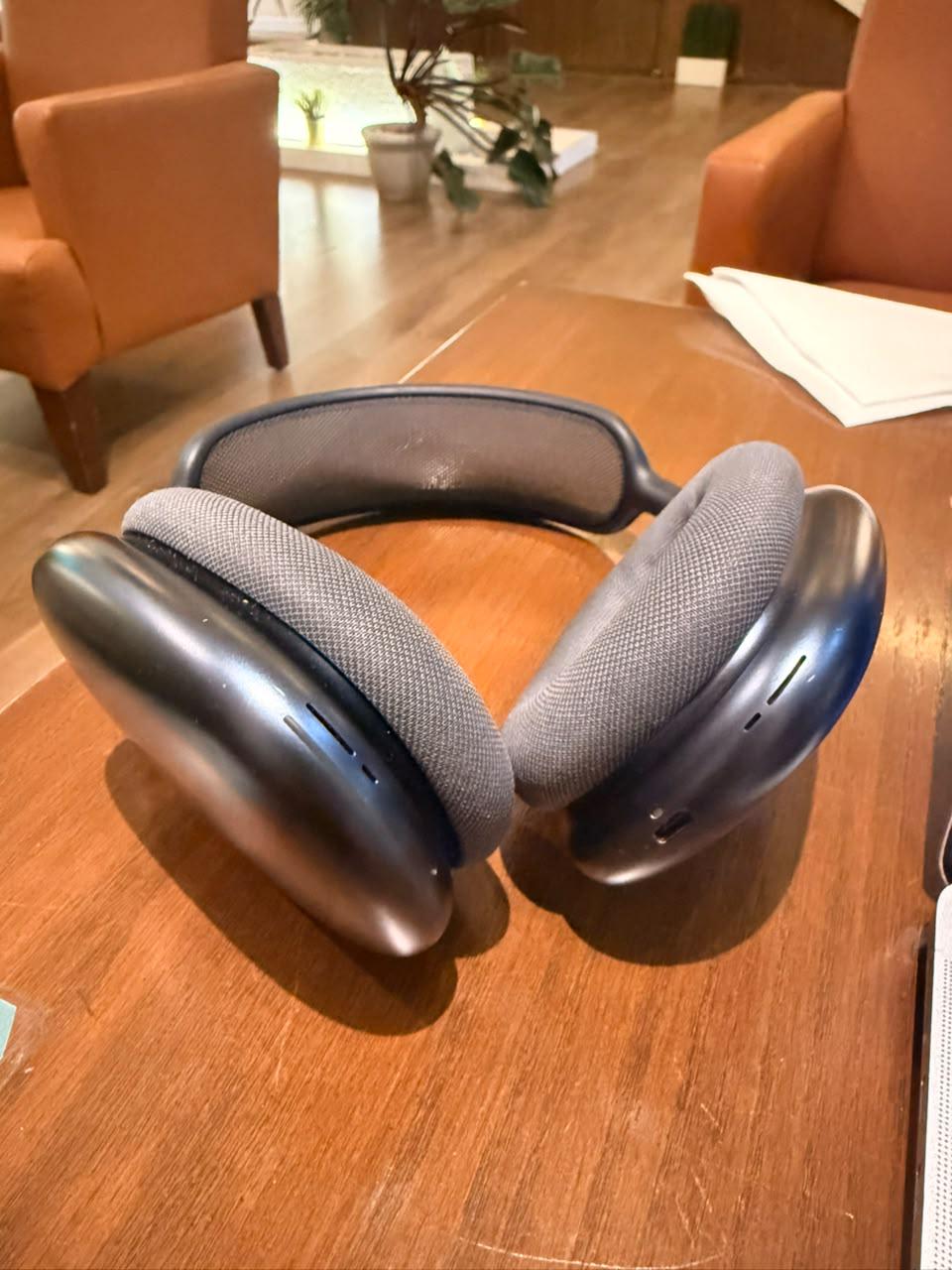
I'm getting a bit frustrated and wanted to get some advice on Apple's AirPods Max 2 and repairs. I've had several sets of AirPods and AirPods Pro without issues, and my girlfriend has had an original pair of AirPods Max for several years without problems. However, during the last Amazon Prime Day, we each got a set of AirPods Max 2, which have been giving us problems for the last month or so.
The issue is random but extremely annoying, especially for a new set of headphones at this price point. Basically, no matter what we connect them to (iPhone, iPad, iPad mini, iPad Pro, MacBook Pro) and no matter what app we're using (Audible, Music, Spotify, Libby, YouTube), we receive audio glitches. The glitches sound a bit like a split-second "phewsh," almost as if there's an electrical surge distorting the audio. My girlfriend compares it to the sound of a static shock, which makes her think they're going to zap her, but for me, I'm reminded of the distortion people get when watching television with an antenna and the image and sound go squiggly for a second. Another comparison is that it sounds a bit like the noise you get when you're adjusting speaker cables while your receiver is on.
Sorry for the odd description, but I wanted to clarify it's not a disconnect, it's not static frizz, and it's not clicking. It's not something that would come from a bad fit or seal, a loose ear pad, or soiled speakers. It's pretty tough to describe. And the kicker is it occurs in different severities, and it only happens once every ten minutes to an hour. It's just enough to make you think it's not going to happen, then it does, like a dripping shower faucet in the middle of the night while you're trying to sleep.
I reached out to the Apple community and got some advice on enabling/disabling audio cancellation, as well as toggling other software features, like spatial audio. None worked. I got some advice for cleaning the speakers and connectors, but they're brand-new units. Corrosion shouldn't be an issue, especially for two new sets. I was told to troubleshoot my other Bluetooth devices, and I didn't find any Bluetooth interference. I've reached out to some other AirPods Max users in these forums with similar-sounding issues, and they all said they either returned and bought a different brand or returned their AirPods Max five to ten times until they got a pair that didn't pop intermittently.
We've now been taking up our AppleCare plan, hoping Apple could diagnose an issue or provide a pair that doesn't have the issue. We've received one refurbished pair in place of my girlfriend's pair, but it has the same issue. We've also sent both of our pairs in and just got a notice the issues could not be replicated with either pair. They are now being shipped back to us without any fixes, according to their emails.
It's too late to return them to Amazon, and when we originally called, Amazon told us we had to use our AppleCare plan instead of going through them. In fact, instead of allowing a return online, Amazon's website gave us a number I had to call so they could tell me I needed to reach out to Apple instead. At this point, I wish I had pushed harder to return these headphones at that point since troubleshooting with Apple isn't working. I was optimistic there would be an easier fix.
At this point, I wonder if putting my headphones on top of my Blue Yeti mic and recording for an hour might document the issue. That seems like a lot of work, and I'm not sure such a recording setup would even be practical. I'm not sure how else to document it or prove there's an issue.
I'm guessing our only choice is to accept the defect or keep pushing Apple to replace the units/ continue diagnosing the issue. With all that said, I have two questions I'm hoping can get me guidance:
- Has anyone had an issue like this on their own units that they specifically fixed? Remember, they're new units that just got passed by Apple's maintenance team in CA, so cleaning the connectors shouldn't be an issue or a fix. I'm happy to try more toggling of the mic, spatial audio, and noise cancellation settings, but so far that hasn't helped either. I can also note all devices are up to date on official software.
- Does anyone have suggestions about working with Apple when they can't replicate an issue? Do I just keep calling and pushing for a fix? Is there a way to get them to spend more than five minutes trying to replicate the issue, or maybe request brand-new pairs instead of refurbished ones? I've never had an issue I had to call more than once about.
I appreciate any advice or thoughts, and I'm happy to give more info if it might be needed.