r/AnalogCommunity • u/frandcist • 10h ago
Scanning Scanning problem using Lomography Digitaliza

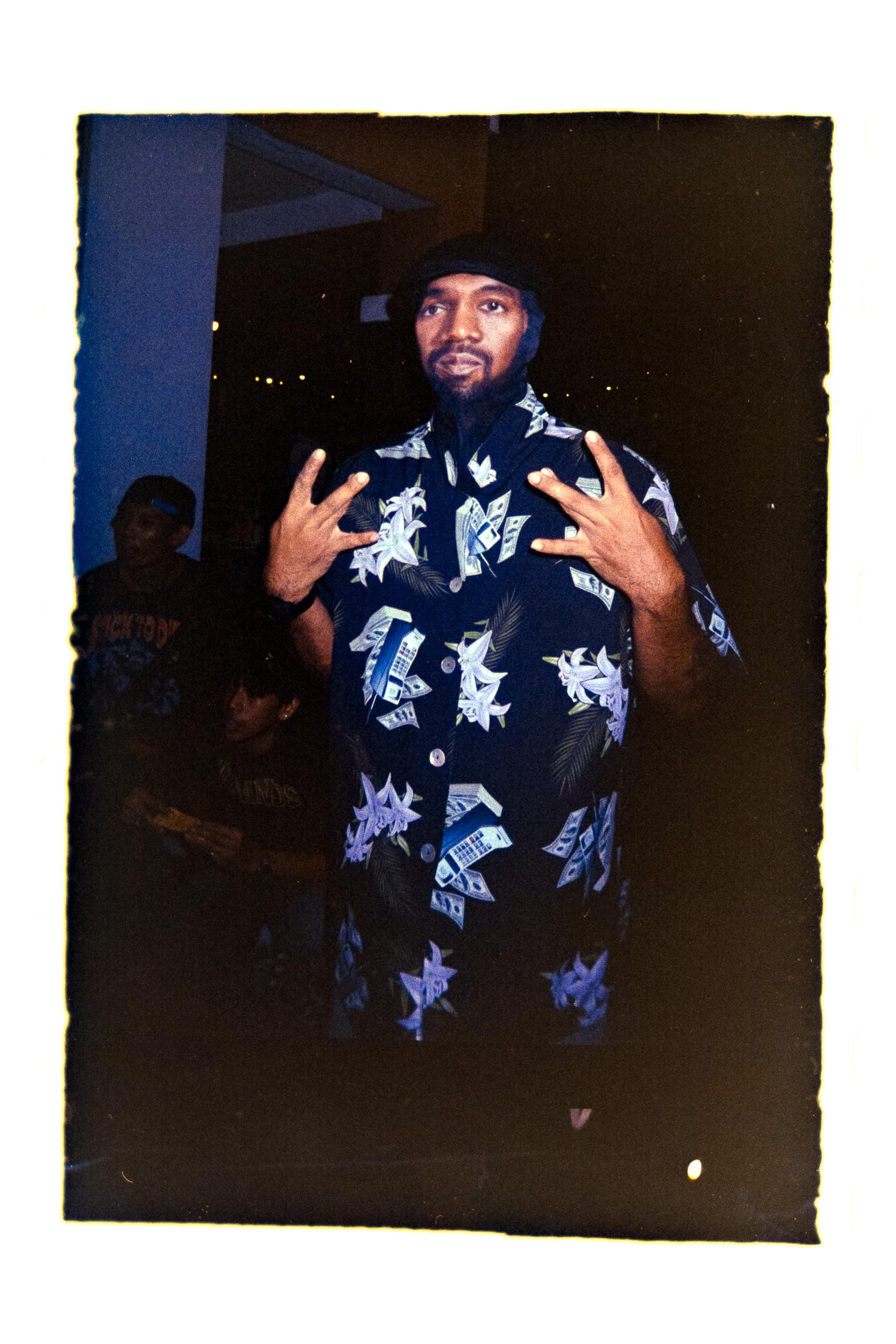
So I'm scanning my 35mm film using Lomography Digitaliza and there's always this light leaking from the sides. I can't get even results. Is there any way to prevent this from happening? The 35mm mask included isn't helping either. I also tried putting black tape around the light source and leaving only the middle part, the size of a single 35mm frame.
2
Upvotes
3
u/stay-frosted-flakes 10h ago
It's not really light leaking, look into flat field correction.
3
u/kitschymoniker 10h ago
I dunno about the lomo setup specifically but it could be light reflecting off the negative if you're not doing it in a dark space.
1
u/DusablesDriver47 F2, Mamiya C330 10h ago
First the shirt is amazing and…is that a mask he’s wearing?!
Second, the film holder might be leaking the light. Besides your own fix, you can try putting a translucent diffusion filter between the source light and the film plane. I use the essential film holder I’ve gotten consistent results from it because of the diffusion layer.
1
u/Entropic_Echo_Music 7h ago
The light source of the digitisa really sucks, in even sufaces like a sky you can see the grid of the leds. I suggest using a different light source and put the film holder onto it.
1
u/06035 5h ago
You need to do what’s called a Flat Field Correction or Lens Case Correction.
That lighter vignette is both the light source being uneven, and your lens vignetting. LCC’s correct for that