r/ArduinoHelp • u/Adelgander • Jul 13 '26
Electrolarynx failure
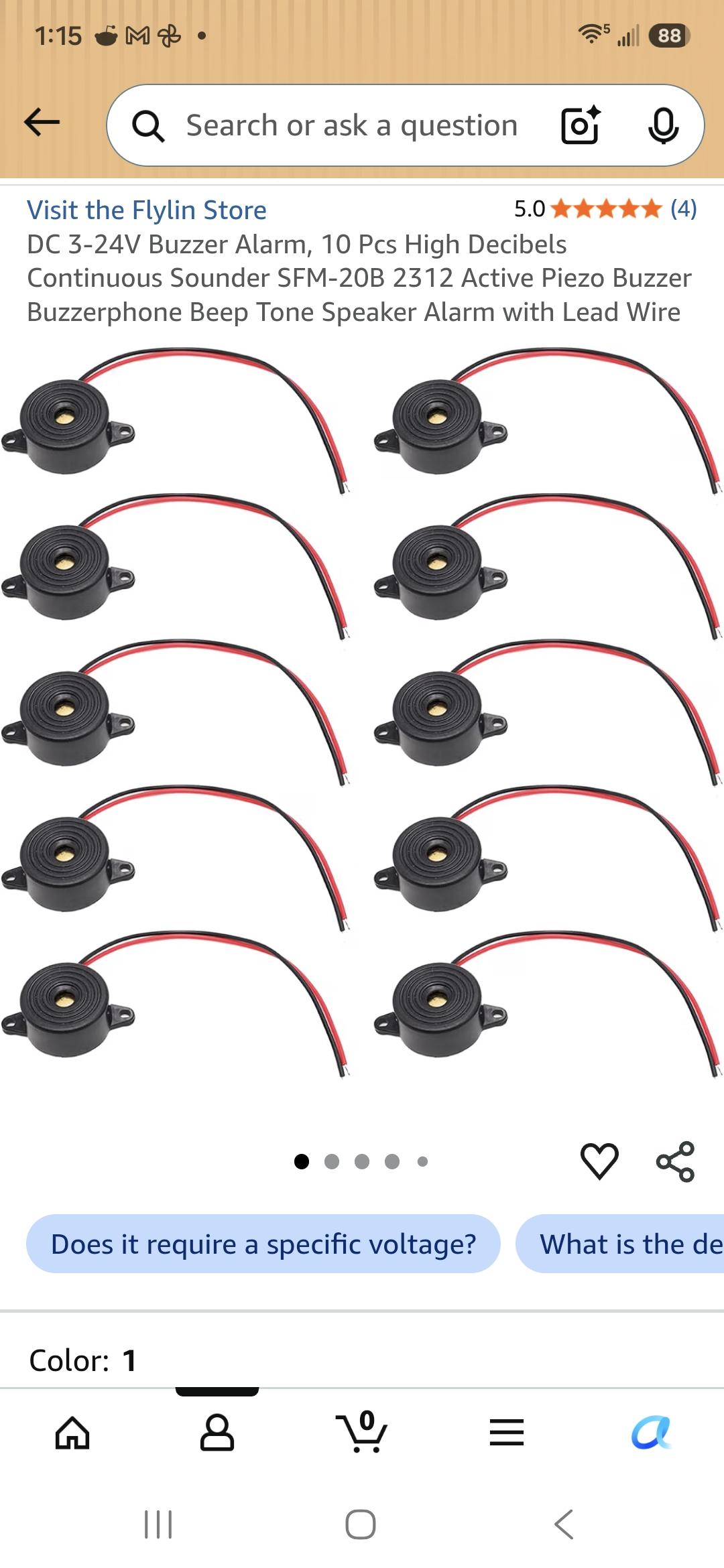


I've been trying to get this project working, but my knowledge of low voltage stuff is severely lacking. I followed this instructable: https://www.instructables.com/DIY-Electrolaringe-Con-ARDUINO-NANO/
I initially bout some car tweeters, but found they were too powerful. I then got the smaller piezo buzzers, and still just can't get it working. I got the off-brand Chinese nano arduinos, which might be an issue? The programming was easy enough, just copy + pasted it.
I have extras of everything, maybe considering just using a new bread board and starting over in case I heated something up too much soldering. I've switched the - and + wires of the speaker around, used L out and R out separately, but no sound. Any help greatly appreciated.
View all comments
Show parent comment
1
u/TheKnackThatQuacks Jul 14 '26
Again, what specifically is not working? Are you getting any error messages?
Is there any kind of output from the speaker?
Just for the sake of completeness, can you post your code here?
It may be worthwhile to put something in the setup function like:
println(“About to start the tone.”);
pinMode(pinNo, OUTPUT);
println(“Set pin mode to OUTPUT”);
tone(pinNo, frequency);
println(“Started oscillator”);
And maybe something in the loop like:
#define EXE_INTERVAL 1000
unsigned long lastExecutedMillis = 0; // vairable to save the last executed time
void setup() {
/*******************
* your setup code
*******************/
}
void loop() {
unsigned long currentMillis = millis();
if (currentMillis - lastExecutedMillis >= EXE_INTERVAL) {
lastExecutedMillis = currentMillis; // save the last executed time
println(“One second of execution time has elapsed.”);
}
}
(Source: https://arduinogetstarted.com/faq/how-to-use-millis-instead-of-delay)
Just to show your code is actually executing.
Another option might be to also slow the frequency down a bit and use some resistors and LEDs to verify the output.
The official Arduino documentation for the tone() function can be found here:
https://docs.arduino.cc/language-reference/en/functions/advanced-io/tone/
You can check out some of the answers here for how to check a signal without an oscilloscope:
https://electronics.stackexchange.com/questions/560099/how-can-i-see-if-my-oscillator-works-without-using-an-oscilloscope
https://electronics.stackexchange.com/questions/708171/detect-presence-of-12mhz-squarewave-without-oscilloscope
https://electronics.stackexchange.com/questions/342193/how-to-check-for-quick-oscillations-without-an-oscilloscope
https://forum.allaboutcircuits.com/threads/detecting-pwm-without-an-oscilloscope.174136/
https://ham.stackexchange.com/questions/2346/how-can-i-tell-the-frequency-without-an-oscilloscope-or-frequency-counter
https://electronics.stackexchange.com/questions/78530/how-can-i-tell-if-an-rf-transmitter-is-transmitting