r/ArduinoHelp • u/beast_boy_08 • 2d ago
Arduino circuit connection
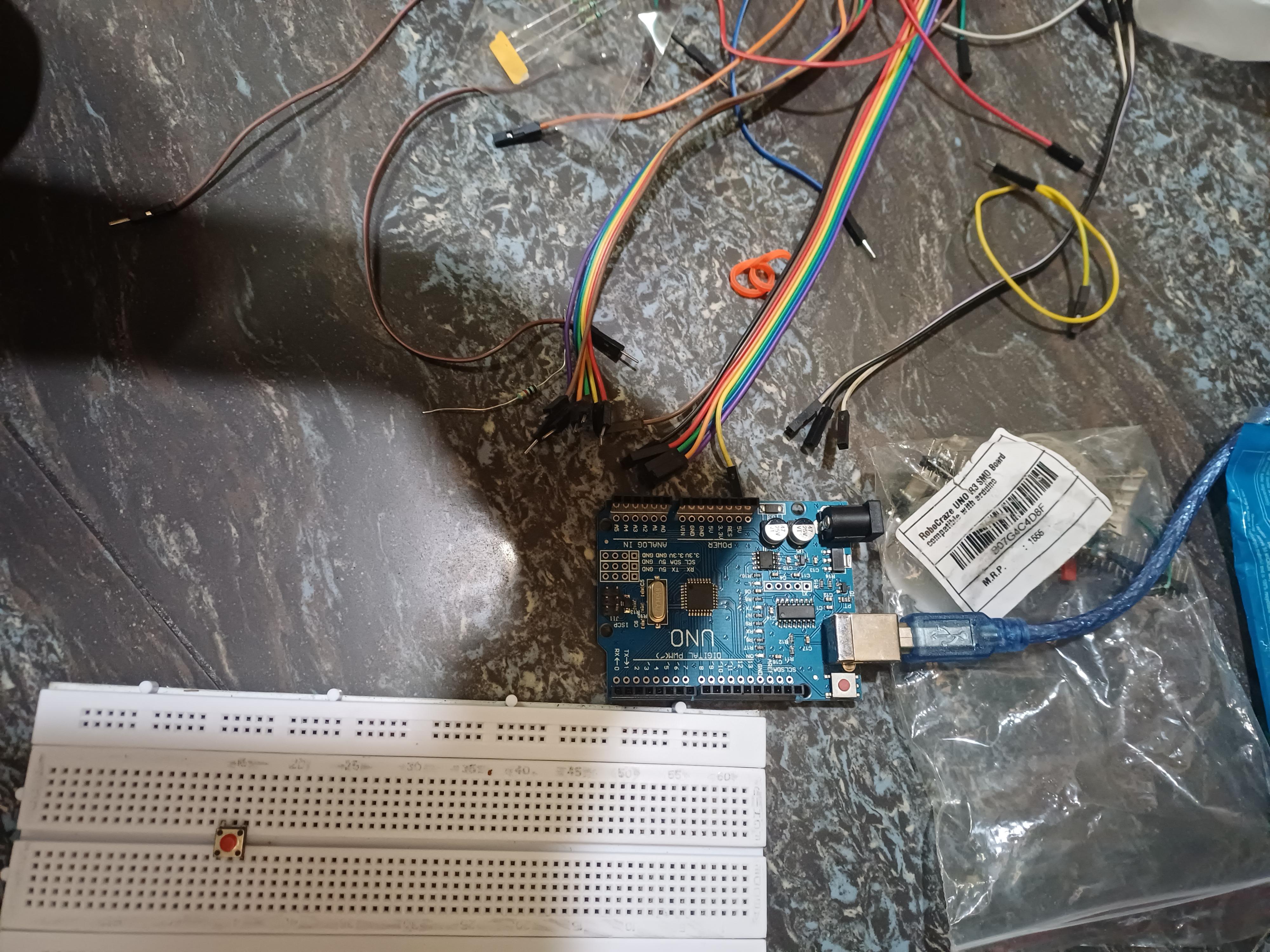
Anyone well versed in arduino . Please help me to built a little circuit for when i touch the push button ,the led turns on for 2 sec then off
1
Upvotes
1
u/gm310509 2d ago
You might start by looking at the builtin examples: https://docs.arduino.cc/built-in-examples/
Start with blinking the LED.
Then do a button example.
These are all well documented already - having a custom written guide just for you won't beat what is already out there.
After you get those two working seperately, try making it so that the button turns the LED on/off. After that use the code in the blink program to make it so that it when turned on it reamins on for 2 seconds and then automatically turns off (i.e. without the second button press).
Have a go yourself and if you get stuck but don't please don't ask others to do your project for you - you need to at least try.
3
u/yeehah 2d ago
C'mon, you're not even trying. If you just Google "Arduino circuit for when i touch the push button ,the led turns on for 2 sec then off," you'll get dozens of helpful links. In AI mode, you'll get the circuit and the code too. Being good at computers requires knowing how to look things up on the Internet.