r/ComfyUIResources • • 20d ago

RunPod free credits ($5–$500) + cheap cloud GPU for AI (Flux, Wan, Ollama)

1 Upvotes

If you need cheap GPU power for AI stuff (Flux, Wan 2.2, Ollama, etc.), RunPod is honestly one of the easiest options right now.

I’ve been using it to spin up GPUs for image/video generation and small web projects, and setup takes like a few minutes.

Bonus when signing up:
– You get a random credit between $5 and $500 after adding your first $10
– I also get a small bonus + % of usage for 6 months

Referral (helps me out):
https://runpod.io?ref=gih72axs

Non-ref link:
https://runpod.io

What I like:
– Way cheaper than buying a GPU
– You can switch between GPUs (3090, 4090, H100, etc.)
– Works well for ComfyUI, Ollama, and similar setups

If you want, I can share how I set up workflows or run models on it.


r/ComfyUIResources • • 48m ago

Inworld's new open-source Voice Isolator now works locally in ComfyUI (low vram)

Thumbnail
youtube.com
1 Upvotes

Links for anyone who wants to try it:

- Custom Node + Example Workflow: https://github.com/Oyaabuun/ComfyUI-Inworld-Voice-Isolator

- Inworld Model (Apache-2.0): https://huggingface.co/inworld/voice-isolator

Key specs: Offline (64M) and Realtime (58M) models, and outputs both clean voice + extracted background audio.


r/ComfyUIResources • • 11h ago

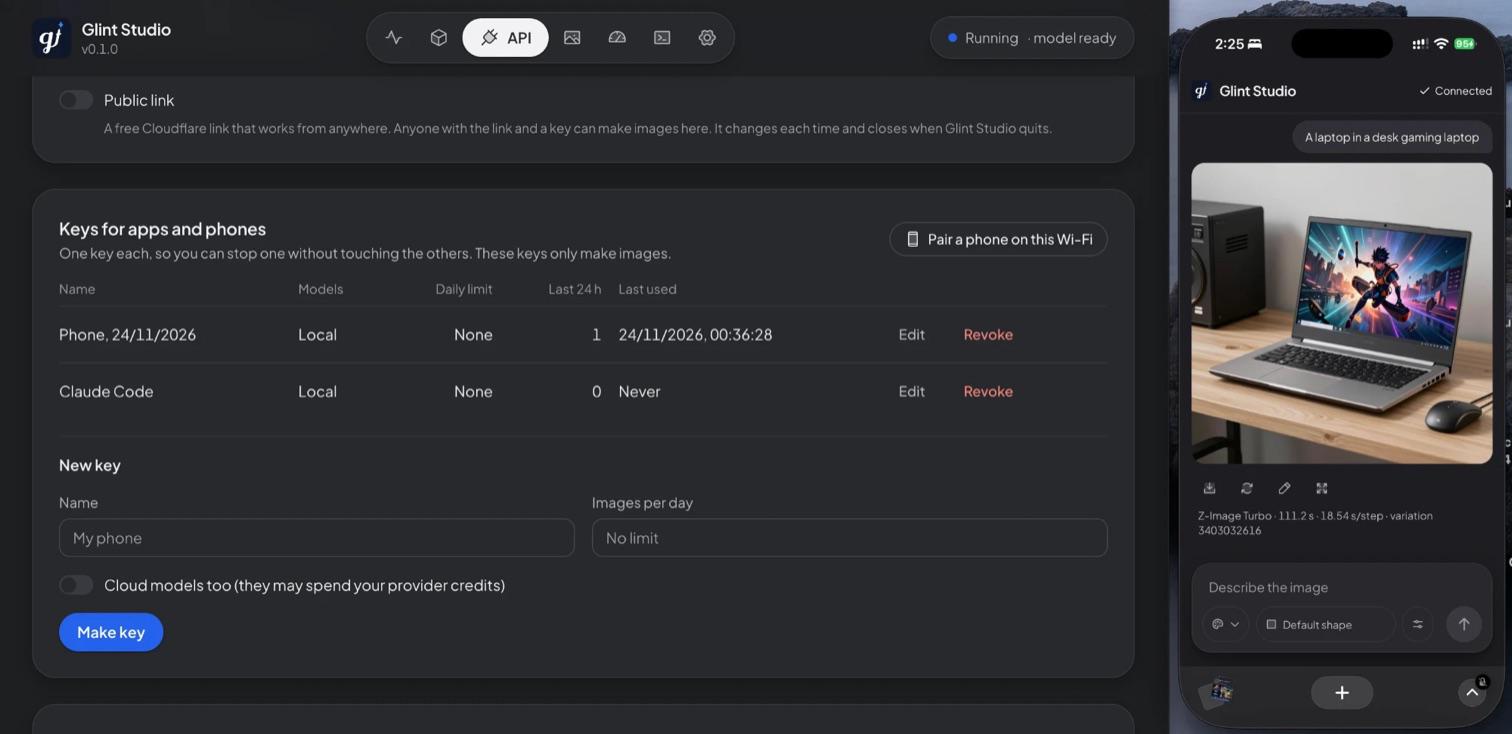
I built a free, open-source app that sets up local image gen for you (ComfyUI, models, API)

Post image
4 Upvotes

r/ComfyUIResources • • 15h ago

POST TEXT Everything here was made locally on my own computer with free models in ComfyUI - pictures, video, face consistency and the two songs. No cloud services.

0 Upvotes

r/ComfyUIResources • • 1d ago Bravo

Free dataset + workflow for t2i with over than 6000 prompts ready

Thumbnail gallery
3 Upvotes

r/ComfyUIResources • • 1d ago

Extend a clip

Thumbnail reddit.com
0 Upvotes

r/ComfyUIResources • • 1d ago

MINIMAX IN BAHASA INDONESIA

0 Upvotes

Hey, I'm new to ComfyUI, and I'm currently working on a film in Indonesian.

Unfortunately, Minimax H3 doesn't seem to handle Indonesian very naturally. The voices lack emotion, expression, and realistic intonation.

Is there any audio model or node that can be connected to Minimax H3 to improve Indonesian voice generation and make the dialogue sound more natural and expressive?


r/ComfyUIResources • • 2d ago

Nightmare Mobile: free offline local AI image and video generation on Android, ComfyUI-style node editor on the Snapdragon NPU. MiniMax H3 video with sound, MOSS-Image, FLUX.3, FLUX.2, Z-Image, Qwen Image, Wan 2.2, SDXL, LoRA, ControlNet, inpainting, img2img. No cloud

8 Upvotes

r/ComfyUIResources • • 2d ago

Feedback wanted on my new Ekphrasis Prompt Bench tool - a local workbench for writing, mixing, rendering and grading image prompts (LM Studio + ComfyUI)

Thumbnail gallery
0 Upvotes

I've been building a tool for my own Krea 2 work, and it has grown into something others might find useful, so I've put it on GitHub.

Ekphrasis Prompt Bench is a local web app that drives vision models in LM Studio. Everything runs on your own machine – no cloud, no accounts.

What it does

  • Describe – turns folders of images into prompts written in each target model's own format: Krea 2, MOSS-Image, Ideogram 4 (JSON with boxes), Wan 2.2 and more. Modifier chips change style, setting, era, medium and lighting; a trigger word and training-caption output for LoRA datasets.
  • Photobash – fuse 2–4 pictures (or random picks from folders and hand-picked pools) into one coherent new picture. Blend them by weight, or draw each aspect (subject, pose, light, palette, era …) from a different source per mix. Great for creative accidents you'd never think of.
  • Ideas – prompts with no source image: many takes on a brief, random dice rolls of genre / era / medium / light, or full wildcard templates with a searchable browser for your wildcard library.
  • Rewrite – convert old SDXL tag prompts, or any kind of prompt, into any other format, including proper natural-language prompts; restyle a whole list ("make it a professional photograph", "more surreal"), refine against the source image, or make minimal-edit twin pairs.
  • Render – a render button on every prompt sends it to your own ComfyUI workflow (local models, or any API service your workflow uses) and shows the image right under the prompt, so you can edit and iterate.
  • Review – for sweeps: rate renders, grade the prompts themselves (great / ok / duff), keep a library of your best prompts, and let a vision model check whether renders follow their prompt – including whether a photobash failed because of the prompt, the combination of sources, or the image model.

Requirements

Windows, Python and LM Studio with a vision model (the Qwen-VL family works well). ComfyUI is optional, for rendering.

License and feedback

Free for non-commercial use (dual license). It's built for my own workflow first, so I'd love feedback from people who work differently – what's missing, what's confusing, what breaks.

GitHub: https://github.com/EricRollei/Ekphrasis-Prompt-Bench

(The name: ekphrasis is the old Greek art of describing a work of art in words.)


r/ComfyUIResources • • 2d ago

Need Help With Workflow

Thumbnail reddit.com
0 Upvotes

r/ComfyUIResources • • 2d ago

I Just dropped my Moss Image AI Babe Pack by Sarcastic TOFU on CivitAI

Thumbnail
gallery
1 Upvotes

I Just dropped my Moss Image AI Babe Pack by Sarcastic TOFU.

This pack focuses on high-quality LORAs for beautiful AI-generated characters, each trained with specific physical attributes (hair color, skin tone, and features that match the character’s race/ethnicity) so they stay consistent across generations. These use the same datasets from my earlier AI Babepacks that were made for Flux.2 Klein (9B & 4B), Chroma, Z-Image Turbo, and Krea 2. I decided to retrain them as Moss Image LORAs. The pack is split into multiple parts, each part contains 10 LORAs for 10 unique, consistent characters. I’ve included some sample images so you can check out the quality and consistency yourself.

Like what you ? see then go here -

https://civitai.com/models/3049899/moss-image-ai-babe-pack-part-01-by-sarcastic-tofu

This is the link to the first part of the pack and other three are linked in the "Suggested Resources" section on that page.

If you like these, some Gold Buzz would really help me put out more exclusive and spicier content for this pack on CivitAI Red. If there’s enough support, I can also start releasing some other good stuff on CivitAI Red. Just use the keyword (the one shown in bold green in the model card) with the corresponding LORA to get the intended look. You can still get decent results without the keyword, but using it gives the most accurate and consistent results. You can download them to use with Moss Image Base or SFT with ComfyUI or other tools or you can use them in CivitAI or CivitAI Red.

Hope you enjoy them. Feel free to share your generations!


r/ComfyUIResources • • 4d ago

HyperFlow H3 Flash Faster Generation with 6GB of Vram

Thumbnail
youtu.be
44 Upvotes

Hello everyone

I’ve been testing HyperFlow, a compressed 14B-parameter open-source model created through self-distillation acceleration of the 20B MiniMax H3 model, and I built a complete ComfyUI workflow around it. The main reason I wanted to test it was speed: it aims to reduce generation time without relying on external training data while still maintaining good quality. It also supports NVIDIA Sol-Attn sparse attention, which can provide another speed improvement, especially when combined with the SelfLift sampler.

I also added RelayVSR for upscaling the final result. One thing that surprised me is how well it handles characters and movement compared with some of the other MiniMax H3 workflows I’ve tested. It doesn’t require a LoRA and works well at only 6 steps. On my 6GB VRAM setup, I managed to generate around 0.7 megapixels in about 20 minutes, which is roughly twice as fast as my previous setup.

The main drawback I’ve noticed so far is distorted faces, especially in long distance prompt some generations. I’m currently testing different ways to fix that. Overall, I think HyperFlow is a very interesting option for anyone trying to run high-quality video generation on limited VRAM. I’ve included the complete workflow on Patreon for those who want to test it themselves.

Models & Links

https://huggingface.co/BennyDaBall/HyperFlow-H3-Flash-INT8-ComfyUI/tree/main

https://github.com/Video-Rebirth/ComfyUI-HyperFlow-Flash https://github.com/BennyDaBall930/comfyui_hyperflow_int8_nodes

Workflow Links

https://drive.google.com/file/d/1Ov6VGFgWv5EHQ9Dzof0Z9d8irIwG49sX/view?usp=sharing

https://civitai.com/articles/39206/hyperflow-h3-flash-faster-generation-with-6gb-of-vram


r/ComfyUIResources • • 4d ago

Can I run an image-to-3D model locally on my own GPU?

11 Upvotes

I've been researching running image-to-3D generation locally. Is it possible? Particularly for developers looking to be more in control over their workflows. Cloud based solutions are convenient, but local generation could be more interesting for certain projects. Such as those that require confidential reference images, a large batch of assets, or a high degree of experimentation. The key is to find out how much GPU power is actually required. Tripo Studio supports both image-to-3D and text-to-3D. However I would rather verify local deployment to find out if their local generation models run on personal hardware, rather than assume their models can run on personal hardware and therefore assume local deployment is supported. For self-hosted models, VRAM seems to be a hard limit in most cases. Model sizes definitely play a role, as a model that is designed to run on a high end workstation GPU, might not be practical for someone with a consumer graphics card. Installing dependencies, configuring CUDA, setting up models, and troubleshooting hardware and software compatibility could be time consuming. I would also like to find out the speed and quality of local vs. cloud based generation. There are certain advantages to local generation, like improved privacy and not having to pay for each API generation. However, there are costs associated with hardware and maintenance that must also be considered.

Has anyone run an image-to-3D model locally? Is it worth the time and effort? How long does it take? Which graphics card do you have? How much VRAM? Compared to the cloud service, is it faster?


r/ComfyUIResources • • 4d ago

Recommended Guides?

Thumbnail reddit.com
1 Upvotes

r/ComfyUIResources • • 4d ago

NodeUI: Mobile ComfyUI v1.3 is out now! Send photos to ComfyUI right from your photos

3 Upvotes

NodeUI v1.3 is now live on App Store and Play Store! New features include sending photo/photos directly from the share sheet to your workflow with the companion nodes, iOS shortcuts integration, and various user experience updates.


r/ComfyUIResources • • 5d ago

P-H3-Image in ComfyUI on Low VRAM - Half the Size of MiniMax H3 Image (Free Workflow)

Thumbnail
youtube.com
20 Upvotes

r/ComfyUIResources • • 6d ago

My way to make video with my Mac Feedback, please.

3 Upvotes

r/ComfyUIResources • • 6d ago

Dual RTX 5080s for one ComfyUI video?

Thumbnail reddit.com
2 Upvotes

r/ComfyUIResources • • 7d ago

Viggle Character Motion Transfer in ComfyUI – 6GB VRAM + Fully Automated Workflow

Thumbnail
youtu.be
101 Upvotes

Hello everyone

I’ve just released a new fully automated Viggle character motion transfer workflow that works with 6GB of vram. This workflow allows you to take any character reference image and transfer the motion from a video onto that character with impressive precision,it is optimized for low-VRAM users thanks to the INT8 ConvRot version of the Viggle model. you can also use LoRA version that converts MiniMax H3 Ref2V into Viggle mode for the motion-transfer process.

The entire workflow is highly automated:

➡️ Load your character reference image
➡️ Upload your motion video
➡️ Choose the video duration
➡️ Let the integrated Qwen VL prompt system analyze the video and handle the prompting
➡️ Generate the result

I also included RelayVSR for upscaling, since Viggle can generate at 480p or 720p. On my setup, a 5-second 480p video takes around 20 minutes.

Worklow Link

https://drive.google.com/file/d/1_FoFWRreYRLTG3d9o2MEUiZ2ZOG5Nk2_/view?usp=sharing

https://civitai.com/articles/39038/viggle-in-comfyui-character-motion-transfer-made-easy-6gb-vram


r/ComfyUIResources • • 6d ago

Best Workflow for Creating an AI-Generated Cinematic Animation of a 1,400-Hectare Real-World Site Using ComfyUI

Thumbnail reddit.com
1 Upvotes

r/ComfyUIResources • • 6d ago

New node H3-FaceRefine-Plus - 2x face details on small and medium faces

Post image
5 Upvotes

workflows and all the images/prompts needed to test the node are included inside the assets folder


r/ComfyUIResources • • 7d ago

MiniMax-H3 V2V Masterclass is finally here!

27 Upvotes

r/ComfyUIResources • • 7d ago

Looking for ComfyUI workflows or tips for true image style transformation

Thumbnail reddit.com
1 Upvotes

r/ComfyUIResources • • 7d ago

Open Source animation and VFX pipeline integration for ComfyUI and Prism Pipeline

Post image
1 Upvotes