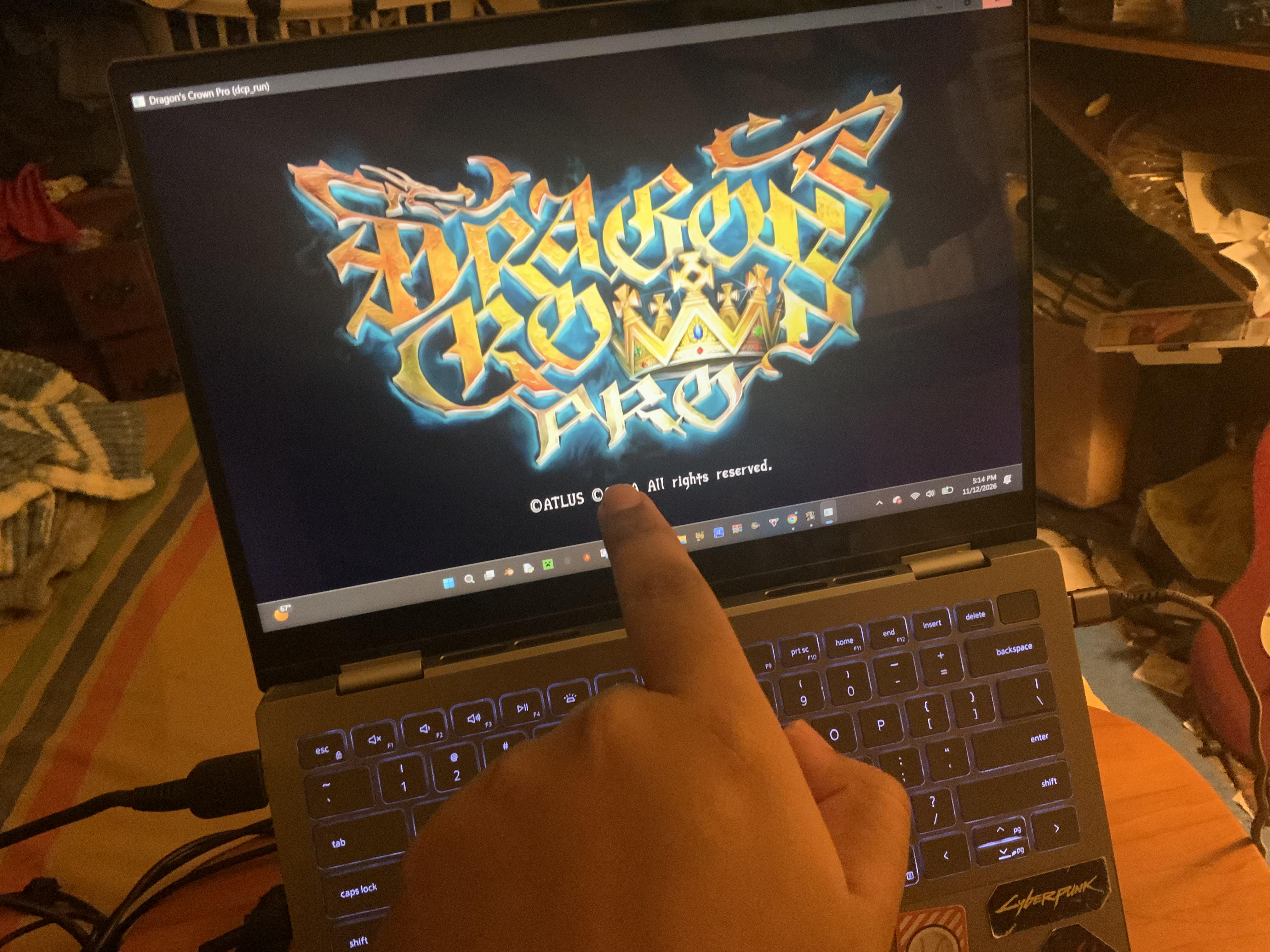
Set your game dump in the launcher first. The editor reads the game files from the same place.
Windows: double-click CustomSprite.exe in the OpenCrownPC folder.
Linux / Steam Deck: use Custom Sprite... on the launcher's Game page. On a Deck, use Desktop Mode with a mouse and keyboard.
A short tutorial runs the first time you open it.
1. Open class
Pick the character, and the colour your art starts from (colours 00–04).
Any layers you made earlier for that colour come back.
2. Find a pose
The preview at the top right plays an animation. Choose a kind (Idle, Walk, Attack, Skills, …), then the animation, then a frame.
Point at the character to see which piece is under the cursor. Click it to find that piece on the sheet on the left.
3. Extract pose layer. Pick one of three kinds:
Assembled pose (PSD): the character as it stands in the preview, one folder per piece. This is the easiest one to paint on.
Body part (PSD): every piece of one body part laid out flat, side by side.
On the sheet (PNG): the pieces where they sit on the sheet, with pink guides.
4. Paint it
Click Open in editor to open the file in Krita, GIMP, Photoshop or Photopea.
Keep the image size, and save a PSD as PSD (8-bit) or a PNG as PNG.
Leave the .pose.txt / .parts.txt file next to it.
5. Load image layer
This brings your file back as a layer on top, and the boxes it changed flash on the sheet.
With Auto reload on, just saving the file in your paint program updates the layer.
Fully transparent pixels erase the old art. That's how you make hair shorter, for example.
6. Install custom sprite
This writes the finished sheet where the game finds it: CustomSprite\<Class>\.
In the game, go to Edit / Create character, pick Custom Sprite on the Color row, and save.
Handy extras
Recolour: shift hue, saturation, brightness or contrast for the whole body or one body part, then Add as layer. It's a quick way to make a new look without painting.
Save full image: the whole sheet as one PNG or PSD, if you'd rather edit everything at once.
Next untouched: jumps to pieces you haven't edited yet. Edited pieces get a green corner.
Like I can't keep track of the drama and stuff like what are the pros and cons of each cuz I've wanted to play this game for forever and I even have it on my PS5 but I'd rather play on my PC.
Hello I heard about Open Crown and other similar projects a few days ago. I am really interested but everywhere I look says you need to have a legit copy.
Is there no other way? If not it is what it is i cant play, but if its possible I would like to know before forgetting about this
Direction + Evade + Magic buttons pressed down, Evade just after Magic.
With my non-default keybindings it's more natural as Evade + Magic is a single thumb press which is probably why I did it in the first place.
Tornadoes are spammed using a well-known dash canceling technique but slower release by Up + Magic would work too.
I think it does have some practical use. For example the owlbears in the video would have hit me if I didn't teleport and freeze them which is not guaranteed. Or you may simply prefer ground to aerial combat (btw single jump is not high enough to avoid them). Or execute it just because it looks cool.
I haven't played Wiz yet but I assume he can do it too.
I’d like to add support for the Treasure of Demon Island DLC to Dragon's Crown Pro PC, and I need help from someone who legally owns the DLC PKG
DLC
If you have it, testing is easy
Open Dragon's Crown Pro PC
On the Play page, choose Install game and select your Treasure of Demon Island PKG
Let the launcher inspect the package, even if it reports that the package or build is not currently supported
Open the Bug Report page
Write something like Treasure of Demon Island DLC compatibility
Select the newest log generated from that attempt
You can use Open preview to see exactly what will be sent
Send the report
The launcher records the package and game information it can identify, including the build metadata needed to investigate compatibility
The Bug Report page also filters the selected log before sending it, removing addresses, user and computer names, private folders, passwords, online secrets and other players' details
Please do not send or upload the DLC PKG or any copyrighted game files
I only need the diagnostic information generated by the launcher
If someone who owns Treasure of Demon Island can submit one of these reports, I can investigate adding support so other owners can play the DLC through the PC port too
dose anyone a safe website where i can "get" it from i found a couple websites but most of them i am not sure of like (DLPGAME, superpsx) what do guys think of these websites and is there others
Full Customization now available in the latest version of OpenCrown on PC & Linux (Android users might need to wait abit for next update). - All classes have Customization options - Fully compatible online through the OpenCrown Servers.
I tried to find the option of playing on my PC from the game store and my plan was just like did you do all that jazz but it never showed up does anyone know how to get it off of Sony play store and put it on here I just blocked it out just in case I’ve read it filters dragon crown pro PC port