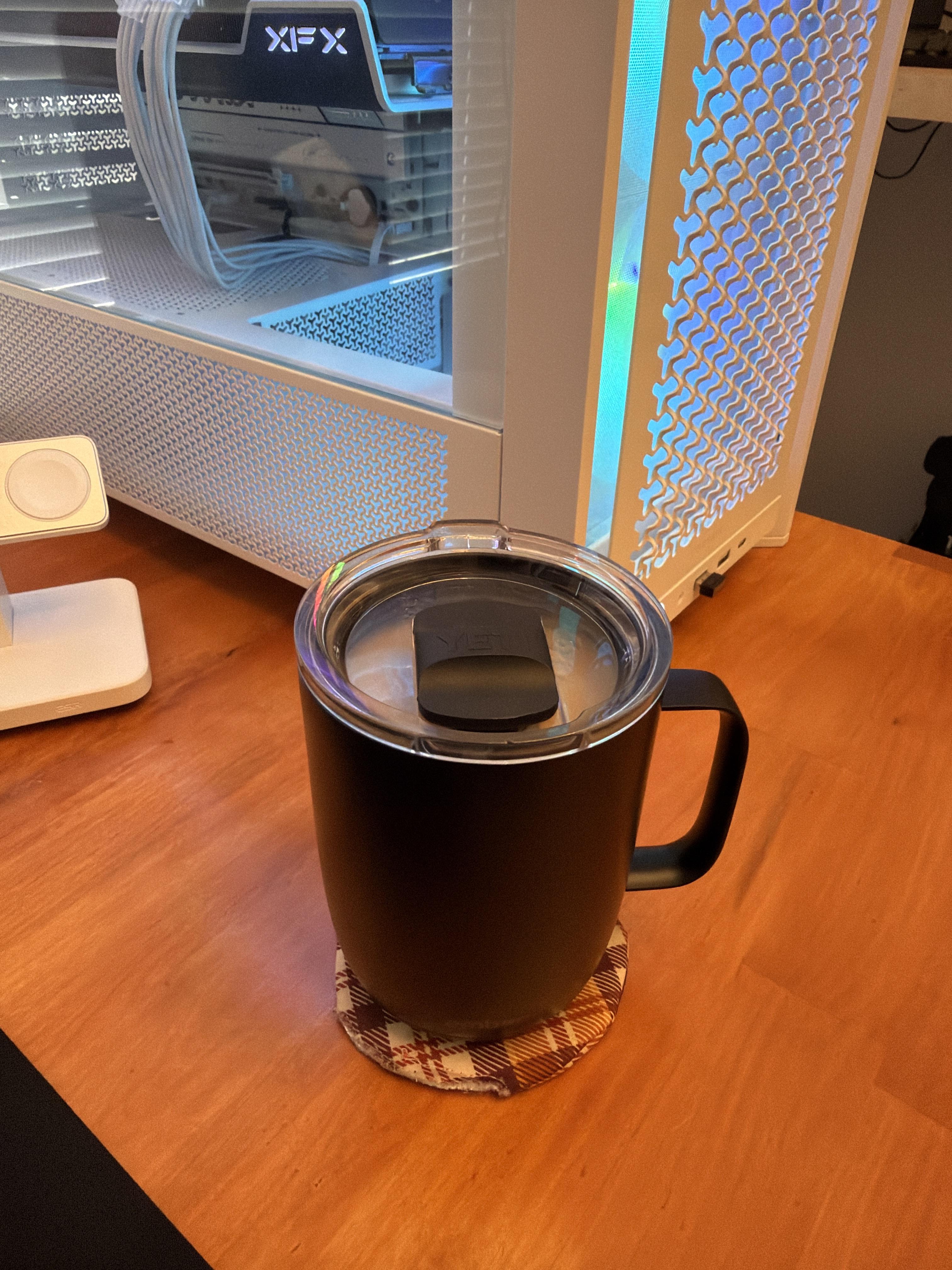
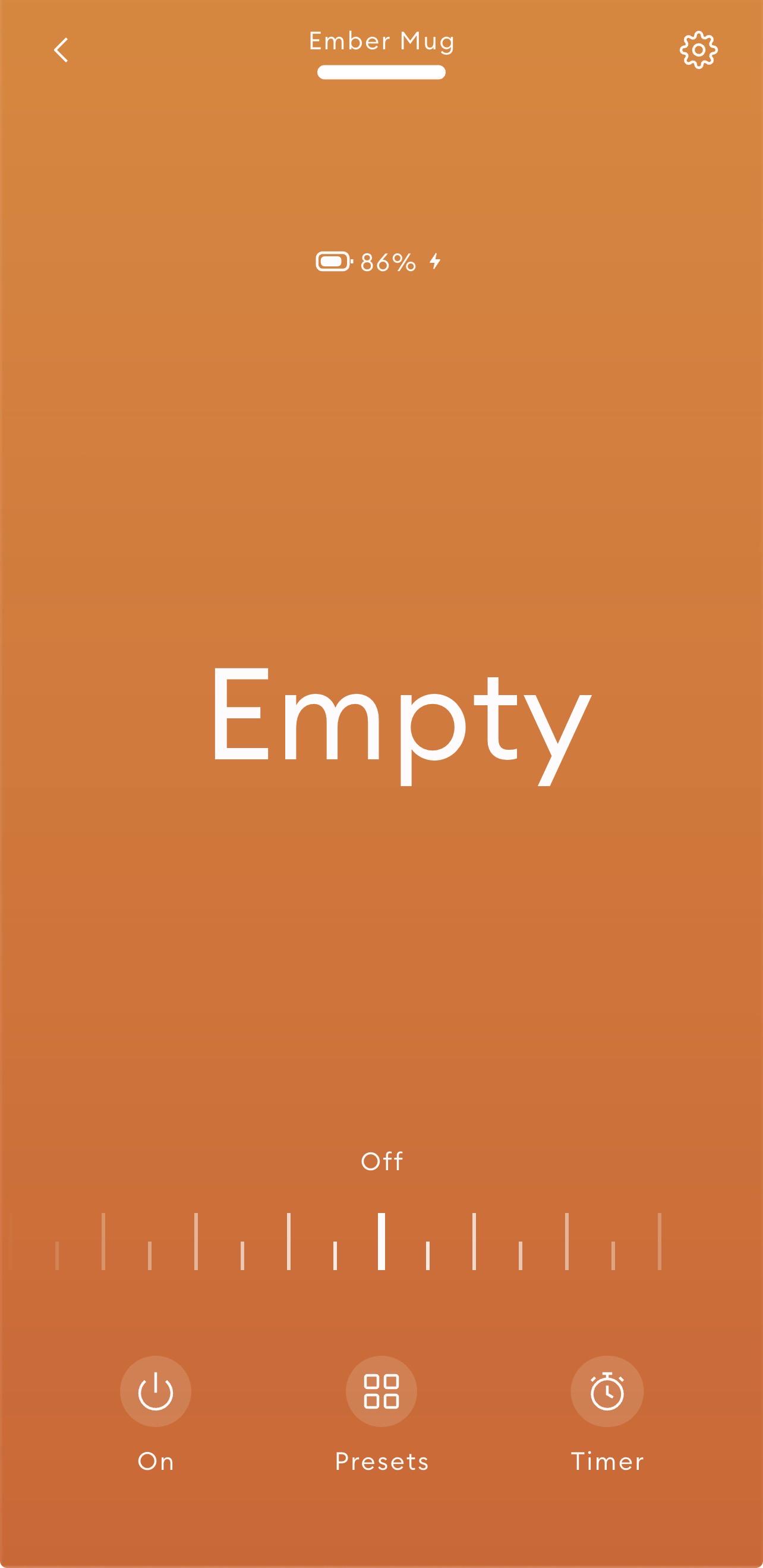
Hey everyone! It’s been a while since my last big update, so I wanted to share what I’ve been working on for Mug Monitor, my independent companion app for Ember mugs. Thanks to everyone here who has shared feedback and suggestions!
Ember Mug 3 support Mug Monitor works with Ember Mug 3 on both iPhone and Android, alongside the other supported Ember models.
iPhone Duo improvements The iPhone app now adapts better to the Duo’s folded and unfolded displays, including rotation, temperature controls, and settings. More room for your coffee’s vital statistics. ☕
Automatic Live Activities on iPhone After the initial setup, Live Activities can now start and stop without opening Mug Monitor. When the app detects your mug being filled or becoming active, it can start a fresh Live Activity on your Lock Screen and Dynamic Island where available. When the mug becomes idle, empty, or disconnected, it ends after your chosen timeout. You can keep it visible longer if you like checking battery and connection information.
This feature requires Premium or an active trial, iOS 17.2+, Background Monitoring and Live Activities enabled, and Bluetooth and internet access. Start and turn-off timing can vary with iOS background availability and connectivity.
Many more updates — including features you probably didn’t know you needed in a mug app. I may have taken “just keep my coffee warm” a little too far:
- Cooler Last Drops (iOS & Android): I’ve noticed that the last few sips can get hotter than expected. Some Ember mugs seem to have trouble reading the temperature when there’s very little liquid left. With Cooler Last Drops, you choose when the mug starts lowering the target and by how much. Mug Monitor restores your original target once it detects a sustained refill.
- Ready Range (iOS & Android): You don’t have to wait for your drink to reach the exact target before taking a sip. Choose a range above your target and get an earlier Ready to Drink alert as your drink cools into it. For example, a 132°F target with a +5°F setting gives you a ready range above 132°F and up to 137°F. The temperature must stay in the range for a minute to help avoid premature alerts while filling.
- Android Home screen widget: See your mug’s temperature, status, battery, and timer at a glance, without opening the app.
- More precise LED colors: Pick a preset or fine-tune the RGB values, preview the color, and apply it to your mug.
And there’s still Apple Watch and Wear OS support, tea timers, temperature history, and plenty of ways to customize how you follow your drink. Some advanced features require Premium or an active trial; the core app remains free.
Try Mug Monitor
As always, I’d love to hear what’s useful, what needs work, and what your mug apparently needs next. If you try it on an Ember Mug 3 or iPhone Duo, please let me know how it goes!
Mug Monitor is an independent third-party app, not affiliated with or endorsed by Ember.