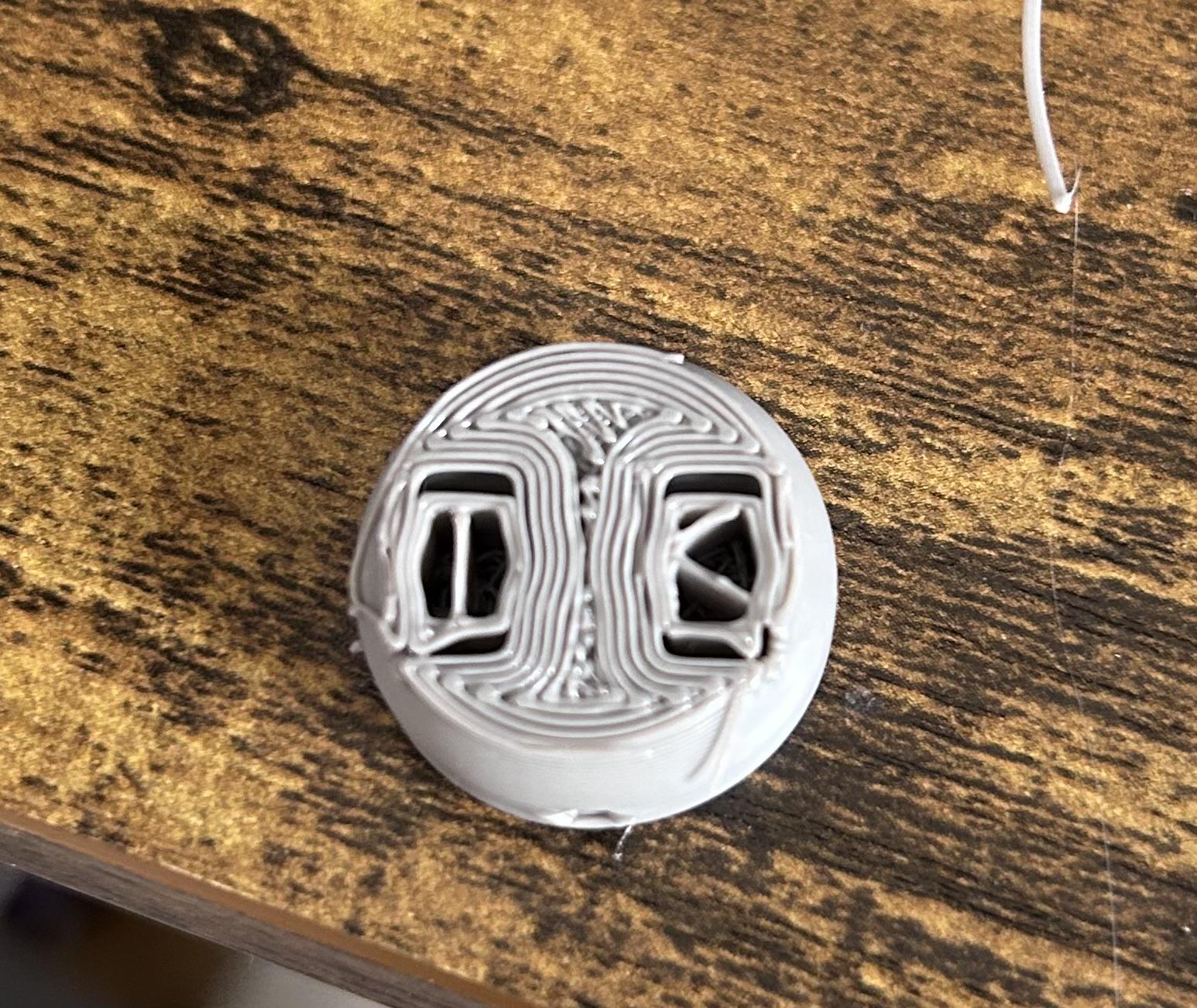
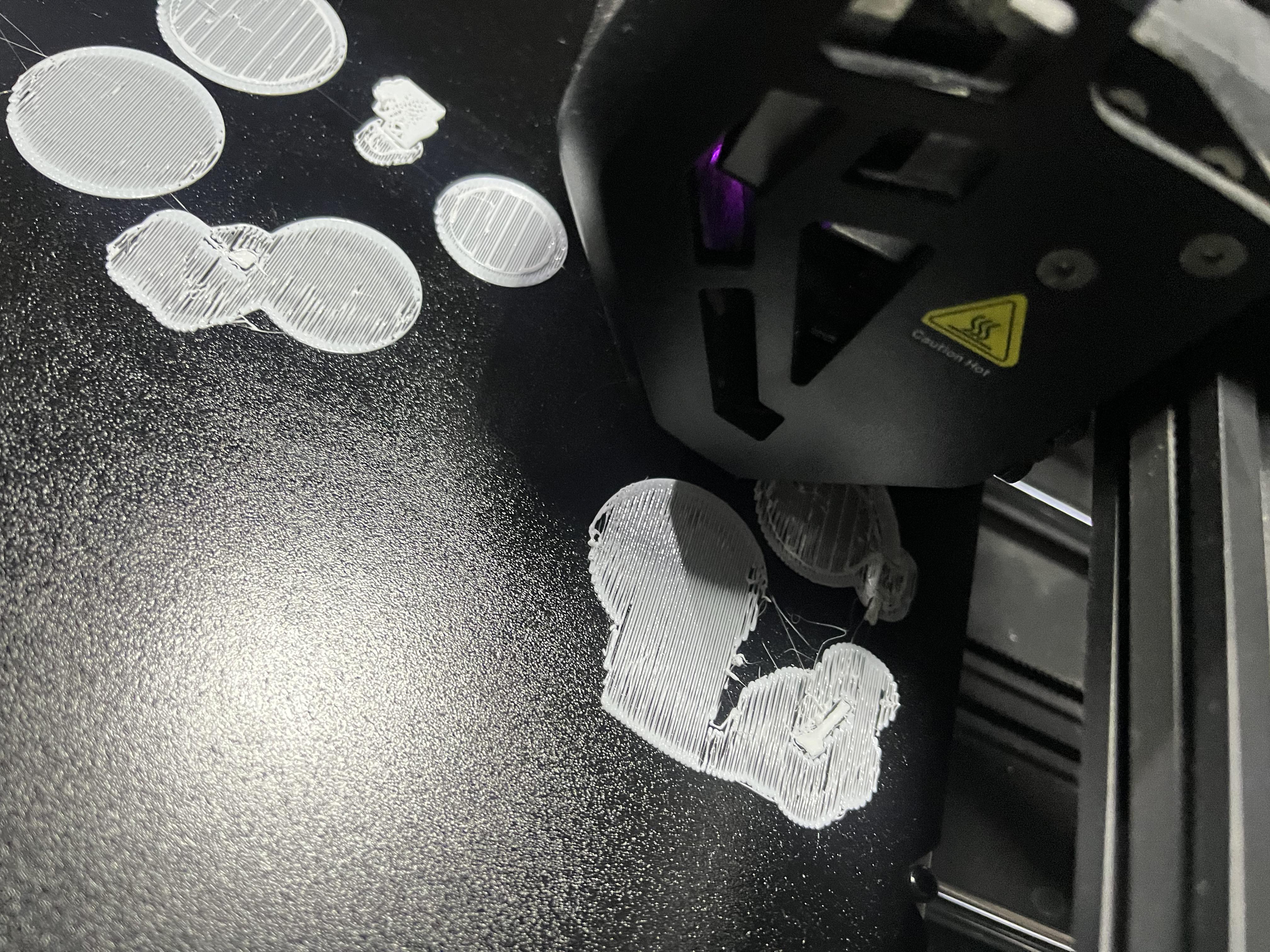
r/Ender3V3SE • • Sep 05 '25

Announcement 👋 Welcome to Ender3V3SE!

51 Upvotes

Hey everyone, and welcome to Ender3V3SE – a community for support, discussion, and sharing everything about the Creality Ender 3 V3 SE/KE. Whether you’re troubleshooting, showing off prints, or talking upgrades, this is the place for you.

⚠ Reminder: This is an independent, unofficial subreddit and not affiliated with Creality.

✅ What’s New Today

We’ve been working to make the sub cleaner, more useful, and easier to navigate. Here’s what we’ve completed so far:

  • ✹ Community description updated for clarity
  • 📜 10 rules added for smooth and respectful interaction
  • đŸ·ïž Post flairs created (Help, Showcase, Upgrades, Discussion, Guides, Firmware, Profiles, Filament)
  • 🎭 User flairs launched based on experience level:

    • 🐣 Beginner
    • 🔧 Tinkerer
    • 🎹 Maker
    • ⚙ Expert
    • 👑 Master Builder
  • đŸ€– AutoMod rules implemented to combat spam and keep the sub clean

💬 We Want Your Feedback!

This community is for you, and we want to shape it together. Tell us:

  • What features or flairs would you like to see added?
  • Any rules you think we should adjust or expand?
  • Would you like resources pinned (guides, slicer profiles, firmware links, etc.)?
  • Anything else that would make this sub more useful and fun?

Drop your thoughts in the comments 👇

Thanks for joining, and as always

đŸ–šïž Happy Printing!


r/Ender3V3SE • • Jan 04 '24

Tips/Guide/Information READ THIS FIRST (FAQ + common issues)

43 Upvotes

READ BEFORE CONTINUING TO THE REST OF THE POST

  • This Youtube channel has some solid guides for this printer. It looks official, but I'm not really sure. Either way, you can check it out if you're confused on how to do some basic maintenance.
  • Please read through this fully and use the search bar in the sub to see if others have answered the same question you're going to ask before posting.
  • Go through the checklist below to rule out some common, simple issues with your printer before beginning the proper troubleshooting process

Printer Checklist

  • Make sure the voltage switch (hidden inside a small hole in the back of the printer above a yellow sticker) is set to the correct voltage for your region. you might need to use an Allen wrench or something to reach into the hole and flick the switch. If you don't know which one to use, look up what voltage is used in your country. Should be 115V for North America, but I'm not sure if there's any exceptions to this.
  • Make sure the bed screws (4 screws under the removable magnetic plate with the warnings on it) are tight, bed should feel stable and not loose. Watch this video and follow along to make sure other things are tightened up as well.
  • In whatever slicer software you're using, ensure that your printer's "Start G-CODE" contains M420 S1 after the line containing G28 to enable the bed mesh.

Useful Links

Nebula Pad Issues + Fixes: https://www.reddit.com/r/Ender3V3SE/comments/1f0zx6c/nebula_pad_issues_fix_for_ender_3_v3_se/

Nebule Pad Wiki: https://github.com/LukosiuPro/Ender3-v3-SE-Nebula-Pad-Wiki

(Unofficial) Discord Server: https://discord.gg/fbSgeq9qbJ


FAQ/Common Issues

My printer shuts down abruptly or doesn't turn on!!
Refer to the checklist.

My SD card won't work :(
The SD card must be inserted upside-down (metal contacts pointing to the sky). It should work once you flip it over, but if you forced it in the slot the wrong way it's possible it could be damaged. Make sure the SD card is formatted as FAT32 with an allocated block size of 4096.

I'm having an issue updating my firmware!!
First, make sure you're using the right link (this one). It has solid instructions and a video linked at the bottom. The video is good, except that you have to rename the printer mainboard firmware file (the file with the long name that ends in .bin). I'm pretty sure you can rename it to anything shorter as long as it ends in .bin, but people have been naming it 123.bin or Firmware.bin with success. The comments of that video have more troubleshooting advice, but it's pretty much all here already.

Please make sure to watch the entire video, because it covers pretty much everything, but I'll highlight some commonly missed things:

  • Make sure to update the screen first.
  • When you update the screen, transfer the entire TJC_SET folder, not just the contents of it.
  • The screen must be updated by inserting the sd card into the small (somewhat hidden) slot on the left side of the screen itself.
  • Again, rename the motherboard firmware file. If you skimmed and don't know what I'm talking about, re-read the paragraph above.
  • If your motherboard firmware update is failing and your screen is stuck on a blue screen for minutes, try a different SD card. I used the same microSD card I used for my screen update (successfully) for my mainboard update (ofc with a full size adapter) and it still failed. It worked when I used the SD card that came with the printer that I knew was working because I had used it for printing.

My leveling results are really bad / I don't know what my results mean
After you level your bed, it shows a screen of squares (green/yellow/blue) with a number inside of each square. This is used so that the printer can account for any variation in height between different areas of the bed in the very likely case that it's not perfectly flat. Take a picture of that screen showing the squares. If you aren't on that screen anymore, head to your printer's screen. Go to "Control", then "Edit Leveling Data". Take a picture. The "confirm" button should already be highlighted, so you can just click the knob to exit without making changes.
If the squares are:

  • Completely green: Nothing to worry about
  • Mostly green, some blue: Might be a problem, but could also not cause any issues. If you're having problems, check if there's a significant difference between all/most of the squares on the left and the squares on the right. If there is, then look into leveling your X gantry. Check that Youtube channel linked at the top if you want a guide for this specific printer, but there's also tons of more generic guides for this all over the internet.
  • Any significant amount of blue, yellow, and/or red: The advice above about leveling your X gantry still applies. This post from this subreddit about upgrading to an adjustable bed might interest you.

My goal is to keep updating this document as more issues+solutions are found, so please feel free to suggest additions or corrections


r/Ender3V3SE • • 8h ago

Showcase 210+ hours straight

Thumbnail
gallery
45 Upvotes

My little 3v3SE never ceases to amaze me. I’ve always wanted a vintage beer tap but I’ve never seen one for sale here in Thailand. So I thought I’d put my little guy to work. Most of it is just standard PLA except for the PVC core, plastic gold beads and copper spouts on the spigots. About 70ish cm tall. Thanks for checking it out


r/Ender3V3SE • • 3h ago

Help Ender 3v3 SE - broken for good or any way I can salvage this?...

Thumbnail reddit.com
1 Upvotes

r/Ender3V3SE • • 1d ago

Help is my bed warped?

Post image
8 Upvotes

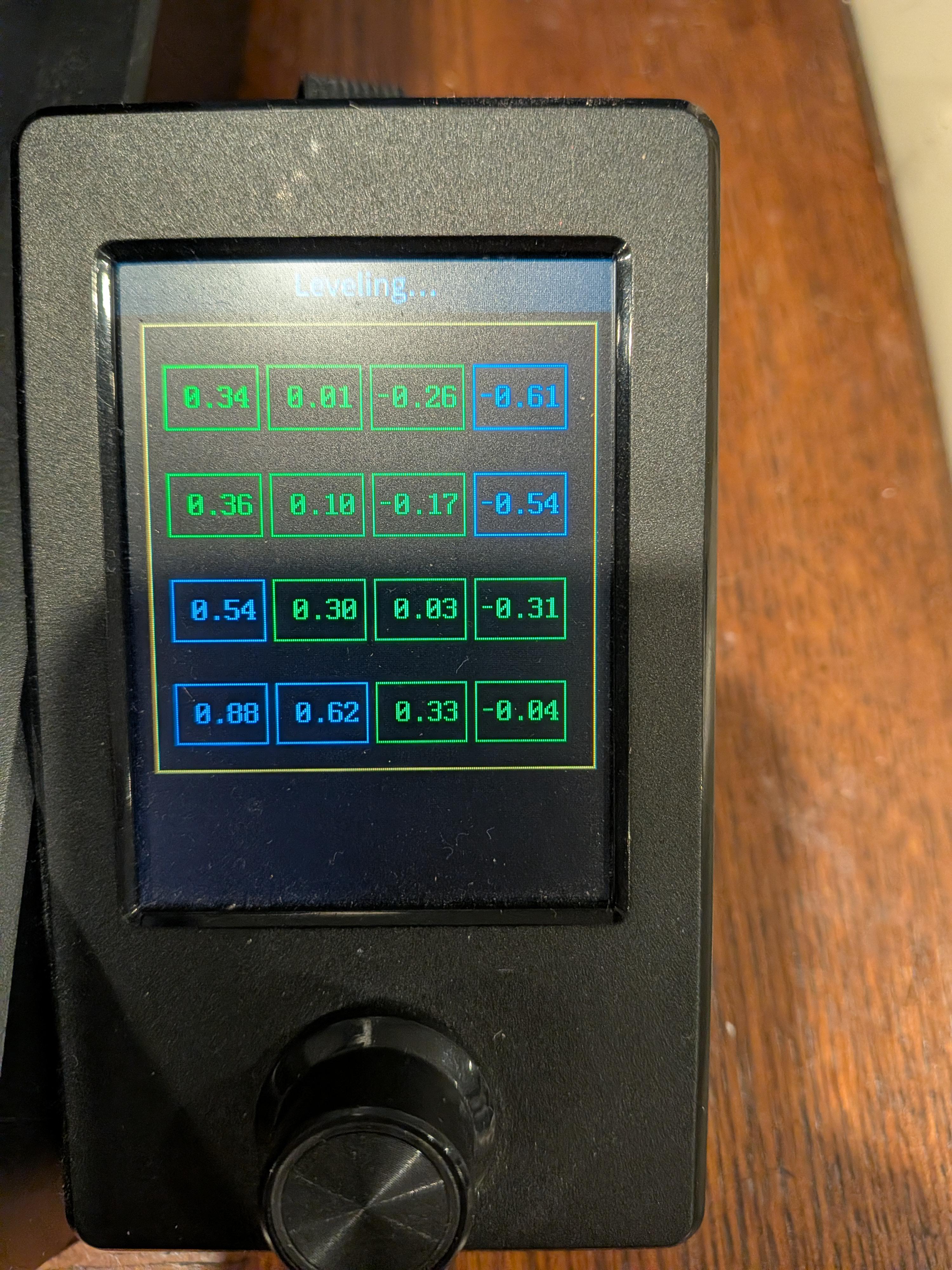
just installed silicone spacers and got the corners within a 0.03mm tolerance, but the middle drops down nearly a quarter of a millimeter in some places, im sure this is fine to print on for now but is it time to get a heated bed mod?


r/Ender3V3SE • • 1d ago

Help My ender 3 V3 SE not printing correctly

Thumbnail
gallery
7 Upvotes

Hello,

My printer didn't work and hadn’t been printing for several months, so I recently decided to repair it.

The problem was that it was moving but no filament was coming out. However, when I extruded manually, the filament did come out.

So I replaced the extruder’s main board and it started working again, but not properly.

There’s plenty of under-extrusion and layer shift (see photo).

What can I do?


r/Ender3V3SE • • 1d ago

Help Ayuda con mi ender 3

5 Upvotes

Bueno luego de equivocarme de subxd vuelvo a pedir ayuda pero ahora en el lugar indicado, tengo mi ender 3 v3 se hace unos 2 meses aprox, y creo que sufre de un problema, cuando la enciendo y le doy la orden de pre calentar su ventilador comienza a sonar feo, no se por que sucede esto, para solucionarlo tengo que apagar la impresora y luego volver a encenderla despues de un rato. Alguien sabe como puedo solucionar esto? O la llevo a la tienda por su garantia?

Adjunto video de como suena


r/Ender3V3SE • • 1d ago

Help How do I prevent this to happen again

Post image
2 Upvotes

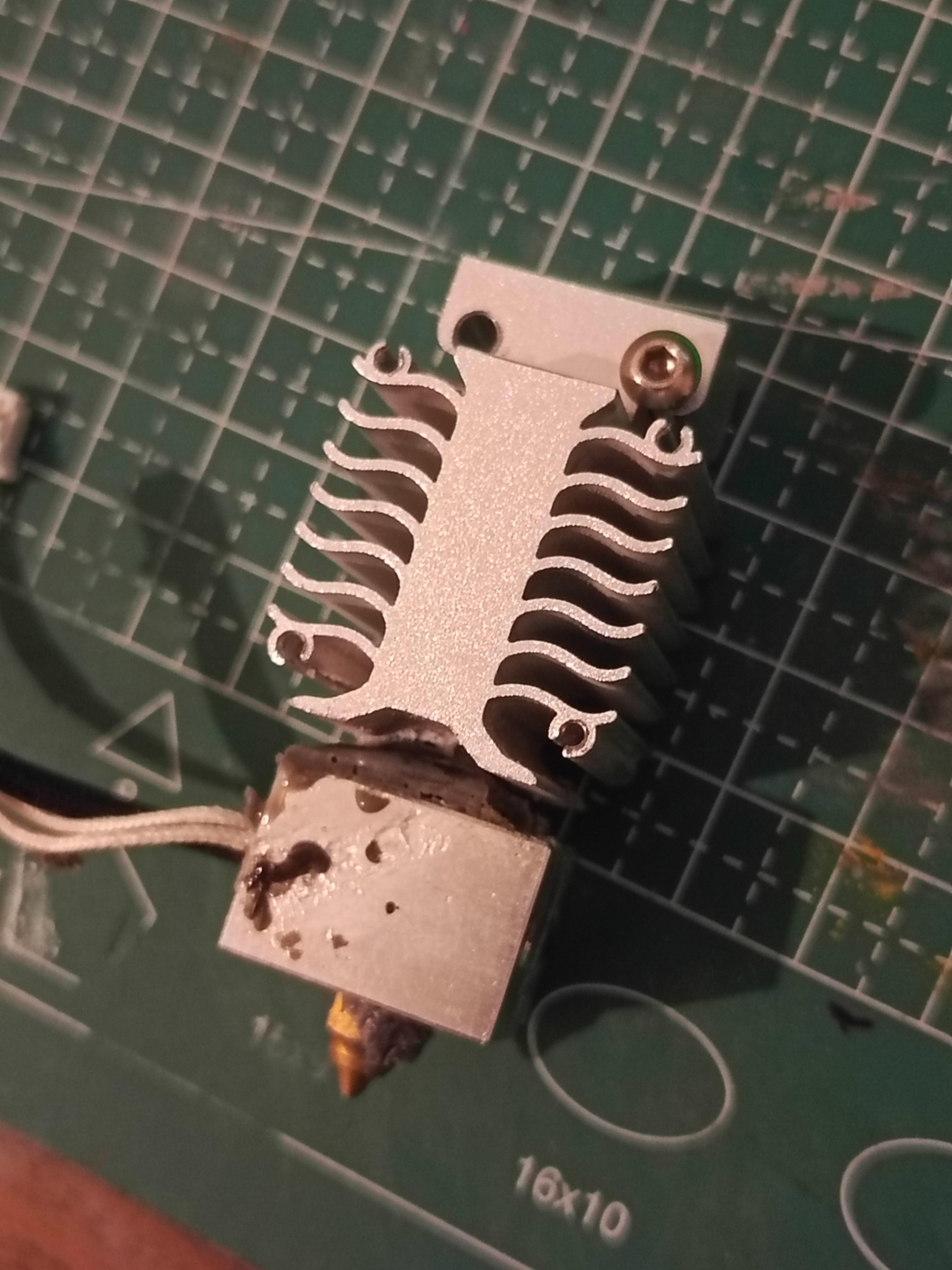
I have used this hotend unit for 8 months or so printing only petg. Recently all of a sudden I have to lower the temp to 200 (usuallly I print at 235) because anything above cause stringing and at the same time I noticed there are a lot of molten plastic on the side of the heatblock. This makes me think that the thermistor is not reading the temp right and caused the petg to melt too much and seep throught between the heating block and the heatsink. But what do you people think?


r/Ender3V3SE • • 1d ago

Modifications Moved the CR sensor: klipper?

Post image
1 Upvotes

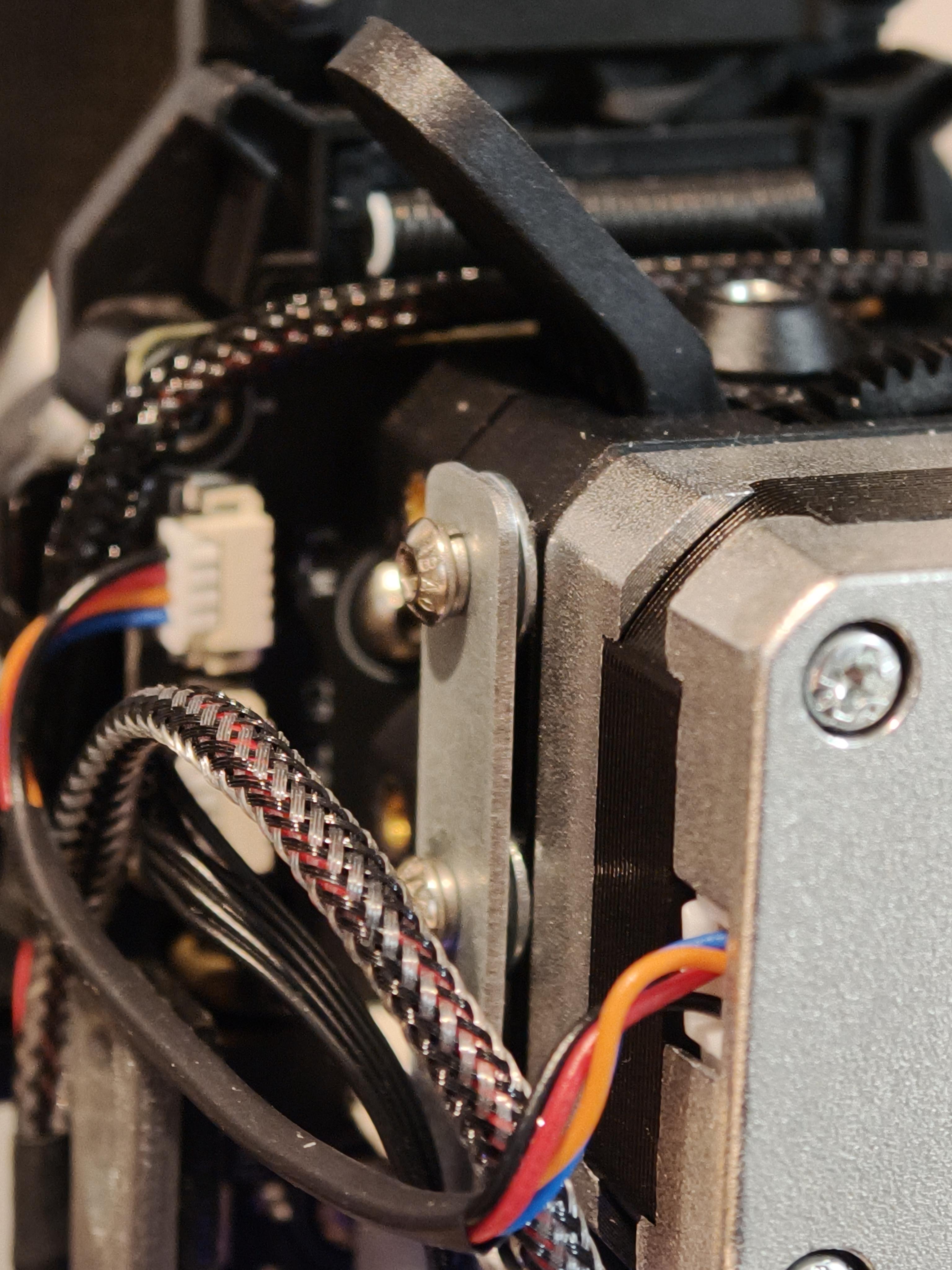
Hi guys, a quick question for you klipperized : I had to put a pair of distancers between the motor and the touch sensor, how can I tell klipper I moved it?


r/Ender3V3SE • • 1d ago

Help From previously post, I’ve been fixing problems only for new problems to appear

Thumbnail gallery
2 Upvotes

r/Ender3V3SE • • 2d ago

Help Problema de passo

2 Upvotes

Minhas impressÔes tão saindo com as camadas tortas ao que parece e problema de passo ja ajustei correia e nao resolve oq pode ser ?


r/Ender3V3SE • • 2d ago

Help Bought used. Not sure what to do here

Post image
13 Upvotes

Is this concerning? I did notice I may have to level the "gantry" a touch. Any help would be appreciated I have no clue what I am doing.


r/Ender3V3SE • • 3d ago

Help Problema de atualização

Post image
1 Upvotes

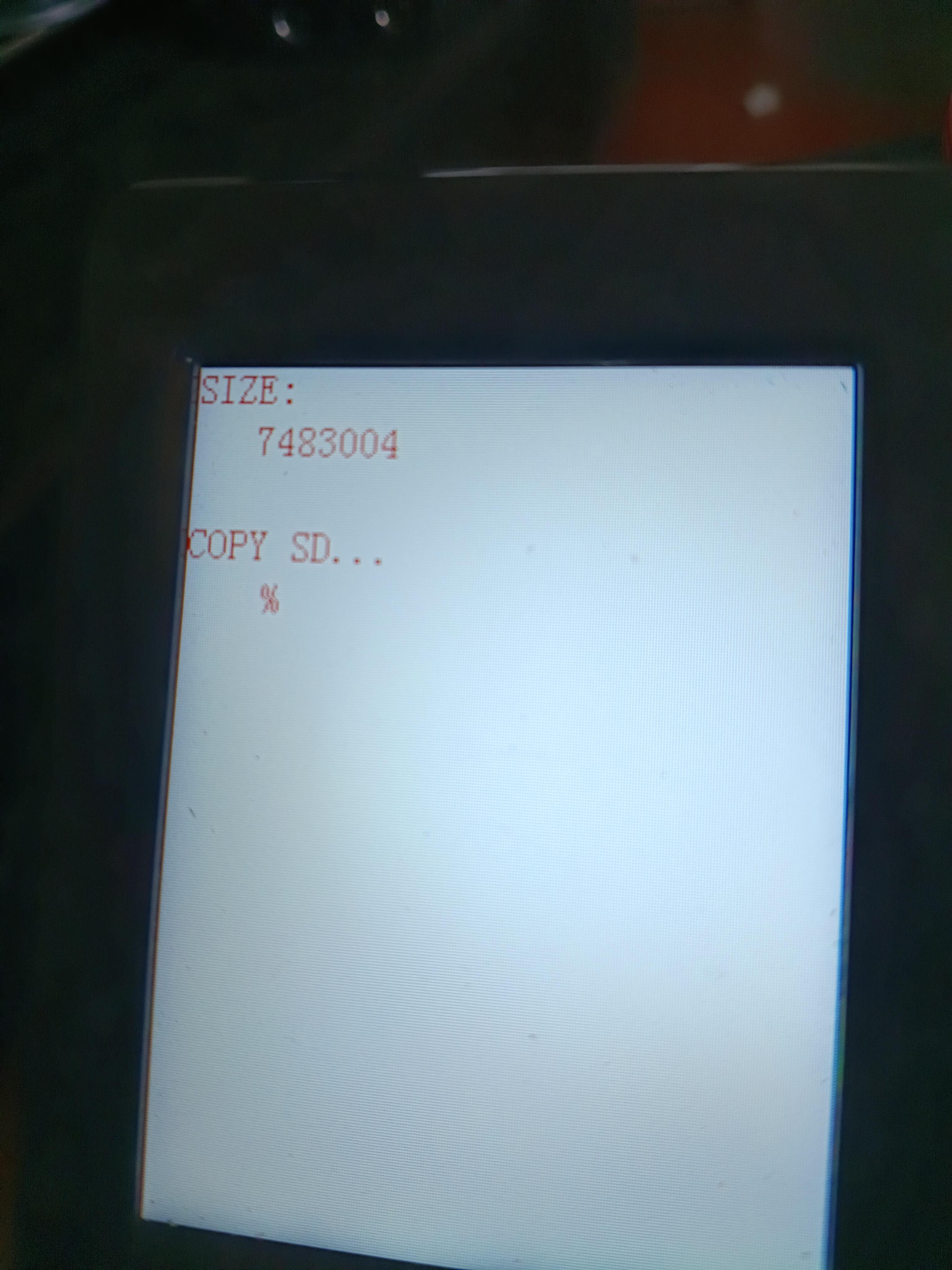
Precisava atualizar a interface da minha impressora, porém da esse erro, anexei a foto, tÎ usando um micro sd SanDisk ultra de 8gb, qual o erro e pq isso acontece? Se for o microsd tem algum pra indicar ?


r/Ender3V3SE • • 3d ago

Help Ender 3 v3 SE atualizar

3 Upvotes

Olå a todos, gostaria de uma ajuda, estou com 2 ender 3 v3 SE, gostaria de usar meus tvbox parados para colocar um klipper nas duas, para poder ter uma atualização digamos assim nas måquinas, deixando elas melhores e mais atualizadas, pois gostaria de ter mais agilidade nas impressÔes, ter mais controle sobre as måquinas e acessibilidade, vou fazer em uma primeiro para me habituar e aprender a lidar com tudo, depois na outra, alguém conseguiria me ajudar com isto?

Obs: optei pelo tvbox pois nĂŁo tenho dinheiro para um outro modelo de micro computador e ter esses dois aparelhos parados


r/Ender3V3SE • • 3d ago

Help Why my first layer looks like that?

Post image
6 Upvotes

r/Ender3V3SE • • 3d ago

Help ender 3 power supply

Thumbnail gallery
2 Upvotes

r/Ender3V3SE • • 4d ago

Help Temperature accuracy and thermal paste

Thumbnail
gallery
10 Upvotes

Hello All

I upgraded the hotend on my printer to the creality ceramic hot end about a year or so back.

Everything was running perfectly until about 2 months back when suddenly I ran into my first filament clog (petg). I unscrew the unicorn nozzle and removed the clog piece. But since then my temperature settings are totally out of whack. For e.g. prior to this clog event I was routinely printing pet cf at 275c perfectly and after the clog fix I had to drop the temperature to 255C to get the same results!

This tells me that I am getting poor thermal contact somewhere or I accidentally damaged the thermistor. I am going to independently measure the temperature using a thermocouple but I wanted to understand the surfaces I should apply thermal grease to.

I have attached a few pics of the ceramic heater kit and the unicorn nozzle fully taken apart. Creality recommends applying thermal paste to the copper band on the unicorn nozzle right above the threads. That is clear. But what about the interface between the ceramic heater sleeve and the threaded brass part (the one that the unicorn nozzle screws into)? The fit between the sleeve and the part is fairly loose so I am worried that the thermal contact there is poor and this might partly be contributing to the temperature delta (heater is at 275 but thermistor reads 255). Not fully convinced as the temperature should eventually equilibrate...but would still like to understand how that interface should be prepared (thermal paste or not). But I don't have the specs on the creality grease so no idea if it's safe to use there.

Or...it could just be a faulty thermistor. Maybe I damaged it during the original uninstall and install.

Would appreciate any advice/insight.

Thanks!

Avi


r/Ender3V3SE • • 4d ago

Help Nebula screen issues

Thumbnail
gallery
3 Upvotes

Hello!

I have recently gotten the nebula screen to use on my ender 3 v3se, but no matter what I do it throws errors and wont get past the set up. I've researched the issue, and found that that I most likely have a c14 motherboard, which i guess is incompatible with the nebula screen. However, while researching, all I've found are threads with dead links or partial/confusing instructions to fix it. Before I pull the trigger for buying a new (old) motherboard, can anyone please provide some straightforward instructions for installing the firmware and point me to where the correct firmware is on the internet?

Thank you so much


r/Ender3V3SE • • 4d ago

Discussion V3 SE ($120) or A1 mini ($250)?

11 Upvotes

Hey all

I've looked around and most posts comparing these 2 printers are a bit older. Looking for a more current take on this comparison, especially considering the current sale prices.

I'm brand new to 3D printing and I'm wondering which machine is good to start with. I'm ok with doing a little bit of maintenance/tinkering, nothing too extreme though. (Admittedly there's some really cool modifications on this sub)

The V3 SE at at that $120 price point seems like a really good bargain. Main uses will be to just have fun printing various little things. Introduce my teenage kids to 3D printing as well. They like to hand paint stuff and we very artistic so probably printing small objects will be good enough for them.

I know the A1 mini will just work right out of the box but again it's over twice the cost for not an overly serious hobby.

With the V3 SE I'm already considering getting a PEI plate and maybe the filament sensor, so that's already increasing the cost.

What are your thoughts?

Thanks

UPDATE: thank you all for the great comments. I decided to go with the Bambu mini instead. As much as I like to tinker with things, I just don't have time for it right now. Perhaps in the future I'll get into this more seriously.


r/Ender3V3SE • • 4d ago

Help Me quiero arriesgar a Klipper pero necesito la cfg compilada

Post image
1 Upvotes

Buenas dado que seguro han pasado unos años creo que debe a ver alguna compilación exacta para el funcionamiento de mi CR4NS200320C13 (variante C13).

Solo de ver cĂłmo tenĂ­a que configurar motores etc etc me estaba hechando para atrĂĄs, ya tengo mi pc con Linux y klipper listo, solo es saber si hay algĂșn repositorio y darle a calibrar cama y para adelante, algo que deberĂ­a tener en cuenta? Alguien ha podido hacerlo con facilidad? Gracias.


r/Ender3V3SE • • 5d ago

Help Saben por qué me sucede eso en la primera capa de los soportes

Post image
7 Upvotes

En algunos casos por lo regular mis soportes se imprimen mal, o la mitad bien y la otra mitad mal y por consecuencia se despegan de la cama, soy nuevo y no sé qué paråmetros tenga que modificar para que salga bien la impresión

Tengo la ender 3 v3 se


r/Ender3V3SE • • 5d ago

Help [AYUDA] Pésimo relleno de llaveros

Thumbnail gallery
0 Upvotes

r/Ender3V3SE • • 6d ago

Modifications McGuyver engineering for ABS Printing

Thumbnail
gallery
29 Upvotes

Official Ender3 enclosure box: $35 bucks
Toy Story windshield sun shade: ~$4 bucks
See your workaround worked amazingly: priceless


r/Ender3V3SE • • 6d ago

Firmware Does the Raspberry Pi zero 2 W have enough power to run Klipper?

8 Upvotes

I've been planning to switch my printer to Klipper, I found that the Sonic Pad upgrade is somewhat too pricey, so I looked into ways to set it up with a Pi, so idk if this model (zero 2 w) would be enough for it. also, is there a good touch screen for the pi?