A few months down the audiophile rabbit hole. My FiiO K13 R2R experience so far!

I fell down the audiophile rabbit hole earlier this year, and what started as a little curiosity about better sound has slowly turned into a full desktop setup, a growing IEM collection, and way too many hours comparing music. After buying my FiiO M21, I became a bit of a FiiO fan, so I eventually went for the K13 R2R. By far my biggest investment in this hobby so far, and I honestly don’t regret a single cent!!!
BTW, this community has a direct impact on how I invested on this hobby, so… THANK YOU!
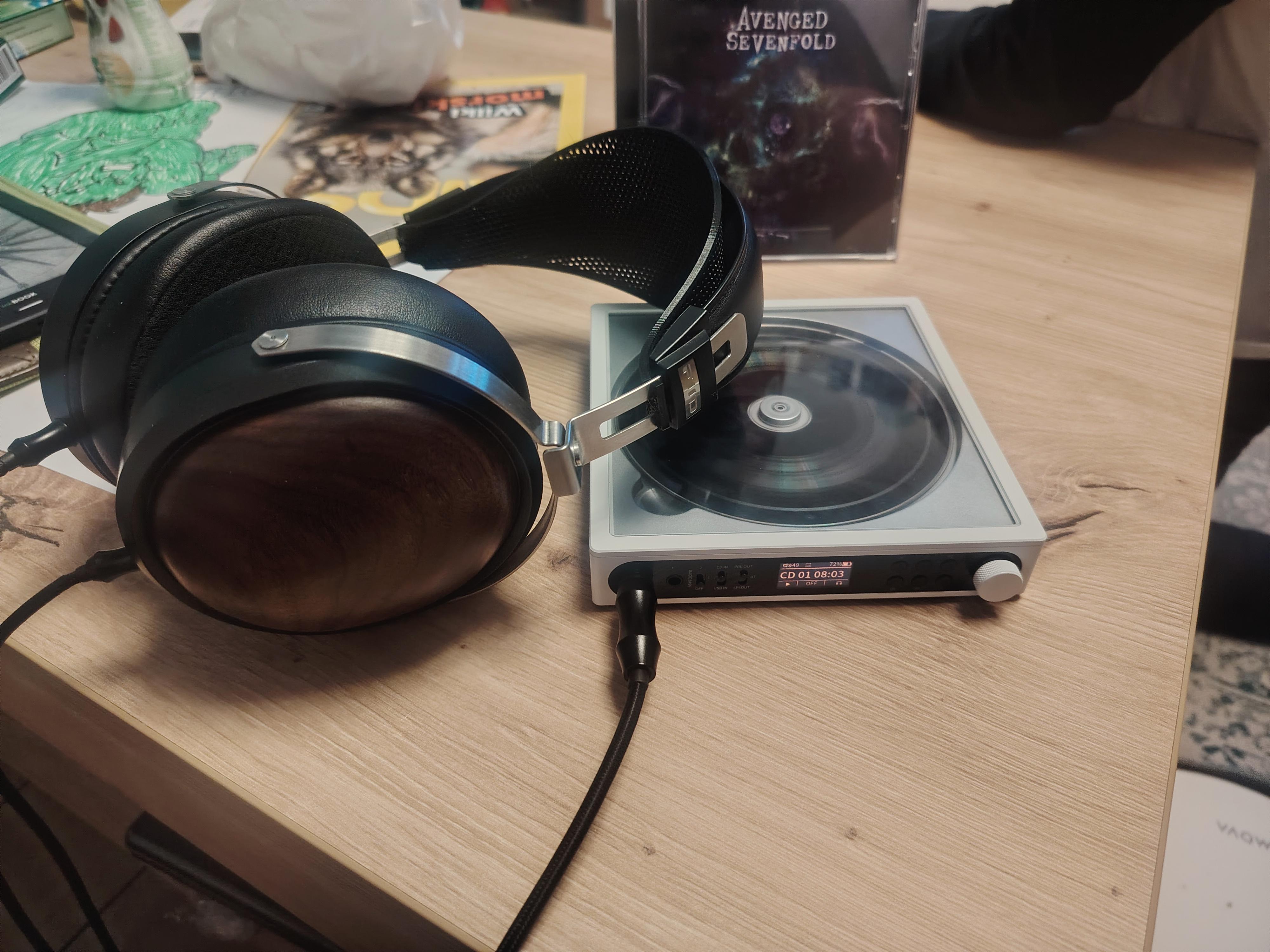
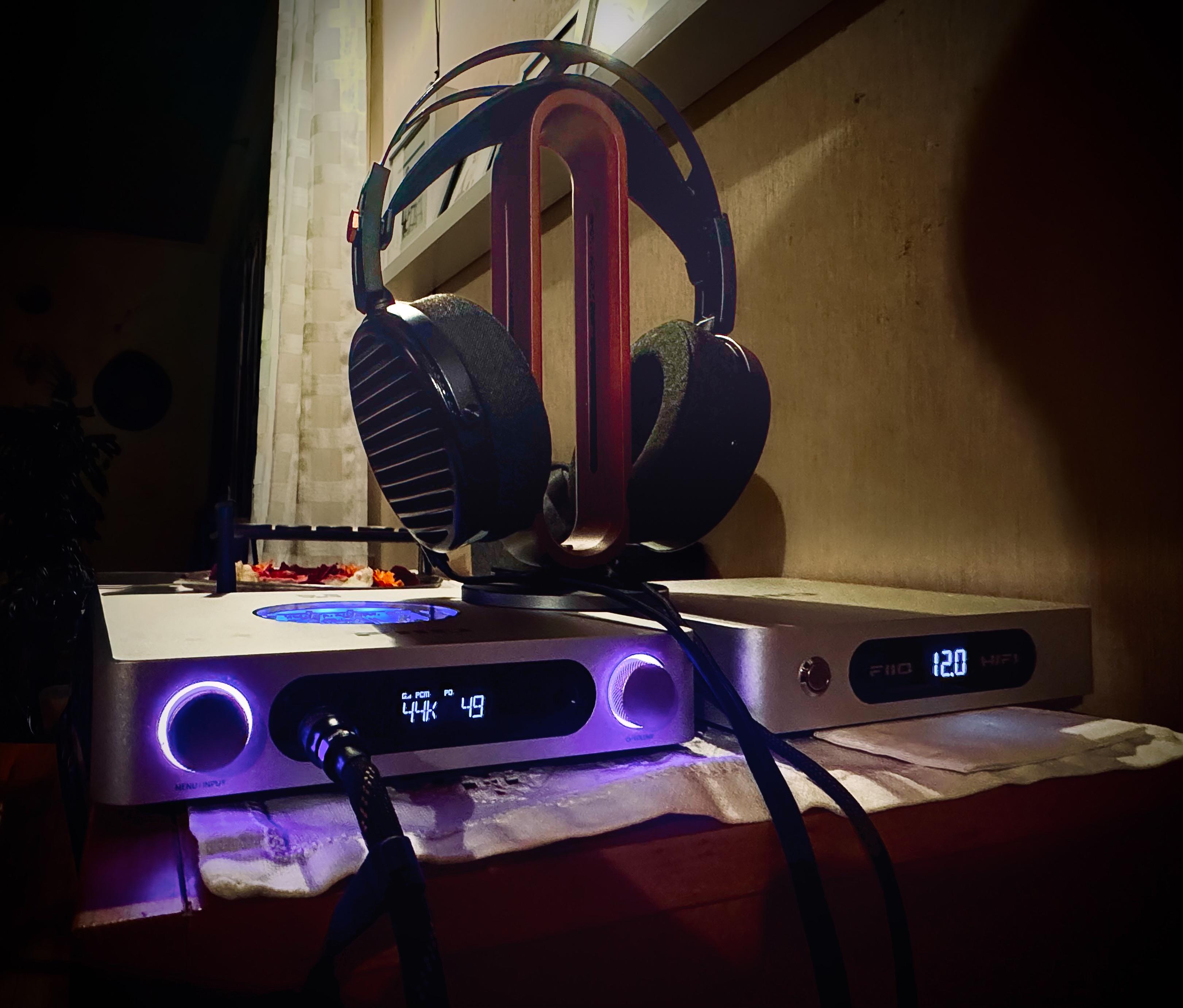
My desktop setup is built around the K13 R2R, a pair of Edifier MR5 monitors and a T5S subwoofer. I’ve been experimenting with PEQ to get things sounding better in my office, and the difference between my current setup and just running audio directly from my computer is pretty remarkable to my ears. I also use it with my HIFIMAN Ananda Stealth and a bunch of IEMs. One surprisingly useful little feature is that both headphone outputs work simultaneously (this is so nice for me, specially as I compare different IEMs). With the included 6.35mm to 3.5mm adapter, I can plug one IEM into the single-ended output and another into the 4.4mm balanced output, making quick comparisons really convenient. Not a perfectly controlled A/B test, of course, but still great for exploring different sound signatures :)
Another thing I’ve really enjoyed is learning what people mean when they describe R2R sound as *warm*. I’m not particularly technical, and I’m still figuring out how much of what I hear comes from the DAC, the headphones or just my own preferences. I’ve tried NOS briefly, but I keep coming back to OS. I especially enjoy how it pairs with some of my bass-heavy IEMs. And honestly, the K13 itself is gorgeous. Clean, understated, and just the right size for my desk. I have it connected through my Dell monitor’s USB hub, switching between my Macs, and it’s been absolutely flawless. This cannot be taken for granted!!!
A smaller detail I love is watching the display and RGB lighting change with the incoming sample rate. When I’m using Qobuz, I can immediately see when a track switches from 44.1 to 96 or 192 kHz. I’ve been comparing tracks across Qobuz, Apple Music and Spotify, taking notes and trying to figure out what differences I can actually hear rather than just what the numbers suggest. Sometimes they’re subtle, sometimes I’m not even sure there’s a difference, and that’s probably one of the most interesting parts of this whole hobby.
Anyway, just wanted to share a few pictures and some thoughts from someone who’s still learning. Would love to hear from other K13 R2R owners, especially if you’ve spent more time comparing OS and NOS or experimenting with PEQ. And if anyone’s curious about the setup or has questions, happy to share what I’ve learned so far!
For anyone interested in learning more about the K13 R2R:
[Headfonics review](https://headfonics.com/fiio-k13-r2r-review/) that helped me understand a bit of the R2R as well
[FiiO Official Store on AliExpress](https://s.click.aliexpress.com/e/_mKu0dpd) \- they’re selling the non-R2R version now, but honestly… getting a R2R at this price point is just amazing. I’d strongly suggest enjoying the opportunity to try this tech as it is finally more “accessible” (I’m not saying it is cheap, but check out other R2R players and you’ll see what I mean)
Ps: don’t mind the cables on the background… still working on how manage my setup! ✌️