Hi everyone,
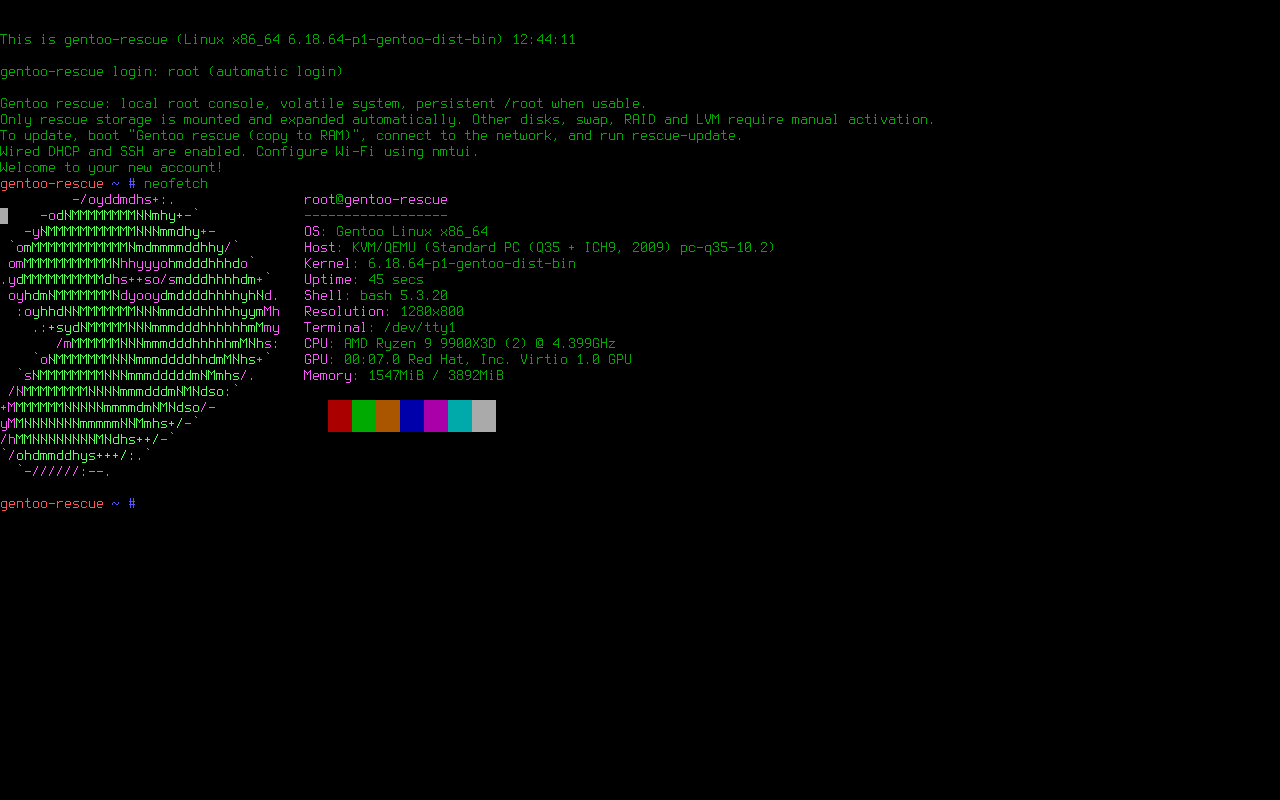
I’ve been working on gentoo-rescue, a bootable USB image for installing Gentoo and repairing existing Gentoo systems. It’s based on the stable Gentoo branch and includes only console utilities, with no X11 or Wayland.
• Write it with dd and use the full drive. A plain dd copy works on any USB drive large enough to hold the image. On the first writable boot, the rescue partition automatically grows to fill the remaining space. There’s no need for a separate imaging or partitioning utility.
• Keep your settings between boots. Some rescue images are distributed as read-only ISOs. gentoo-rescue provides a persistent, writable /root, so your Bash history, saved Wi-Fi credentials, and working files are still there the next time you boot.
• Update the whole rescue system in one go. The updater replaces the system image as a unit. Individual packages aren’t updated separately. That’s useful for a rescue USB that might sit unused for months. A Gentoo installation can be harder to bring up to date after a long gap, and a rescue stick shouldn’t need regular package maintenance to be ready when you need it.
You can update the USB offline or directly from the running rescue image. Boot with Gentoo rescue (copy to RAM) and run rescue-update. It checks for changes, shows the package version diff, and asks for confirmation before downloading the changed boot files. It verifies their checksums before installing them.
Download gentoo-rescue · Source code and documentation on GitHub
If you try it for an installation or repair, I’d like to hear how it went and whether there are any console tools you’d like to see included.