r/GetComputerHelp • u/SpiritualAd2503 • 7d ago
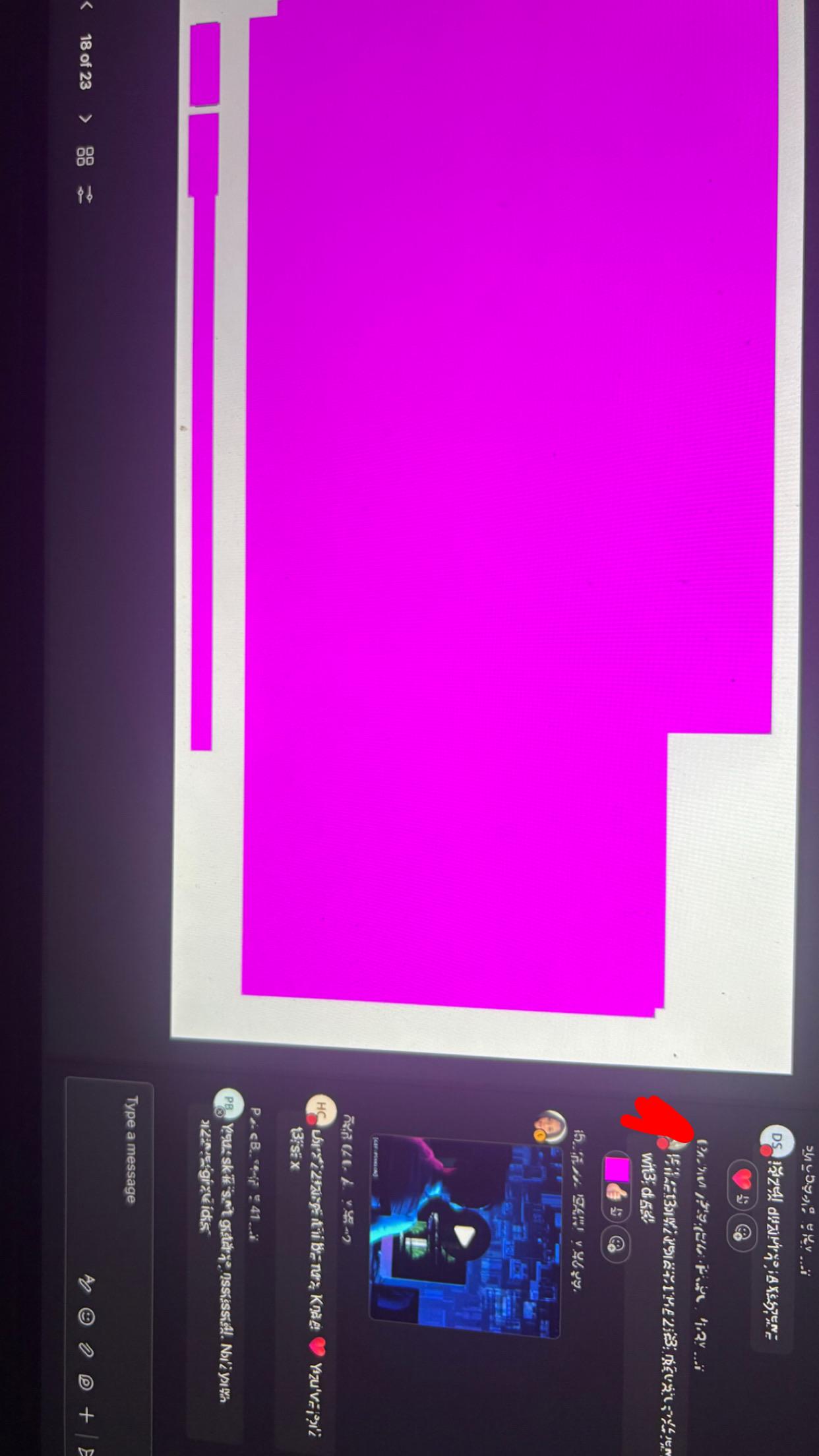
Black screen
reddit.com
1
Upvotes
r/GetComputerHelp • u/Mountain-Half5897 • 7d ago
Is there a way to control my laptop while i am on work and the laptop was turned of then like my desktop was on cloud edit something and be saved when automatically after connecting to the internet
r/GetComputerHelp • u/SpookySoulGeek • 8d ago
The Acer monitor my gf uses for her desktop PC randomly will have the green acer logo pop up over evwrything else on thw monitor. clarity, not the black background with the logo, just the green lwtters acer itself. only way she can makw it go away if to unplug and replug it back in. It also will sometimes display 60hz in top left corner. she uses two monitors in her set up, this is lefthand monitor
r/GetComputerHelp • u/fddertyfddrydswasdy • 8d ago

DIT WITTE SCHERM KRIJG IK ALLEEN ALS IK HEM ZONDER OPLADER GEBRUIK!
hij start gewoon op je ziet dan gewoon het scherm goed het logo zie je bij het opstarten zonder oplader en dan als ik inlog komt dit witte scherm opeens.
En als het witte scherm er is en als ik hem dan in de oplader doe dan blijft hij wit maar als ik hem helemaal uit zet en dan met oplader aan zet dan doet hij het perfect!.
Pls help snel ik heb hem echt nodig voor een school project!.
IK HEB NOG GARANTIE MAAR DAT DUURD ZO LANG EN IK HEB HEM NU ZSM GEBRUIKEN VOOR SCHOOL EN KAN HEM GEEN 4 weken missen
r/GetComputerHelp • u/Head-Lengthiness6800 • 9d ago
Any help is appreciated
r/GetComputerHelp • u/mitchawitch • 9d ago
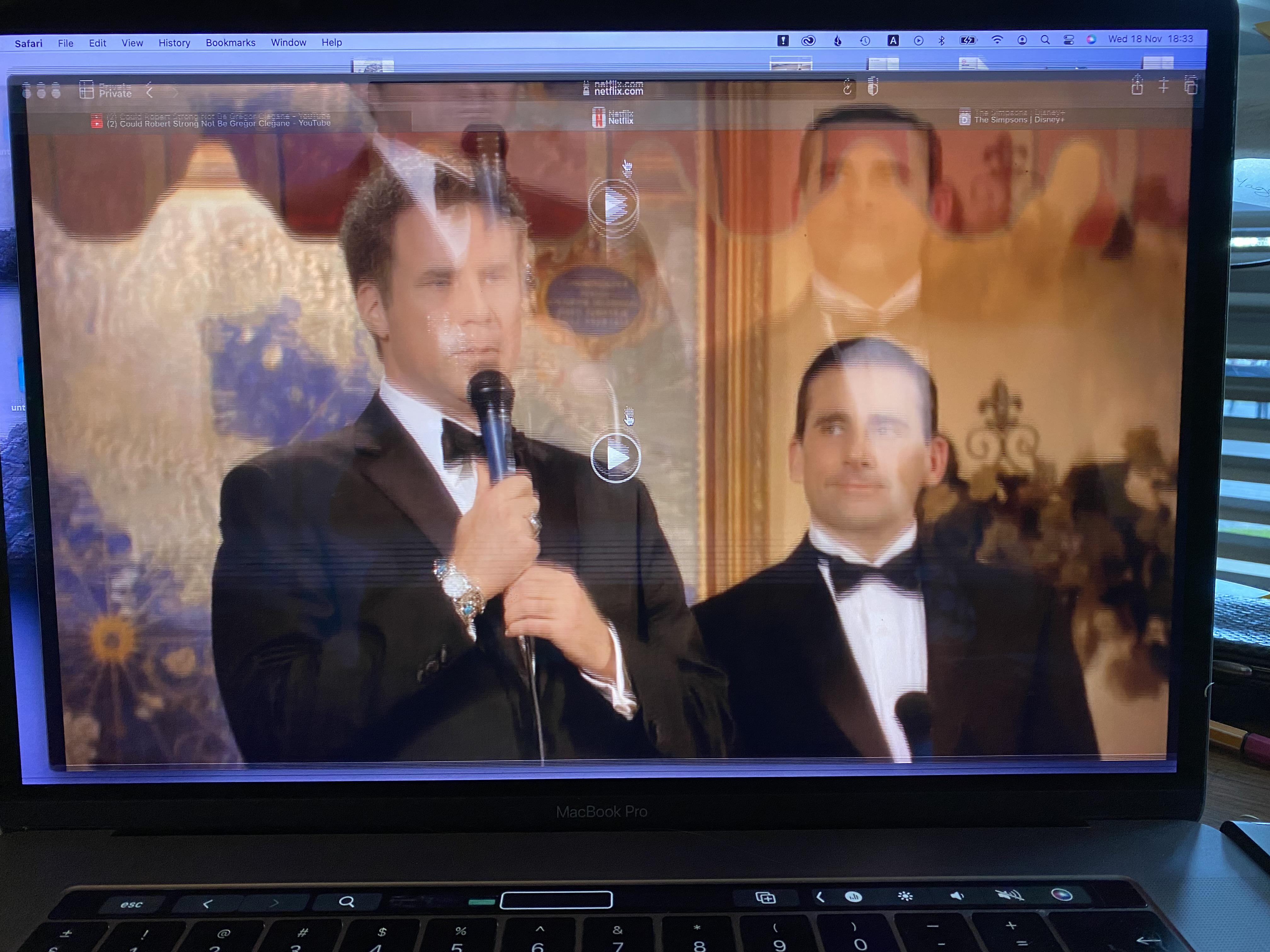
MacBook Pro 2016 model - Hand-me-down from my dad a few years ago, only started using it this year.
He says it never happened while he used it, must have been something I did, although it started flickering since I used it the first time. Have tried toggling display setting but it just goes back to this.
It makes working on in impossible, no matter what program I use, it starts flickering after awhile.
Is it a graphic card problem? A wiring problem? Aliens?
Any help or advice would be appreciated! Can naturally share more details (P.s. not really a techy at all)
Thanks!
r/GetComputerHelp • u/luke56slasher • 9d ago
r/GetComputerHelp • • 9d ago
r/GetComputerHelp • u/crashbandicoot74 • 9d ago
r/GetComputerHelp • u/chokemebabyy • 9d ago

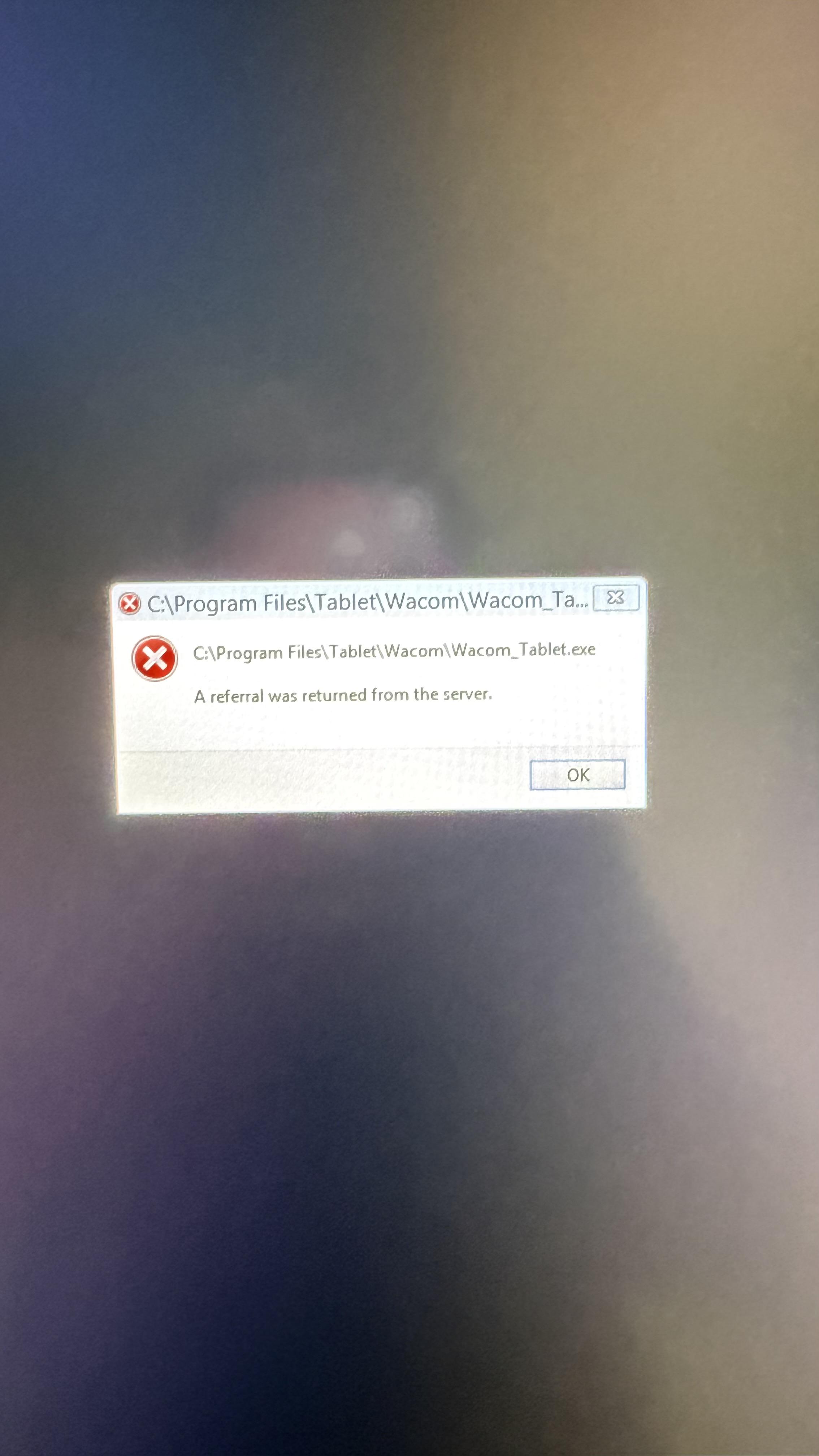
Ive had this monitor for 5 years now so I no longer have any warranty. Today i was playing a game when it randomly went off. If i remember it right half the screen flashed an image of my games' menu screen for a second which was what i was looking at a few seconds before. Now its black and wont turn on and clicking the button below the monitor sometimes causes blue flashes to appear which i managed to catch on camera after pressing the button for several minutes.
Usually theres a red settings popup that comes on when i click the bottom monitor button too but that doesn't appear anymore. Im thinking of contacting LG to get it repaired. Would the costs be worth it or is there anything more i could do? Could it be a GPU issue because for the past few days my screen and computer randomly crashes, and restarting the power turns it on fine. The crashes only happens when im playing high graphical games but not while im watching a movie or on youtube.
r/GetComputerHelp • u/sandbojunkie • 9d ago
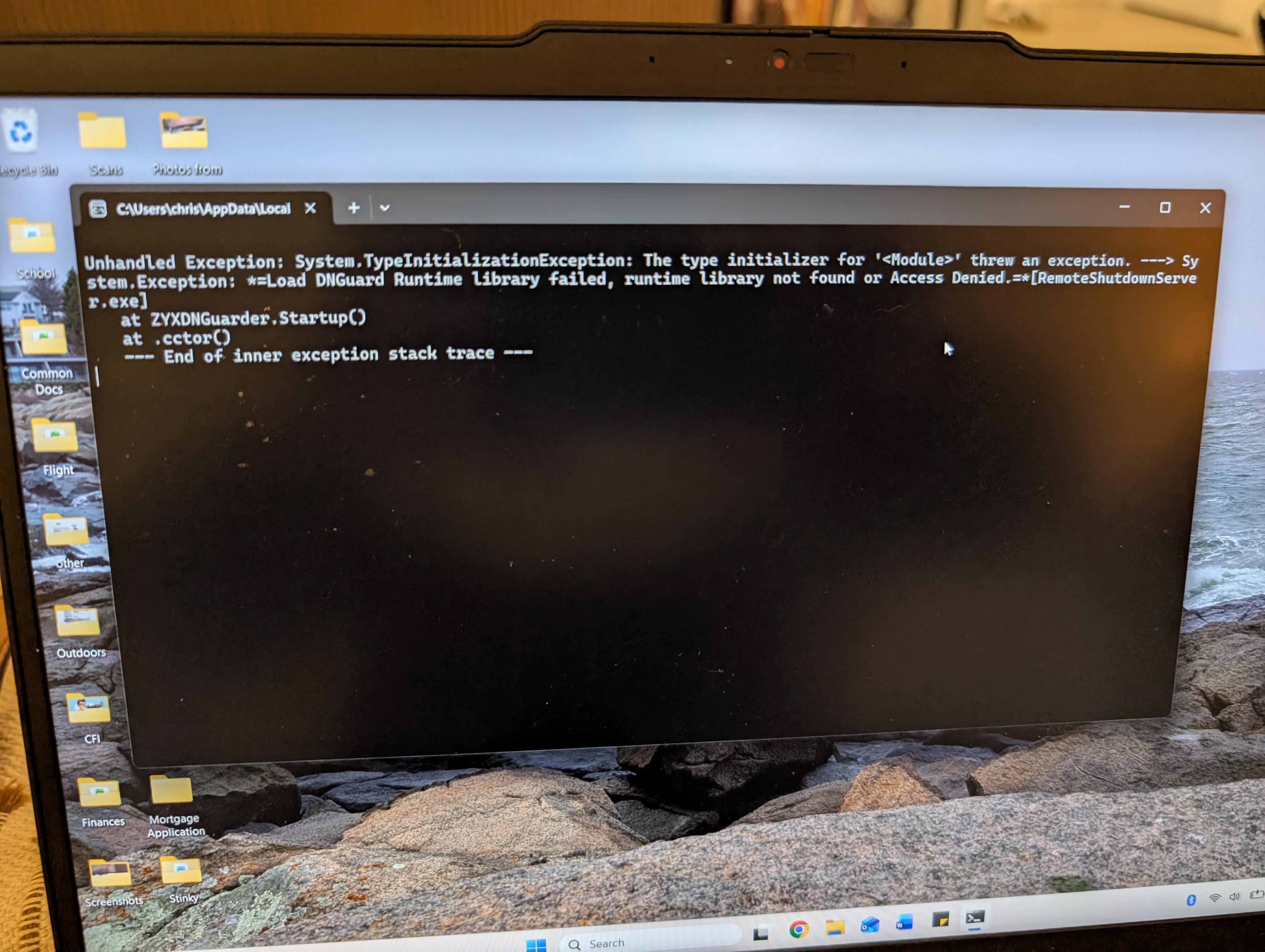
This opens multiple times very rapidly on every startup. Any idea what's going on?
r/GetComputerHelp • u/Throatybee • 9d ago
Monitor: Samsung Odyssey OLED G8 G80SH 27", firmware 1002.2 (latest)
GPU: RTX 4080 Super, driver [621.24], clean install with DDU
DP Cable : 1.4a VESA certified (Supports 4k 240hz)
I run 4K, 240Hz, 10-bit over DisplayPort. A “Not Optimum Mode” message flashes on screen for a split second and then disappears. It comes in bursts. Sometimes it shows 5-10 times per minute, sometimes not at all for a whole day. The screen does not go black, only the message appears. After using the computer for a while, I noticed that this warning no longer appeared.
What I tried:
It looks like a DP 1.4 + DSC link issue. I disabled DSC on monitor. Didnt work.
Does anyone with a G80SH have the same problem? Did switching to HDMI 2.1 fix it for you? Do you have any suggestions to fix it? Thanks!
r/GetComputerHelp • u/BonnerPopper • 9d ago

I’ve been at it for 5hour talking to ai, YouTube videos, looking through Reddit and can’t figure out why I can’t get my 3rd display to work
If it works it will turn off one of my other screens, please help, if you chat I can help explain better
r/GetComputerHelp • u/BrilliantDig3524 • 9d ago
r/GetComputerHelp • u/Tofei_ • 9d ago
This started happening 2-3 weeks ago and I have no idea what might've triggered it. My laptop keeps forcibly dimming down the brightness to 20% every 5-10 minutes or so and its infuriating. Looked up a couple of solutions but they either don't work or the settings aren't available in my laptop. then today, I had my laptop's brightness at 0% and it brought it up to 20%???, I'm using windows11, here are the the things i have tried out so far:
turned off lower screen brightness when using battery saver
turned off dynamic lighting
turned off adaptive brightness
Non of these things worked and my laptop keeps defaulting to 20% brightness no matter what I do.
r/GetComputerHelp • u/Resident_Mousse_4596 • 10d ago
r/GetComputerHelp • u/roveriant1 • 10d ago

Hello everyone can I ask how to fix this? My laptop camera wouldn't turn on when I was in Teams and Messenger. Apparently it says to ensure no other applications or website isn't using my camera. I also already checked my settings and nothing seems wrong.
r/GetComputerHelp • u/HaruStraife • 10d ago
r/GetComputerHelp • u/xGROSSO • 10d ago
Hi everyone,
I'm wondering if anyone has experienced something similar with the UGREEN Revodok Pro 210 Docking Station.
My setup is:
- UGREEN Revodok Pro 210
- Lenovo ThinkPad P16 (using its own charger, not powered through the dock)
- 2 × MSI PRO MP273QP (2560×1440)
- 1 Ethernet connection
- 1 keyboard
When I first bought the dock, both monitors would occasionally blink and go black for about a second before recovering.
Over the last few months, the problem has become significantly worse.
Now, after roughly 2-3 hours of continuous use, one monitor will suddenly turn completely black while the other becomes a solid grey screen.
When this happens:
- Ethernet continues working normally
- Keyboard continues working normally
- Only the displays are affected
- The monitors do not recover by themselves
To recover, I have to:
- Disconnect and reconnect HDMI cables multiple times, or
- Disconnect and reconnect the dock's USB-C connection to the laptop
Sometimes it takes several attempts before both displays come back.
Things I've already tried:
- Testing with only one monitor connected (works fine)
- Lowering display resolution
- Updating graphics drivers
- Updating BIOS
- Updating the dock firmware
- Removing all unnecessary peripherals
- Testing without cable extensions
- Adding external power to the dock (20W USB-C input)
None of the above solved the issue.
One thing I have noticed is that the dock becomes fairly hot when the failure occurs.
UGREEN support suggested trying additional cooling to determine whether the issue is thermal-related, but they were unable to provide any further technical explanation and have recommended that I pursue an Amazon warranty claim if the problem continues.
What I find strange is:
A single monitor works flawlessly.
The issue only appears after several hours.
It started as brief black-screen flickers and gradually evolved into complete display failure.
Network and USB devices continue functioning even when the displays fail.
This makes me suspect either:
Overheating of the display controller inside the dock.
A hardware failure developing over time.
Some compatibility issue between the dock and dual 1440p displays.
Has anyone experienced something similar with:
UGREEN docks?
DisplayLink docks?
Lenovo ThinkPads?
Dual 1440p monitor setups?
I'd be interested to know whether this sounds like a defective unit before I go through the hassle of an Amazon replacement.
r/GetComputerHelp • u/SpiritualRemote2591 • 10d ago
r/GetComputerHelp • u/Dry_Communication923 • 10d ago
I don't know why this happens everytime I run any game in Fullscreen. I have a laptop LENOVO, Intelcore i7-9750H RAM 16GB. NVIDIA GFORCE GTX 1660Ti (6GB).
What I've found out until now is that it has something to do with the hertz because I tried adjusting some things and as soon as I changed from 144hz to 60hz it triggered it again.
Oh and it can run the games perfectly in borderless window the problem for some reason is just when they are in fullscreen mode. some games like sekiro (in the video) doesn't have borderless window option so I have to play them in the window.
r/GetComputerHelp • u/Dvni28 • 10d ago