r/GithubCopilot • GitHub Copilot Team • 7d ago

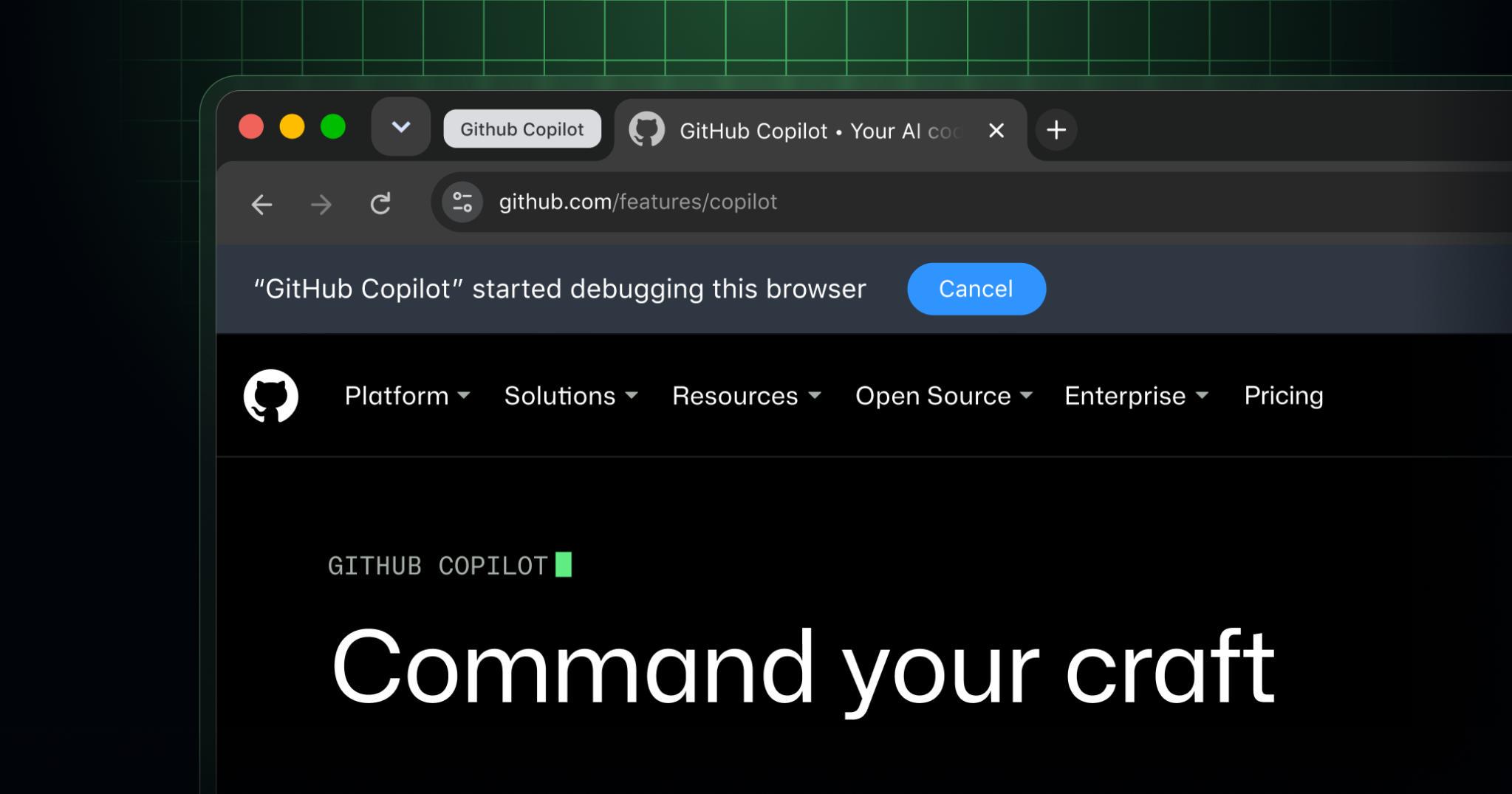
News 📰 Browser Use in GitHub Copilot is now in Public Preview
Post image

GitHub Copilot can now interact with your browser, just in time for Microsoft Ignite! 🚀

Browser Use is available in public preview in Copilot CLI, the Copilot app, VS Code, and JetBrains.

You can ask Copilot to open pages, click through your app, and help debug UI issues or run browser tests. For example, try asking it to open your local dev server, walk through a sign-up flow, and tell you where it gets stuck.

To get started, install the GitHub Copilot Chrome extension, enable Browser Use in your GitHub Copilot client, and check that the extension says Connected. You can manage browser permissions in the extension’s settings.

Full details: https://github.blog/changelog/2026-11-17-let-github-copilot-interact-with-your-browser/

We’d love to hear what you try and where it could work better! Share your experience here or through the feedback form. Thank you so much!

57 Upvotes

18 comments sorted by

5

u/fr3xzy 7d ago

How does this differ from Playwright and Computer Use?

8

u/nickzhu9 GitHub Copilot Team 7d ago

Computer Use works across different desktop apps by leveraging the OS's accessibility APIs, while Browser Use is specifically optimized for browser-based tasks. It can access web-specific context, such as live page content and elements, so it generally performs better for tasks within the browser.

As for Playwright, it typically launches a browser with a separate profile, without access to your existing signed-in sessions. Browser Use, on the other hand, works directly with your existing browser sessions, including cookies and authentication context. This allows agents to interact with websites you're already signed into.

3

u/Deathmore80 7d ago

How is this different from the chrome devtools MCP ? It uses my existing browser profiles and even reuses my already opened browser window

And I don't need to install a special extension for it to work. This will be hell to get cybersecurity team to approve for enterprise orgs

1

u/nickzhu9 GitHub Copilot Team 6d ago

Yeah - If you already get Chrome devtools MCP working in your project then it'd probably have similar basic features for now. But we do offer more granular site permission approval, and also tab management experience. In the future we might also add Browser-tab based chat experience, so you don't need to start up local GitHub Copilot sessions.

2

u/wxtrails Intermediate User 7d ago

Didn't VS Code introduce this months ago? How is this different?

4

u/nickzhu9 GitHub Copilot Team 7d ago

VS code has the integrated browser. This is complementary to the integrated browser, using user's real sign-ed in sessions without users having to log in again.
Imagine if you are doing an QA automation test and you want to test against real environments but not local browser session without cookies.

1

u/wxtrails Intermediate User 6d ago

Ok, makes sense. I do love having browser use in combination with the full source as context, but I can see how this would be useful from the QA's side.

I just trained our QA's to use VS Code 😅

2

u/nickzhu9 GitHub Copilot Team 6d ago

Yeah - you can still use Browser Use in VS Code - if you enable it in the settings, it will launch real browser tabs

1

u/MarkRullo 7d ago

Yeah, I've been using the side panel browser, but it's not 100% . This is a browser extension I believe. Tried it yesterday and it seemed to be the same workflow as the side panel browser. Analyze the page, take a screenshot, send a button click, get a screenshot, etc.

I tried to get it to create a vision diagram via the browser, but it essentially gave up and said want me to just create a visx?

2

u/nickzhu9 GitHub Copilot Team 6d ago

hey thanks for the feedback. It depends on the workflow case by case, maybe in your case the browser use thinks it's better to create one via an external tool, maybe you could you share your steps later and we can see how this can be improved

1

u/MarkRullo 6d ago

Don't get me wrong, I appreciate that it was like, nah man, this is not the way, I burned enough on this silly quest, let me deal with it this way. A hammer isn't for cooking on. Right tool for the job and all.

Nick, feel free to DM if you want some diagnostic info to help the development team.

1

u/aonymark JetBrains User 🧱 6d ago

How does this work? Screenshots? DOM tree? Both? Neither?

2

u/nickzhu9 GitHub Copilot Team 6d ago

Both but mostly DOM - screenshots are case-by-case basis

5

u/rcktjck 7d ago

Yea how is this different from what playwright can already do ?

2

u/ExCap2 6d ago

Interesting. I'll have to try this out tonight. I use passkeys and playwright always has issues with it unless you make a fake profile to load with it but if this browser allows me to not have to put in a workaround; amazing. Thanks for the heads up. Depending on how much integration this gets; I'd probably still use both for testing but still, this helps development a lot.

1

u/Independent_Walk2551 7d ago

I can see my clients trying to show me they know the issue thanks to this...

1

u/Brave_Chance5044 6d ago

Great thanks! Thanks hope this works in WSL too as computer use does not yet.

1

u/jselene 6d ago

Would love for this to work with Ungoogled Chromium