r/GoodNotes • u/y2kmads • 5d ago
Bug handwriting bug?
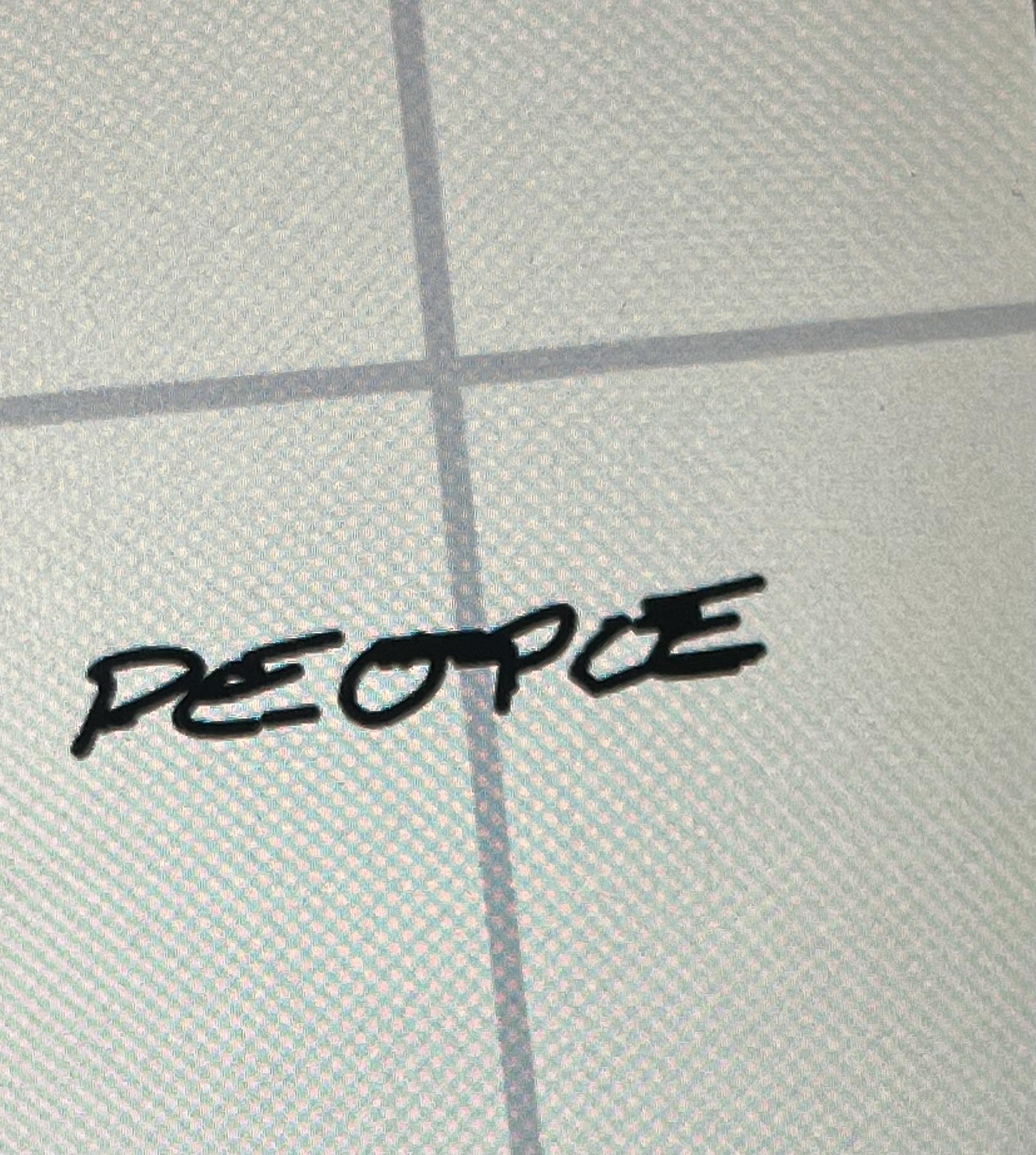
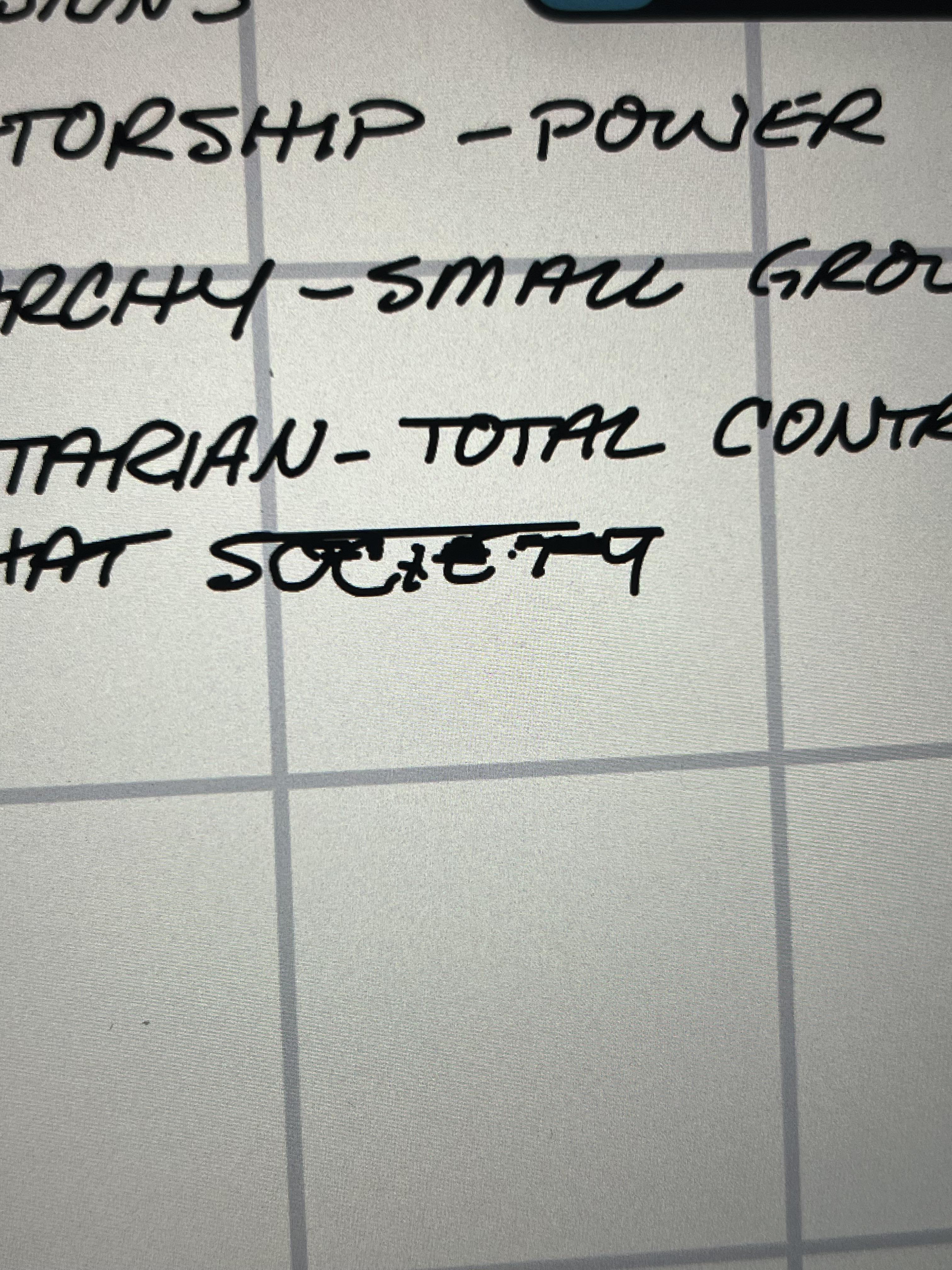
Hi! So i’m taking study notes and sometimes when I’m writing down my notes the writing will be dotted like i lifted my apple pencil a bunch of times or sometimes it’ll predict what i’m going to write and totally mess up what i was previous writing, or sometimes it randomly draws a line? but that could be from my palm, though it didn’t have that issue previously. I have the latest version (7.1.36) and i’m using an ipad air 5th gen with 2nd gen apple pencil. please let me know if there’s a way to fix this or if i just have to deal with it 🥲
9
Upvotes
1
u/Masbuke 4d ago
Adding to the Word Complete tip: dotted strokes are very often a loose Pencil tip. Give it a gentle clockwise twist and see if it gets better, and swap it if it's worn flat. A worn matte screen protector can cause it too. For the random lines, go to iPad Settings > Apple Pencil, turn on "Only Draw with Apple Pencil", and try switching Scribble off for a day, since it sometimes fights with handwriting in note apps.
2
u/LunarHomeStudio 5d ago
A few separate things could be going on, so it may help to check them one by one:
If it only started after a recent update and none of this helps, report it to Goodnotes support with your app version (7.1.36) and iPad model, since it may be a bug on their side.