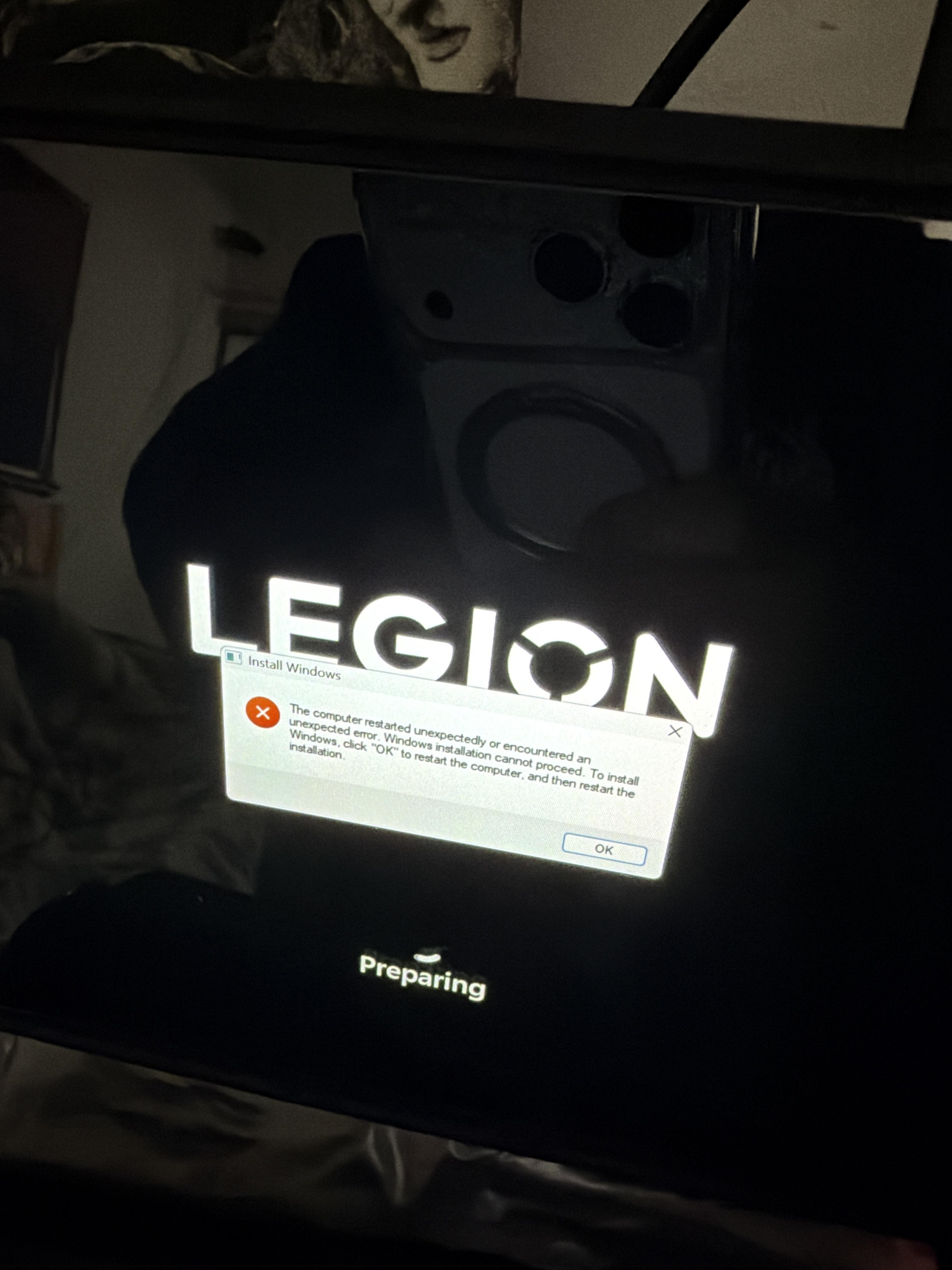
It might not be hosed, but trying to fix it or reinstalling completely involves creating the same Windows installation media.
Get a USB-C USB flash drive/memory stick or an SD card (this might not work, sometimes the system doesn't recognize an SD card as a place to boot from) and put a Windows 11 installation media image on it. Using this you can boot to the USB stick's recovery system and have it identify the local windows installation and perform a recovery to fix missing or broken files.
Go to the section Create Windows 11 Installation Media and follow the instructions to create the installation media which also can help recover and existing installation. You'll probably need another PC to perform this on, but it's been a while since I've made one.
You might have to enable booting from other devices (like something connected to the USB ports) in the devices UEFI/BIOS menu by turning it off, plugging the USB stick in, and then holding Volume Up and the power button until the menu appears. Disable secure boot and then select which device you want to boot from.
3
u/ReferenceSuch543 2d ago
Try again?
1
u/PotentialExchange1 2d ago
Can you boot in to recovery/repair mode?
0
u/skyguy6153 2d ago
Probably needs to be reimaged with a new copy of Windows 11.