This is the beauty of open source: the code is there for anyone to take, change and reshape into whatever they imagine. That's what forks are for, and it's how a lot of the software we love came to be. And when other people share the same vision, open source is what lets them build it together.
This project is one of those forks. I built it with the help of AI-assisted coding, and I'm saying so openly, but the idea behind it is an old one: take the desktop we have and push it somewhere new, after years of mostly small steps. It's a work in progress, and it needs your help and ideas to keep going.
It began with the file manager: rethinking Dolphin from the ground up as something more integrated, where a file tells you what it is at a glance and the work you do on it (converting, extracting, transcribing, etc.) happens right there, on its card. From there it grew into Breeze NG, a look to match, and the hope is to see it go beyond the file manager, to the whole of Plasma.
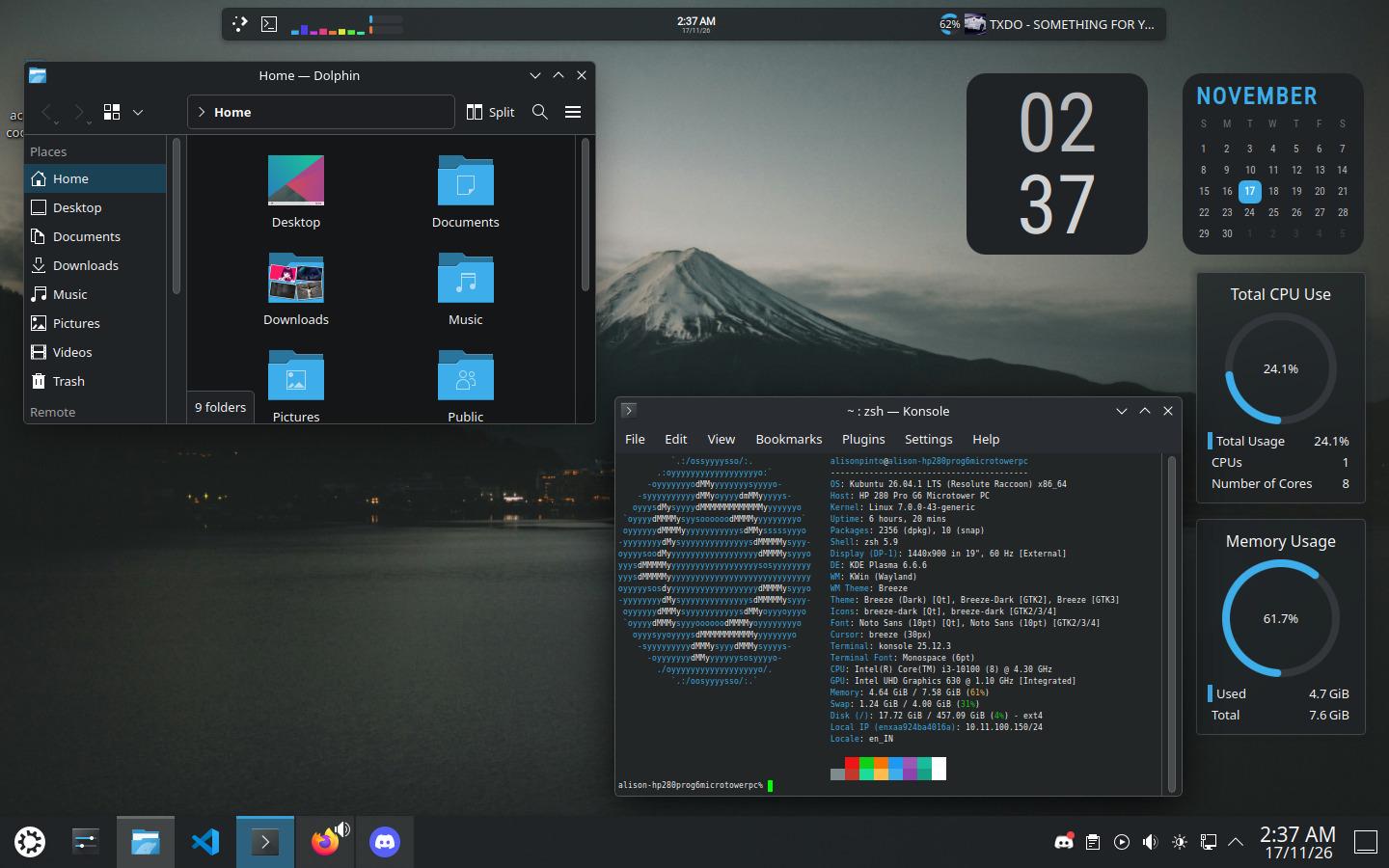
This is a short tour of where it is today, on Aurora Light and Aurora: Dolphin NG's views (cards that tell what a file is, Details with columns), filters by kind of file, quick actions with their progress right on the file's card, pinned items, groups that follow the sorting, the Information panel, and Breeze NG's nine looks (opaque, glass, Aurora) in your accent colour, with the sidebars of every app made to match.
Details: KDE Plasma 6, Wayland, Breeze NG "Aurora Light" / "Aurora", NeoLine icons, Noto Sans.
I'm looking for testers, designers and developers who want to build something new for the Linux desktop: ideas, mockups and bug reports are all very welcome.
Fedora (COPR):
sudo dnf copr enable morzilla/desktop-ng
sudo dnf install dolphin-ng breeze-ng dialog-ng neoline-icons
Ubuntu / Kubuntu 26.04 (PPA):
sudo add-apt-repository ppa:mori-daniele/desktop-ng
sudo apt update
sudo apt install dolphin-ng breeze-ng dialog-ng neoline-icons
Arch, openSUSE and the others: an installer that builds everything in your home folder, next to the stock applications (graphical, or in the terminal):
bash <(curl -fsSL https://raw.githubusercontent.com/Morzilla/breeze-ng/ng/ng/install-gui.sh)
bash <(curl -fsSL https://raw.githubusercontent.com/Morzilla/breeze-ng/ng/ng/install-desktop.sh)
Each package is independent: install only the ones you want. Nothing replaces your distribution's own Dolphin or Breeze: they install next to them. Log out and back in once after installing Breeze NG or Dialog NG.
Source code (GPL):
Thanks to everyone who has tried it, reported a bug or shared an idea so far, and to the KDE community, whose work all of this is built on.