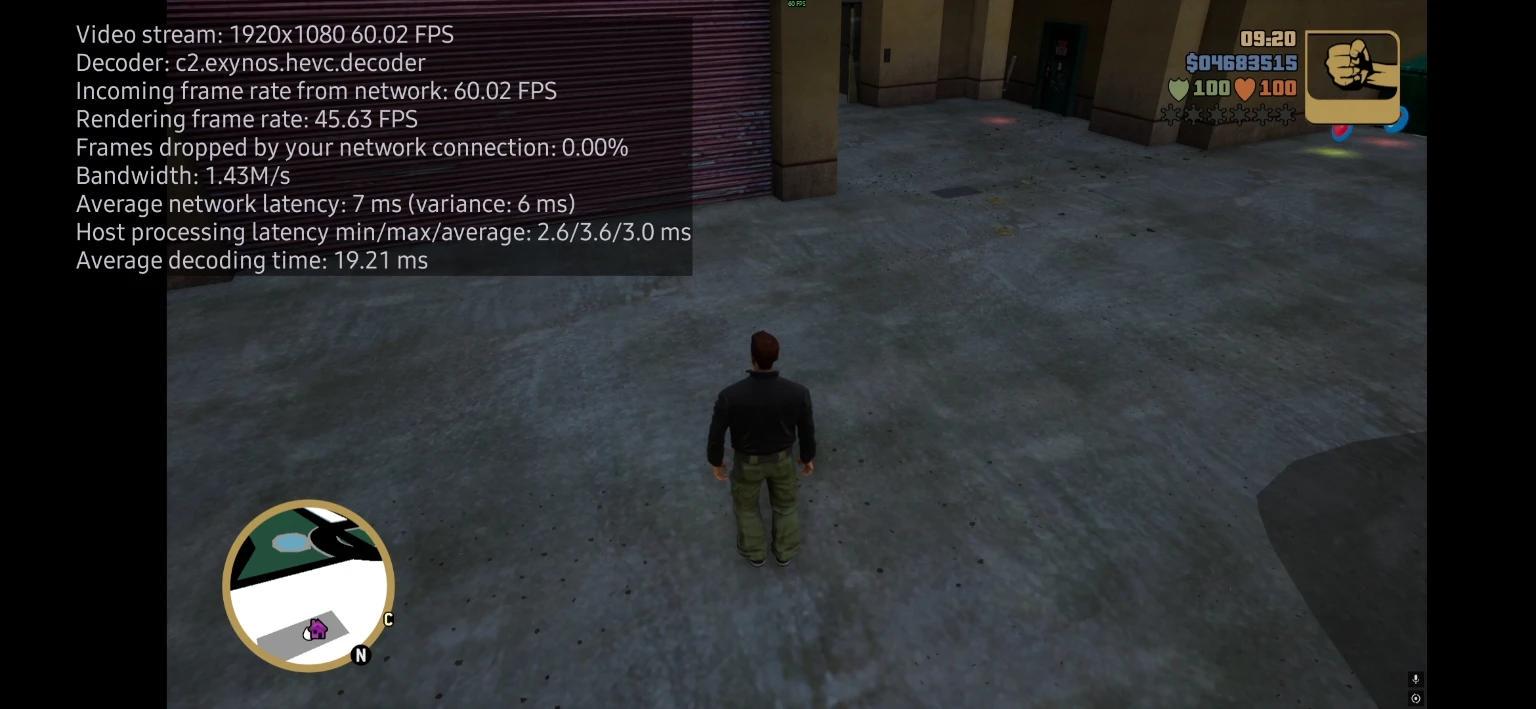
I've spent a few weeks tracking down micro-stutter when streaming to my MacBook Air and iPad Air, and I've narrowed it down quite a bit. I'd like to know if others see the same thing and whether anyone has a fix besides "use a cable".
Setup
Symptom
Short, irregular stutters in audio and video every few seconds, very noticeable.
The stutter does not happen:
- with Steam Link / Steam Remote Play on the same Apple devices;
- with Moonlight on a ROG Ally (SteamOS) over the same Wi-Fi;
- with the MacBook Air on Ethernet.
How I measured
During a Forza Horizon 5 benchmark stream, I ran a 60 s ping to the Mac at 5 pings per second from a wired Linux box on the host side. At the same time I pinged the router, to watch the eero backhaul.
Results at home (times in ms)
┌─────────────────────────────────┬─────────┬───────┬────────┬────────────┐ │ │ │ │ │ Spikes >30 │ │ Mac connection │ Median │ p99 │ Max │ ms per │ │ │ │ │ │ min │ ├─────────────────────────────────┼─────────┼───────┼────────┼────────────┤ │ Ethernet │ 3.5 │ 7.7 │ 9 │ 0 │ ├─────────────────────────────────┼─────────┼───────┼────────┼────────────┤ │ Wi-Fi 6 GHz (ch 37, 160 MHz, │ │ │ │ │ │ 11ax, RSSI −48 dBm, noise −92, │ 6.6–7.2 │ 27–46 │ 55–107 │ 4–6 │ │ CCA 8%, 1441 Mbps PHY) │ │ │ │ │ └─────────────────────────────────┴─────────┴───────┴────────┴────────────┘
- The spikes arrive in irregular bursts, every 2–7 s, and match the visible stutter.
- The backhaul ping to the router stayed clean the whole time (p99 about 10 ms), so the problem is the last hop between the eero and the Apple device.
- The link itself looks excellent, and the stream uses about 3% of the PHY rate.
What I ruled out, still on 6 GHz:
- AWDL off (sudo ifconfig awdl0 down, verified that the interface was not UP): no change.
- Location Services off: no change.
- On charger vs on battery (Low Power Mode already "Never"): no consistent difference.
- Signal or interference: see the numbers above. Nothing in macOS's Wi-Fi faults or recoveries log either.
Remote tests (same Mac, streaming home over Tailscale with a direct peer-to-peer connection; here I measured from the router, so the base latency is about 55–60 ms)
┌────────────────────────────┬──────┬───────────────┬─────────────────────┐ │ Remote Wi-Fi │ Max │ Spikes >20 ms │ Felt │ │ │ │ above median │ │ ├────────────────────────────┼──────┼───────────────┼─────────────────────┤ │ 5 GHz, 40 MHz, Wi-Fi 5 │ 85 │ 2 / 600 │ no stutter, just │ │ (11ac), RSSI −69, CCA 32% │ │ │ more latency │ ├────────────────────────────┼──────┼───────────────┼─────────────────────┤ │ 2.4 GHz, 20 MHz, 11ax, 103 │ 4300 │ 336 / 740 │ terrible (expected, │ │ Mbps PHY │ │ │ link saturated) │ ├────────────────────────────┼──────┼───────────────┼─────────────────────┤ │ 5 GHz, 160 MHz, Wi-Fi 6 │ │ │ │ │ (11ax), RSSI −48, CCA 8%, │ 72 │ 0 / 750 │ almost perfect │ │ 1733 Mbps │ │ │ │ └────────────────────────────┴──────┴───────────────┴─────────────────────┘
The last row is the interesting one: same RSSI, same CCA, same channel width and same standard as at home, but 5 GHz instead of 6 GHz, and not an eero. Zero spikes.
Where I am now
- Wi-Fi in general, Wi-Fi 6 features and 160 MHz all look innocent.
- What's left is Apple clients on 6 GHz, or specifically Apple clients on the eero's 6 GHz radio.
- eero gives no control over bands or channels, so I can't force the Apple devices onto its 5 GHz to separate the two.
- My workaround is a cheap 5 GHz-only access point, wired, with a dedicated SSID for streaming. I'll report back.
Questions
- Has anyone seen stutter specific to 6 GHz on macOS or iPadOS, with eero or with other brands of access point?
- Is there a macOS or iPadOS setting that affects this? For example a background-scan or roaming behaviour that only shows on 6 GHz.
- Why would Steam Link hide it? A bigger jitter buffer? Is there an equivalent setting in Moonlight?
Thanks! Happy to share raw ping logs if useful.