r/OdoApp • u/Taohid101 • 5d ago
Odo 5.3 is Live! Build Your Own CarPlay Dashboard, 18 New Gauge Designs, Multi-Gauge Support & Long-Awaited OBDLink MX+ Compatibility!

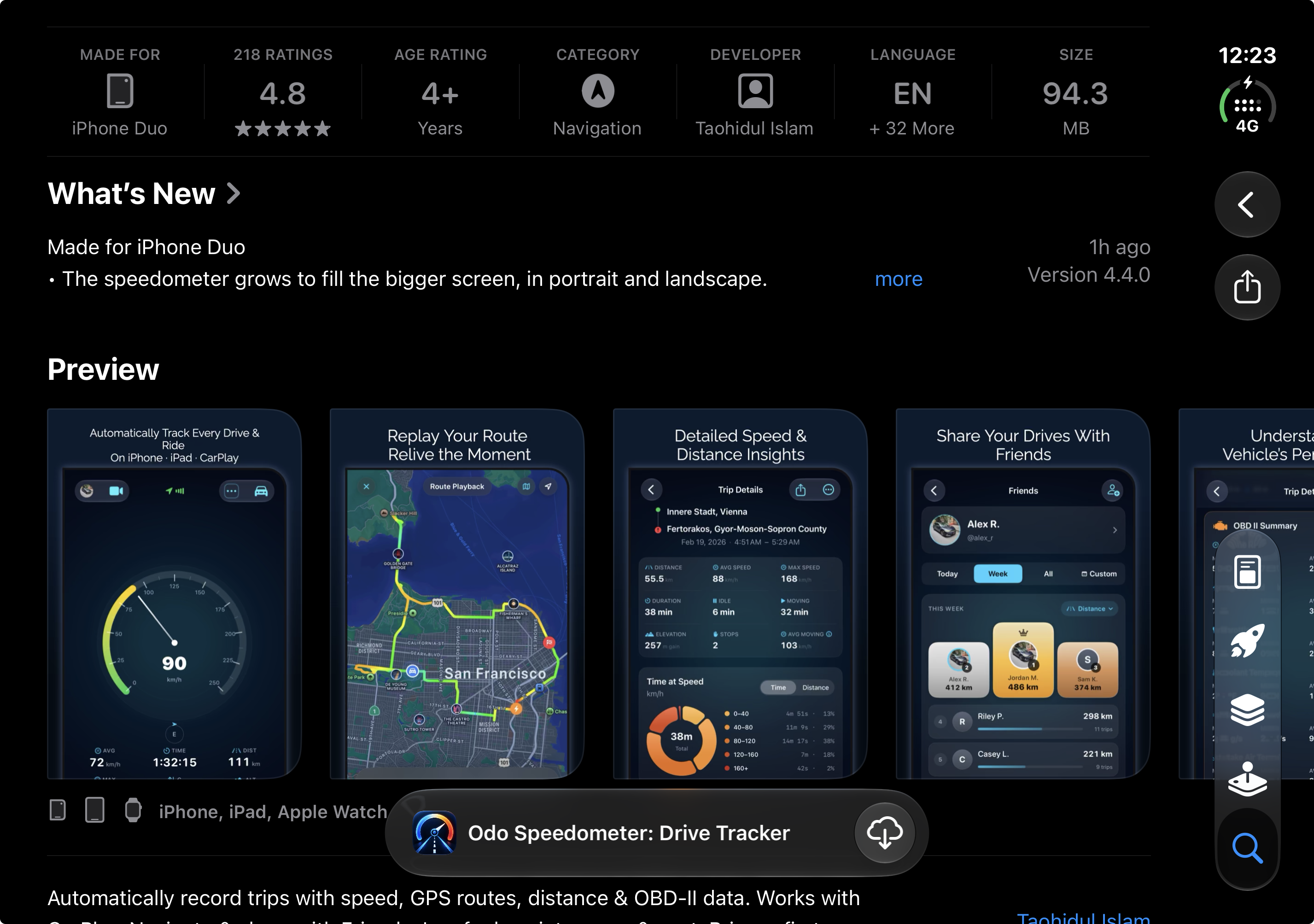
This is another major update for Odo, especially for CarPlay users. I'm excited to introduce more customization options, 18 new speedometer designs, multi-gauge dashboards, and the long-awaited OBDLink MX+ integration!
Here's what's new:
🚗 Build Your Own CarPlay Dashboard
One of the biggest additions in this update!
- Display up to 6 gauges simultaneously on CarPlay.
- Choose between equally sized gauges or one large main gauge with smaller ones alongside it.
- Customize each gauge independently with different styles, colors, and driving stats.
- Bring your favorite iPhone gauge designs to CarPlay.
- Choose from dozens of ready-made templates, including Cluster, Grand Tourer, Six Pack, and Navigator.
- Gauges now maintain their positions even when data isn't available, keeping your dashboard layout consistent.
You can now create a personalized CarPlay dashboard with the gauges and information that matter most to you.
🎨 18 New Speedometer Gauge Designs
I've added 18 new designs to the Modern category, including Sweep, Chrono, Trace, and Tide.
- Choose from multiple colors, including Mono, Blue, Green, Purple, Pink, and Amber.
- Improved readability with bolder numbers and clearer units.
- Available on both iPhone and CarPlay.
There are now even more ways to customize the look and feel of your speedometer.
🔌 Long-Awaited OBDLink MX+ Support
This has been one of the most requested OBD integrations!
After working through Apple's MFi approval process with OBDLink, Odo is now officially approved to communicate with the OBDLink MX+ using Apple's External Accessory framework.
You can now:
- Connect your OBDLink MX+ directly from Odo's OBD settings.
- Save the adapter to individual vehicles.
- Automatically reconnect when you return to your vehicle.
- Display supported live engine data on your iPhone and CarPlay dashboards.
OBDLink MX+ owners, I'd really appreciate your help testing this integration!
Although the integration has been developed and tested, I'd love to hear how it performs across different vehicles and setups.
Please share your experience with connection reliability, automatic reconnection, and live engine data. If you encounter any issues, mentioning your vehicle model would be especially helpful.
🗺️ Cities Explored
The previous Most Visited feature has been redesigned as Cities Explored.
- See every city you've visited on an interactive map and in a list.
- Explore your travel history by month, year, or all time.
- Compare your exploration with previous periods.
- Share your visited cities as images in five different styles, including maps and star charts.
🏎️ Share Reels: A Richer 3D World
I've also been working on making route replays more immersive.
- Added a new Race Car.
- Introduced roadside trees, guardrails, fences, and grass to the Game-style environment.
- Improved vehicle movement for smoother and more natural replays.
The goal is to make your recorded drives even more enjoyable to replay and share.
⚡ More Improvements
- New Odometer tile for CarPlay and custom Live Activity layouts.
- RPM readings now display in full on the CarPlay Dashboard card.
- Improved road accuracy on the All Routes map, especially for longer drives.
- Simplified CarPlay settings with separate gauge and stats customization screens.
- Better handling when location permission is disabled.
- Improved translations, including OBD diagnostic descriptions.
- Various UI refinements, performance improvements, and fixes.
💬 I'd Love Your Feedback!
Many of these features came directly from user suggestions, and I really appreciate everyone who has been sharing ideas and reporting issues.
I'm particularly interested in feedback on two things:
- Multi-Gauge CarPlay Dashboards: How do the new layouts look on your CarPlay screen? Are there any additional layouts or customization options you'd like to see?
- OBDLink MX+ Integration: If you own an MX+, please give it a try! I'd love to know your vehicle model, whether the connection works reliably, and how the live engine readings perform.
I've put a lot of effort into making Odo more customizable and useful for everyday drivers, and there's still much more planned.
Thanks to everyone who's been following the development, testing updates, and sharing feedback. Your suggestions genuinely help shape what comes next!
Looking forward to hearing what you think!
Learn more about the CarPlay gauges:
https://speedometerproapp.com/features/carplay-speedometer-gauge