r/OneNote • u/Special_Disaster_103 • Oct 06 '26
Hide open notebooks
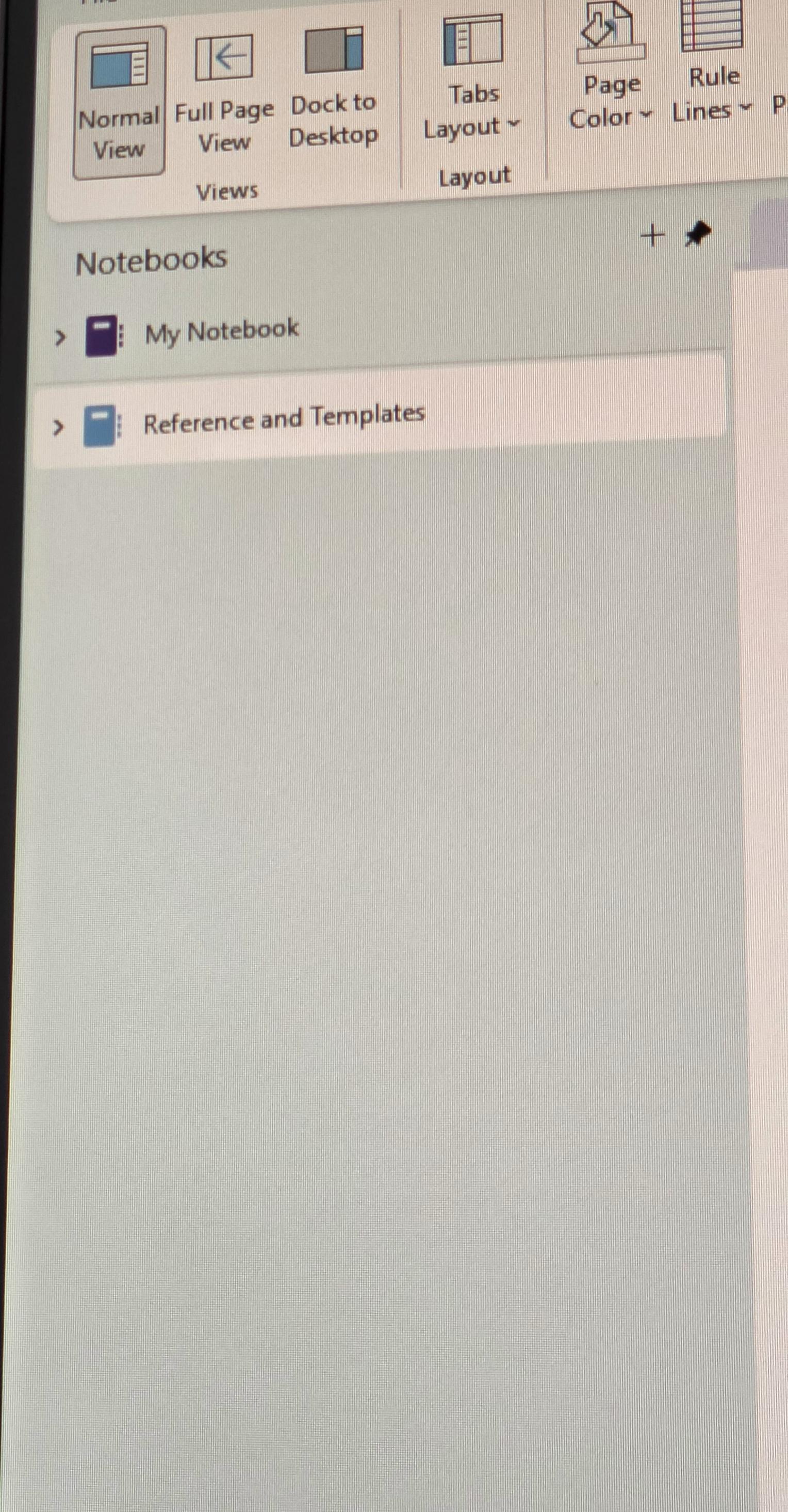
I double clicked the notebook icon next to the notebook I was currently working in. Now it shows all of my open notebooks in a new panel/list vs a drop down menu option that was where "notbooks" is now. How can I undo this so it goes back to the drop down version? Thank you so much!
1
Upvotes
View all comments
Show parent comment
1
u/MajorMood85 Oct 07 '26
Had a hard time with this too, this fixes it, thanks! It changed the pane behavior from auto-hide to always visible