I had the 3 and switched to the Galaxy Watch .Now I'm back on the OnePlus watch 4 and they still haven't decided to make it so we can change the notification ringtone. But why Is OnePlus doing this to us?
It's something so difficult to be able to do By the way, the notification ringtone is really very loud and even at the minimum you can hear a
Hey on my OnePlus Watch3 no vibrations are working anymore. Also in the settings where i can turn them on or of it is not vibrating. I also did a reset on the watch. Is it broke?
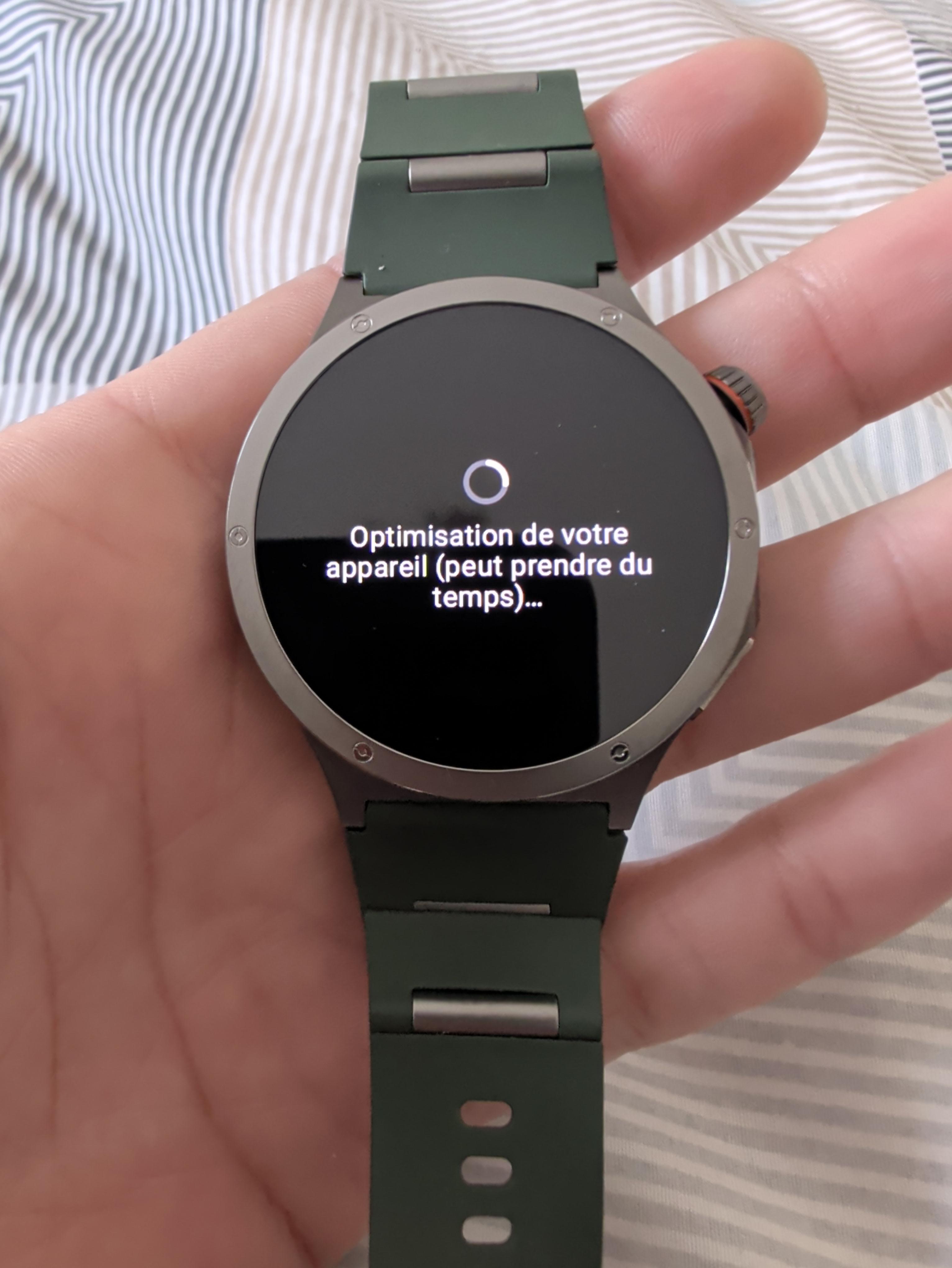
Hey, my watch seems to have tried to update a few days ago, but the update won't apply. It's telling me every other hour to leave it on the charger to finish the update, but that doesn't work. I soft reseted twice but that doesn't change a thing :(
Hey everyone! I'm looking for beta testers for my **Cyberpunk Nixie HUD** watch face built strictly with Google's declarative **Watch Face Format (WFF)** (`android:hasCode="false"` — zero background CPU drain).
### Highlights
- **Photorealistic IN-14 Nixie Tubes** for hours, minutes, and seconds
- **Curved Neon Plasma Gauges** for live Battery % (left) and Step Goal (right)
- **86h+ Proven Battery Life** in real-world hardware discharge audits (<2.6% watch face draw)
- **Zero-OLED Emergency Eco Mode (≤20% Battery):** automatically switches to a 0.93% OPR crimson wireframe
- **Tactical HUD:** Aviation compass, weather/UV/precip, heart rate, altimeter complication, 3 color themes, and low-pixel AOD
Trying to not get too excited but it seems OnePlus/Oppo is actually making some changes. One thing I always wanted was overnight HRV tracking. They finally added its own section to Ohealth now. It doesn't look like it's functional yet kinda like the sunlight tracking. But I'm getting hopeful we will see some sort of meaningful watch update to enable these to sync.
Hi! I’m looking for 4 more people with a Wear OS 5+ watch (Galaxy Watch, Pixel Watch, etc.) to test a paid watch face for 14 days, starting Monday, Nov 23.
What you get:
* The watch face for free (promo code)
* $3 via PayPal through the PeerPlay app after you complete the 14 days
What you do:
* Keep the face installed and open it once a day for 14 days
* Short daily check-in in the PeerPlay app
Comment or DM me with your watch model and Wear OS version and I’ll send the details.
Need 4 more Wear OS 5+ watch testers ⌚ 14-day watch face test from Nov 16. Free paid watch face + $3 PayPal via PeerPlay after you finish all 14 days. DM me your watch model + Wear OS version!
We’re looking for 15 testers (plus a few reserves) for a Google Play closed test of a paid watch face.
Requirements:
Wear OS 5 or newer (e.g., Pixel Watch series, compatible Galaxy Watch with updates, OnePlus Watch).
Commitment: Keep the watch face active for 14 days, upload one screenshot from your watch daily, and leave a short review (battery, animations, design).
Starts: Monday, November 23.
What you get:
A free promo code for the watch face to keep.
$3 via PayPal after completing all 14 days.
Sign up here: Google Form (requires your Google Play email, watch model, and a software version screenshot).
I just got an update for the OHealth app and noticed a new feature: sun exposure with vitamin D synthesis analysis. The feature was hidden in the inactive tiles on the app's homepage. It seems like a pretty useful addition, it looks like it uses the watch's ambient light sensor to estimate sun exposure.
Has anyone else received this update yet? Can you confirm if it’s actually recording data for you? We've had continuous overcast/harsh weather in my country for the past few days, so I haven't been able to test it out myself yet.
Just an interesting observation, which I only ever had once so far. I walked the usual streets from where I park to where I work, with Watch 3 manually started in Outdoor walk mode and definitely have not chosen different streets this morning.
Surprise when my watch and app showed the route, in high resolution, going south two blocks longer and then west a block, instead of bending into a southwest street. I was also running part of it, and the color does not correspond (did not copy over to the invented track).
I suspect it lost GPS and invented something using AI and the street map.
This is the first time this is happening. My sleep duration shows perfectly fine from the OHealth app whereas on the watch it shows incomplete sleep duration. I thought it would sync later but it still shows incorrect on the watch. Has anyone faced this and what could be the reason for this to show it this way?
I had enough of the OPW3's lack of updates and incomplete compatibility with my Pixel. So I bit the bullet with the PW5 thanks to the early black Friday discounts.
Already like it way more and am ok with charging every other day compared to every 3 days.