r/Onshape • u/Dirteejerzee • 11h ago
OnShape help

0
Upvotes
r/Onshape • u/OnshapePTC • 3d ago
This release is about building smarter designs with less manual effort. Configure folder suppression lets you control a whole group of features with a single configuration input. The new Context Manager tab puts every in-context reference for a Part Studio in one place. You'll also find faster drawing cleanup, consistent file naming for batch exports, thread milling in CAM Studio, and more on Android and iOS.
Part Studios get a new Context manager tab in the right side panel that lists every context for the Part Studio in one place. See each context's assembly, named position, and affected parts at a glance. You can click on the reference assembly to switch to it, or right click on it to change the configuration or show and hide context instances. Out-of-date contexts are flagged so you know when to update, which is facilitated by an Update all out of context references button.
Feature list folders can now be configured and suppressed as a unit. Configure suppression on a folder and it shows up as a single column in the configuration table, instead of one column per feature inside it. Suppressing a folder suppresses the folder itself rather than each child feature, so configured Part Studios with optional groups of features are much easier to build and maintain.
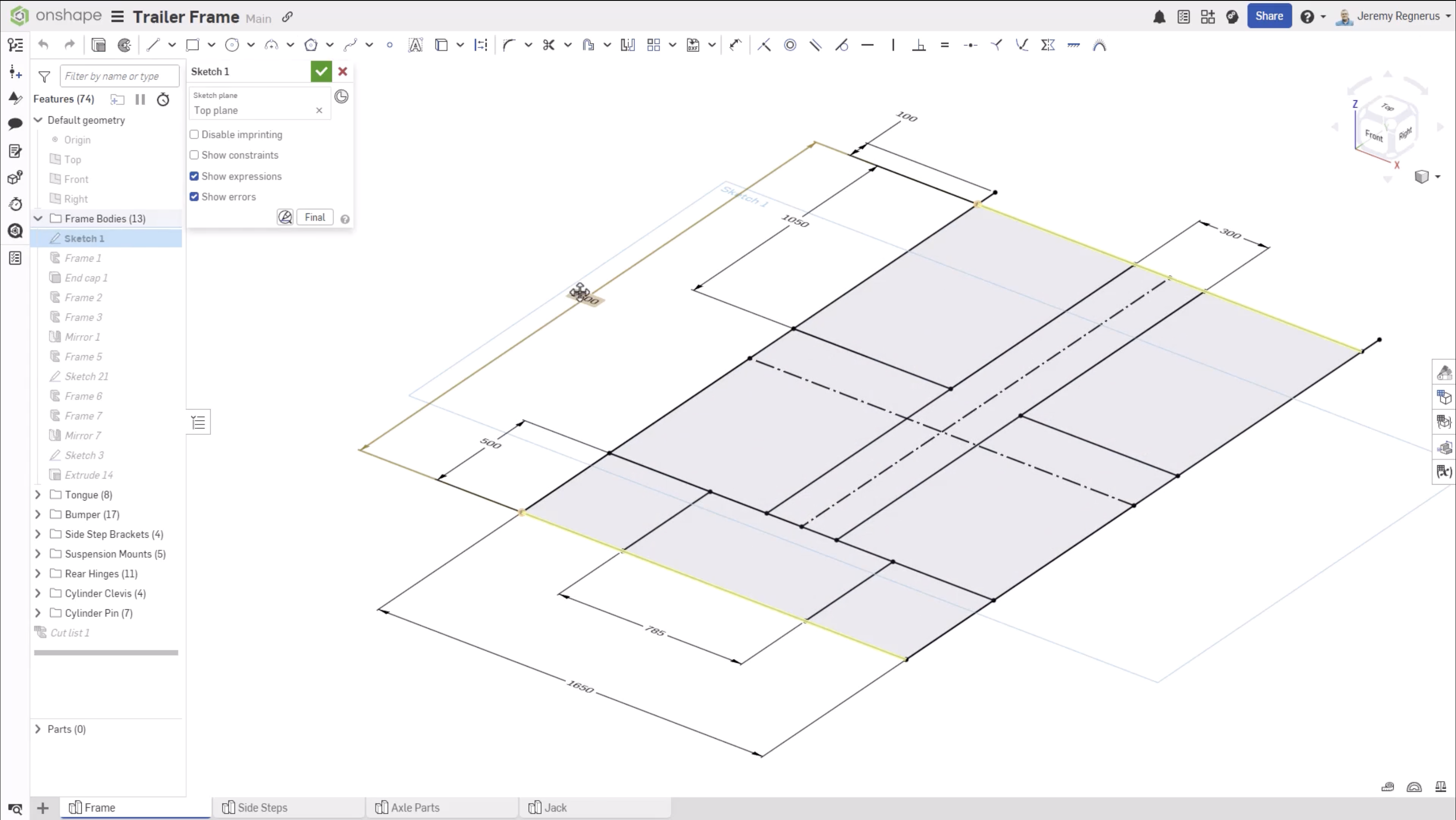
When you hover over a sketch dimension, the entities it's attached to now highlight. This makes it easier to see and understand the design intent behind each dimension.
When you turn on center of mass in an assembly and one or more parts are missing mass properties, Onshape now selects those parts in the Instance list. Instead of a generic error, you can see exactly which parts need a material or mass override.

The Bill of Materials can now be sorted by Material or Appearance. Group parts that share a material for purchasing and cut planning, or that share a finish for painting and coating, right from the BOM.
You can now move multiple dimensions and annotations at the same time in Drawings. Window select or multi-select the annotations you want, including weld symbols and callouts, then drag one of the selected dimensions to move them all together. This makes it much faster to clean up a crowded view or make room for other annotations.

Export Rules are now applied when you batch export parts from a Part Studio as individual files. Each part in the .zip is named using your company's export rules, so files come out consistently named with part numbers, revisions, or other properties, with no manual renaming.
In Render Studio, selected faces and parts now switch from a solid fill highlight to an outline while the Appearance property panel or the Projector dialog is open. You can see exactly how a texture or appearance looks on the selected faces as you adjust it, without deselecting to check and reselecting to keep editing.

CAM Studio now includes thread milling. Cut internal or external threads by circular interpolation using a single-point or full-length thread mill. You'll find it under Holes > Thread milling, with options for pitch, direction, passes, and lead-in and lead-out.
CAM Studio now has a rollback bar in the job list, just like the feature list in Part Studios. Roll back to any point in a job to insert new toolpaths exactly where they belong in the machining sequence, instead of always adding them at the end.

The following machines and posts have been added:
The numpad used when editing sketch dimensions on iOS has been redesigned to match current Onshape UI standards. It keeps the custom options you rely on, like tolerances and driving or driven dimensions, in a cleaner layout that's consistent with the rest of the app.

On iOS, you can now attach comments directly to sketch dimensions, just as you can on the web. Flag a critical dimension or explain why it's set the way it is, and your team sees the comment tied to that exact dimension.

Onshape for Android picks up three updates that bring it closer to the web. The Part Studio parts list can now show part number, revision, and state when Display parts list properties is turned on in your account preferences. Comments tagged to drawing views and annotations on the web now display as tagged on Android. Info and Share have also moved out of the right side panel, to the top right on tablets and to the bottom bar on phones.

We’ve published several new Learning Center articles. They cover data management, release workflows, and building better assemblies:
Please take a moment to try out these new features and improvements, and leave your comments below. For a detailed list of all the changes in this update, please see the changelog.
Remember: The updates listed here are now live for all users when creating new documents. Over the next few days, these features will also be available in documents created before this update. Mobile improvements roll out in the days after the release and are updated via the Apple App Store or Google Play Store.
r/Onshape • u/SnooBananas231 • 17h ago
Making progress with my CNC design. I have some mounting brackets for my ball screws but when trying to insert the ballscrew bracket assembly into my gantry beam assembly, the old version that doesn’t exist is all that’s available. I’m not sure why the document isn’t updating. I even went so far as to change the name to make sure there wasn’t something hidden, but sure enough, new name and old components.
r/Onshape • u/AssociationElegant23 • 1d ago

r/Onshape • u/jaffakree54 • 1d ago

Customer is asking for this roundel design for a military heritage piece. I cannot get the background to extrude for some reason. I have tried as new, add, etc. and extruding it as first order of operation. I have also tried extruding down then remove-extrude the design. I am fairly novice at onshape so please excuse my ignorance. (Note: The 100mm is just to show you what I'm attempting to extruded, the actual is 1.5mm.)
"Extrude 10 did not generate properly: Failed to extrude selections, check input."
Any help is greatly appreciated, thank you!
RESOLVED: u/themrbirdman
r/Onshape • u/Existing-Tart-4025 • 2d ago

I have already sketched this half moon piece of sheet metal as a normal solid. Might be a silly question, but how on earth to do convert it to sheet metal without redrawing it in the sheet metal tool? I’m new to onshape (normally use inventor) and in inventor you can just draw a solid convert to sheet metal quickly. Ive draw a few other parts of my design like this so if this works i can apply it to the other pieces of my design.
I cant work out what faces or edges to select for this scenario so it will simply flatten out so i can get a DXF for laser cutting.
Many thanks in advance everyone !
r/Onshape • u/MelodicRacing • 2d ago

Hi folks,
I am working off of an old CAD model for a Formula SAE team. I am trying to design some panels that would closely follow the metal members. I not sure what would be the easiest way to go about and hoping y'all may have some recommendations on how to go about it. Any help is appreciated. Thank y'all.
r/Onshape • u/MrWuschel • 2d ago
We just started testing Onshape for our company when I noticed that the API is limited to a few thousand calls per year. In our sales and onboarding calls we did not really get an explanation other than we could buy additional 60k calls for roughly 1.5k$.
Given that a professional user in the browser probably uses more than 5Mio REST calls from the frontend, the annual limit seems very strange. Does anybody know why this limit exists?
EDIT: Thank you all for the feedback! Just to put this into the right context: We were planning to use the API for regular metadata and property sync between ERP and shopfloor systems (both cloud-based), not primarily for MCP/AI!
r/Onshape • u/Awkward-Sherbet-6793 • 3d ago

Hi All - name of the product isn't included because I'm trying to avoid self promotion, please do not ask. We're simply looking to gauge if there's interest in a product like this for the end-user community. We absolutely support Onshape, and are a verified first-party partner.
We built a real competitor to the Spacemouse, with the goal of fixing it's shortcomings and transforming it from a single use tool into a platform anyone can use to increase productivity in CAD. It features:
We have some interest from enterprise firms, but we're curious if something like this might land well with consumers as well. Let me know your thoughts below, positive or negative! All feedback is welcome.
r/Onshape • u/Magatron138 • 3d ago
I teach a high school level CAD/CAM course. I started out with Solidworks and Mastercam, and happily used them both until the software requirements outpaced what the school computer lab hardware could handle. Then we made the switch to Onshape and Kiri:Moto which worked okay - Onshape was great, Kiri:Moto was getting the job done.
We (province-wide school board) have now purchased an Onshape Education Enterprise licence and are just (I mean, literally today) starting to use CAM Studio. The learning curve is steep, but we’re figuring it out, except the lack of tabs!
Standard CNC practice for all schools that take part has been to install a “sacrificial bed” of plywood to the table (kids cannot be trusted to use the clamps properly so we just oversize the project wood, screw it to the plywood, and use tabs to secure the project piece) and we’ve been at it so long that most machines are long since missing their clamp hardware.
So what do we do now? Anyone else use tabs and have developed a workaround for this?
For reference, my CNC is a Techno LC series 3204, while other schools have Larkens. All routers are at least 15 years old and there is no budget to replace at the moment (in case that was your suggestion).
r/Onshape • u/TooTallToby • 4d ago

LIVE TODAY - CAD vs CAD World Championship SEMI FINALS! https://www.youtube.com/live/ol2gFhleBKA
r/Onshape • u/Chuddels_van • 4d ago

im designing a blueprint for campervan build, and im planning on getting more detailed with this section so i can design a layout for my electrical section. It is a unique design i thought of myself so i havent found any tutorials on youtube
r/Onshape • u/Right_Indication8382 • 4d ago
Suppose a supplier sends a revised component with the same mounting pattern but slightly different outer faces.
Would you import it as a new version, replace the old part, or keep a separate interface sketch so the holder does not reference supplier faces directly?
r/Onshape • u/Young_Life_Crisis • 4d ago

Now this might look really weird, but hear me out... The upper 2 channels are the main channels for downforce, the larger bottom channel is an integrated compressor (ig?) to speed the air up to first help the air leaving the upper 2 channels for a cleaner and hopefully create a vortex, secondly is to create a low pressure system to accelerate the middle channel (hence the slow bleed slits under the middle channel) for more downforce.
I should say that this is goin on a Tacon Soar (last 2 img) and I hope with the low profile of the Soar that it can produce a lot of downforce when applied
and yes I will be making a front wing /or splitter, but until then I just want yalls opinion if my Aero knowledge is being applied correctly and if in theory would work if I went ahead and printed it.
r/Onshape • u/Loud_Arrival_853 • 4d ago

So someone dropped this mini chopper, and I need to design the replacement part ( the broken one) which is the bottom cover. I think I know basic cad designs and have made a few things but am self tought mainly on YouTube so have no idea where to even start with this one. I got the basic dimensions on a rectangle, as those were the easiest to measure. I don’t even know how to measure the radius of the top and bottom semi circles. I thought a 3 point arc would be good to use here. I have a pair of radius measuring sets but it only measures up to 25cm and just barely didn’t fit so I estimate around 30ish I think. But if someone could suggest a way to reliably and accurately measure radius that would be much appreciated! This is really making me want to buy those 3d scanners lol. Please comment if you are willing to help/need more details
r/Onshape • u/SmartBenchSoftware • 5d ago

We needed a quick way to check for symmetry across parts, and this FeatureScript was a great solution. How many errors would this catch for you?
Check out the link to the feature here
Do you have an interest in learning more? Visit SmartBench software, experts in all things Onshape automation. www.smartbenchsoftware.com
r/Onshape • u/shatland • 5d ago
so for quite a while i’ve been enjoying onshape mostly for 3d printing fixes and features for my home or work. i have an OLD ipad pro that no longer supports the latest update of onshape. but my question is why can’t i use the version of onshape that worked with my ipad? they’re telling me i have to update the app to create a new document or even open an old one. why? i can’t update the app and now all my designs are frozen until, i guess, i buy a new ipad? in this economy?!? any light shed would be appreciated :)
r/Onshape • u/split_ash • 5d ago
I'm stuck in a hotel room and am designing a mechanical device for fun. I wanted to get it into some sort of free CAD software, and lots of the creators I enjoy have recommended onshape. I saw they're supposedly committed to parametric design and to mobile compatibility, and all I have is a phone, so I figured, what the heck - why not? I used to use Rhino3d with grasshopper, AutoCAD, and revit - surely I should be able to figure this out?
Turns out there's basically no documentation for how to do anything past the simplest of projects on mobile. Nothing is obvious. It's super difficult to keep the interface focused on the parts you want to work on. I can't even figure out how to hook up variables to dimensions or how to alter the start angle parameter of a circular pattern, which were the things that got me interested in the first place!
Please, someone tell me I'm an idiot and there's a wealth of tutorial and documentation resources I've overlooked, because searches on YouTube, reddit, onshape's website, and DuckDuckGo are giving me nothing.
r/Onshape • u/DerekVanAllen • 7d ago

The suspension in the video is very simmilar to what f1 cars in the late 90s to early 2000s, lmp cars and modern LMH/lMDh cars use/used. Modern f1 cars use a bit of different layout usually. The suspension in the videos i from a prototype like car i am working on.
r/Onshape • u/TooTallToby • 8d ago

This is pretty cool - suppress a feature (or a component) based on the value of a parametric dimension: https://www.youtube.com/watch?v=zCO13K-w4Qo
r/Onshape • u/thederpug • 8d ago
I'm trying to add a support layer between the outer wall and inner wall (the sliced up parts). Is there any way to do that with a feature or even custom one, or do I need to do it manually?

r/Onshape • u/matricia99 • 9d ago
Hi! I'm doing a drone model right now, and I want to create a cap on the top, so I could put battery and other electronics inside. Unfortunatelly, onshape does not allow to make a direct cut, so I wanted to know why does that happen. Does it happen due to missing constraints, badly lofted model or something? It would be nice to hear opinion from Onshape veterans. Thx for the future


r/Onshape • u/newbie-sub • 9d ago
Whatever your mouse is on top of, hit Y and it will be hidden. And <shift> Y unhides.