r/OpenVPN • u/Acceptable-Smoke-359 • Oct 07 '26
Need help with an issue
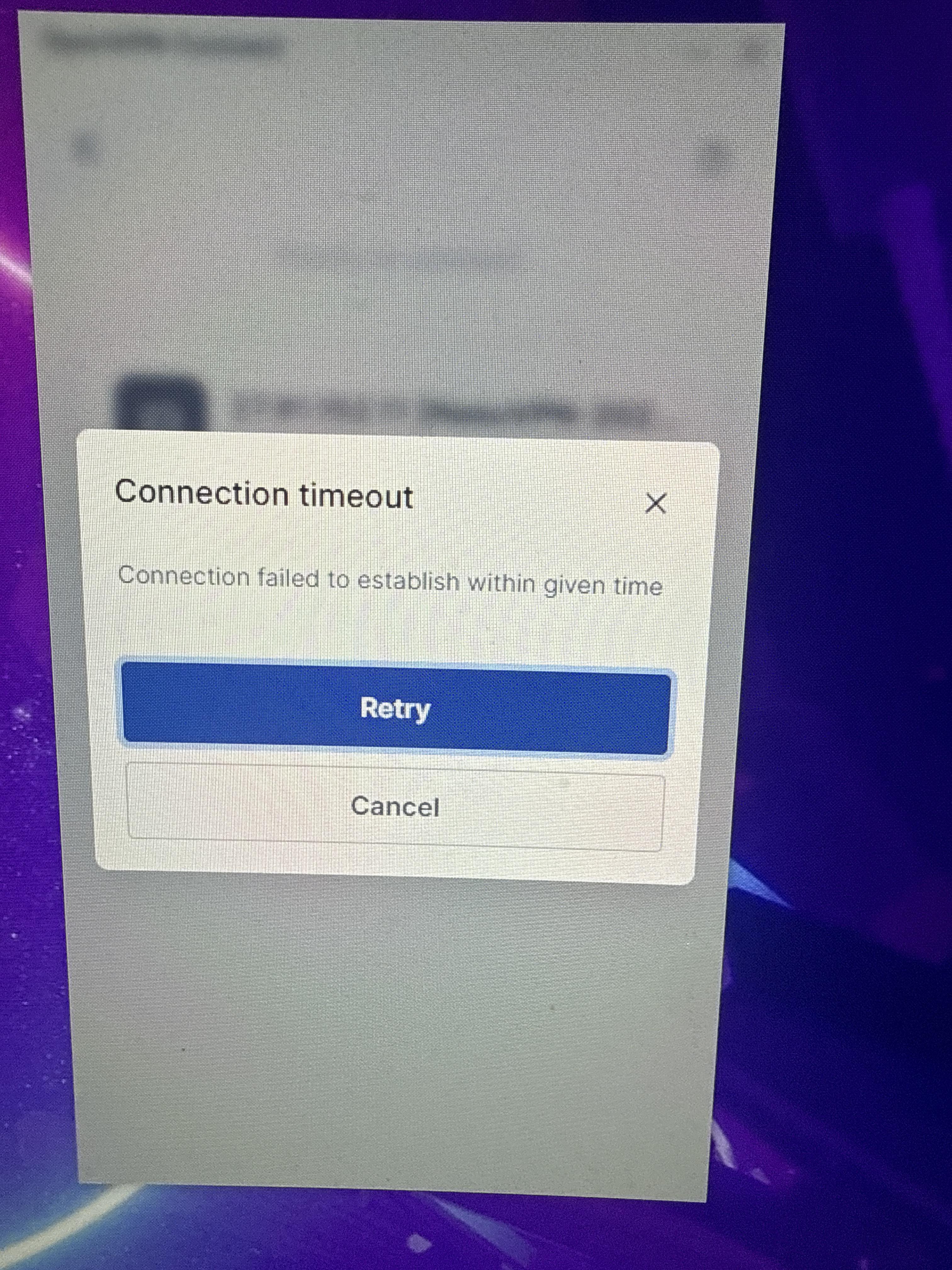
This pop up keeps appearing now everytime I try to connect to a vpn server. When I first downloaded it and used it once it worked perfectly fine but after that when id turn my pc on and it would attempt to connect it would either have a connection timeout or when id turn on “continuously retry” it would just keep going and going. I’ve checked my internet connection, ran it as an administrator and restarted my pc but still the same thing happen
2
Upvotes
1
u/moviuro WireGuard now; OpenVPN before. Android, archlinux, FreeBSD Oct 07 '26
Your OpenVPN server isn't responding. Check the software on the server or contact its administrators (the people who run the software for you to use).
0
u/damudawa Oct 07 '26
I had the same issue on my Mac and with the help of Claude I found the reason (seems a bug):
After a few successful connections, OpenVPN Connect 3.8.2 on macOS stopped connecting for me and always ended in a timeout, no matter which profile I used. Only reinstalling the app helped. The log showed "Can't assign requested address": when connecting, the app's background agent adds a route to the VPN server through the current network's router, but it doesn't remove that route when you disconnect or switch networks (e.g. from home Wi-Fi to a phone hotspot). On the new network that old route points to a router that's no longer there, so every connection attempt fails right away. To fix it without reinstalling, disconnect and run
sudo route -n delete <your-VPN-server-IP>in Terminal (or simply reboot), then connect again.