r/PLC • u/Ma_per_quale_motivo • 3d ago
PLC Question Touch screen not functioning on Schneider Electric HMISBC (HMIS85)
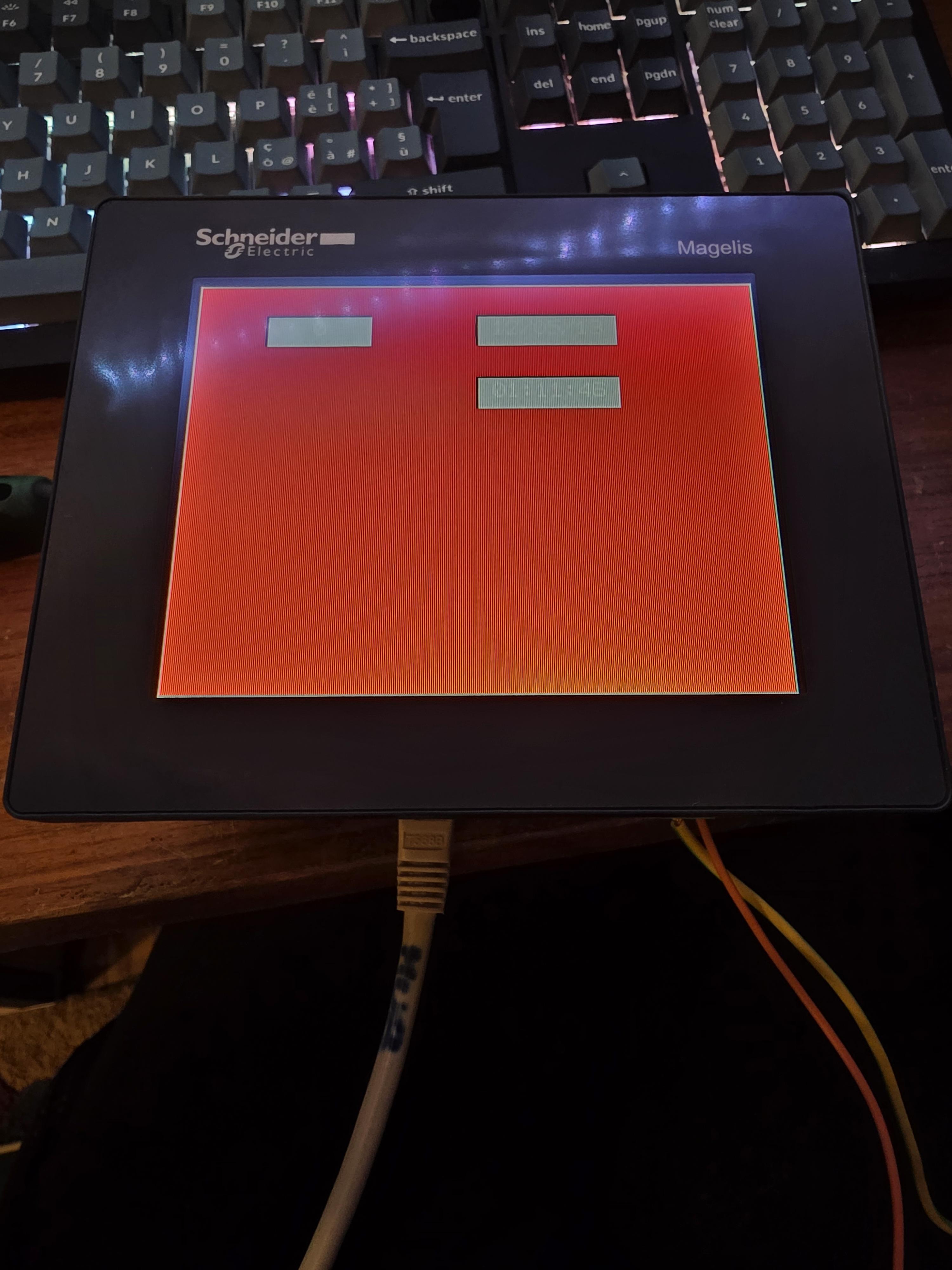

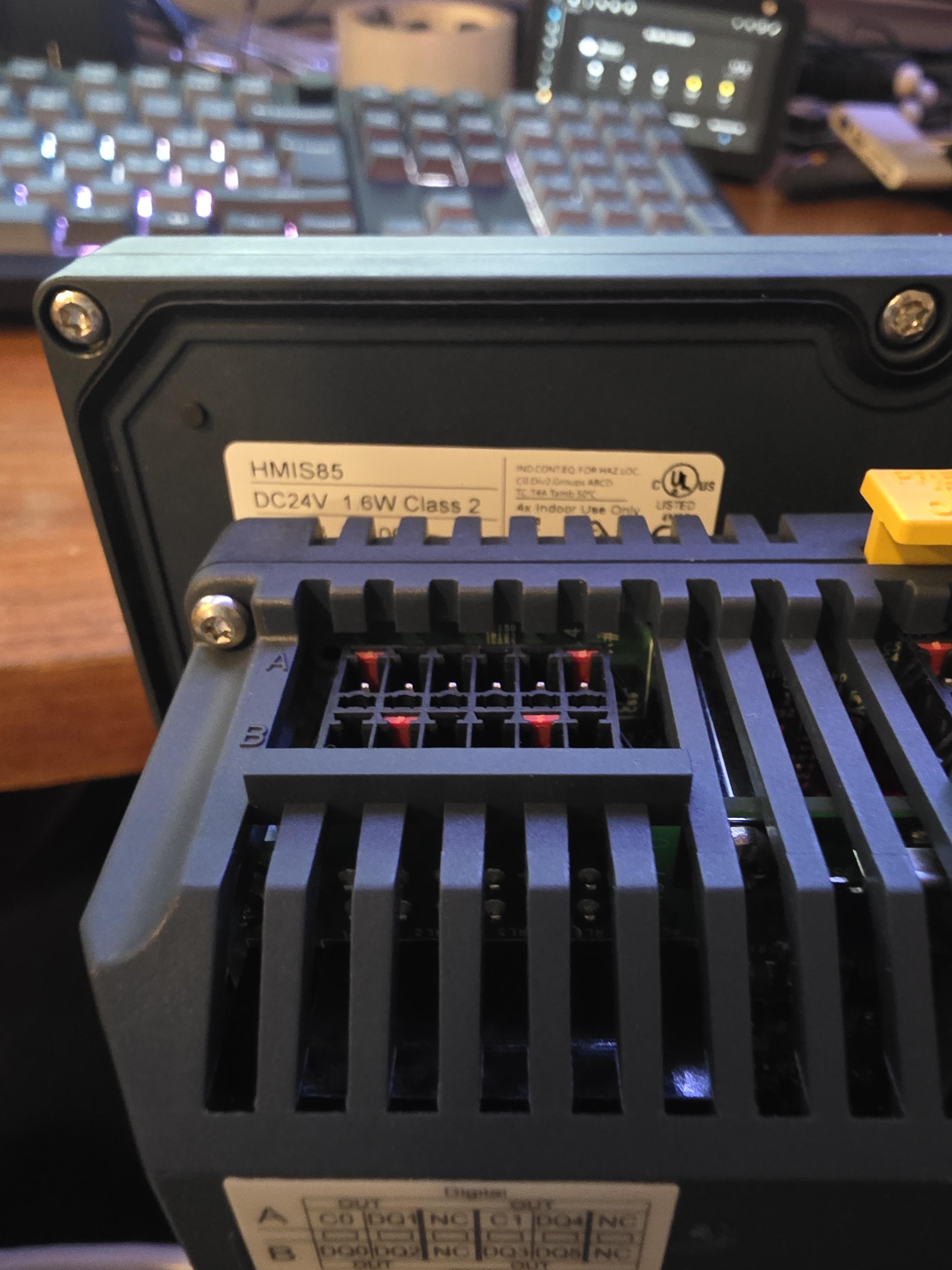
Hi everyone! I was given this PLC with HMI combo thing (I never tried going into the PLC world but I wanted to start trying), the only problem is that the touch screen does not work, I have no idea what could possibly have been the problem, the person who gave this to me said that he tried this panel on another PLC (dunno if it was fully functioning or not) and the screen wasn't working correctly on it but the touchscreen did (same model, maybe different hw revision), he said he also tried another panel on this PLC and (if he remembered correctly) said that it works but the touch does not, the HMI panel that I have only had a bent pin that was carefully put back in place without any problems, I have tried everything, I even tried opening the PLC up and redoing the solder joints on the HMI connector but nothing changed! Anything I should try next? Also the configuration menu won't work, touchscreen is dead dead.
5
u/DuglandJones 3d ago edited 3d ago
Open it up, front bit probably
There'll be a ribbon cable with 4 or 5 traces on it
That's the touch screen glass
You can get a usb converter that'll let you use it as a mouse,
Or, just look at the part number of the touch glass itself and order a replacement for $20
You will probably ruin the fascia (the plastic sheet at the front) but it's easy replacing a touch screen
If it has USB at the back a Usb mouse usually works as well if you just want to use it without having to faff around
Edit: should be this touchscreen but I would double check
https://www.aliexpress.com/item/1005008737859878.html
2
u/davianci 2d ago
Before trying to work inside the HMI, I would really make sure the HMI and the PLC communicate correctly: missing data or frozen, unresponsive buttons may be a sign of a misconfigured communication configuration or a faulty cable.