r/PcBuildHelp • u/Low_Ad_2349 • 5d ago
✓ Solved pc won't connect to monitor
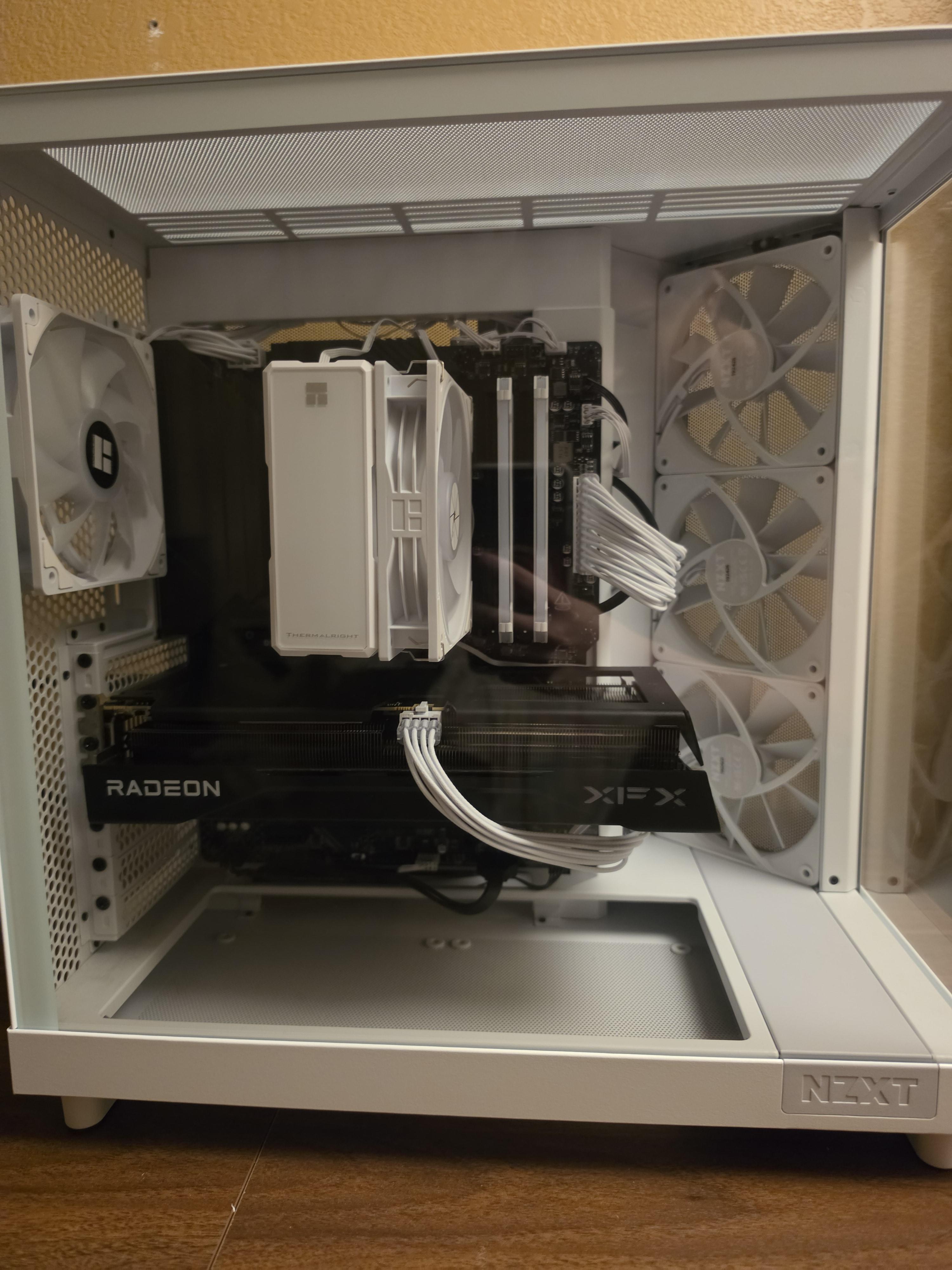
UPDATE: one of the ram sticks is faulty. 💔
i basically finished my first pc build, and it can turn on, but it won't show my bios on the monitor? the cpu light is on on the motherboard. let me know if any more info is needed! please help 💔
pc part list: https://pcpartpicker.com/list/DThTjG
14
Upvotes
4
u/Oath-CupCake 5d ago
How long you letting the pc sit for ram memory training
3
u/nikjahw 5d ago
If the CPU light is on, you might have an outdated BIOS, hopefully it's not a hardware issue
1
u/Oath-CupCake 5d ago
Make sure moniter is plugged into gpu and does the ram loght up any error lights show or beeps
1
u/Interesting_Ad4525 3d ago
Im having the same issue, could yo fix it?
1
u/Friendly-Advantage79 5d ago
So I asked AI, because I feared this scenario
could MSI MAG B550 TOMAHAWK MAX WIFI ATX AM4 Motherboard be not compatible with a r5 5700x cpu due to bios being too old
Why This Happens
• Older BIOS revisions: The Ryzen 7 5700X launched after the initial B550 release, so older BIOS versions may lack full support or require a newer AGESA update. • Stock age: A brand-new board from recent stock usually supports Ryzen 5000 out of the box, but older retail stock or a used board may ship with an outdated BIOS.
How to Fix It
• Use BIOS Flashback (BIOS button): MSI B550 boards like the MSI MAG B550 TOMAHAWK support updating the BIOS via a USB flash drive without needing an older CPU installed. • Check other no-POST causes first: If it still won't boot after updating the BIOS, test with one RAM stick, verify CPU/ATX power cables, and check other components
1
u/Oath-CupCake 5d ago
Check all the psu cables are in all the way and maybe try reseating ram it should light up when the pc turns on
1
u/Durenas 5d ago
Is the motherboard new? is it Ryzen 5000 ready? It should have a grey/silver sticker on the box, possibly near the bottom saying 'Ryzen 5000 Desktop Ready'
1
u/Solskin8961 First Time Builder 5d ago
Double check your extension cables, sometimes a loose pin triggers the CPU debug light.
1
u/FoxSlow9148 4d ago
Try checking to see if you accidentally bent any cpu pins.
It’s easy to do if you don’t place the cpu correctly
1
u/SignificantStaff7563 2d ago
try to connect hdmi cable to your integrated gpu on motherboard let see if you get bios display then try to connect dp/hdmi to gpu