(Also posted in /r/gaming)
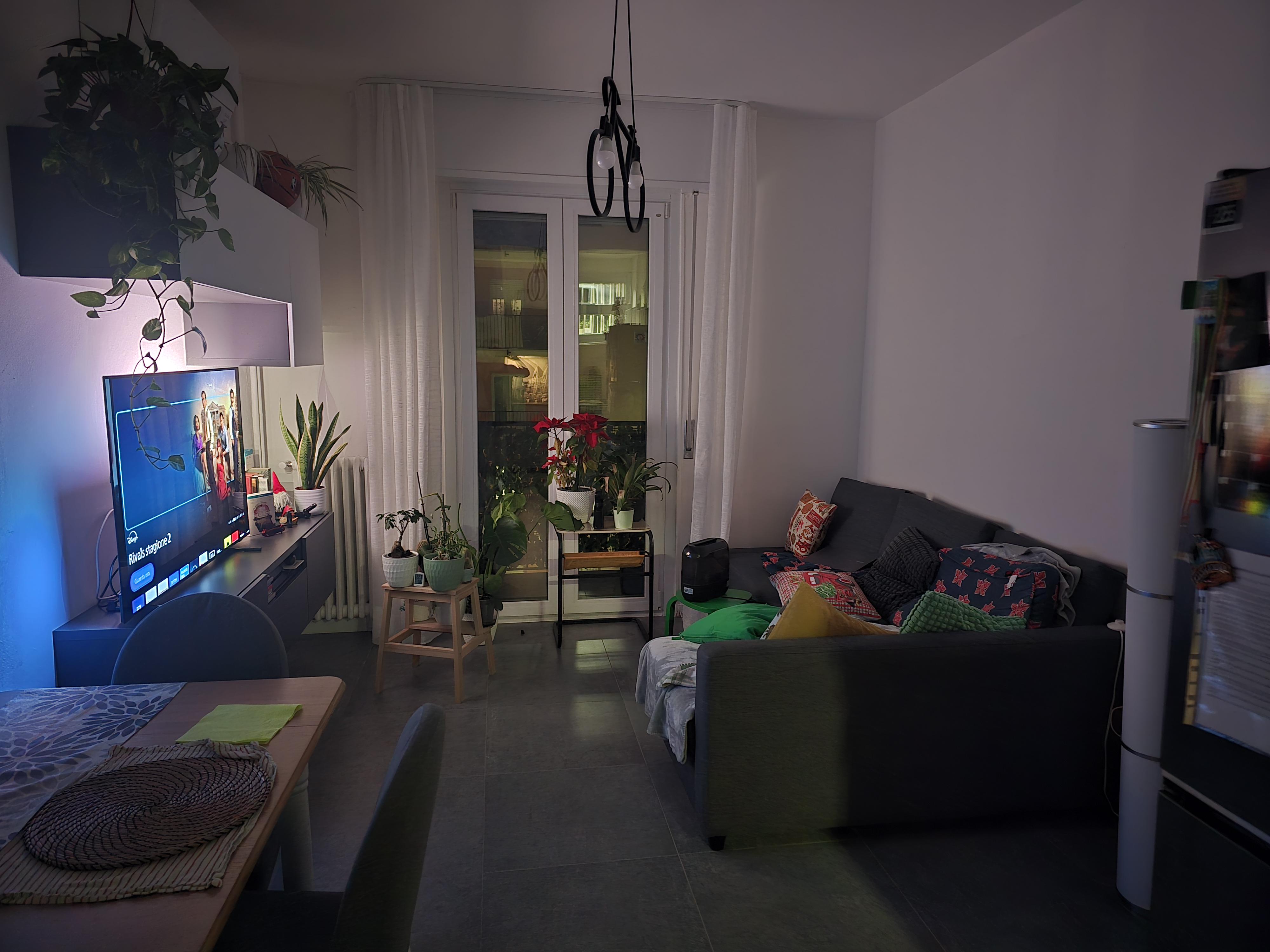
Please tell me if this is not the right sub! I need some help setting up my TV for playing video games. The TV is a Philips Ambilight, modelname 55PUS7272, bought in 2017.
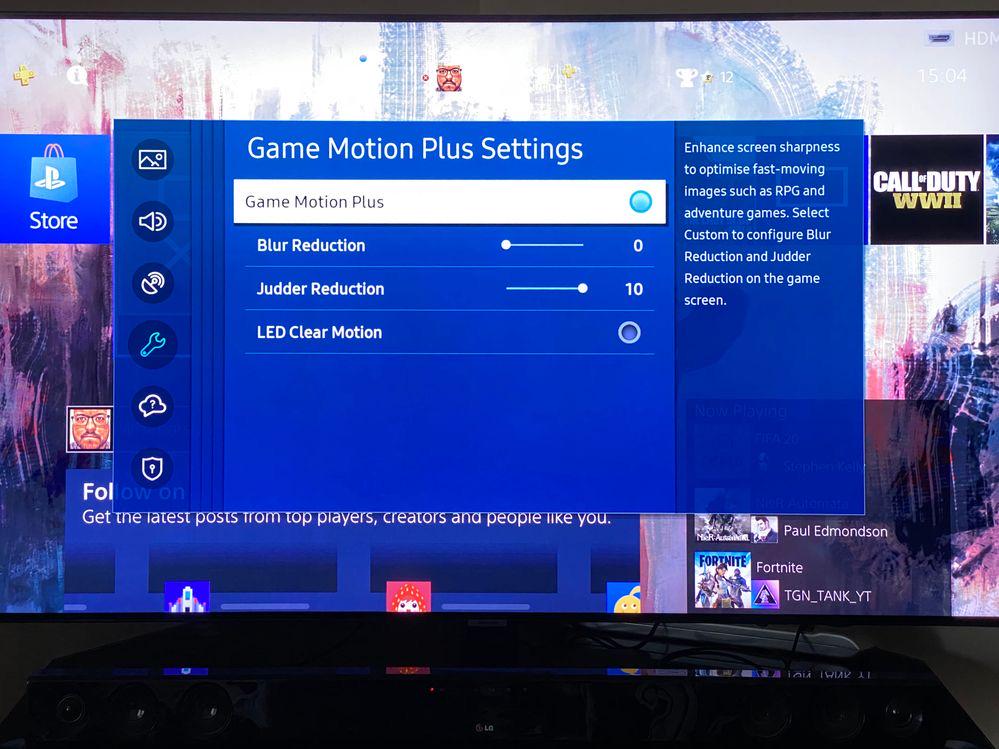
It is UHD and has several preset picture types (photo, movies, game, "lively", natural and personal). It also has several built-in extras that does stuff to the picture, like "Perfect Natural Motion", "Ultra Resolution" and Noise reduction and stuff, which I'm guessing is something artificial that the TV does on the spot to make the picture look better.
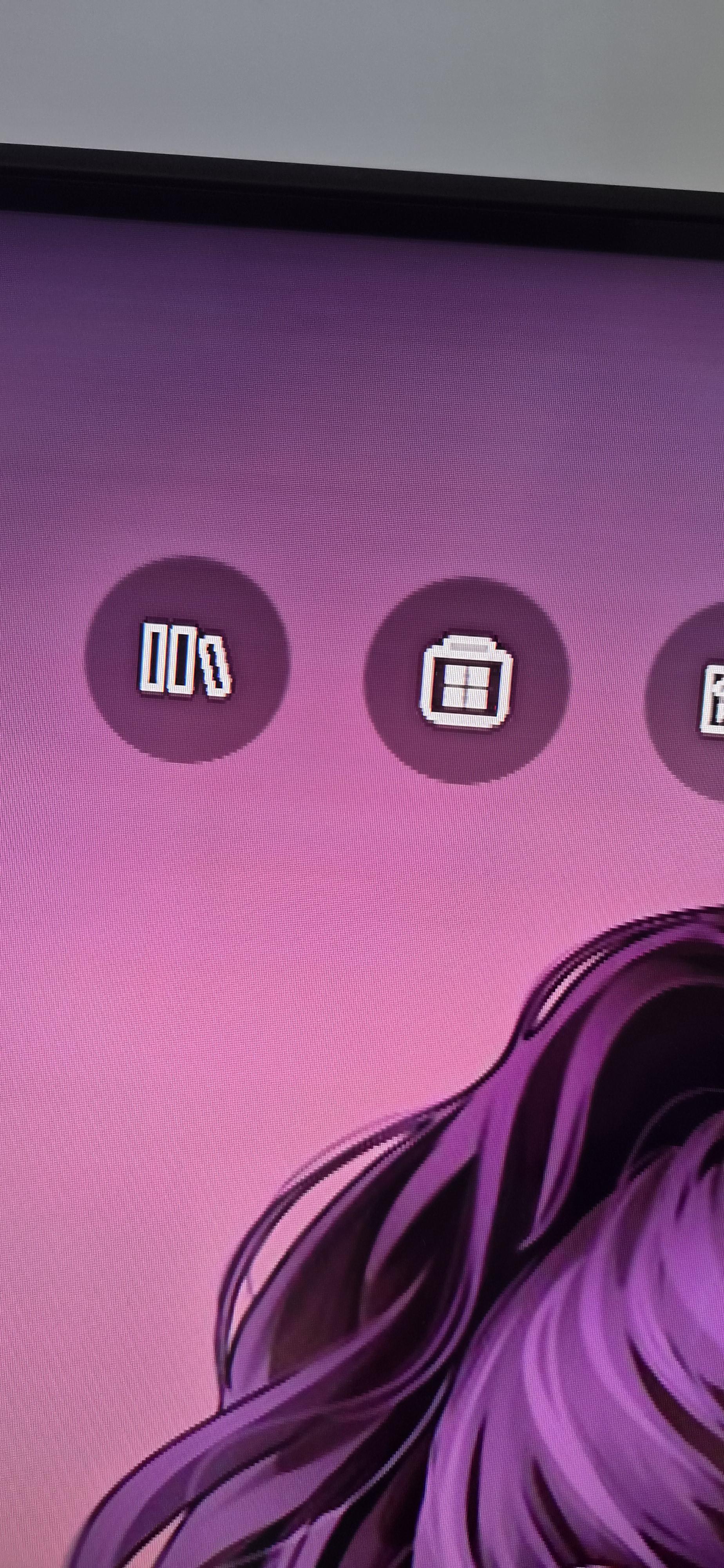
My problem is that the "Gaming" preset looks really weird to me. I'm definitely no expert (that's why I'm here), but I'm pretty sure that the framerate (or update frequency) is lower, which seems odd, since you always want as high framerate and update frequency as possible. A video I watched on YouTube for basic TV-setup told me to turn of ALL the TVs gimmicky extras, and that actually helped a lot with making games look better, there were A LOT of artifacts and stuff around anything moving basically. But the framerate (I'm just gonna call it that now, even if it's not that) is still worse that let's say the Photo preset. It also looks like there's a very thin filter across the screen dulling all the colors a bit, but I'm guessing that's just some color correction needed.
The gaming systems plugged in are Xbox Series X and PS4 Pro, and they're both plugged into the right HDMI-ports (only two of them support 4K input and they're the ones being used for this).
Any help, event with just color settings, will be greatly appreciated!