I read in your cross post that you are interested in changing what is red to white. I'm afraid that a mockup or template isn't going to work for this.
One method for converting is to use Select > Color Range to create a selection and mask that can be used on a hue/sat adjustment layer pulling the saturation slider fully to the left.
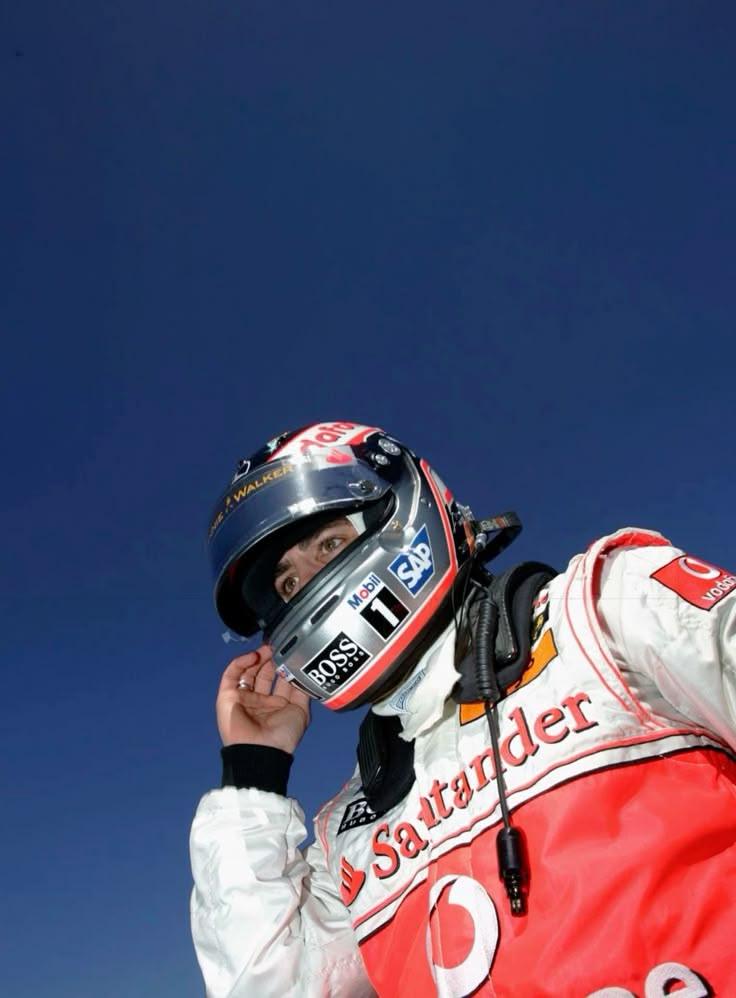
The mask will need to be refined. There is actually a lot of red in the image. Some of the red is part of the jacket. Some of the red is reflected onto the white parts of the jacket. The color range selection process also tends to miss some of the red that is in the shadows.
The desaturation from using the HSL adj layer leaves the formerly red portion of the jacket looking grey.
In this screen shot, a gradient map adjustment layer was used and clipped to the HSL layer to make use of the HSL layer's mask.
A couple screen shots were combined to show the gradient editor panel and the HSL layer's Properties simultaneously.
1
u/johngpt5 18d ago
I read in your cross post that you are interested in changing what is red to white. I'm afraid that a mockup or template isn't going to work for this.
One method for converting is to use Select > Color Range to create a selection and mask that can be used on a hue/sat adjustment layer pulling the saturation slider fully to the left.
The mask will need to be refined. There is actually a lot of red in the image. Some of the red is part of the jacket. Some of the red is reflected onto the white parts of the jacket. The color range selection process also tends to miss some of the red that is in the shadows.
The desaturation from using the HSL adj layer leaves the formerly red portion of the jacket looking grey.
In this screen shot, a gradient map adjustment layer was used and clipped to the HSL layer to make use of the HSL layer's mask.
A couple screen shots were combined to show the gradient editor panel and the HSL layer's Properties simultaneously.