r/PixelArtBeginners • • 8h ago

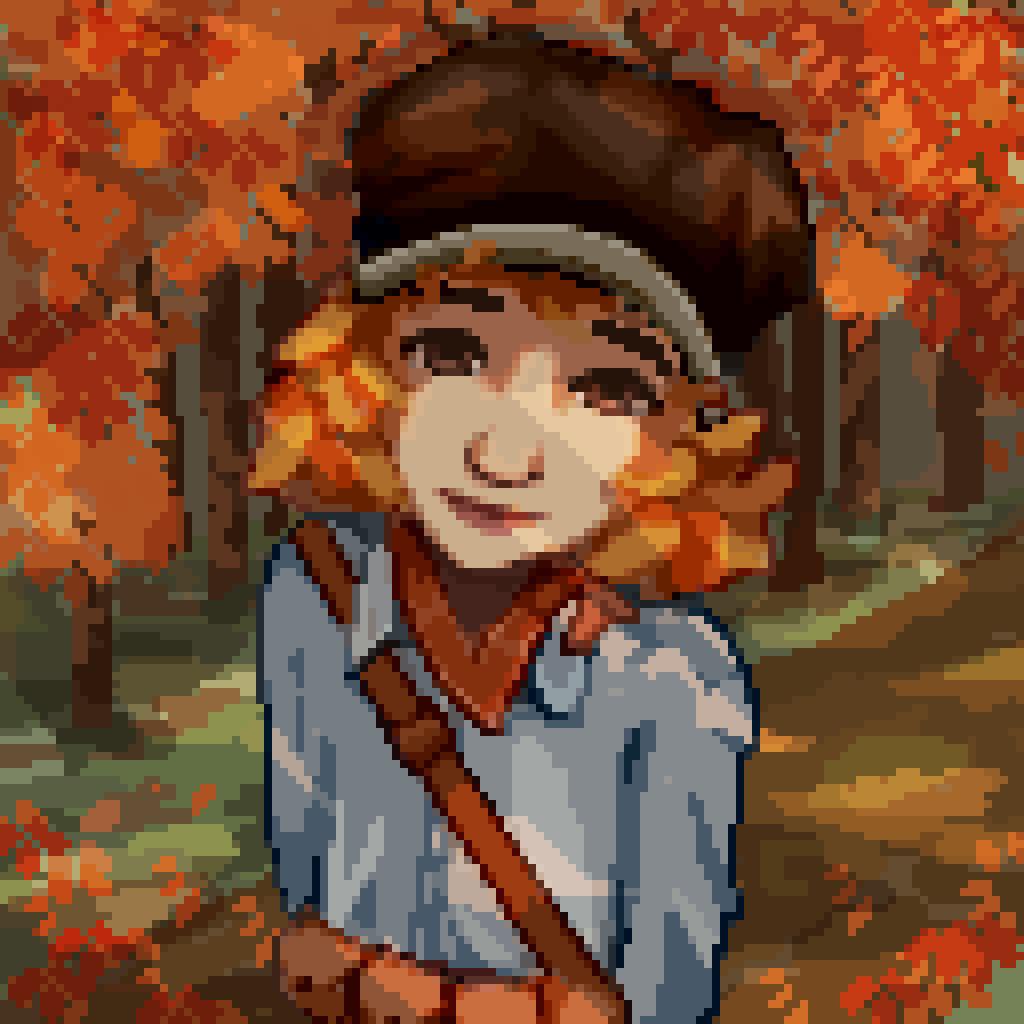
Pixel art by me

Post image
8 Upvotes

I started doing pixel art recently,if you have any tips I would highly apreciate it \^\^


r/PixelArtBeginners • • 2h ago

Beginner Feedback

Post image
1 Upvotes

I have recently started pixel art on a free website called piskel, working on a dungeon crawler enemy! I am looking for feedback.


r/PixelArtBeginners • • 8h ago

is it too messy?

Post image
3 Upvotes

r/PixelArtBeginners • • 10h ago

Box Sprite

Post image
3 Upvotes

r/PixelArtBeginners • • 17h ago

techwear polycephalic

Post image
4 Upvotes

r/PixelArtBeginners • • 13h ago

My Updated Angler Fish Boss

Thumbnail gallery
2 Upvotes

I'm pretty happy with how it turned out!


r/PixelArtBeginners • • 15h ago

How do you think it would be better?

Post image
2 Upvotes

r/PixelArtBeginners • • 17h ago

Any suggestions?

Post image
2 Upvotes

r/PixelArtBeginners • • 14h ago

Batman Pixel Art

1 Upvotes

r/PixelArtBeginners • • 16h ago

The Crab for my Underwater Game

1 Upvotes

this is the main character I drew for my game :)

In a 2D pixel-art underwater game, you play as a small crab exploring the ocean floor, cleaning up trash, collecting resources, and gradually upgrading its abilities. Your goal is to build a thriving coral reef by planting and growing different types of coral, attracting a variety of fish species, and bringing a vibrant underwater ecosystem to life.

What do you think?


r/PixelArtBeginners • • 16h ago

Draw pixel art in your browser — no installation, no account

Post image
0 Upvotes

Little Suite’s Pixel Art is a simple browser tool for quick pixel art drawings.

Open it, draw, and export a sharp PNG. You can also save your work and reopen it later.

It’s free, works on desktop and mobile, and needs no account or installation.

https://littlesuite.app/pixel-art

I’m the developer of Little Suite, and I’d love to hear what you think.


r/PixelArtBeginners • • 1d ago

Need some advice on improving my pixel art

Post image
9 Upvotes

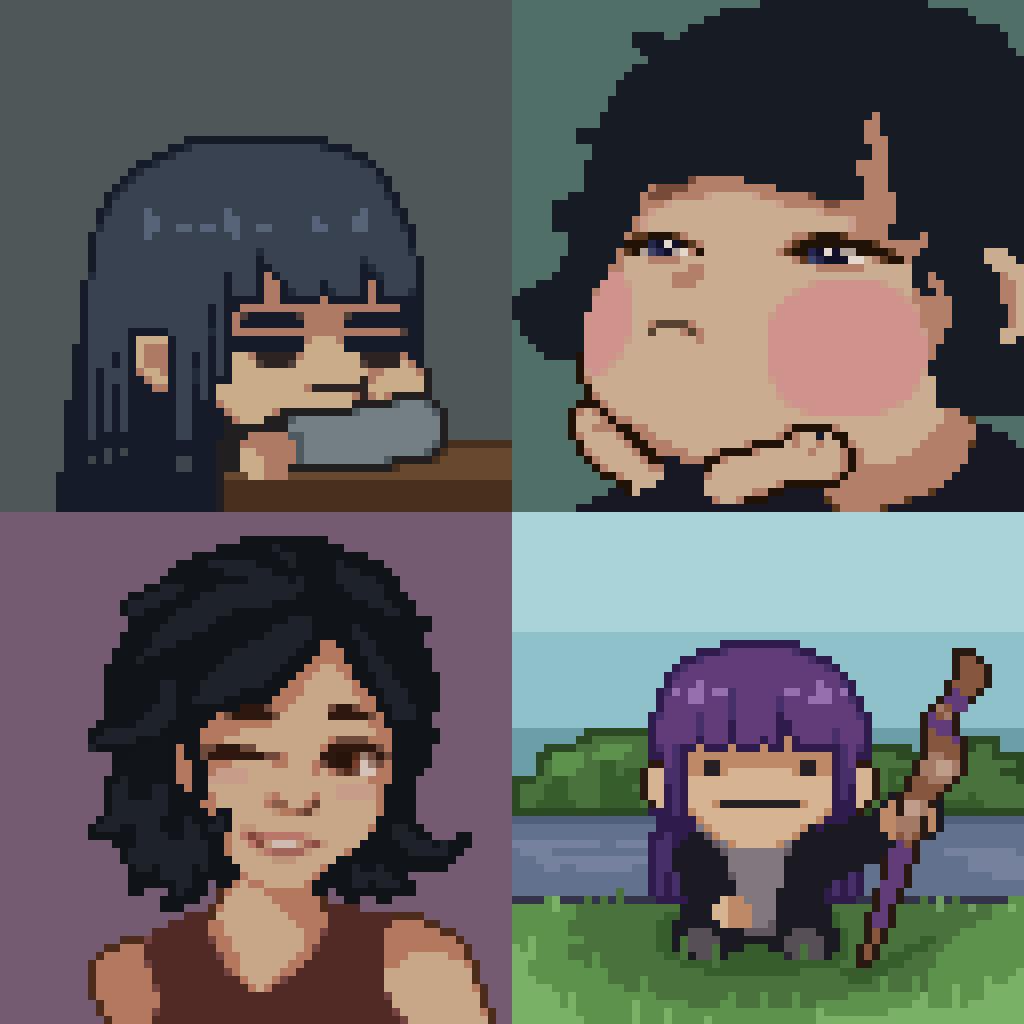
I'm trying to create some really simple characters for a game I might make in the future, but as you can probably tell, pixel art isn't exactly my strong suit.

This is my second or third time trying to create something in Aseprite.

What do you think of these little guys?

I'd really appreciate some tips or advice on how to improve. Maybe you could recommend some videos that would help me learn more about organic pixel art?

I'm thinking of giving the characters just two simple animations: idle and attack. However, even that already feels like something I might struggle to pull off on my own, at least for now.

Could you also help me visualize what these characters might look like in an attacking pose? I'd really appreciate it!

Thank you!


r/PixelArtBeginners • • 1d ago

Update - New glyphs for EXFONT in RPG_RT.exe

Thumbnail gallery
2 Upvotes

r/PixelArtBeginners • • 1d ago

Hii im new here. heres my work

Post image
5 Upvotes

r/PixelArtBeginners • • 1d ago

Pixel Ramp Maker

Thumbnail wonderflex.github.io
1 Upvotes

Here is a simple tool I made to help create pixel ramps to import into Aesprite as pallets. There are a lot of features, but here is the quick version of how to use it:

  1. Start off by picking a color you like. You can click the "pick" button to eyedropper it from anywhere on the screen.
  2. Set how many colors lighter and darker than the main color that you want. Default is 3.
  3. The tool will hue shift the darks towards blue and the lights towards yellow by default. There are some shading presets, you can adjust how much HSV change individually, and you can set a curve for the each value.
  4. After you get the settings you like for this first color, there is a harmonies and sets drop down to automatically fill in the rainbow, or natural hues, or some common color harmonies. You can also just add a row manually too.
  5. Once all the color are set you can get a .gpl or .hex file to load directly into Aesprite's pallet.

--

Advanced features:

  1. Link and unlink ramps so you can adjust them all at once or individually.
  2. View drop down lets you select grayscale to make the value difference more apparent.
  3. Set a color budget and then have it automatically reduce the numbers when you go over. For example, if you say you only can have 16 colors and you select 17, it will look for the two most similar colors and then average them into a new color.
  4. Reduce palette will let you set a similarity threshold, pick which of the two you like, and then replace them both with the selected color.
  5. Dither pairs lets you see what your color will look like when you use it with the color beside it, or one more over.
  6. Lock colors so they don't change when other settings do.
  7. Save a PNG with your settings embeded. Drag the PNG into the tool and it will load the settings again.

r/PixelArtBeginners • • 1d ago

Alien Shock Soda

Post image
4 Upvotes

r/PixelArtBeginners • • 1d ago

bridget from guilty gear:3

Post image
6 Upvotes

r/PixelArtBeginners • • 1d ago

: Is it possible to perfectly center a shape on an even-width canvas in Aseprite?

Post image
1 Upvotes

r/PixelArtBeginners • • 1d ago

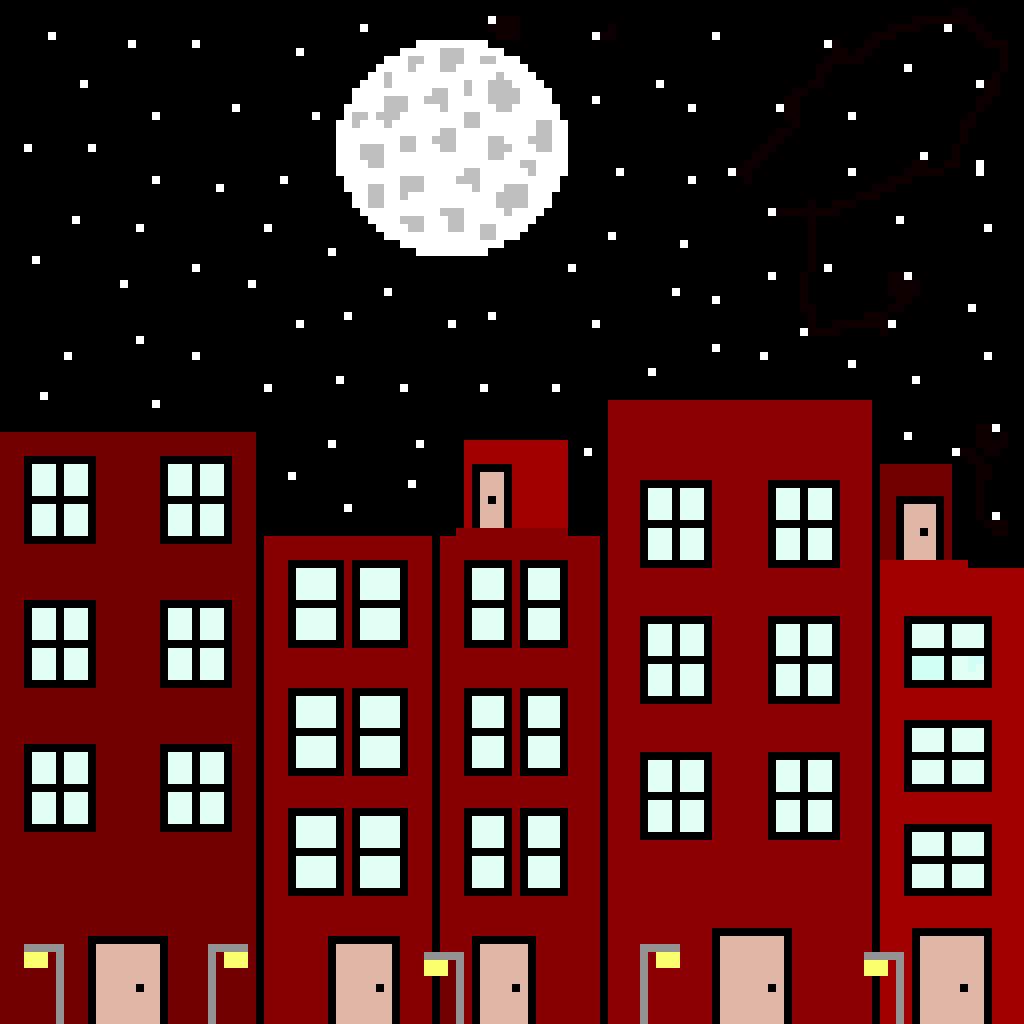
Late Night Street

Post image
1 Upvotes

r/PixelArtBeginners • • 1d ago

Minecraft Mod Request

Thumbnail reddit.com
1 Upvotes

r/PixelArtBeginners • • 2d ago

I'm not explaining the context of this art.

Post image
2 Upvotes

This is art for my friend's Roblox game called 'The Middler'. That's all I'm gonna explai-


r/PixelArtBeginners • • 3d ago

A little isometric pixel art :)

Post image
81 Upvotes

r/PixelArtBeginners • • 2d ago

Digimon Pixel Art: AncientTroymon (66/1325)

Post image
1 Upvotes

r/PixelArtBeginners • • 3d ago

Date night?

Post image
14 Upvotes

r/PixelArtBeginners • • 2d ago

Part 2 of Making pixel art sprites for the first time (16 bit / Sonic inspired style)

Post image
1 Upvotes

I'm still slightly a beginner, so I don't understand color theory yet, so this was the multiple different ways I tried to attempt coloring properly while trying to finish my drawing of this character.

Also, I really tried to go for the cutesy less tones for less important details thing, I didn't want to make details look too messy by overly shading everything. But it really fucked up my eyeballing for contrast. So I gave it up. and gave it the sonic mania treatment by accident